Where Should I Put a Hygrometer With a Dehumidifier
If you've ever asked yourself "where should I put a hygrometer with a dehumidifier," you already know the frustration. You set everything up, the dehumidifier runs for hours, but the room still feels damp. Or worse, the dehumidifier keeps shutting off too early because it thinks the air is dry when it is not.
Here is the short version: the placement of your hygrometer can change your reading by 10 to 15 percent relative humidity. That is enough to push you from "comfortable" into "mold risk" territory. ASHRAE, the building standards organization, recommends keeping indoor humidity between 30 and 50 percent, and you cannot hit that target if your sensor is lying to you.
So let us walk through exactly where it goes and why.
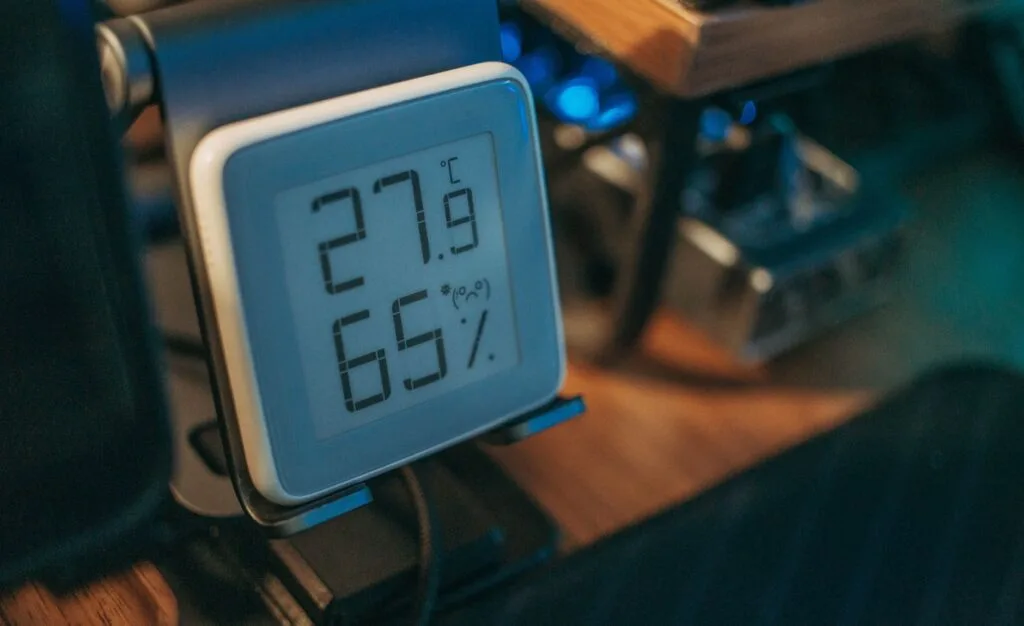
Image source: Bing (Web (fair-use with source credit))
Quick Answer
Place the hygrometer 5 to 10 feet from the dehumidifier. Set it 4 to 5 feet above the floor on an interior wall. Keep it away from the dehumidifier's direct airflow.
Avoid windows, doors, and moisture sources. Wait 15 to 30 minutes for the reading to stabilize.
Why Hygrometer Placement Matters More Than You Think
Most people assume a hygrometer reads the room's average humidity. It does not. It reads the air immediately around it.
That is a crucial distinction because dehumidifiers create microclimates.
The physics of dry air versus damp air. A dehumidifier pulls in humid air from the room and blows out warm, dry air. If you put your hygrometer too close to the outlet, it will read the dry outflow. That gives you a false low reading.
The dehumidifier's built-in humidistat thinks the room is at 35 percent humidity and shuts off. Meanwhile, the far corner of the room is still sitting at 65 percent. That is how you get musty basements and moldy drywall while the machine claims everything is fine.
Built-in humidistat blind spots. Your dehumidifier has a sensor built into the unit. That sensor is inside the machine's airflow path. It measures the air coming into the intake, which is usually the most humid air in the room.
That means the built-in sensor can read high while the rest of the room is dry. Manufacturers design these sensors to be "good enough" for basic control, but they are not accurate for monitoring the whole space.
What you are actually trying to measure. The goal is the room's average relative humidity. That is the air your furniture, walls, and lungs experience. You want a reading that represents the bulk of the air volume, not the air right next to the machine or right next to a damp corner.
The only way to get that is to place your hygrometer in a neutral spot.
The Decision Tree: Find Your Exact Placement
Your setup determines where the hygrometer goes. Here is a simple decision tree to get it right.
Question 1: Are you using the hygrometer to control the dehumidifier?
- Yes. If you have a smart hygrometer that connects to a smart plug or directly to the dehumidifier, place it in the room's center zone. That is the area that best represents the average conditions. A living room center might be a coffee table. A basement center might be a support beam or a shelf. The hygrometer's location becomes the control point, so it must match what you actually want to measure.
- No. If you are just monitoring, you can be more flexible. Place it where you spend the most time or where moisture-sensitive items are stored.
Question 2: Is this a basement, crawlspace, or living space?
- Basement. Place the hygrometer 4 to 5 feet above the floor on a central column or interior wall. Basements have cooler floors and warmer ceilings, so the middle height gives the most accurate average. Avoid putting it on a concrete wall, which can be cooler and skew the reading.
- Crawlspace. Attach the hygrometer to a floor joist, away from the vapor barrier and any vents. Crawlspaces are tricky because ground moisture can spike readings near the dirt. Use a remote sensor if possible.
- Living space. A side table or bookshelf in the middle of the room works well. Keep it out of direct sunlight, which can heat the sensor and lower the reading.
Question 3: Is there a nearby moisture source?
- Kitchen or laundry room. Move the hygrometer at least 10 feet from the stove, sink, or washer. Steam from cooking or washing will spike the reading and make the dehumidifier overwork.
- Bathroom. Place it outside the bathroom door, not inside. The bathroom is a temporary moisture spike, not a steady-state condition you want to control.
- Basement with a sump pump. Keep the hygrometer at least 6 feet from the sump pit. Evaporation from the pit can cause a false high reading.
Branch 1: Smart dehumidifier with remote sensor
| Scenario | Placement | Why |
|---|---|---|
| Large basement | Center of the room, 5 feet up | Best average reading |
| Open floor plan | Near the thermostat or return air vent | Matches the HVAC's sensing point |
| Multiple rooms | One sensor in the most used room | Control for the space you care about |
Branch 2: Portable dehumidifier with built-in humidistat
You cannot move the built-in sensor. So you work around it. Set the dehumidifier's target humidity 5 to 10 percent higher than your actual goal.
For example, if you want 45 percent, set the dehumidifier to 50 percent. The built-in sensor reads the intake air, which is the most humid air in the room. That offset compensates for the discrepancy.
Branch 3: Standalone hygrometer for monitoring only
Place it where you sit, sleep, or store valuables. That is the air you care about. A bedside table, a desk, or a bookshelf near the center of the room.
Check it at different times of day to see if the dehumidifier is keeping up.
Branch 4: Multiple rooms or open floor plan
If you have one dehumidifier serving multiple rooms, put the hygrometer in the room farthest from the unit. That is the worst-case scenario. If that room is comfortable, the rest of the space is fine.
Common Mistakes That Screw Up Your Readings
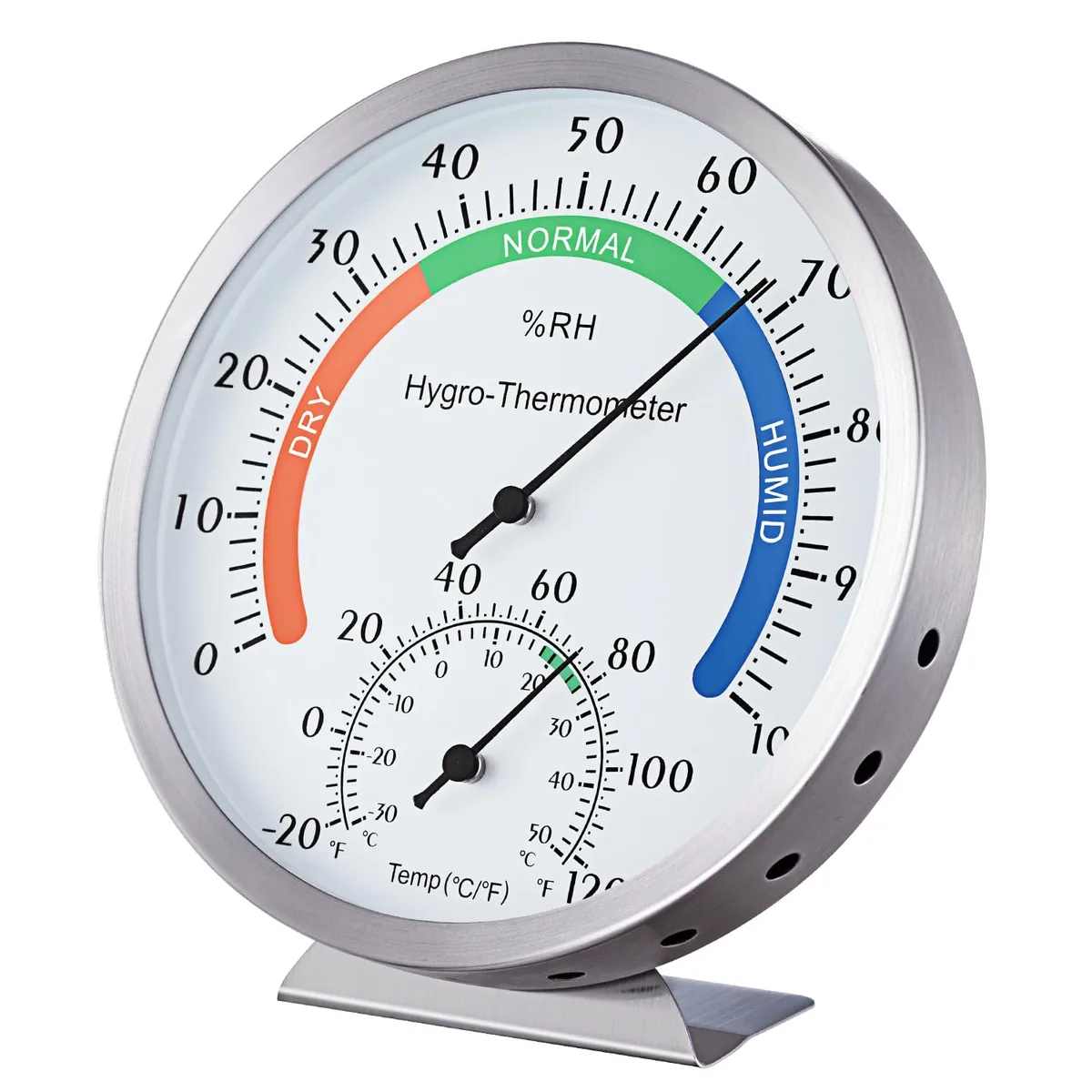
Image source: Bing (Web (fair-use with source credit))
Placing it on top of the dehumidifier. This is the most common mistake. The dehumidifier vibrates, heats up, and blows dry air directly upward. Your hygrometer will read artificially low and warm.
It might show 30 percent when the room is actually 50 percent. That is a 20 percent error. Do not do it.
Putting it near a wall or corner. Walls, especially exterior walls, are cooler than the room's air. The air near a wall can be 5 to 10 percent drier or more humid depending on the season. Corners have even less airflow.
The reading will not represent the room.
Setting it on the floor. The floor is the coldest part of the room. Cold air holds less moisture, so the relative humidity near the floor can be higher than the rest of the room. A hygrometer on the floor might read 65 percent while the room average is 50 percent.
That is a false alarm that makes you run the dehumidifier too long.
Ignoring sensor lag and stabilization time. Hygrometers do not react instantly. A capacitive sensor takes 15 to 30 minutes to stabilize after you move it. If you place it and check the reading immediately, you are measuring the air from your hand or the old location.
Give it half an hour.
Forgetting about seasonal airflow changes. In winter, you might run the dehumidifier less. In summer, the AC might dry the air. Your hygrometer's position might be fine in June but terrible in January.
Check it once a season and adjust if needed.
Pro Tips for Accurate, Long-Term Monitoring
Calibrating your hygrometer with the salt test. Consumer hygrometers drift over time. A 5 percent drift is common after a year. The salt test is the standard way to check accuracy.
Get a small container, add a tablespoon of table salt, and add a few drops of water to make a wet paste. Do not dissolve it. Put the salt and your hygrometer inside a sealed plastic bag or jar.
Leave it for 8 to 12 hours. The air above the salt solution will stabilize at exactly 75 percent relative humidity. Your hygrometer should read 75 percent, plus or minus 2 percent.
If it reads 70 percent, you know it is 5 percent low. Adjust your target accordingly.
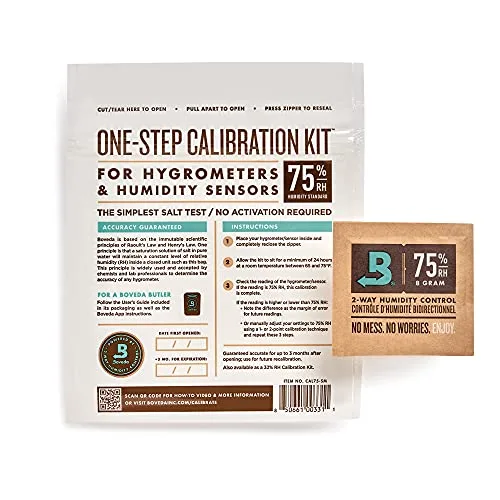
Image source: Bing (Web (fair-use with source credit))
Testing your built-in humidistat against a standalone unit. This is a one-time check that saves you months of guessing. Place your calibrated standalone hygrometer 2 feet from the dehumidifier's intake. Let it stabilize.
Compare its reading to what the dehumidifier displays. If they differ by more than 5 percent, you know the built-in sensor is off. Use your standalone unit as the reference for setting the target.
Best times of day to check your readings. The worst time is right after a shower, cooking, or laundry. The best time is mid-afternoon, when the house has been closed up for a few hours. That gives you a steady-state reading.
Check it at the same time each day for consistent comparison.
When to move the hygrometer and when to leave it. If you move the dehumidifier to a different room, reposition the hygrometer. If you change the season, check the reading against your comfort level. If the reading is stable and the room feels comfortable, leave it alone.
Do not chase numbers. The hygrometer is a tool, not a boss.
Frequently Asked Questions
Can I put the hygrometer right next to the dehumidifier?
No. The dehumidifier blows out dry, warm air. A hygrometer placed next to it will read the dry outflow, not the room's average air.
That gives you a false low reading. Keep it at least 5 feet away.
Should I put the hygrometer in the same room or a different room?
Put it in the same room where the dehumidifier runs. That is the space you are trying to control. If you are using one dehumidifier for multiple rooms, place the hygrometer in the farthest room from the unit.
How far away should it be from the dehumidifier?
Aim for 5 to 10 feet of distance. That is far enough to avoid the direct dry airflow but close enough to measure the same air the dehumidifier is processing. Adjust based on room size.
Does height matter? Should it be on the floor or a table?
Height matters a lot. Place it 4 to 5 feet above the floor. That is roughly table height.
The floor is cooler and gives a higher humidity reading. The ceiling is warmer and gives a lower reading. The middle height gives the best average.
What if my hygrometer disagrees with the built-in humidistat?
That is normal. The built-in sensor reads the intake air, which is the most humid air in the room. Your standalone hygrometer reads the room average.
Use the standalone unit as your reference. Adjust the dehumidifier's target by 5 to 10 percent to compensate.
The Simple Decision Guide: Your Exact Next Step
Here is a quick reference for your specific setup.
If you have a smart dehumidifier with a remote sensor: Place the sensor in the center of the room at 5 feet high. That is your control point.
If you have a portable dehumidifier with a built-in humidistat: Set the target 5 to 10 percent higher than your desired humidity. The built-in sensor reads the intake air, which is more humid.
If you are using a standalone hygrometer for monitoring: Place it where you spend the most time. A bedside table or desk works well. Check it at the same time each day.
If you have one dehumidifier for multiple rooms: Put the hygrometer in the farthest room. If that room is comfortable, the rest is fine.
If you are in a basement: Place the hygrometer on a central column or interior wall at 4 to 5 feet. Avoid exterior walls and the floor.
If you are in a crawlspace: Attach the hygrometer to a floor joist away from vents and the vapor barrier. Use a remote sensor if possible.
If you are in a kitchen or laundry room: Move the hygrometer at least 10 feet from stoves, sinks, and washers. Steam will spike the reading.
If you are not sure: Start with the center of the room at 5 feet high on an interior wall. Wait 30 minutes. Check the reading.
Adjust if the room still feels damp or too dry.