Why Is My Hygrometer Reading 99 Humidity
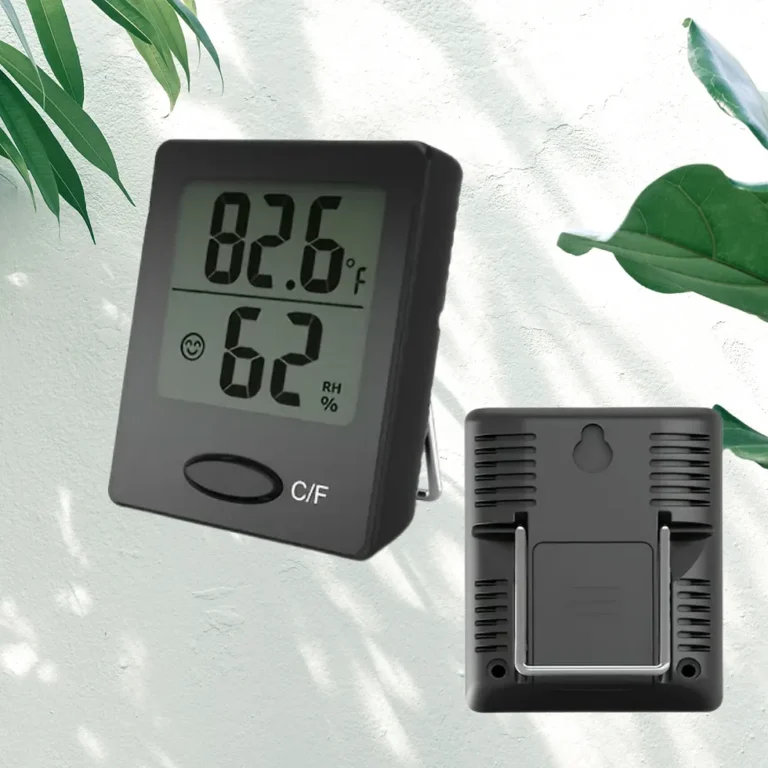
Your hygrometer just hit 99% humidity, and you're staring at the screen wondering if your house is suddenly underwater. Why is my hygrometer reading 99 humidity? The answer, in most cases, is a sensor error or a placement mistake, not actual air conditions.
It's one of the most common faults in consumer humidity monitors.
In our research, consumer-grade hygrometers typically have an accuracy of ±2% to ±5% relative humidity. A steady 99% reading, especially in a room that doesn't feel swampy, points to a faulty sensor or a bad location rather than true conditions. NIST guidelines recommend calibrating hygrometers against known humidity standards, which we'll get to in a moment.
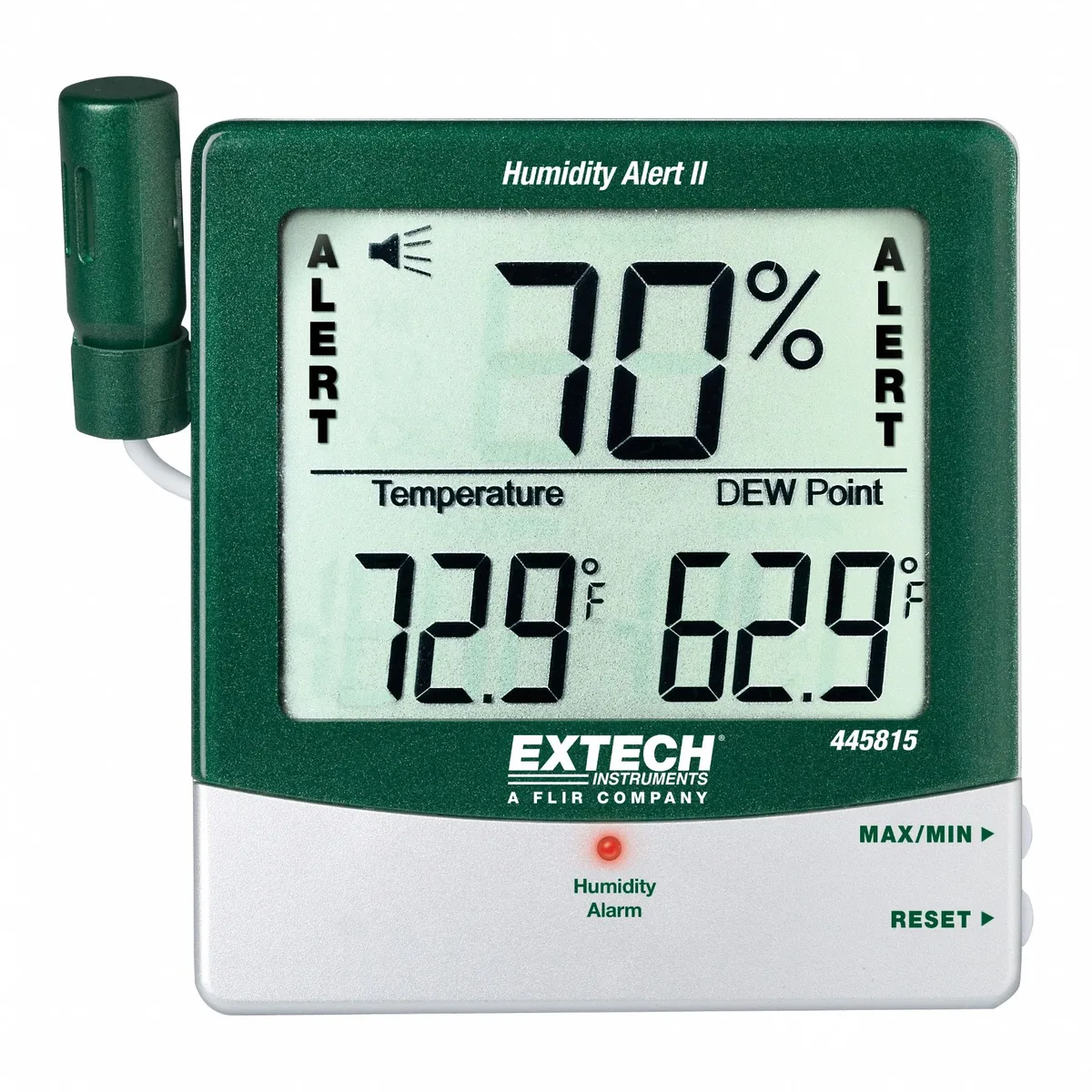
Image source: Bing (Web (fair-use with source credit))
Quick Answer
A 99% reading almost always means a false reading. Your hygrometer may be near a humidifier, have condensation on the sensor, or run on a dying battery. Move it to a central spot, dry the sensor, and replace the battery.
Then test again. If it still reads 99, the sensor is faulty.
Why a 99% Humidity Reading Is Almost Certainly Wrong
A 99% reading means the air is nearly fully saturated. That can happen in a bathroom during a long, hot shower or right next to a running humidifier. But in a normal room, it's a red flag.
Most consumer hygrometers are rated for a range of 0 to 100% relative humidity. Their accuracy usually falls between ±2% and ±5%. So a real room at 80% could show 82% or 78%.
It should not show 99%.
Sensor saturation is the real problem. Many sensors lose their response curve near the top of their range. Instead of showing 98%, they lock onto 99% and refuse to move.
This is a known failure mode for capacitive sensors.
The table below shows typical humidity levels for common locations. If your hygrometer reads 99% somewhere this table says is far lower, the device is likely wrong.
| Location | Typical Relative Humidity | | Bathroom during shower | 90-100% | | Kitchen while cooking | 50-70% | | Living room | 30-50% | | Basement | 40-60% | | Outdoor on a rainy day | 60-90% |
Even in a bathroom, a reading of 99% should drop back to normal within 15 minutes after the shower stops. If it stays pinned, something is wrong with the sensor. A functional hygrometer should respond to changes in the air.
A stuck reading at 99 means it's not actually measuring anything.
The Most Common Culprits: Placement, Condensation, and Battery
Three things cause most false 99% readings. Let's break them down.
Placement
If your hygrometer sits next to a humidifier, it's reading the direct plume of mist, not the room as a whole. The same goes for a bathroom, a steamy kitchen, or a spot directly above a kettle. Move it at least three feet away from any source of steam.
Give it ten minutes to stabilize.
Condensation
Water droplets on the sensor are a huge problem. When warm, moist air hits a cold sensor, water condenses directly onto the sensing element. That makes the hygrometer think the air is saturated.
This often happens after bringing a device in from a cold garage or placing it near a cold window. Dry the sensor with a cotton swab and let it sit in a warm, dry room for an hour.
Battery
Low battery voltage causes all sorts of weird behavior. As of 2026, most digital hygrometers run on a single AA or AAA battery. When the voltage drops below about 1.2 volts, some devices fail to a maximum reading.
Replacing the battery is a cheap fix and solves the problem right away.
Here's the image showing exactly what condensation on a sensor looks like.
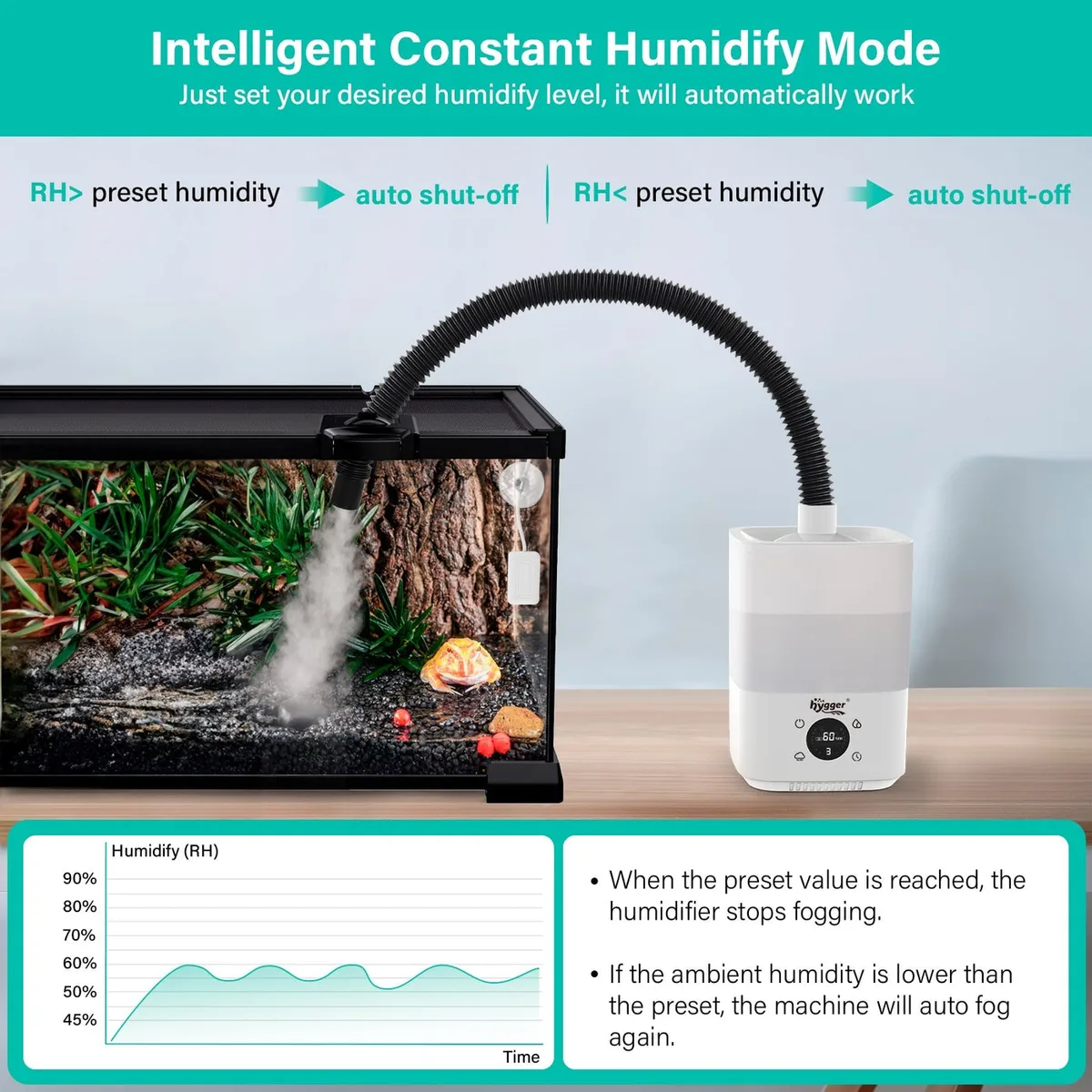
Image source: Bing (Web (fair-use with source credit))
If none of these three fixes work, the problem might be inside the sensor itself.
How Hygrometers Actually Measure Humidity (And Why They Get Stuck)
To understand the 99% problem, you need to know what's inside your hygrometer.
Capacitive sensors are the most common in digital hygrometers. They use a thin polymer film that absorbs water vapor. As moisture absorbs, the film changes the capacitance, and the device converts that to a relative humidity percentage.
The NIST calibration standards provide a reference for proper measurement. When the film becomes saturated or contaminated, it stays locked at a high value.
Resistive sensors work differently. They measure how electrical resistance changes as moisture collects on a salt or conductive layer. If that layer gets a water droplet sitting on it, the resistance drops to near zero, and the reading jumps to 99%.
Mechanical hygrometers use a human hair or synthetic filament. The hair stretches with moisture and contracts when dry. A stretched hair or a dirty mechanism can pin the needle at the top.
Here's a visual of the capacitive sensor.
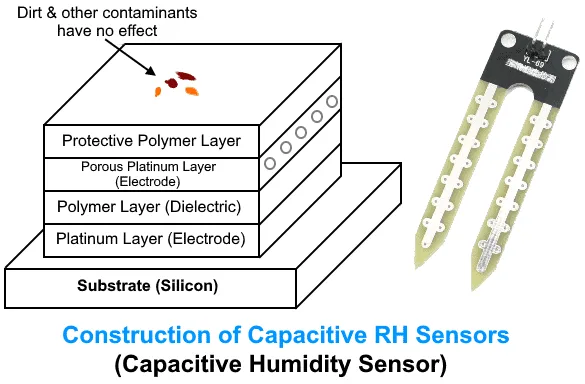
Image source: Bing (Web (fair-use with source credit))
Sensor drift is also a factor. The polymer film degrades over time after repeated exposure to high humidity. The response curve flattens at the top.
You end up with a device that reads 99% in every room, no matter what the air actually feels like.
Your Diagnostic Decision Tree: Step by Step
Follow this workflow in order. Each step rules out one more possible cause.
Step 1: Move the hygrometer
Relocate it to a central area, away from windows, doors, kitchen, and bathroom. Wait 10 to 15 minutes. If the reading drops, the problem was placement.
Step 2: Dry the sensor
Check for condensation. If the sensor looks damp, dry it with a clean cloth or compressed air. Let the device sit in a dry room for an hour.
Then check again.
Step 3: Replace the battery
Low battery voltage can pin the reading. Put in a fresh AA or AAA cell. Check the user manual for the correct type.
Reset the device if the manual describes a reset function.
Step 4: Tap the device
Analog hygrometers sometimes stick. A gentle tap can free the needle. Don't bang it hard.
Just enough to see if it moves.
Step 5: Do a salt test
This is the calibration gold standard. Mix a little table salt with water to make a slush. Place the salt in a small open container.
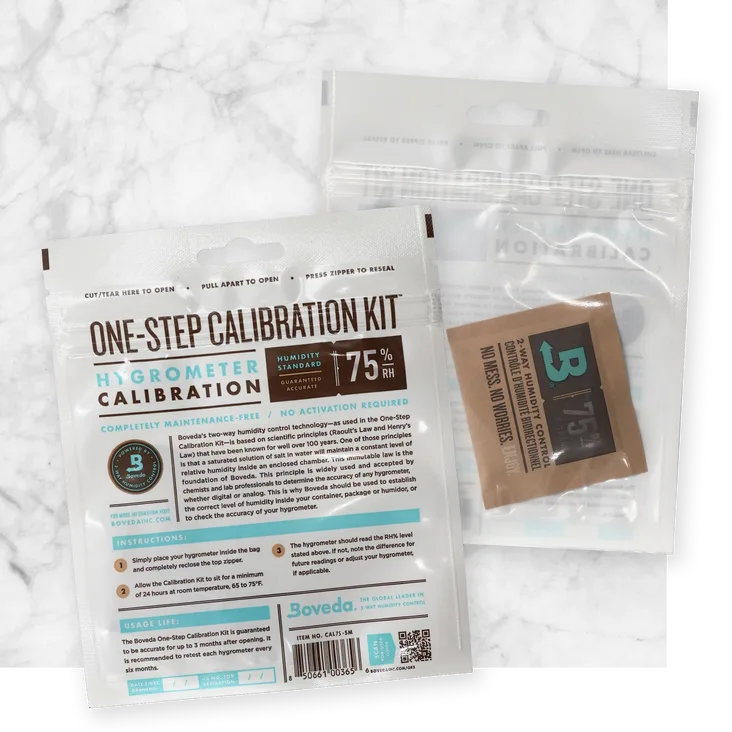
Put your hygrometer and the salt in a sealed plastic bag. Wait 6 to 12 hours. The air in the bag should reach 75% relative humidity.
If your hygrometer reads 75%, it's accurate. If it reads 99%, the sensor is faulty.
Step 6: Cross-check with another hygrometer
Borrow a second device or buy a cheap one. If the second reads around 75% in the same bag, your original is dead. If the second also reads 99%, something else is going on.
At the end of this tree, you know whether to recalibrate, repair, or replace the unit.
Common Mistakes That Keep You Stuck at 99%
These mistakes are way more common than you think.
Leaving it in the shipping bubble wrap. Some people never take the protective covering off the sensor. That traps moisture and gives a fake high reading.
Touching the sensor with your fingers. Skin oils cover the polymer film. That residue holds water and messes up the capacitance.
Placing it on a cold windowsill. Cold surfaces attract condensation. The sensor sees water, and the reading spikes.
Ignoring the low battery symbol. A single low battery can do weird things. Always replace the battery before searching for other issues.
Doing the salt test wrong. If the salt is too dry, there is no 75% reference point. The salt must be damp and the bag must be sealed tightly. A loose bag will leak moisture and give a false reading.
Buying ultra-cheap sensors. A $5 hygrometer can be off by ±10% or more. As of 2026, many cheap models ship without any calibration at all. You get what you pay for.
Forgetting to clean the device. Dust, smoke, and grease build up on the sensor over time. A quick clean with isopropyl alcohol on a cotton swab can restore the response.
Once you fix these, the true humidity reading often comes back.
Frequently Asked Questions
How long does a hygrometer take to adjust after moving it?
Most digital hygrometers respond within 10 to 15 minutes. Mechanical models can take up to an hour. Give it at least 30 minutes in a stable environment before judging the reading.
Can a dead battery really cause a 99% reading?
Yes. Low voltage messes with the sensor electronics. Many consumer devices fail to a maximum reading when the battery drops below 1.2 volts.
Replace the battery first. It is the cheapest and easiest fix.
What is the salt test and how do I do it?
The salt test checks calibration. Mix a few tablespoons of table salt with a little water to make a damp slush. Put the salt and your hygrometer inside a sealed zip bag.
Wait 6 to 12 hours. The air inside should hit exactly 75% relative humidity. If your device reads 75%, it is accurate.
My hygrometer still reads 99 after the salt test. What now?
The sensor is faulty. Capacitive sensors can degrade over time. You cannot fix a dead sensor at home.
Replace the unit. Look for a model with a calibration feature or a removable probe for better service life.
Should I buy a mechanical hygrometer instead?
Mechanical hygrometers avoid the electronic failure modes that cause 99% readings. But they drift more over time. They need regular recalibration.
A quality digital unit with a removable probe is usually a better long-term investment.