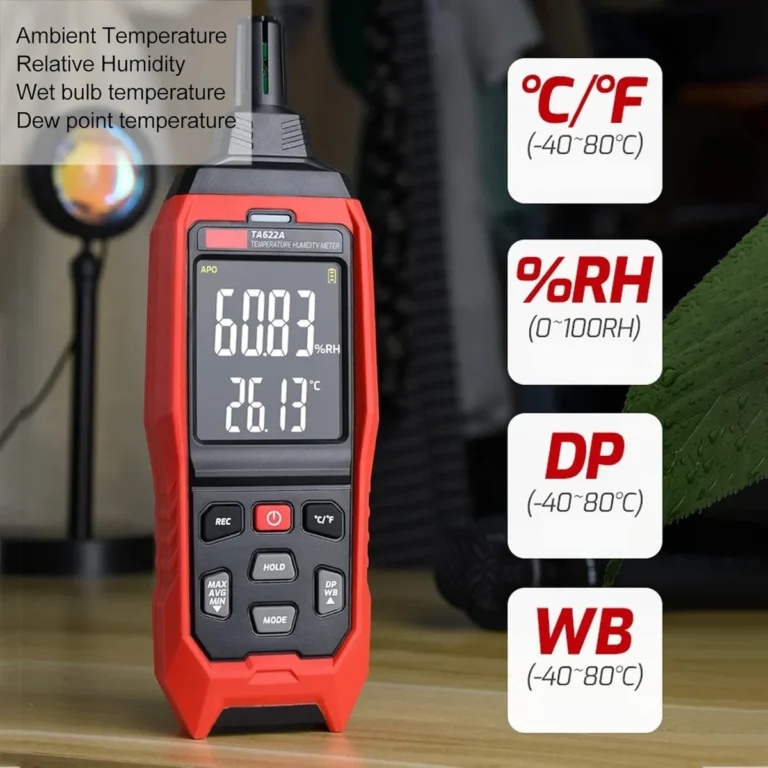
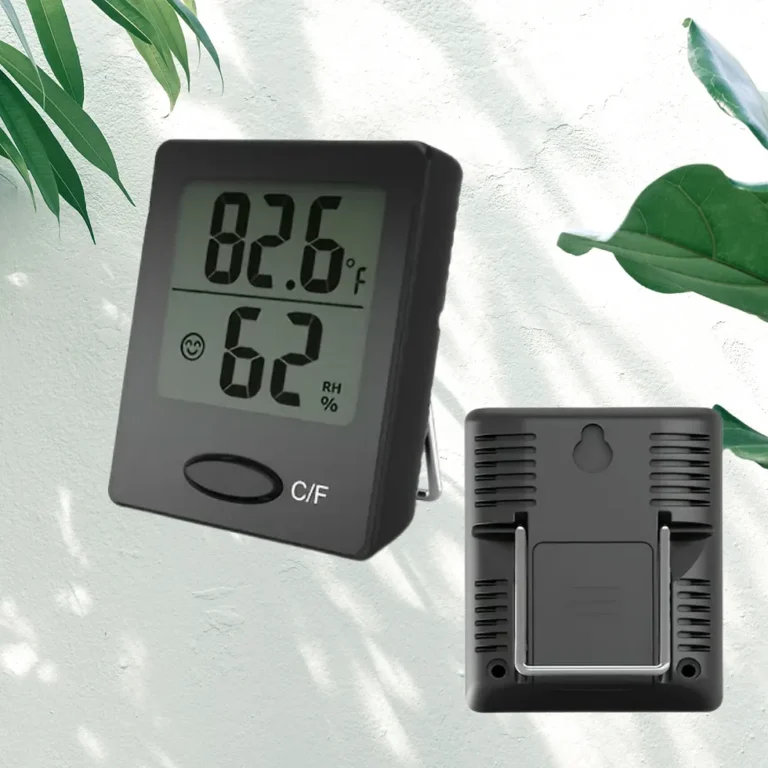
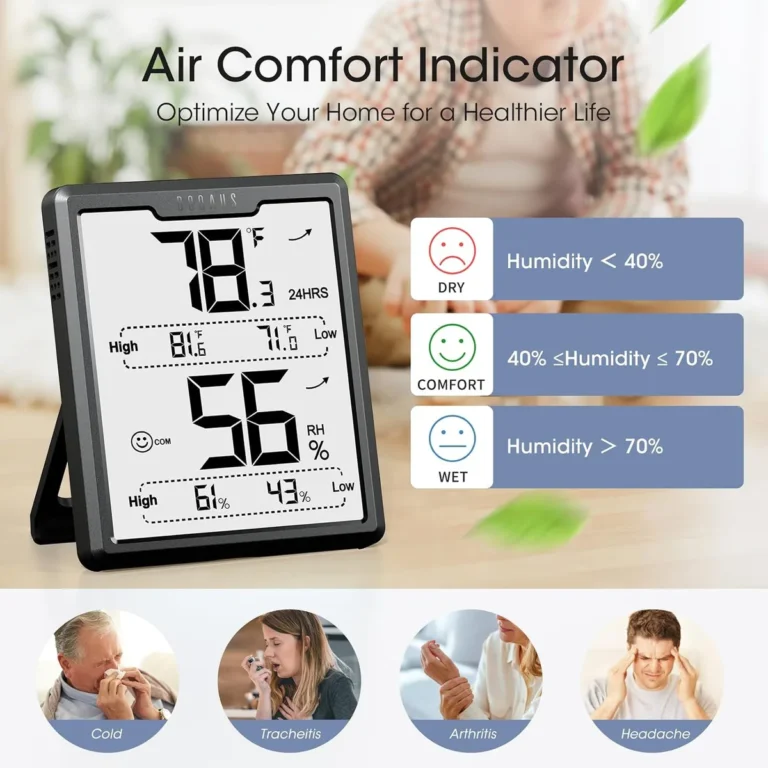
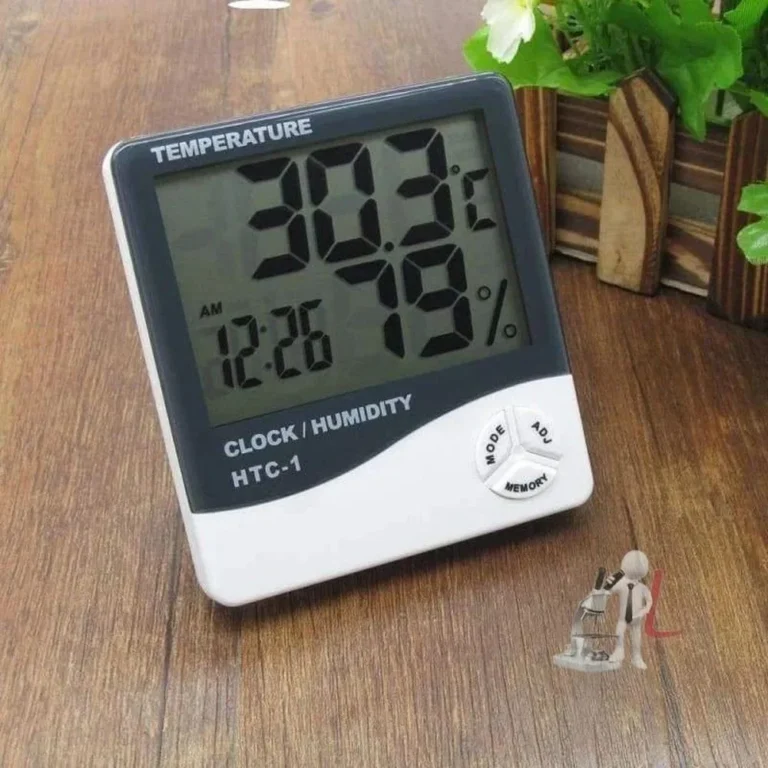
Why Is My Digital Hygrometer Not Working
Digital hygrometers are handy, but they do fail. If you've been asking why is my digital hygrometer not working, you're dealing with one of a few common issues. Most consumer units are accurate to within ±2 to 5% relative humidity, per manufacturer specs.
That accuracy doesn't last forever, though.
Per ASTM E337, the standard for humidity measurement, hygrometers need periodic checks against a known reference. Sensor drift, contamination, and battery problems all cause readings to go bad. Let's walk through how to diagnose and fix your unit.
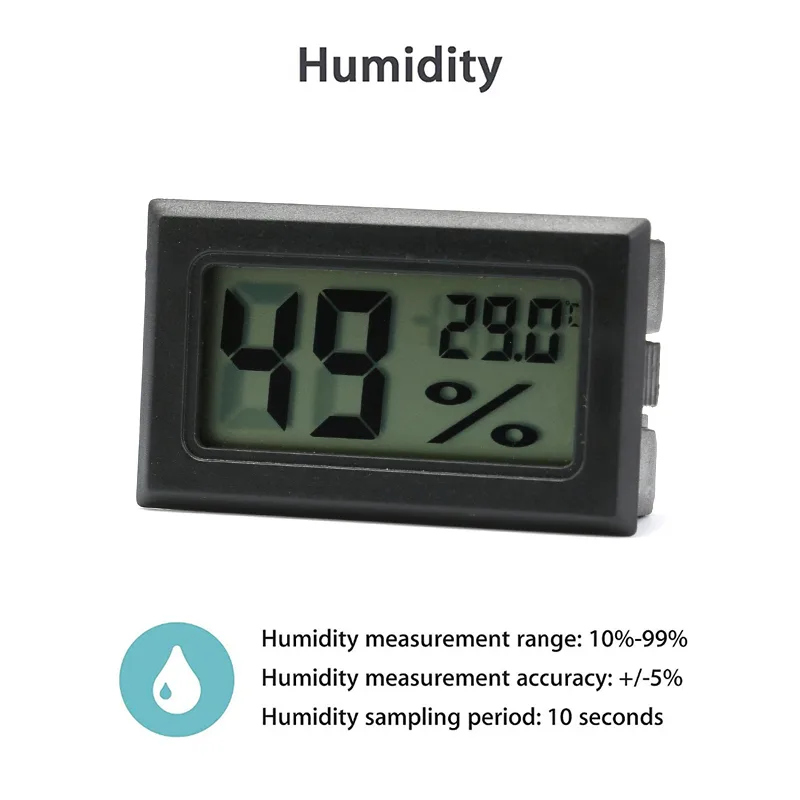
Image source: Bing (Web (fair-use with source credit))
Why Your Digital Hygrometer Isn't Reliable Anymore
Consumer hygrometers rely on a tiny sensor element that measures relative humidity. There are two main types: capacitive and resistive. Capacitive sensors use a thin film that stores charge differently as water vapor changes.
Resistive sensors measure a change in electrical resistance. Both are cheap to make, but both drift with time and contamination.
That drift is why the honeymoon period ends. Dust, hairspray, cooking grease, tobacco smoke, and even outgassing from new furniture can coat the sensor element. Add a few weeks of high humidity and the film becomes less responsive.
Battery life matters too. A battery that's struggling to deliver steady voltage can cause flickering displays and wild readings.
As of 2026, even the best consumer models aren't NIST-traceable unless you pay extra for lab calibration. So a certain amount of drift is just part of the bargain.
The good news? Most failures follow one of four predictable patterns. Learn to spot them, and you'll know exactly what to do.
Quick Answer: It's Almost Always One of Four Failure Modes
Your digital hygrometer isn't randomly broken. It's one of four issues: dead battery, dirty sensor, wrong placement, or lost calibration. A blank screen means check the battery first.
A stuck 99% reading means the sensor needs cleaning. Off readings mean you need the salt test.
| Failure Mode | Typical Symptom | The Fix | | Dead battery | Blank screen, flickering, resetting | Replace battery | | Contaminated sensor | Stuck at 99% RH or drifting | Clean sensor vents | | Poor placement | Reads high or low vs. room | Move to central spot | | Lost calibration | Off by a fixed amount | Salt test calibration |
The key is matching your symptom to the right branch. That's what the next section does.
The Decision Tree: What Your Hygrometer Is Actually Telling You
Work through these four branches. Each one points to a different root cause.
Reading Is Blank or Flickering
If the display is blank, a dead battery is the likely culprit. Pop the back cover and replace it. Use a known brand, not a dusty one that's been in the drawer all year.
If the screen flickers, the battery contacts may be corroded. Clean them with a soft, dry cloth or a little rubbing alcohol on a cotton swab.
If it still doesn't turn on, the electronics may have failed outright. That happens more often after power surges or rough drops. Replacement is usually cheaper than repair.
Reading Is Stuck at 99% or "HI/HH"
If your hygrometer is pegged at 99% or flashing "HI" or "HH", the sensor is likely saturated or contaminated. Condensation can get inside the sensor casing if you left the unit near a humidifier or in a steamy bathroom too long.
Here's what to try. Remove the battery. Put the hygrometer in a warm, dry place with good air flow.
Let it sit, without battery, for 24 hours. This gives the sensor a chance to dry out and re-equilibrate.
If it returns to a sensible reading, you're done. If it stays stuck, the sensor film may be permanently coated. Time to replace the unit.
Reading Is Off Compared to Another Hygrometer
Off readings usually mean lost calibration. Even a quality sensor can drift by 5% RH or more within a year. That's why the salt test exists.
We'll walk through it in the next section.
Before you recalibrate, check placement. Put two hygrometers next to each other for a few hours and compare. If they're within 3 to 5% RH, they're probably both fine.
If one is wildly different, it needs calibration or replacement.
Reading Changes but Feels Slow or Laggy
Slow response is often normal. Consumer hygrometers aren't lab instruments. The sensor has to absorb or release moisture, and that takes time.
Moving from a dry room to a humid one can take 30 to 60 minutes to stabilize.
If the reading is painfully slow, like hours without change, the sensor vents could be blocked. Check the tiny holes or grille on the case. Dust and lint love to collect there.
Gently clean with canned air or a soft brush.
Simple Fixes to Try Before You Calibrate Anything
Before you break out the salt and a plastic bag, try these low-effort fixes. They solve maybe half of all "broken" hygrometers.
- Replace the battery first. A low battery causes wild readings and resetting.
- Clean the sensor vents. Use a can of compressed air or a soft, dry brush. Don't use water or solvent, they can damage the sensor film.
- Check for a reset option. If your unit has a reset button or a "recalibrate" option in the app, use it. Many smart hygrometers let you zero out the reading with a press.
- Move the unit. Hygrometers need air flow. A corner shelf, an exterior wall, or a spot above a radiator gives false readings. Put it somewhere central, away from direct sun, vents, and windows.
- Wait 30 to 60 minutes. Compare it to another hygrometer. If the reading is now in the same ballpark, you've saved yourself the calibration hassle.
How to Recalibrate Your Hygrometer at Home: The Salt Test
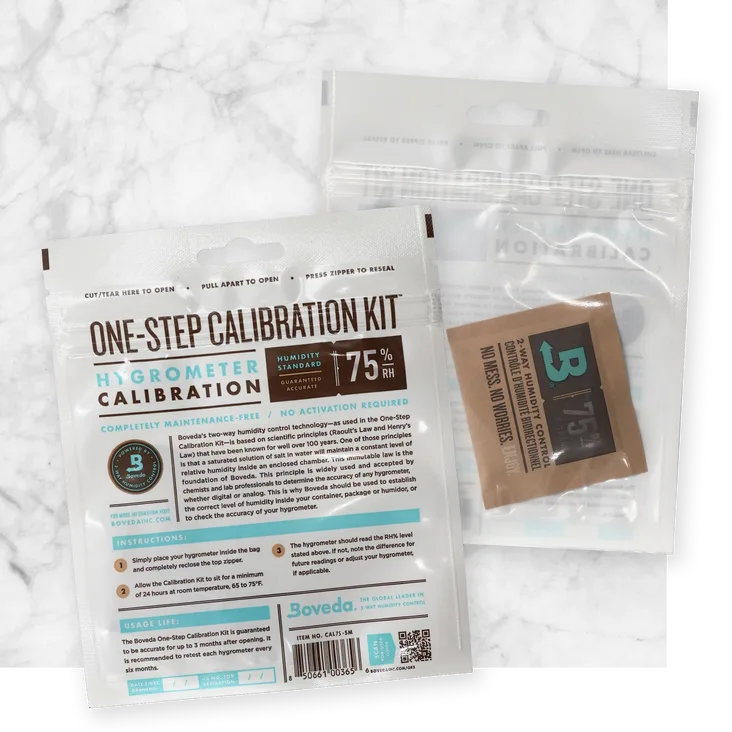
The salt test is the gold standard for consumer hygrometers. It's cheap, it's repeatable, and it doesn't require any expensive gear. Per NIST's humidity measurement standards, a saturated salt solution creates a stable reference point.

Image source: Bing (Web (fair-use with source credit))
Here's how to do it.
| Materials | Amount | | Plain table salt | 1 tablespoon | | Small cup or bottle lid | 1 | | Water | 1 teaspoon | | 1-gallon ziplock bag | 1 |
Steps:
- Pour the salt into the lid and add just enough water to make a wet sand texture. Don't drown it.
- Place the lid and the hygrometer inside the ziplock bag. Keep them from touching each other.
- Seal the bag, pushing out any excess air.
- Wait 6 to 12 hours in a room with a stable temperature, ideally between 20 and 25°C.
- Check the display. It should read exactly 75% relative humidity.
If it reads 75% ± 1%, you're done. If it reads off by a few percent, check the manual for a calibration offset feature. If it has none, and the reading is more than 5% off, it's time to replace the unit.
Common Placement Mistakes and Long-Term Maintenance Gaps
Bad placement causes more false alarms than actual sensor failures. If your hygrometer sits near a bathroom door, a kitchen stove, or above a baseboard heater, the reading reflects that microclimate, not the room. Aggregate user reviews confirm that moving a unit just three feet can change the reading by 5% RH or more.
Another common mistake is putting a hygrometer in direct sunlight or against an exterior wall. Sunlight heats the casing and warps the reading. Exterior walls stay colder in winter and hotter in summer, which throws off the humidity math.
Place your unit in a central spot, about chest height, with free air flow around it.

Image source: Bing (Web (fair-use with source credit))
Long-term maintenance is even simpler. Dust the vents every month. Check the battery every six months.
Replace it before the display starts flickering. If your unit has a removable sensor cover, blow it out with canned air every now and then.
Avoid putting your hygrometer near essential oils, diffusers, or strong cleaning sprays. Those vapors coat the sensor and accelerate drift. A little routine care keeps the sensor film clean and responsive.
Replace It or Repair It? A Practical Decision Guide
Once you've tried the fixes and the salt test, the next decision is practical. Cost, age, and accuracy requirements all play a role. Here's a simple breakdown.
| Condition | Recommendation | | Blank screen after new battery | Replace | | Stuck at 99% after drying | Replace | | Off by more than 5% post-calibration | Replace | | Off by 2% to 5%, has offset feature | Keep and adjust | | Water damage or corrosion | Replace |
Repairing a consumer hygrometer is rarely worth the effort. The sensor is glued to the board, and replacement parts cost almost as much as a new unit. If your hygrometer is over two years old, the sensor film is likely worn out anyway.
For smart hygrometers, check if the app allows a calibration offset. Many do. If yours has that feature, you can correct a 3% to 5% drift without spending a cent.
Enter the offset in the settings, and the unit adjusts every reading automatically.
If the unit fails the salt test by more than 5% and has no offset option, replacement is the honest answer. You don't need a lab-grade instrument for most home uses. A new hygrometer with a ±2% rating costs anywhere from $15 to $40.
That's much cheaper than worrying about mold in your cigar humidor or guitar case.
Frequently Asked Questions
How often should I calibrate my hygrometer?
Calibrate every six to twelve months. Digital sensors drift over time, especially if they're exposed to humidity swings or dust. If you use your hygrometer for a critical task like cigar storage or mushroom cultivation, check it quarterly.
Why does my hygrometer read 99% RH after cleaning?
That usually means moisture got inside the sensor casing. Water or humid air saturates the sensor film. Leave the unit unplugged in a warm, dry place for 24 to 48 hours.
If it's still stuck, the sensor is damaged.
Can I use table salt for the salt test?
Yes, plain iodized table salt works fine. The salt creates a stable 75% RH reference when mixed with a little water. Avoid fancy sea salt or salt substitutes.
The ratio of salt to water is forgiving; the wet-sand texture is what matters.
Is a digital hygrometer more accurate than an analog one?
Generally, yes. A good digital hygrometer is accurate to ±2% RH, while analog units often drift by ±5% or more. Digitals are also easier to read and calibrate.
That's why most 2026 consumer recommendations lean digital.
Should I replace my hygrometer after exposing it to a flood?
Yes. Water can short-circuit the electronics and ruin the sensor film permanently. Even if it looks fine, internal corrosion can cause intermittent failures later.
Replacement is the safer call.
Can I put my hygrometer in the refrigerator?
You can, but it's rarely useful. The sensor will respond to the fridge's high humidity, which is around 65% to 75% RH. Just let it acclimate at room temperature for an hour before using it elsewhere.
Condensation can form during the move.