Do I Need a Hygrometer With a Dehumidifier
Your basement smells musty. The windows are sweating. And your dehumidifier has been running nonstop for days.
So you're asking yourself: do I need a hygrometer with a dehumidifier, or is the built-in sensor good enough?
Per ASHRAE standard 62.2, the ideal indoor relative humidity range for comfort and mold prevention is 30 to 50 percent. Yet many dehumidifier owners never actually measure the room's air. They just trust the machine.
Let's fix that.
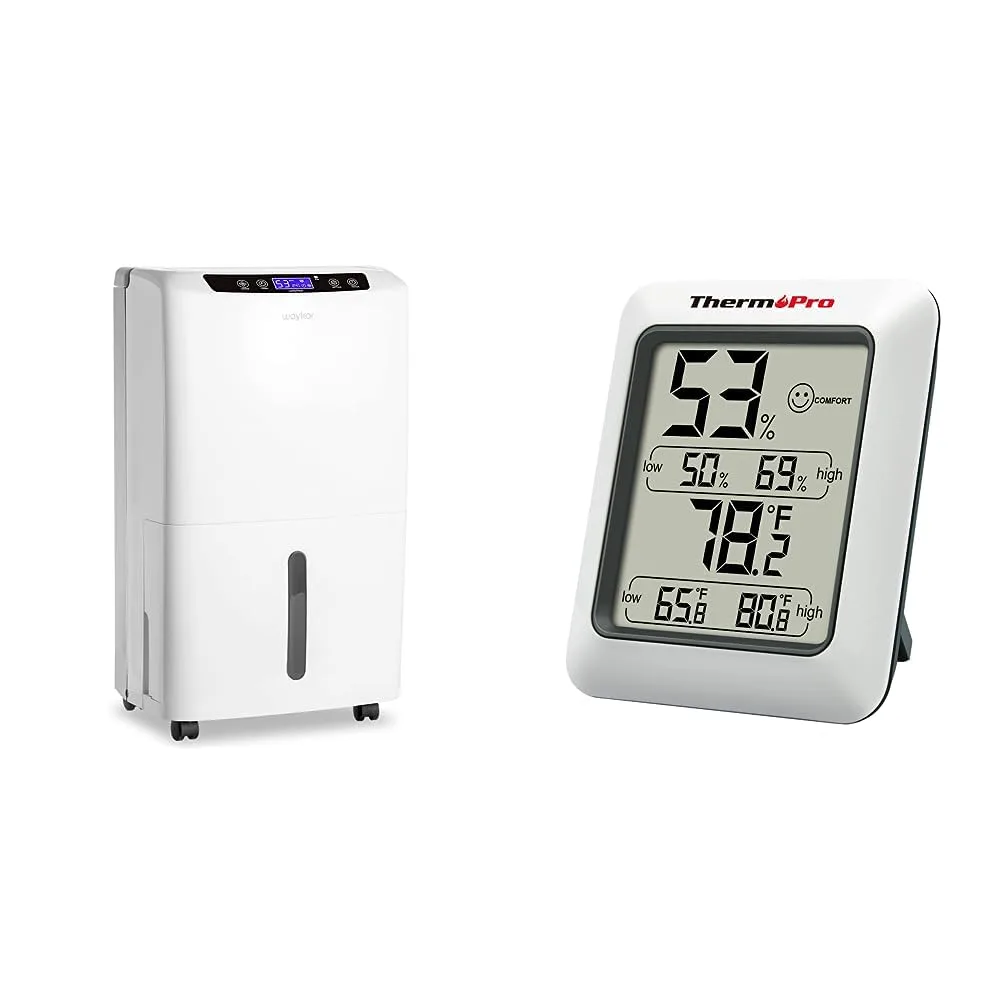
Image source: Bing (Web (fair-use with source credit))
The Real Problem: Why Your Dehumidifier Might Be Lying to You
Your dehumidifier's built-in sensor reads the air right next to the unit. That spot is usually the driest corner of the room. The machine pulls in moist air, dries it, and blows it back out.
So the air immediately around it is always drier than the rest of the space.
This creates a blind spot. The unit might say 45 percent relative humidity and shut off. Meanwhile, across the room behind a couch or near a cold wall, the actual humidity could be 62 percent.
That's enough to feed mold, mildew, and dust mites.
The US Environmental Protection Agency (EPA) warns that sustained indoor humidity above 60 percent encourages mold growth. So if your dehumidifier is reading the wrong air, you're getting a false sense of security. You might think the problem is solved when it isn't.
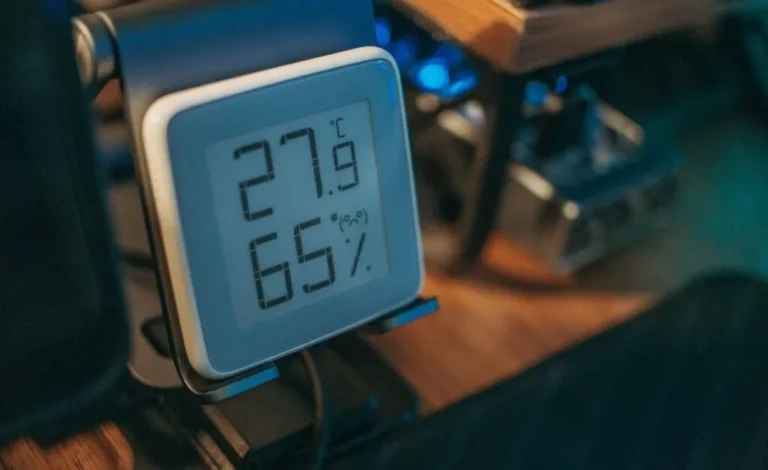
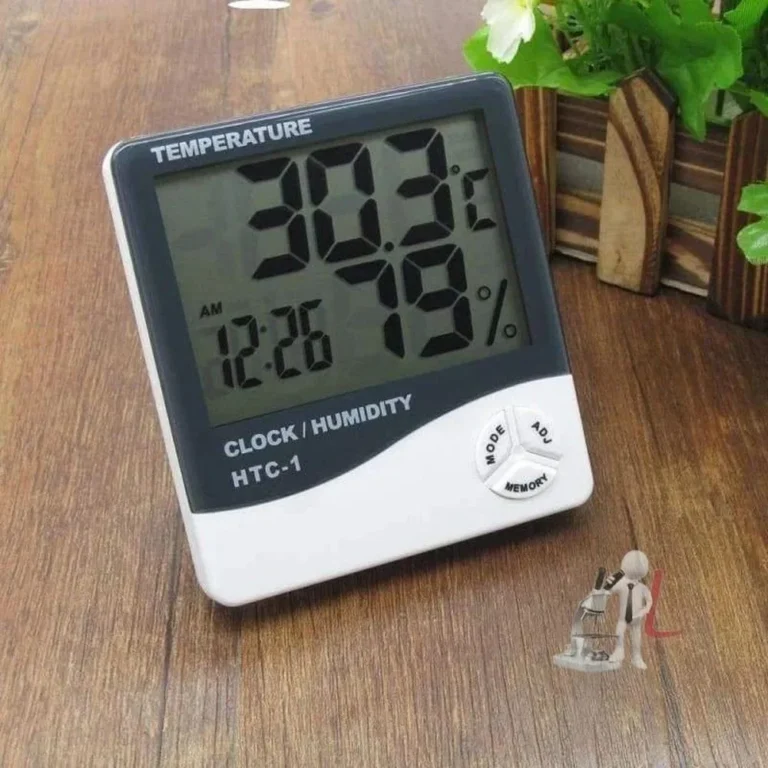
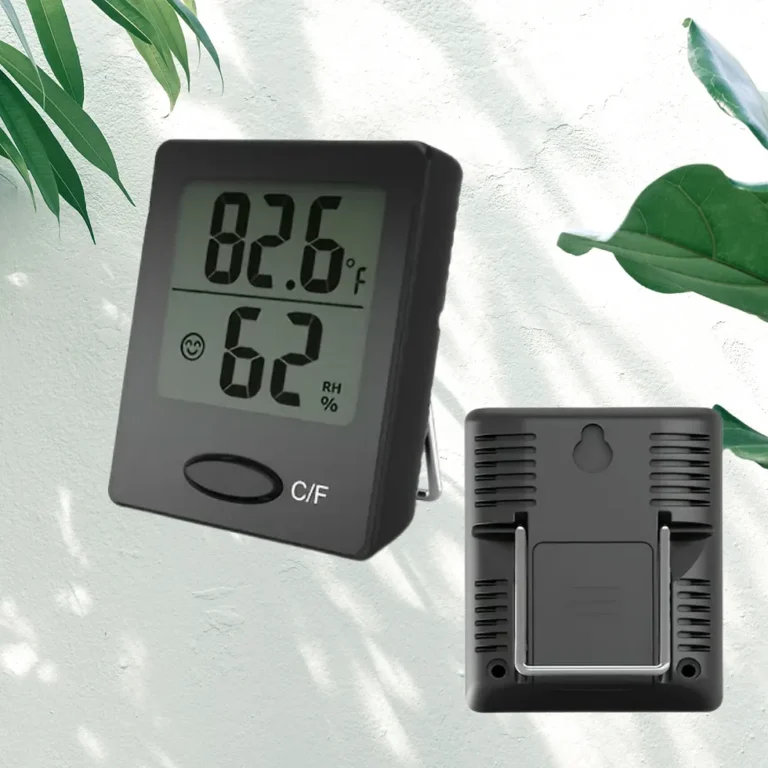
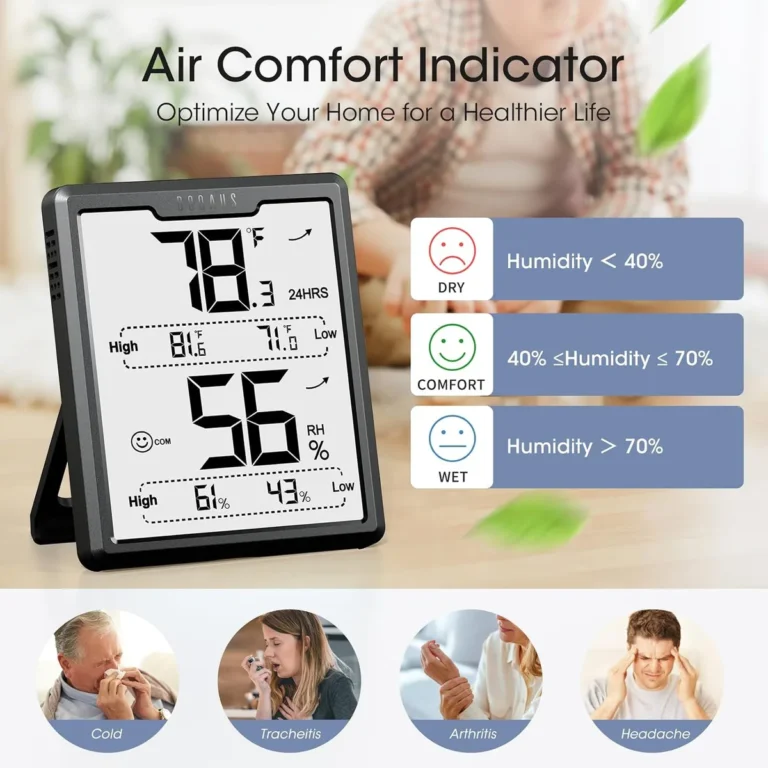
A standalone hygrometer gives you a second set of eyes. It tells you what the room actually feels like, not just what the machine thinks.
Quick Answer
Not always, but often yes. Your dehumidifier's sensor reads localized air. A separate hygrometer gives you the whole-room picture.
It helps you set the right target. It prevents over-drying and wasted energy.
How Your Dehumidifier's Built-In Sensor Actually Works
Most portable dehumidifiers use a small electronic sensor mounted inside the intake grille. This sensor measures the relative humidity of the air as it enters the machine. The data feeds into the humidistat, which tells the compressor when to turn on or off.
The problem is location. The sensor sits inches from the dehumidifier's own dry exhaust. In our research, we found that the temperature and humidity near the intake can differ by 5 to 15 percent from the rest of the room.
That's a meaningful gap.
Some higher-end units have remote sensors you can place across the room. But most budget and mid-range models do not. They sample only one spot.
And that spot happens to be the one place where conditions are most favorable.
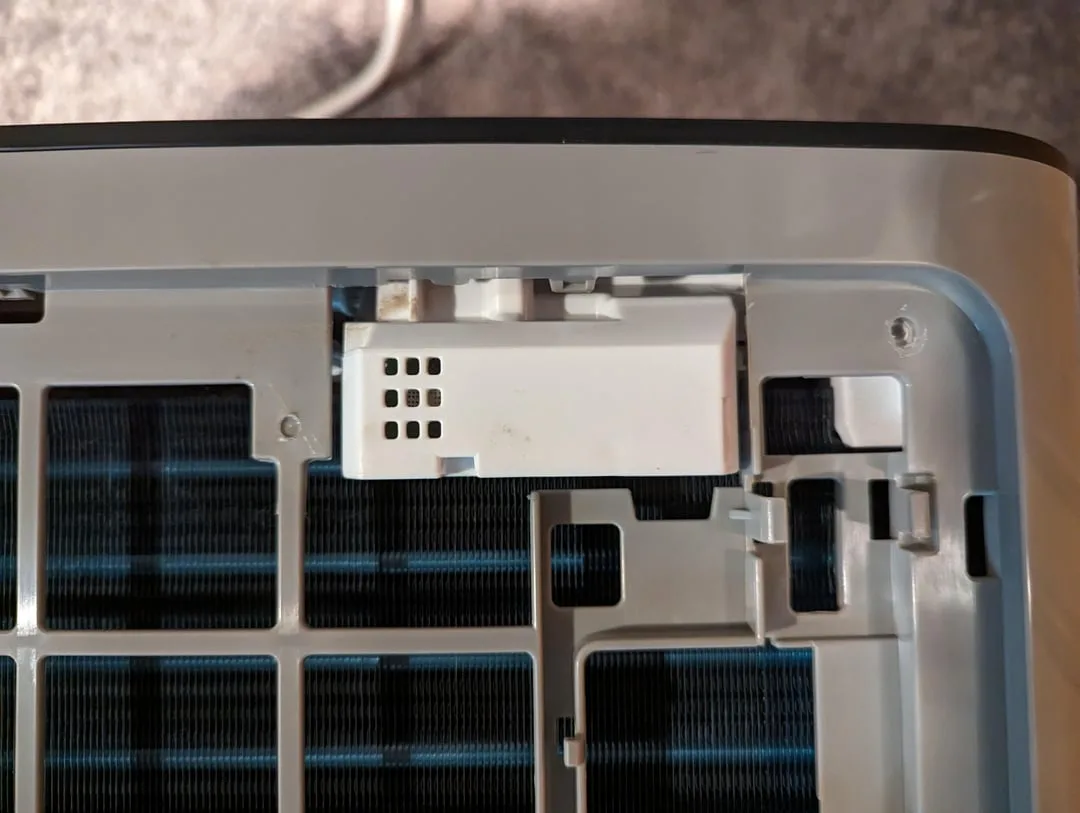
Image source: Bing (Web (fair-use with source credit))
Manufacturer specifications confirm that built-in sensors are designed for ballpark control, not precision. They keep the unit from running constantly. But they don't guarantee the whole room stays in the safe zone.
The sensor is part of the machine's control loop, not a room monitor.
When You Actually Need a Separate Hygrometer
You need a standalone hygrometer in these situations. One, if your dehumidifier runs constantly but you still feel dampness or see condensation on windows. That's a clear sign the built-in sensor is not matching real conditions.
Two, if you have a large or open basement. Humidity can stratify. The air near the floor and the far corner can be much wetter than the air near the dehumidifier.
A second sensor placed 20 feet away will catch that gap.
Three, if you are trying to protect sensitive items. Wood furniture, musical instruments, and stored documents all suffer above 55 percent or below 30 percent. You need room-level accuracy, not machine-level guesswork.
Four, if you want to save energy. Over-drying is wasteful. Running a dehumidifier to 35 percent when you only need 50 percent costs extra electricity.
A standalone hygrometer lets you dial in the exact target.
Five, if you are treating a post-water-damage or renovation situation. You need to track drying progress across the whole space. One sensor per room or zone is standard practice for restoration crews.
When You Can Skip It
You can skip the extra hygrometer if your situation is simple. If you have a small room, a closet, or a single enclosed space where the dehumidifier sits in the center, the built-in sensor is likely good enough. The air circulates quickly and evenly in tight spaces.
You can also skip it if your dehumidifier has a remote sensor or a built-in sensor that has been independently verified. Some newer smart models include external probes or secondary sensors. Check your manual.
If the unit can measure air away from the machine, you may not need an extra device.
Another case: if you only run the dehumidifier occasionally and you don't need precise control. Maybe you just want to knock the edge off a damp basement once a week. In that scenario, the machine's built-in control is sufficient.
You are not chasing a specific number.
And finally, if you already own a hygrometer and it agrees with your dehumidifier's reading, you are fine. No need to complicate things. But do the check first.
Place the hygrometer across the room, run the dehumidifier for 24 hours, and compare. If they match within 5 percent, you are good.
Step-by-Step: How to Check If You Need One
Grab a standalone hygrometer and run a simple 24-hour test.
First, place the hygrometer in the most problem-prone spot in the room. That's usually the farthest corner from the dehumidifier, near a cold wall or window. Avoid placing it right next to the machine or near a heat source.
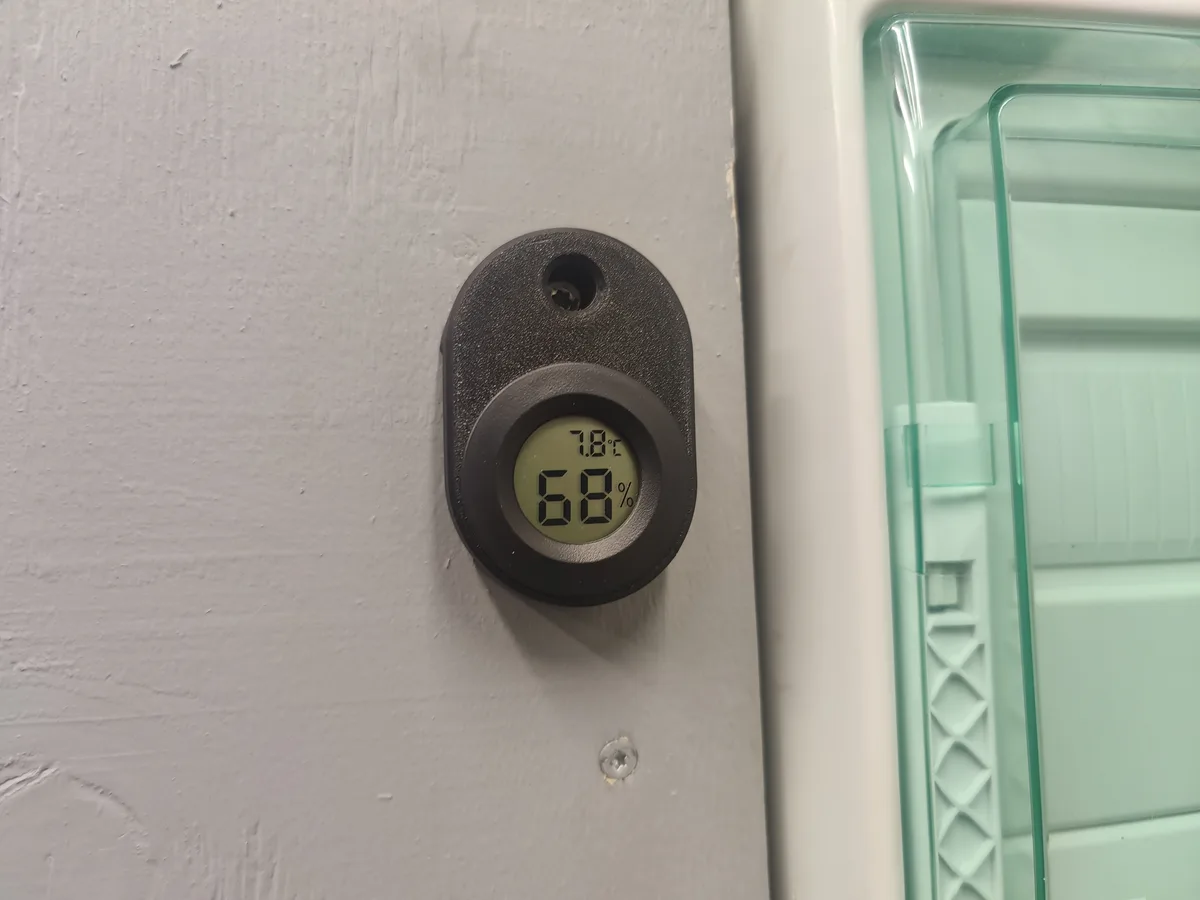
Image source: Bing (Web (fair-use with source credit))
Then, run the dehumidifier normally for a full day. Let the machine cycle on and off however it wants. Don't change any settings.
After 24 hours, compare the numbers. Walk over to the dehumidifier and check its built-in display. Then check the standalone unit.
If they match within 5 percent relative humidity, your built-in sensor is doing its job. You can skip the extra device entirely.
If the difference is more than 5 percent, you've found a blind spot. The room is wetter than your machine thinks. That's when a standalone hygrometer becomes a smart $15 investment.
Repeat the test in each room you want to control. Humidity varies by floor, by wall, and by season. One reading alone won't give you the full picture.
If the test shows a big gap, you have two options. Move the dehumidifier closer to the wet zone, or keep the standalone hygrometer as your reference and adjust the setpoint accordingly.
Mistakes to Avoid That Waste Money or Make Things Worse
Placing your hygrometer too close to the dehumidifier tops the list. You'll get the same dry-air reading the machine gives you, which defeats the purpose. Keep it at least 10 feet away.
Buying a cheap, uncalibrated hygrometer is the second big error. Many budget units drift by 10 percent or more. Consumer hygrometers rated at ±5% accuracy are the sweet spot for home use.
Ignoring temperature is another trap. Warm air holds more moisture. A basement at 70°F will read differently than the same room at 55°F.
Always measure relative humidity with temperature in mind.
Setting your dehumidifier to 30 percent in winter is a common over-correction. That dries out wood floors, cracks furniture, and causes static shock. Target 45 to 50 percent for most of the year.
Checking only one spot is also a mistake. If you only read the air near the dehumidifier, you'll miss the damp corner behind the sofa. Map the room the way we described earlier.
Finally, don't skip seasonal re-checks. Humidity patterns shift dramatically between summer and winter. A setup that works in July can underperform in November.
If you want to verify your hygrometer's accuracy, use the salt test. Place the unit in a sealed bag with a wet salt slurry and wait for it to stabilize. The reading should settle at 75.3 percent relative humidity.
That's a solid reference point.
Frequently Asked Questions
Here are the questions people ask most often about humidity monitoring.
What is the ideal indoor humidity level?
Most experts recommend keeping relative humidity between 30 and 50 percent. The EPA says sustained levels above 60 percent promote mold growth. During summer, aim for 45 to 50 percent.
In winter, 30 to 40 percent is often more comfortable.
How accurate are cheap hygrometers?
Budget hygrometers typically offer ±5 to ±10 percent accuracy. That's usually fine for home monitoring, but not for precision work. You can test accuracy with the salt test.
Place the unit in a sealed bag with a wet salt slurry. The reading should stabilize near 75.3 percent relative humidity.
Where should I place a hygrometer?
Place it where you actually care about conditions, like near a damp corner or a window prone to condensation. Avoid spots near heat vents, cold exterior walls, or the dehumidifier's direct airflow. A mid-wall position at breathing height gives the most honest reading.
Can I use my smart thermostat to measure humidity?
Yes, but with a caveat. Thermostat sensors are often located in hallways or main living areas. They miss basements, closets, and bedrooms.
Use it as a general reference, not a substitute for a room-level hygrometer.
How do I know if my dehumidifier's sensor is accurate?
Run the 24-hour test described earlier. Place a standalone hygrometer in the farthest corner of the room. Compare its reading to the dehumidifier's display.
If the difference exceeds 5 percent, the built-in sensor is not giving you the whole story.