Can a Hygrometer Control a Dehumidifier
Can a hygrometer control a dehumidifier? Not on its own, but you can make it work with the right setup. A hygrometer only measures relative humidity, while a dehumidifier needs a humidistat to switch it on and off.
Many people don't realize this until they've already bought a sensor that just sits there displaying numbers.
EPA guidelines recommend keeping indoor humidity between 30 and 60 percent to prevent mold and respiratory issues. Most portable dehumidifiers have a built-in humidistat with an accuracy of roughly ±5 percent, which is why some homeowners look for more precise control. If you're one of them, the good news is that a simple hygrometer can become the brain of your whole setup.
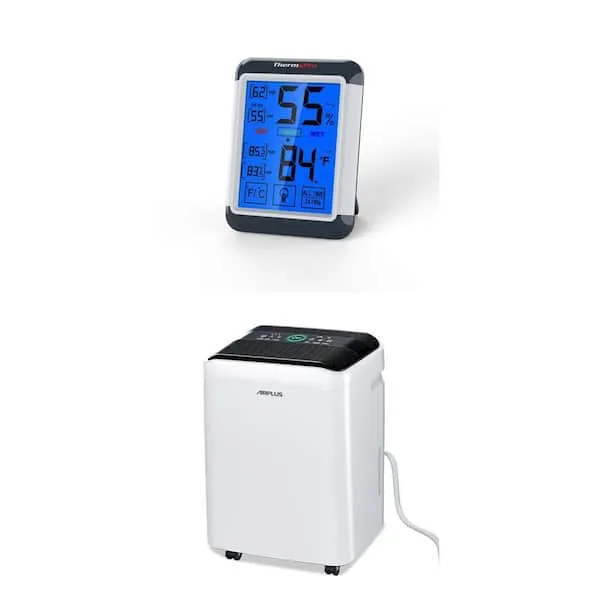
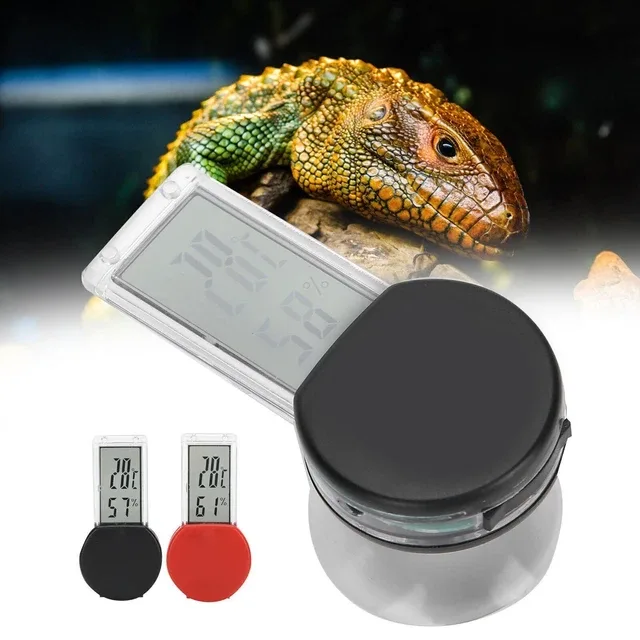
Image source: Bing (Web (fair-use with source credit))
Quick Answer
No, a hygrometer cannot control a dehumidifier by itself. It only measures relative humidity. You need a humidistat, a smart plug, or a dedicated controller.
Pairing a smart hygrometer with a smart plug automates your unit. A dedicated humidity controller does the same via a relay.
Hygrometer vs. Humidistat: The Key Difference That Confuses Most People
The difference comes down to one job each. A hygrometer measures relative humidity in a room and shows you a number. A humidistat acts on that number by closing a circuit to turn a dehumidifier or air conditioner on when humidity hits a setpoint.
Think of a hygrometer as a thermometer and a humidistat as a thermostat. One tells you the temperature; the other controls the furnace.
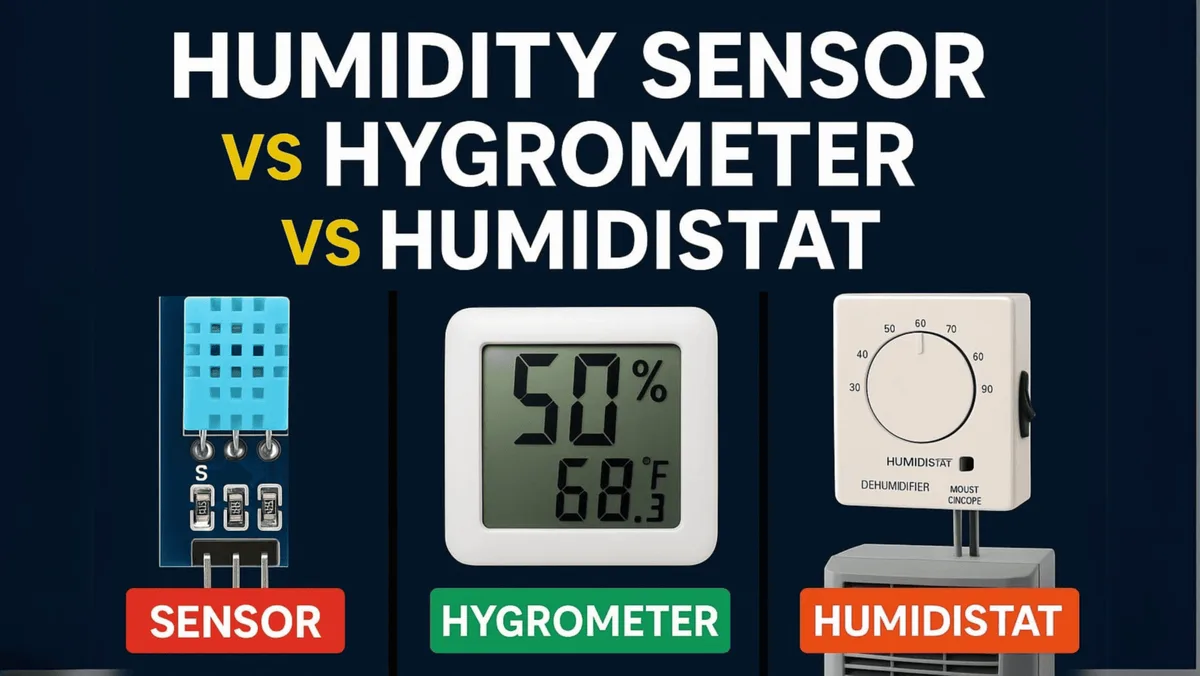
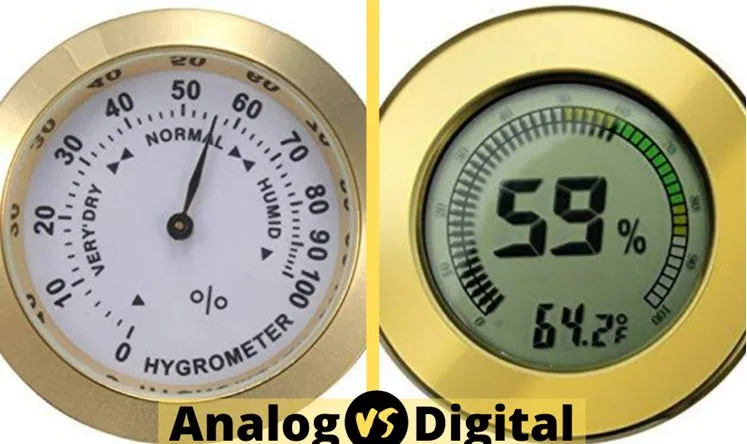
Image source: Bing (Web (fair-use with source credit))
Many dehumidifiers ship with a built-in humidistat, but they're often imprecise. Manufacturer specs and aggregate reviews show portable units typically have a hysteresis of 3 to 5 percent relative humidity. That means a dehumidifier set to 50 percent might not turn on until 53 percent and turn off at 47 percent.
That's fine for most basements, but if you need tighter control for a wine cellar or grow room, a separate hygrometer with a relay is the fix.
The distinction shapes every decision downstream. If you just want a rough setpoint, the built-in humidistat works. If you want remote monitoring, a smart setup makes sense.
As of 2026, most smart hygrometers on the market offer accuracy within 2 to 3 percent relative humidity, which beats many internal sensors. Per EPA guidance, keeping indoor humidity below 60 percent reduces dust mite and mold problems, so precise control has real health value.
Your Three Options for Making a Hygrometer Control a Dehumidifier
You can't just plug a hygrometer into a dehumidifier. You need a middleman to translate the reading into action. Here are the three setups that work, ranked from easiest to most hands-on.
Option 1: Smart Hygrometer + Smart Plug
A smart hygrometer reads humidity and tells a smart plug to supply power. You set the threshold in an app, and the plug acts as a switch for your dehumidifier. No wiring at all, and you can monitor the room from your phone.
Downside: the dehumidifier has to be the kind that powers on when plugged back in, known as "auto-restart" or "active start."
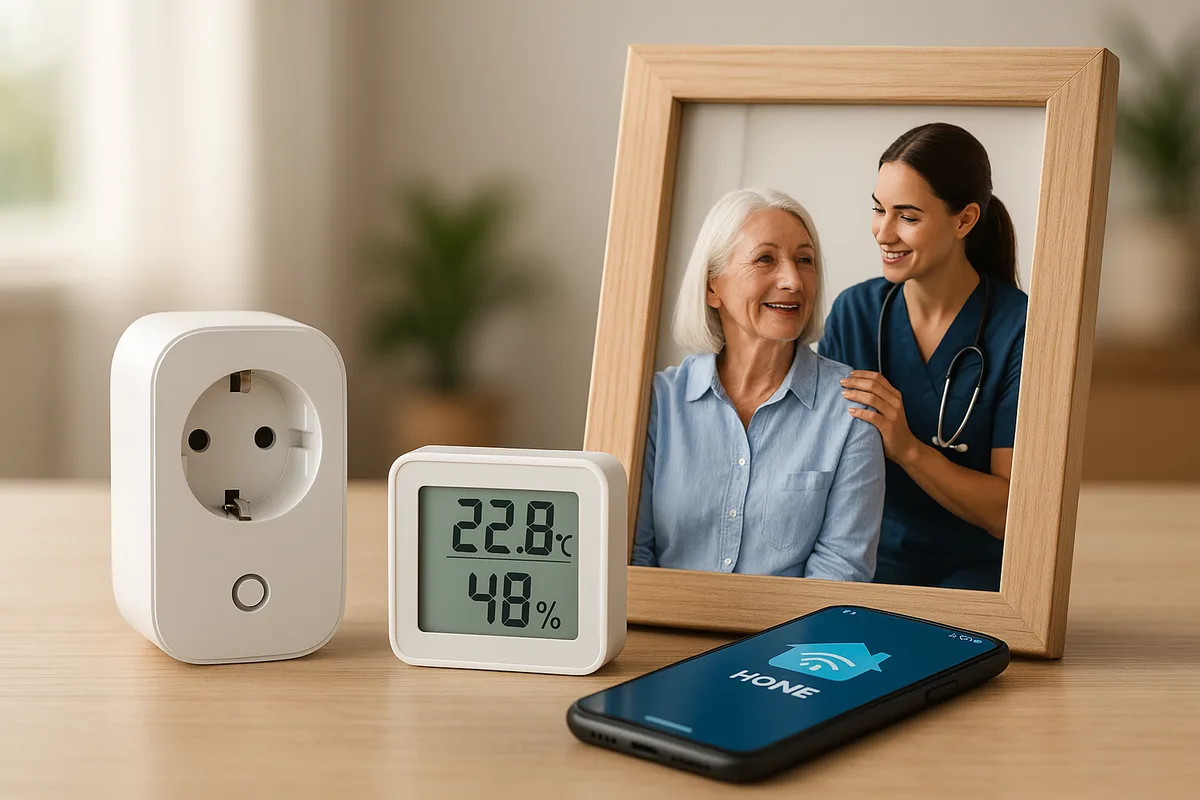
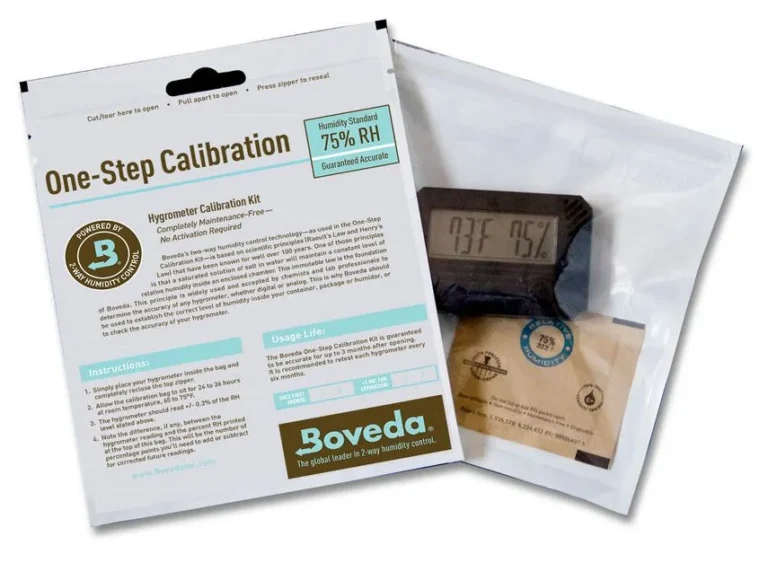
Image source: Bing (Web (fair-use with source credit))
This is best for renters or anyone who wants zero electrical work. It's also the cheapest route, with a smart hygrometer costing around $25 to $50 and a smart plug around $15 to $30.
Option 2: Dedicated Humidity Controller with a Relay
A dedicated humidity controller like an Inkbird has a built-in relay. You wire the relay to the dehumidifier's control board so it can turn the unit on and off directly. This gives you reliable control without relying on apps or WiFi.
It costs a bit more and requires basic electrical knowledge.
This is ideal for a fixed installation in a basement or crawl space. Once set up, it just works. No network outages, no app updates, no pairing headaches.
Option 3: WiFi Sensor + Smart Home Hub + Smart Plug
If you already have a hub like Home Assistant or SmartThings, you can combine a Zigbee or Z-Wave humidity sensor with a smart plug and write an automation. For example, "if humidity exceeds 60 percent, turn on the dehumidifier." This is the most flexible setup, but it's also the most dependent on your home network.
You can add time delays, temperature conditions, and even email alerts. It's perfect for tech-savvy users who want everything in one dashboard.
How to Set Up a Hygrometer-Controlled Dehumidifier (Two Step-by-Step Paths)
Depending on which option you chose, the setup differs. Here are the two most common paths.
Path A: The Smart Plug Route (No Wiring Required)
- Confirm your dehumidifier auto-restarts after power loss. Check the manual or look for a button labeled "auto restart."
- Plug the dehumidifier into the smart plug. Make sure the smart plug is rated for the dehumidifier's amperage. Most portable units draw 5 to 8 amps, so a 15-amp smart plug is fine.
- Place your smart hygrometer in a central location, away from the dehumidifier's airflow and direct water sources.
- Open the app and set your threshold. For example, turn on at 55 percent, turn off at 45 percent.
- Test it by raising the humidity with a hot shower or a pan of boiling water, then watch the unit kick on.
Path B: The Relay Route (Wired, Direct Control)
- Unplug the dehumidifier and open the control case to access the board.
- Find the point where the internal humidistat would connect. Look for a jumper or a labeled connector.
- Wire your dedicated humidity controller's relay output to those contacts. Use low-voltage (class 2) wiring for safety.
- Set the controller's setpoint and hysteresis. Many controllers let you set a 1 to 2 percent deadband for precise cycling.
- Reassemble, power up, and test.
Important: If you're not comfortable opening electrical panels, call an HVAC tech. Modifying any appliance can void its warranty and UL listing. Only proceed if you understand the risks.
Mistakes That Will Waste Your Time, Money, or Break Your Dehumidifier
The most common error is treating a hygrometer like a controller. People buy a smart sensor, expect it to wirelessly command their dehumidifier, and then wonder why nothing happens. You need the relay or plug bridge, always.
Another frequent mistake is placing the sensor in the wrong spot. If you mounted your hygrometer right on the dehumidifier, it reads the dry exhaust air rather than the room average. That causes false readings and short cycling.
Place it at least five to ten feet away, around chest height.
Ignoring hysteresis is also costly. A controller with no deadband can make your dehumidifier cycle on and off rapidly. The compressor kicks on for five minutes, turns off, then restarts again.
That wears it out quickly and spikes your energy bill. Always set a deadband of 3 to 5 percent relative humidity if your controller supports it.
Finally, many users skip the auto-restart check. If your dehumidifier has a manual power button and doesn't remember its state after a power cut, a smart plug approach will leave it off forever. Verify this first or you'll come home to a muggy basement and a dehumidifier that never turned on.
Quick Decision Guide: Which Setup Is Right for You?
Choosing the right method depends on your dehumidifier, your technical comfort, and your budget. Here is a breakdown of who each option fits best.
Smart Hygrometer + Smart Plug is for you if you rent, avoid wiring, or want the cheapest path. It works with any dehumidifier that has auto-restart. It costs roughly $40 to $80 total.
The trade-off is reliance on WiFi and app updates.
Dedicated Humidity Controller with a Relay is for you if you own your home, need consistent reliability, or want to control a crawl space or basement unit. It costs $30 to $60 plus basic tools. It works without internet and offers tighter hysteresis.
WiFi Sensor + Hub + Smart Plug is for you if you already have a smart home hub and want full automation. You can add conditions, alerts, and remote access. The cost is spread across existing gear, but the complexity is higher.
Network outages can break your control.
Here is a quick comparison table.
| Setup | Cost | Difficulty | Best For |
|---|---|---|---|
| Smart hygrometer + smart plug | $40 to $80 | Easy | Renters, quick setup, anyone avoiding wiring |
| Humidity controller with relay | $30 to $60 | Medium | Fixed installations, basements, crawl spaces |
| WiFi sensor + hub + smart plug | Varies | Harder | Tech-savvy users with existing hubs |
Still unsure? If you want plug-and-play, go with a smart plug. If you want set-and-forget, go with a dedicated controller.
If you want max flexibility, build a hub-based automation.
Frequently Asked Questions
Can a hygrometer directly control a dehumidifier on its own?
No. A basic hygrometer only measures relative humidity. It cannot send a signal to turn your dehumidifier on or off.
You need a humidistat, a relay, or a smart plug to bridge the gap. Without that bridge, your hygrometer is just a monitoring tool.
What is the difference between a hygrometer and a humidistat?
A hygrometer measures humidity and displays a reading. A humidistat measures humidity and acts on it by closing a switch. That switch controls your dehumidifier or air conditioner.
Think of a hygrometer as a thermometer and a humidistat as a thermostat. One informs you, the other takes action.
Does a smart hygrometer work with any dehumidifier?
A smart hygrometer works with a dehumidifier only through a smart plug. The dehumidifier must have auto-restart, meaning it powers on when power is restored. Check your manual for this feature.
Most newer units support it, but older models often don't.
How accurate are smart hygrometers compared to built-in humidistats?
Smart hygrometers typically offer accuracy within 2 to 3 percent relative humidity. Built-in humidistats on portable units often drift by 5 percent or more. That gap matters for grow rooms and wine cellars.
A separate sensor gives you tighter control and fewer surprises.
Will using a smart hygrometer void my dehumidifier warranty?
No, if you use a smart plug that simply cycles power. Yes, if you wire a relay into the control board. Any modification to the internal wiring can void the warranty and UL listing.
When in doubt, use the smart plug route and proceed with caution.
Can I use a hygrometer to control a dehumidifier in a grow room?
Yes, but you need a dedicated humidity controller with a relay. Grow rooms require tight humidity bands. A smart plug may not be fast enough or precise enough for sensitive plants.
Look for a controller with adjustable hysteresis and choose a wired option for reliability.