How to Use a Hygrometer to Control Humidity
If you've ever wondered how to use a hygrometer to control humidity, you're not alone. Indoor air gets sticky, dry, or musty without an obvious reason. A hygrometer hands you the missing number, relative humidity, so you can stop guessing and start fixing.
Per ASHRAE guidance, most homes stay comfortable between 30% and 60% relative humidity. As of 2026, modern consumer hygrometers claim accuracy within ±3% to ±5% RH, which is enough for everyday decisions. The real challenge is knowing what to do with the reading.
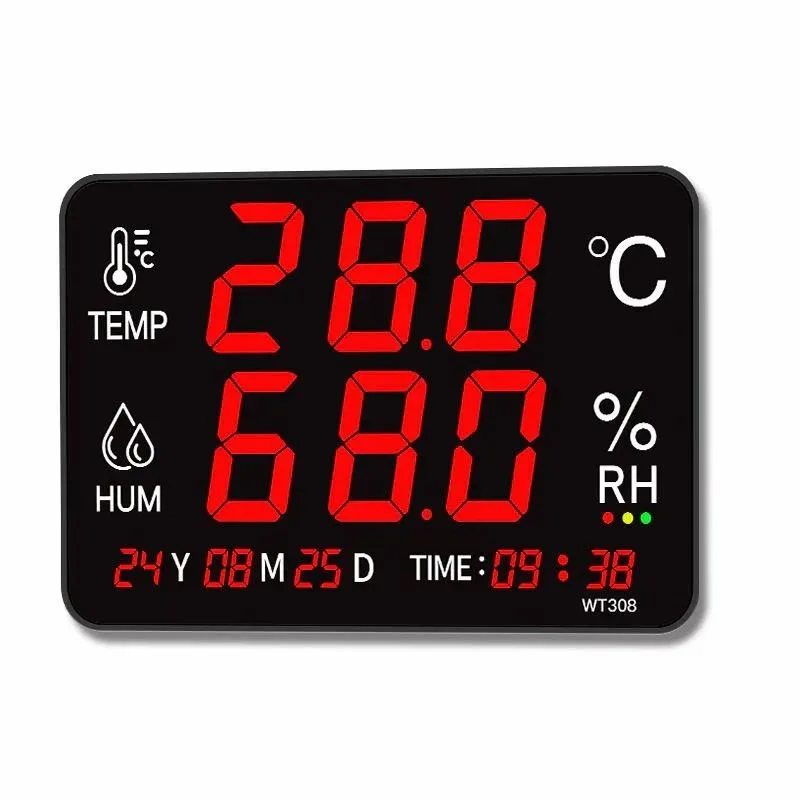
Image source: Bing (Web (fair-use with source credit))
Quick Answer
To use a hygrometer to control humidity, measure relative humidity, or RH. Pick a target range for your specific space. Place the sensor in a central room, not near vents or windows.
Watch readings for a day or two before changing anything. Adjust your humidifier or dehumidifier until you stay in range.
What Your Hygrometer Is Really Telling You
Relative humidity is the amount of water vapor in the air compared to the maximum it can hold at that temperature. Warm air can hold more water vapor than cool air, so RH changes with temperature even when the moisture level stays the same. That's why readings shift when you open a window or run the AC.
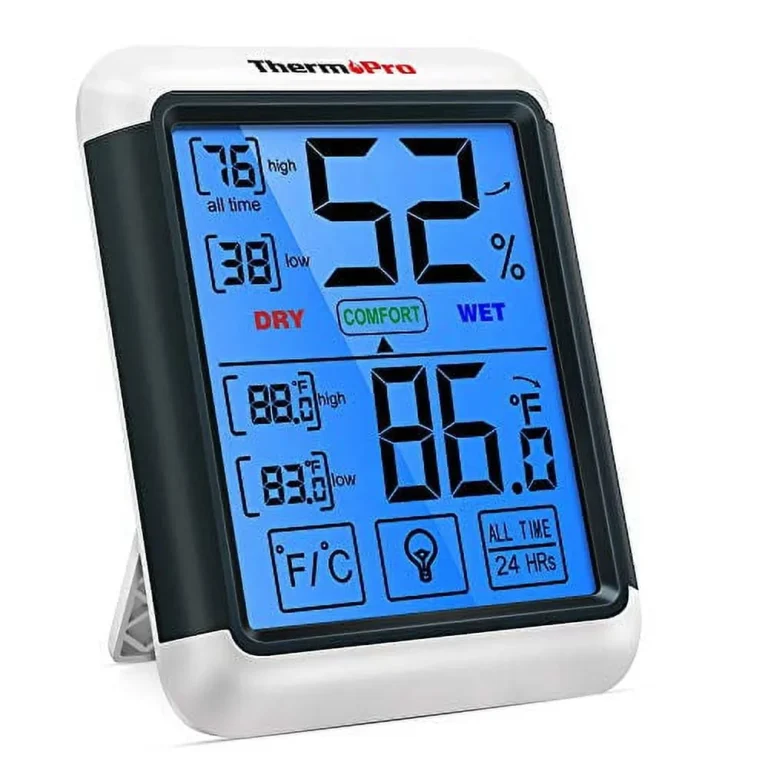
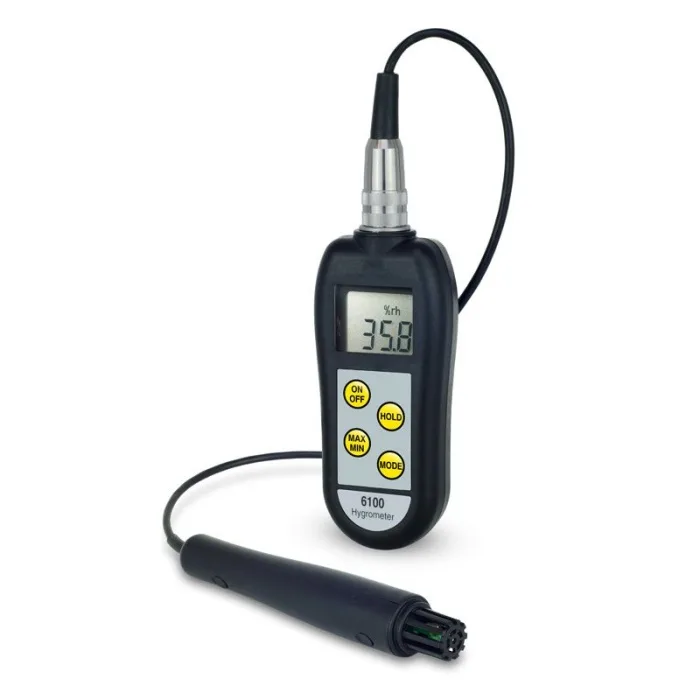
Most digital hygrometers use a capacitive sensor that detects moisture changes as electrical signals. Analog units rely on a coiled hair or metal strip that expands and contracts. Both measure relative humidity, but digital models are easier to read and calibrate.
Consumer-grade units usually cover 0% to 100% RH and claim an accuracy of ±3% to ±5% RH.
Think of RH as a snapshot, not a full story. A single reading won't tell you whether a basement mold problem is improving or getting worse. Watch the trend over days or weeks, and compare readings between rooms if you own multiple sensors.
Where to Place It (and What Happens When You Don't)
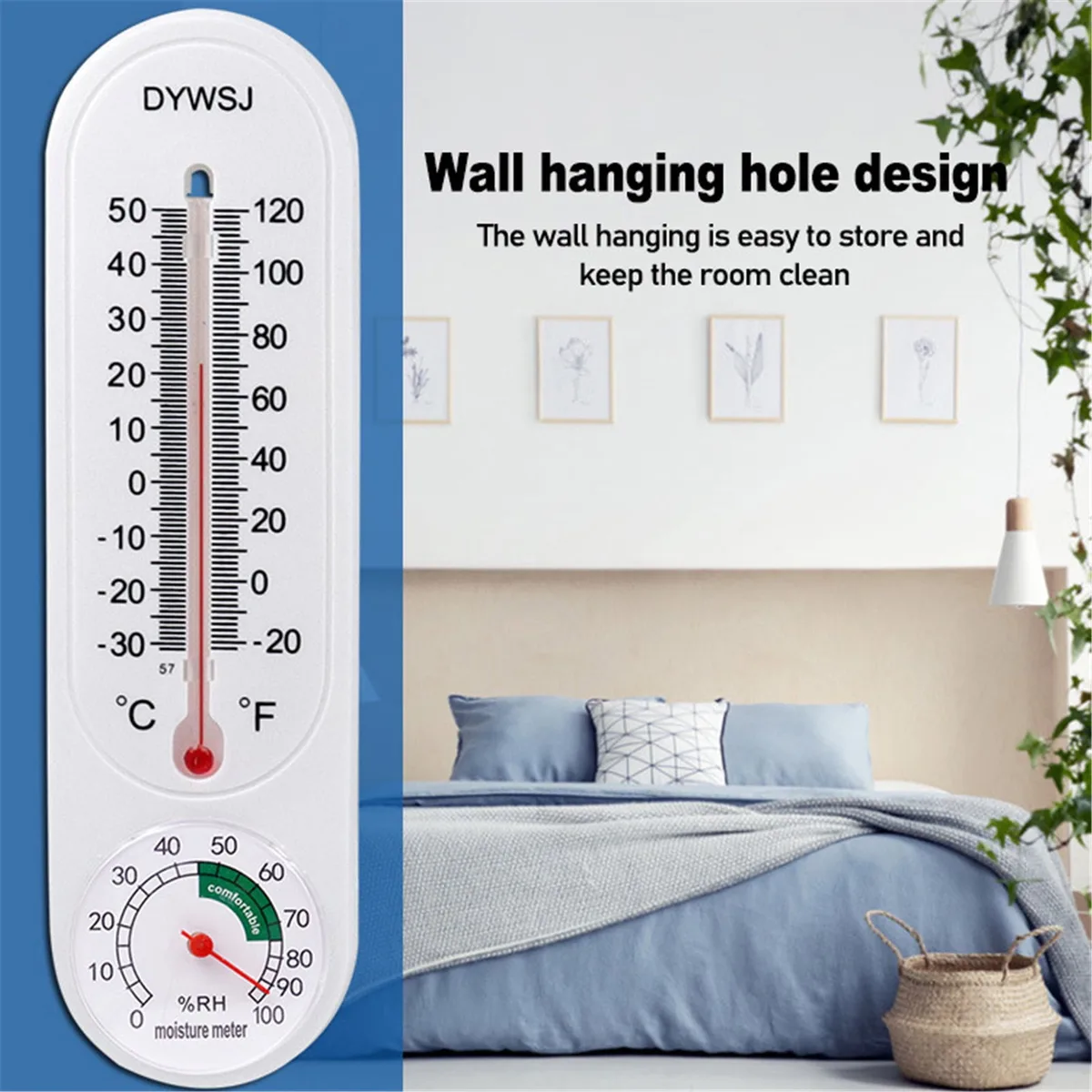
Image source: Bing (Web (fair-use with source credit))
Placement decides whether your hygrometer tells the truth. Put it in a dead zone and you'll chase phantom humidity problems. Many people hang one near a bathroom vent or kitchen stove, then wonder why the numbers jump around.
Follow these placement rules:
- Pick a central room, away from exterior walls, windows, and direct sunlight.
- Set it four to five feet off the floor, roughly at eye level.
- Keep it at least three feet from humidifiers, dehumidifiers, heating vents, and radiators.
- Use one sensor per zone if your house has very different climates.
Wrong placement causes more than annoying readings. It leads to bad decisions. A hygrometer sitting next to a humidifier might read 70% while the rest of the living room sits at 40%.
You'd shut off the humidifier and your wood floor would keep drying out.
Spend the first day scouting spots. Move the sensor around and compare rooms. You'll quickly find the location that matches what your skin tells you when you walk through the house.
Setting the Right Target Humidity for Your Space
Once you trust your hygrometer, the next question is what number to chase. The right target depends on what's in the room. The Environmental Protection Agency recommends keeping indoor relative humidity below 60% to prevent mold, and above 30% to avoid uncomfortable dryness.
| Space | Target RH Range | Why It Matters |
|---|---|---|
| Living areas | 30 to 50% | Comfort and respiratory health |
| Bedrooms | 40 to 50% | Easier breathing and better sleep |
| Wood floors and guitars | 40 to 50% | Prevents cracking and warping |
| Plants and grow tents | 50 to 70% | Keeps leaves and soil healthy |
| Cigar humidor | 65 to 72% | Keeps cigars from drying out |
Seasonality matters too. In winter, heated indoor air often drops below 30%, which dries out skin, sinuses, and wooden furniture. In summer, outdoor humidity can push rooms past 60%, inviting condensation and mold.
Your hygrometer tells you which season your home is actually living in.
If a reading stays above 60% for more than a day, run a dehumidifier. If it holds below 30%, a humidifier is worth adding. If you're in between, leave things alone.
Step-by-Step: Calibrate, Read, and Adjust
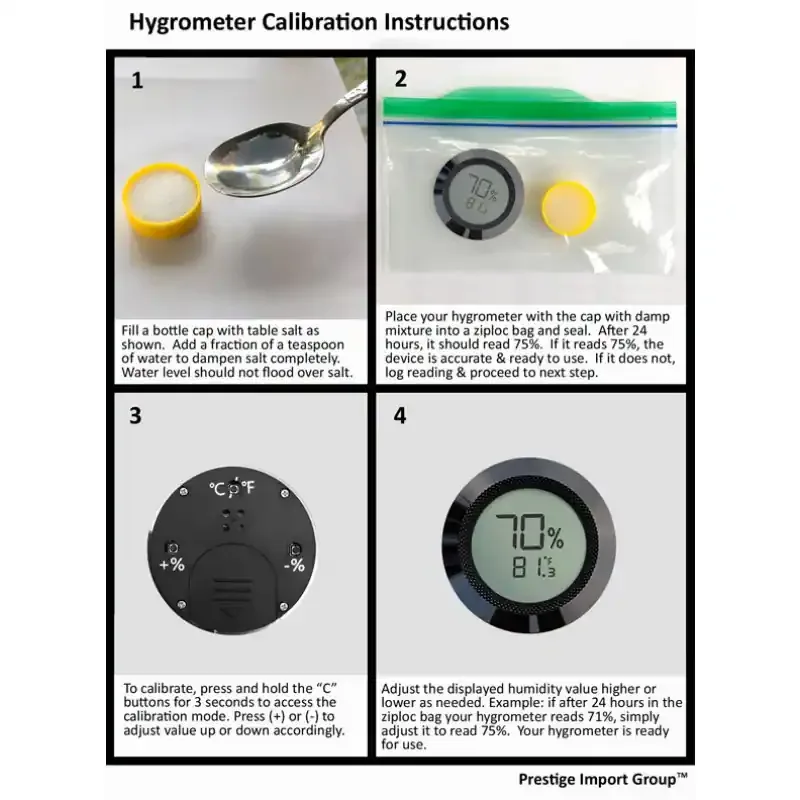
Image source: Bing (Web (fair-use with source credit))
Here's a practical workflow that works with any sensor. Calibrate first, because a wrong hygrometer is worse than none.
- Calibrate every 6 to 12 months using the salt test or a 75% RH calibration kit.
- Place the hygrometer in its spot and leave it for at least an hour.
- Read it at the same time each day and log the high, low, and average.
- Adjust the set point on your humidifier or dehumidifier to the middle of your target range.
- Wait 24 hours and check the trend before changing anything else.
Calibration is simpler than most people think. Wrap the sensor in a damp cloth inside a sealed plastic bag with a small dish of salt paste. After 6 to 12 hours, the chamber should read 75% relative humidity.
If it doesn't, use the calibration control on your device to fix the offset. The National Institute of Standards and Technology maintains official humidity standards if you ever need lab-grade confidence.
Then apply simple if/then logic. If RH stays above 60% for two straight days, run your dehumidifier. If it sits below 30%, add moisture carefully.
If readings swing wildly, revisit your placement before touching the equipment.
Common Mistakes and How to Fix Them
Even with a good hygrometer, small errors can ruin your humidity control. Most problems come from placement, calibration, or timing.
Wrong placement. Sensors near humidifiers, dehumidifiers, vents, or windows give false readings. Move them to a central spot at least three feet from any equipment.
Checking once a day. Humidity fluctuates with cooking, showering, and weather. Log the high and low over 24 hours, then look at the trend.
Trusting an analog hygrometer without testing it. Many analog units drift after a few months. Calibrate with a salt test or switch to a digital model.
Ignoring seasonal changes. Winter heat can drop indoor RH below 30%. Summer humidity can push it above 60%. Adjust your target range twice a year.
Acting too fast. One high reading doesn't mean your humidifier is broken. Wait 24 hours, let the room settle, then make one small adjustment at a time.
Maintenance and Long-Term Optimization
A hygrometer doesn't need much upkeep, but it does need a little attention.
Calibrate every 12 months. Use the salt test or a 75% RH calibration kit. Mark your calendar so you don't forget. A hygrometer that reads 5% off will steer your humidifier in the wrong direction.
Clean the sensor. Dust and grease can build up on the openings. Use a soft brush or compressed air. Never use liquid cleaners or water near the sensor.
Check the battery. Low batteries can cause erratic readings. Swap them once a year or when the display dims. Some smart models send a low battery alert to your phone.
Use data logging if you have it. Many digital hygrometers record minimum and maximum readings. Review those numbers weekly. If you see a pattern of sustained high humidity, you may need a bigger dehumidifier or better ventilation.
Consider upgrading for whole-home control. A basic hygrometer works fine for spot checks. A smart wifi hygrometer gives remote alerts, history graphs, and integration with smart plugs. That upgrade pays off when you're protecting wood floors, guitars, or a basement from long-term moisture damage.
Frequently Asked Questions
How often should I calibrate my hygrometer?
Calibrate at least once a year. If you notice drifting readings or live in a very humid climate, do it every six months. The salt test is reliable and takes just a few minutes of setup time.
What's the best humidity level for a home?
For most homes, keep relative humidity between 30% and 50%. The EPA recommends staying below 60% to prevent mold. Adjust the range based on your needs, like wood floors, guitars, or health conditions.
Where should I place my hygrometer?
Place it in a central room, four to five feet off the floor. Keep it away from windows, vents, kitchens, and bathrooms. Avoid spots near humidifiers or dehumidifiers.
That gives you a reading that reflects the whole room.
Can I use a hygrometer in a cigar humidor?
Yes. Cigar humidors need a specific range of 65% to 72% RH. Use a calibrated digital hygrometer and check the readings daily.
Recalibrate every few months for best results.
How do I know if my hygrometer is accurate?
Perform a salt test or use a calibration kit. The salt test creates a 75% RH environment. After 6 to 12 hours, your hygrometer should read 75%.
If it doesn't, adjust the calibration control or replace the unit.