Can a Hygrometer Tell If a Dehumidifier Is Working
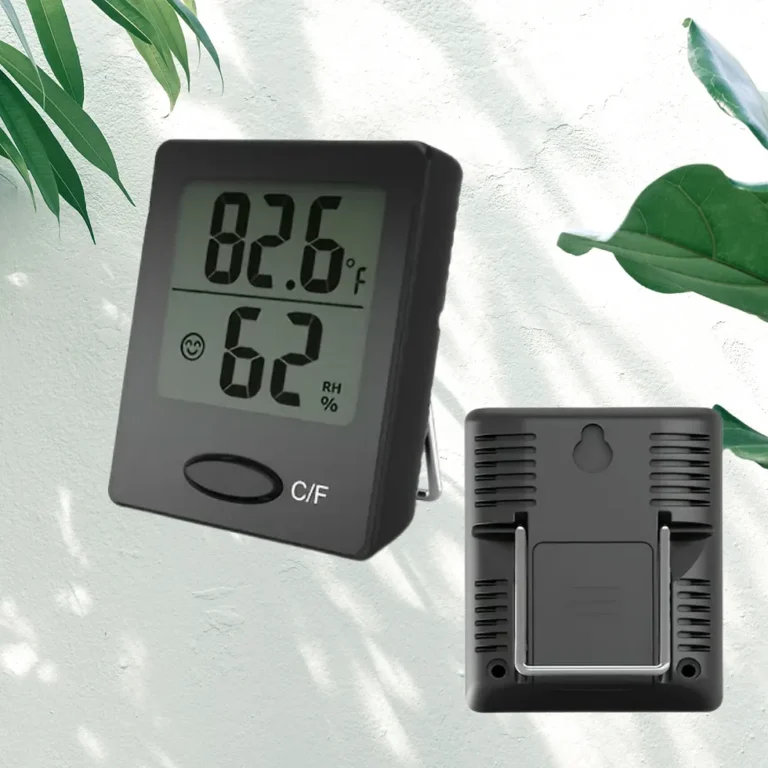
So, can a hygrometer tell if a dehumidifier is working? Yes, it can, but only if you set it up correctly and give it time. A dehumidifier doesn't change humidity evenly, so a quick glance at the screen rarely tells the full story.
You need a baseline reading, careful placement, and two or three hours of patience.
As of 2026, most consumer hygrometers are accurate within ±2% to ±5% relative humidity. That's enough to show real changes in a room. A hygrometer is also more useful than the dehumidifier's built-in display, which samples air right at the intake.
Here's how to run the test properly.
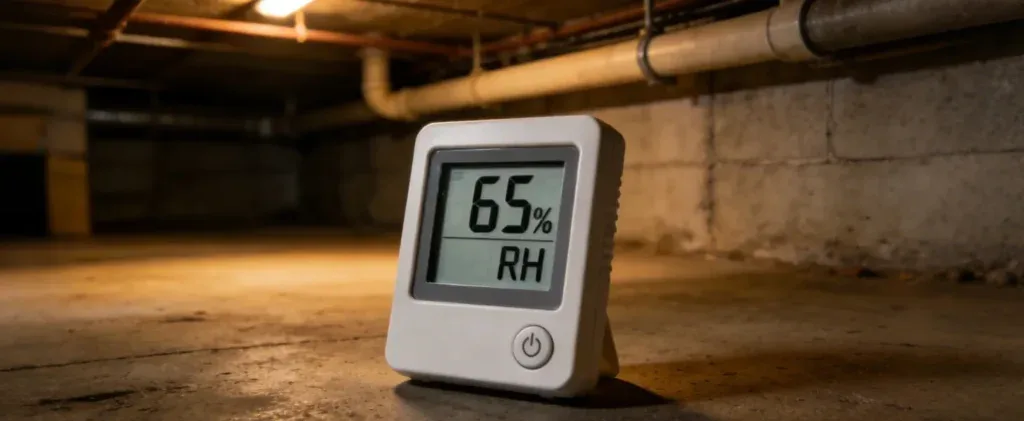
Image source: Bing (Web (fair-use with source credit))
The Quick Answer: Yes, But Only If You Check Correctly
Yes, a hygrometer can tell if a dehumidifier is working. It measures relative humidity. If the humidity drops, the unit is doing its job.
If it stays flat, something is wrong.
That's true only when the test is done right. Place the hygrometer far from the unit. Give it two to three hours.
Read the trend, not a single number.
How a Hygrometer Works with a Dehumidifier
Relative humidity (RH) measures how much moisture is in the air compared to what the air can hold at its current temperature. A hygrometer reads that number. A dehumidifier removes moisture from the air.
When the unit is working, the RH in an enclosed room should gradually fall.
Three factors control how fast that happens: how humid the room started, the temperature, and how much outside air leaks in. If the room starts at 70% RH, a drop of 2% to 5% per hour is common. If it starts around 55%, you may only see 0.5% per hour.
Either way, the trend matters more than the exact number.
The biggest surprise for most people is this: a dehumidifier can be collecting water while the room humidity stays flat. That usually means air is seeping in from outside faster than the unit can dry it. Close windows and doors, seal crawlspace vents, and retest before assuming the unit is broken.
Temperature also affects your readings. Cold air holds less moisture. When the room is 55°F, the same amount of water vapor gives a higher RH reading than at 70°F.
This means a hygrometer can show rising humidity when the room is actually getting colder, not wetter. Always note the room temperature when you log your readings.
Per the EPA's mold guidance, indoor humidity should stay below 60%, ideally between 30% and 50%. EPA Mold is a useful reference for healthy levels.
How to Test Your Dehumidifier with a Hygrometer: Step-by-Step
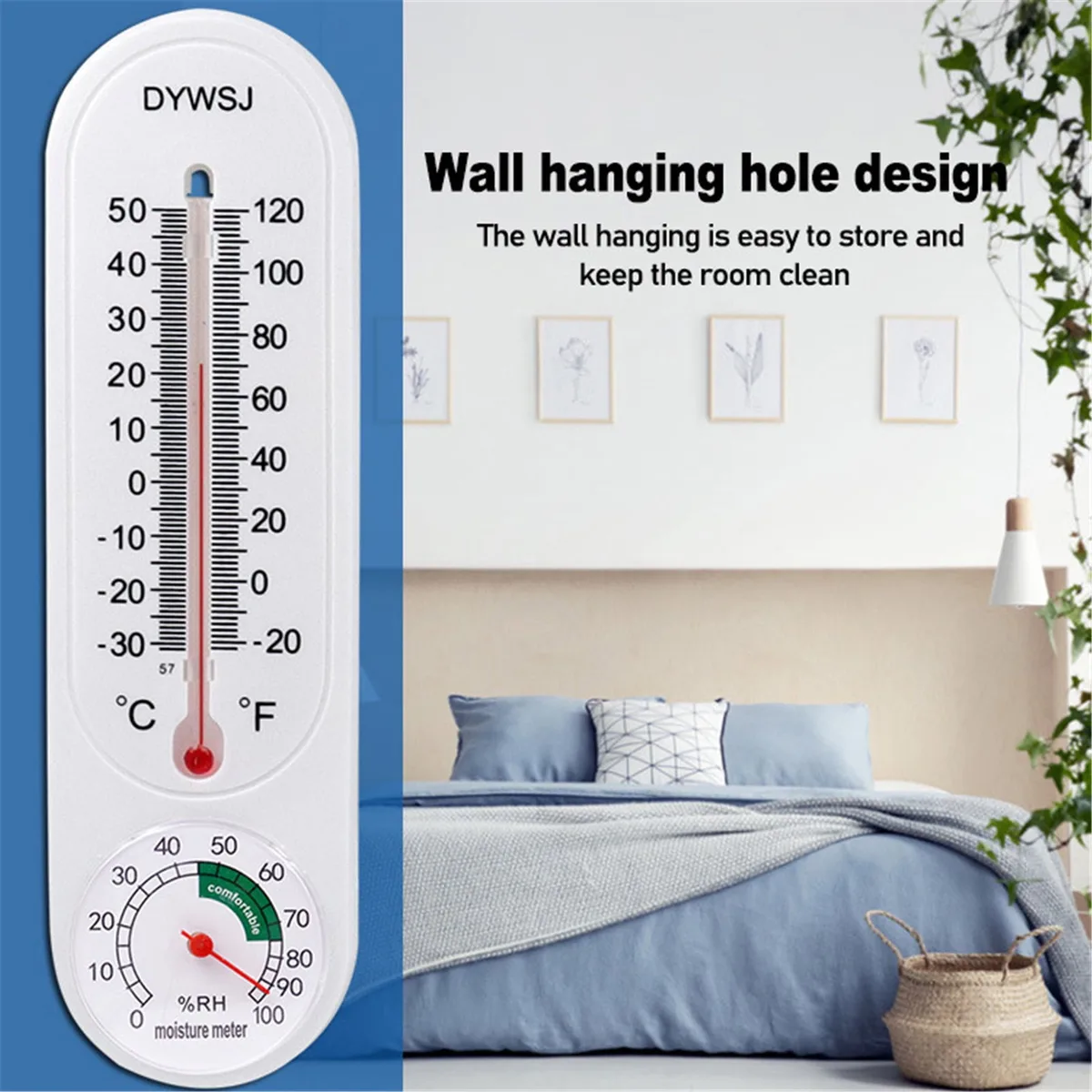
Image source: Bing (Web (fair-use with source credit))
Start with the room sealed. Close windows, doors, and any crawlspace vents. Then follow this process.
Step 1: Get a Baseline Reading
Let the hygrometer sit in the center of the room for 15 to 20 minutes. Write down the number before you turn on the dehumidifier.
Step 2: Set the Dehumidifier Target
Set the unit to 40% to 50% RH. Skip the "continuous" mode for this test. A normal auto setting works best.
Step 3: Place the Hygrometer Six to Ten Feet Away
Don't put it next to the dehumidifier. The air right around the unit is artificially dry. Also avoid windows, doors, vents, and exterior walls.
Shoulder height works well.
Step 4: Let It Run for Three Hours
Leave the room undisturbed. Check the hygrometer at the one-hour, two-hour, and three-hour marks. Log each reading.
Step 5: Look at the Trend
A steady drop means the dehumidifier is doing its job. A flat line means something else is going on. Move to the troubleshooting section below.
When to Test Again After Making Repairs
Clean the filter. Seal the windows. Warm the room above 60°F.
Then run the test again. Wait 24 hours after the fix before you start.
Why the wait? Some changes take time to settle. A freshly cleaned filter needs a few hours of runtime to pull the room down.
A sealed window needs time for the air to stop cycling.
Retest with the same steps. Same baseline, same placement, same three-hour window. Compare the results to your first test.
If the drop is now 2% per hour instead of flat, the fix worked.
Common Mistakes That Ruin Your Readings
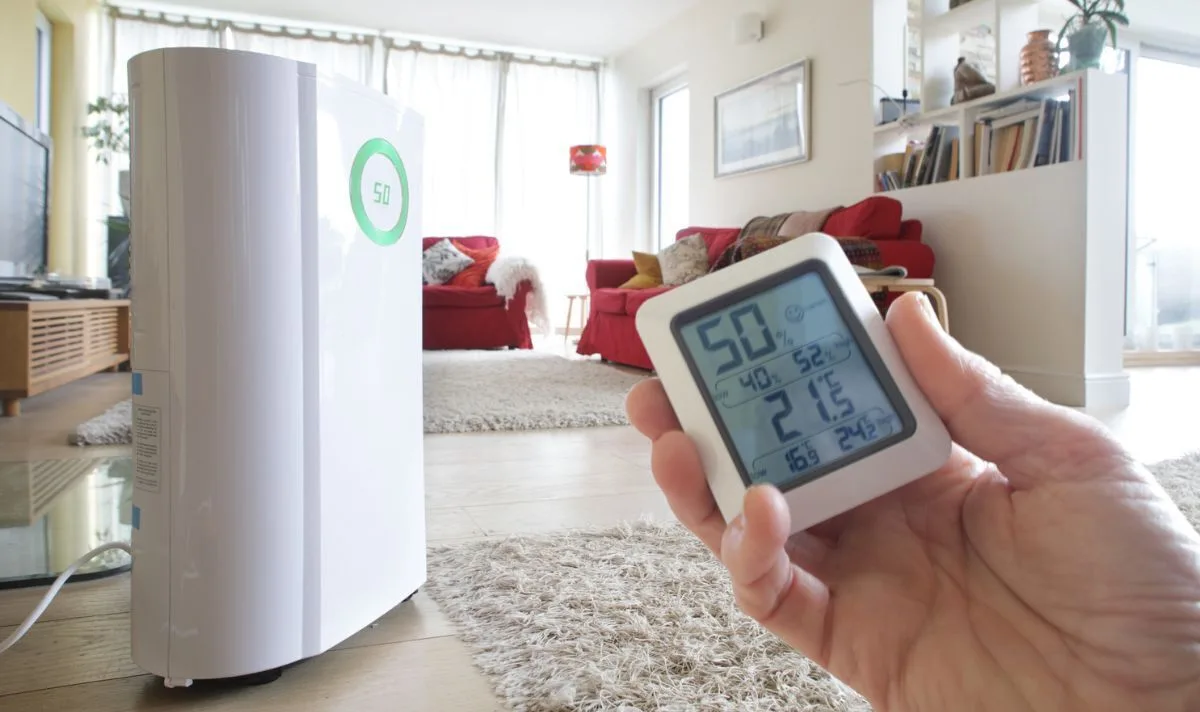
Image source: Bing (Web (fair-use with source credit))
Most false conclusions come from simple setup errors. Here's what to avoid.
- Checking too soon. Humidity changes slowly. Thirty minutes is not enough to judge anything.
- Placing the hygrometer right next to the unit. That air has just been dried. It will read lower than the rest of the room.
- Trusting the dehumidifier's built-in display. The sensor sits near the intake. It often shows a drier number than the room actually is.
- Leaving windows and doors open. Fresh humid air replaces what the dehumidifier removes. Your readings will stay flat or climb.
- Skipping calibration. Digital hygrometers drift over time. A simple salt test can confirm your unit is accurate.
- Testing in a room below 60°F. Cold air can freeze the coils. A dehumidifier with frozen coils won't remove any moisture.
- Testing during the wrong season. Winter air is naturally drier. If the room is already at 45% in January, the unit will cycle off quickly. Run the test during a humid season for the most reliable results.
Troubleshooting: What to Do When the Humidity Won't Drop
Work through this checklist when the number stays flat after three hours.
| Symptom | Likely Cause | Next Step |
|---|---|---|
| Humidity drops, then stalls | Room is too large for the unit | Check the dehumidifier's pint rating against your room size |
| No drop at all | Dirty filter blocking airflow | Clean or replace the filter |
| No drop in a cold room | Coils may be frozen | Warm the space above 60°F and retest |
| Water in the tank, but RH stays flat | Outside air is leaking in | Seal windows, doors, and vents |
| Hygrometer and unit display disagree | Uncalibrated hygrometer | Run a salt test to check accuracy |
Understanding Your Dehumidifier's Capacity vs. Your Room Size
A 30-pint unit in a 2000-square-foot basement will struggle. It will run constantly and never reach the target. The hygrometer will show a very slow drop or none at all.
| Room Size | Recommended Capacity |
|---|---|
| Under 500 sq ft | 30 pint |
| 500 to 1000 sq ft | 50 pint |
| 1000 to 1500 sq ft | 70 pint |
| Over 1500 sq ft | 70 pint or two units |
If your hygrometer shows a slow drop and your unit is undersized, the fix is not a repair. It's a larger unit. The hygrometer is telling you the truth.
The room is just too big for the machine.
Manufacturer specifications indicate that most portable dehumidifiers work best above 60°F. If the room is cooler than that, the compressor will struggle and you'll see little change on your hygrometer.
If you've cleaned the filter, sealed the room, confirmed the temperature, and checked the unit's capacity, the problem may be internal. A failing compressor, low refrigerant, or a broken fan motor can all stop moisture removal even when the unit sounds like it's running. That's the point where a repair technician is worth the cost.
What's Normal? A Quick Data and Specs Reference
Here is a reference table for typical performance across common conditions. Use it to compare against your own test.
| Starting RH | Expected Drop Per Hour | Room Temp | Notes |
|---|---|---|---|
| 70%+ | 2% to 5% | Above 65°F | Fastest drop, unit runs continuously |
| 60% to 70% | 1% to 3% | Above 65°F | Moderate drop, unit cycles |
| 50% to 60% | 0.5% to 1% | Above 65°F | Slow drop, unit may not run much |
| Any | No change | Below 60°F | Coils likely frozen |
If your results fall within these ranges, your dehumidifier is working. If they fall outside, refer to the troubleshooting section above.
Frequently Asked Questions
How long should I run a dehumidifier before checking the hygrometer?
Wait at least two to three hours. A quick 30-minute check won't show a meaningful change. Humidity moves slowly through the air, and the unit needs time to cycle the room's volume.
Can I use the dehumidifier's built-in display instead of a separate hygrometer?
You can, but it's less reliable. The sensor is near the intake where the air is driest. A separate hygrometer placed in the center of the room gives a more accurate reading of the whole space.
What if the hygrometer shows a drop but the room still feels damp?
The hygrometer is probably correct. Feeling damp can come from low air circulation or high absolute humidity even when RH is dropping. Try adding a fan to move the air.
If the problem persists, check for damp walls or floors.
Can a hygrometer tell me if my dehumidifier is broken?
It can tell you if the unit isn't removing moisture, but not why. If the RH stays flat after three hours, the unit may have a mechanical issue. A technician can diagnose the compressor, refrigerant, or fan.
What is the salt test for hygrometer calibration?
Seal the hygrometer in a bag with a small dish of wet salt. After six to eight hours, it should read 75% RH. If it's off by more than 5%, replace the hygrometer.
This test is a reliable way to check accuracy.
Final Recommendation: Trust Your Hygrometer, But Know Its Limits
A hygrometer is the best tool for checking whether a dehumidifier is working. It gives you a clear, objective number. That number tells you if the room is getting drier.
But a hygrometer can't diagnose why the unit is failing. It only shows results. If the humidity won't drop and you've cleaned the filter, sealed the room, and checked the temperature, the issue is likely internal.
A repair technician is the next step.
The whole process takes about three hours and costs nothing beyond the hygrometer you already own. It beats guessing or replacing a perfectly good machine. For most homeowners, that's well worth the time.