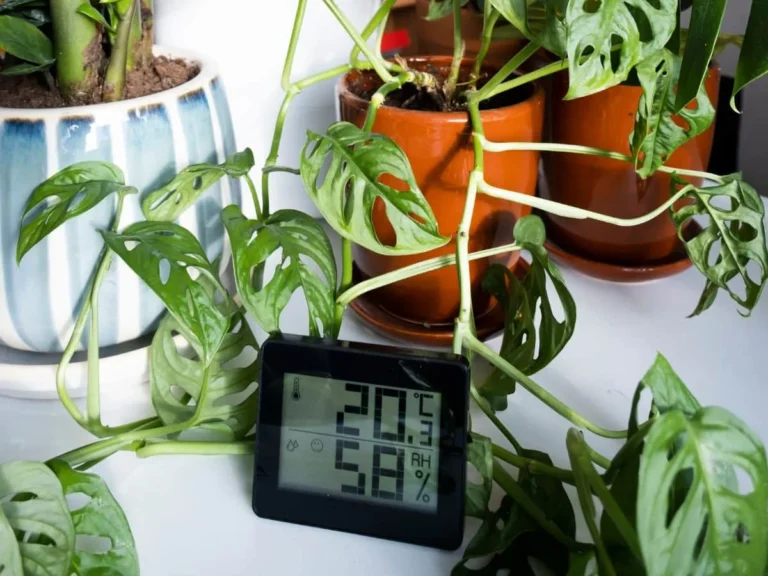
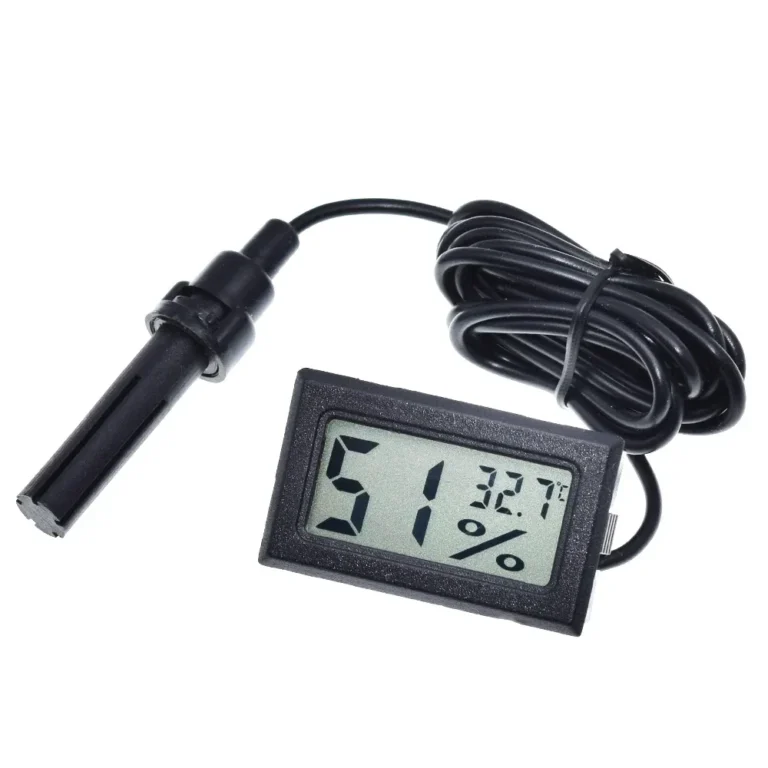
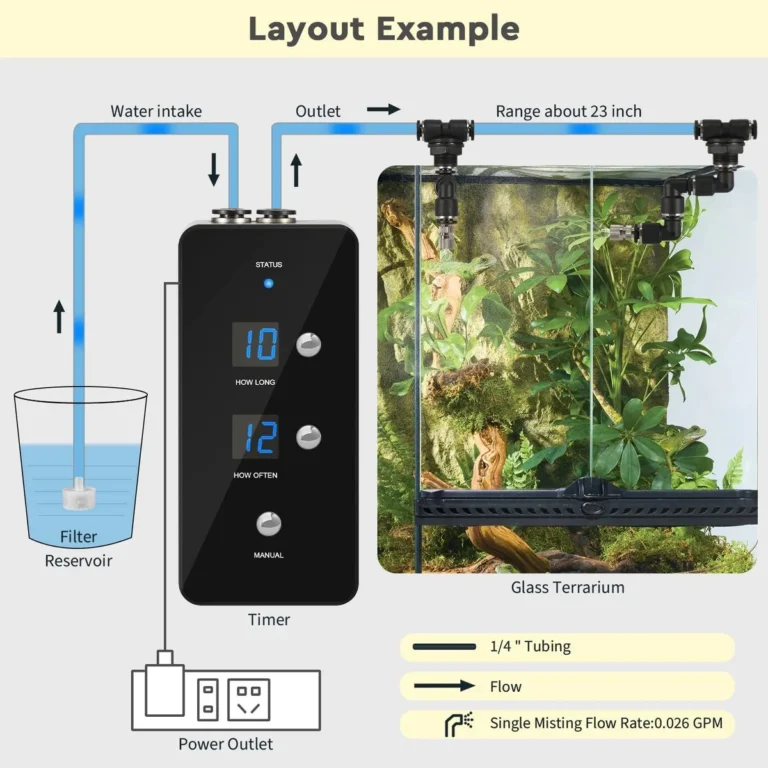
Why Is My Hygrometer Reading High
You glance at your hygrometer and it's showing 75% humidity. If you've been asking, "Why is my hygrometer reading high?" you're not alone, and the answer is usually simpler than you think.
The good news is that in most cases, the sensor isn't broken. As of 2026, most consumer hygrometers still ship with an accuracy spec of ±5% relative humidity (RH). Per NIST calibration guidance, drift of 2 to 5% per year is normal.
A high reading usually comes down to calibration, placement, or contamination, all fixable in under an hour.
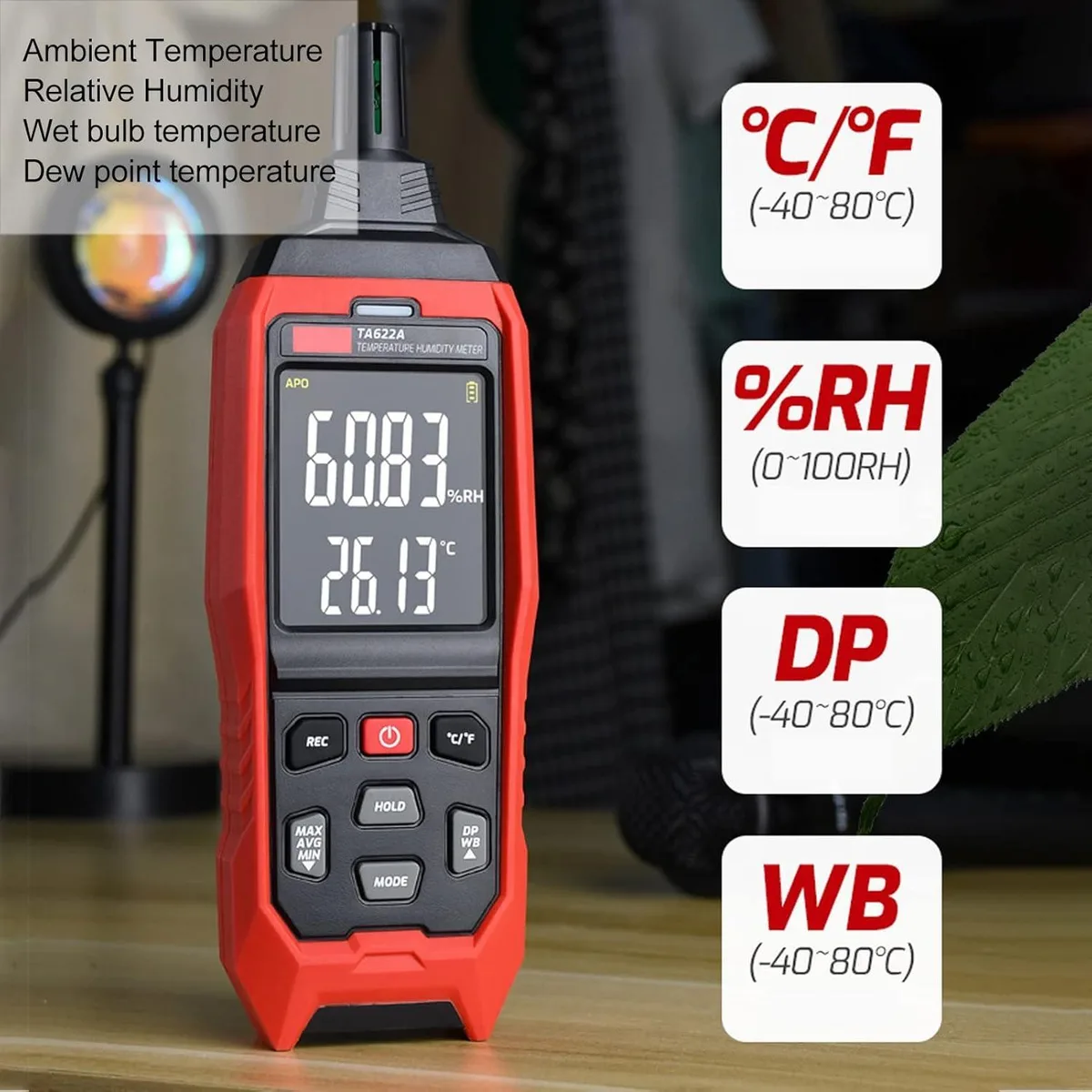
Image source: Bing (Web (fair-use with source credit))
Quick Answer
Why is my hygrometer reading high? The answer is usually one of three things: calibration drift, bad placement, or sensor contamination. Run the salt test first.
Then check placement. Then clean the sensor. Replace the unit only if none of these fix it.
Branch 1: The Calibration Check (Do This First)
Before you start moving furniture or buying a new hygrometer, you need to know whether the sensor itself is accurate. Most consumer hygrometers, even new ones, are off by several percentage points. Manufacturer specs for units under $30 typically list accuracy at ±5% RH.
Aggregate buyer feedback suggests that one in four units ships with an error of 8% or more.
Why calibration fails even on brand-new units
It's a manufacturing tolerance issue. Capacitive sensors, the most common type in digital hygrometers, are calibrated at the factory against a reference. But the process is automated and fast, and units outside the acceptable range sometimes get shipped anyway.
Analog hygrometers are worse. They rely on a coiled hair or metal spring that responds to moisture, and that mechanism can be off by 10 to 15% right from the factory.
The $3 Salt Test: The 9-step procedure
This is the gold standard for consumer-level calibration. Table salt (sodium chloride) creates a stable 75.3% RH environment inside a sealed container. Here's exactly how to do it:
- Gather your supplies: table salt, a small dish or bottle cap, a ziplock bag or airtight container, and your hygrometer.
- Pour about two tablespoons of salt into the dish. Don't pack it down.
- Add just enough water to make the salt wet. It should look like wet sand.
- Place the dish and hygrometer side by side in the bag. Don't let the saltwater touch the hygrometer.
- Seal the bag, squeezing out as much air as possible.
- Wait 24 hours in a room with stable temperature, away from sunlight and drafts.
- Read the hygrometer. It should be 75% RH. If you used potassium chloride, the target is 85% RH.
- Calculate the error. If it reads 82%, your hygrometer is 7% high.
- Adjust the hygrometer. Use the offset feature on digital units, or turn the calibration screw on analog models.
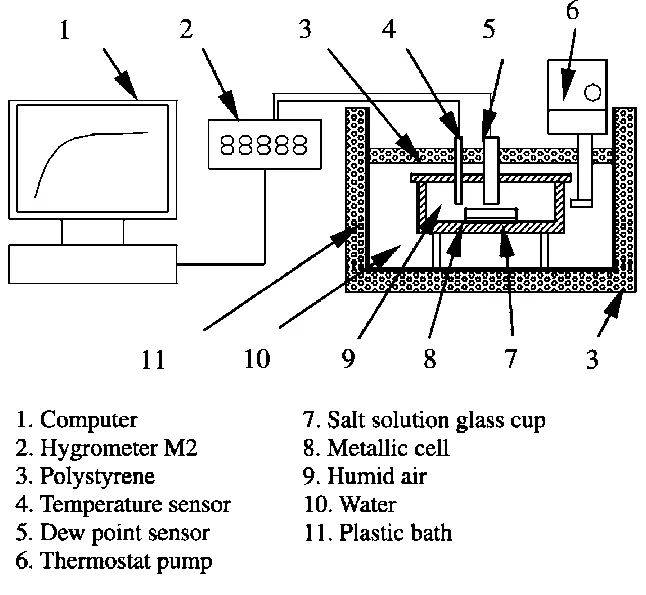
Image source: Bing (Web (fair-use with source credit))
For analog hygrometers, adjustment is mechanical. Find the small screw or slot on the back and turn it slowly with a tiny screwdriver until the needle hits 75%. Some digital models have a calibration button or a software offset.
Check your user manual. If yours has no adjustment option, simply note the offset and subtract it from every reading.
If the salt test shows an error of 15% or more, or if the reading jumps around by more than 3% inside the sealed bag, the sensor is likely damaged. Replace the unit. It's not worth fighting a sensor that can't hold a stable reading.
Branch 2: Placement Mistakes That Fool the Sensor
If your hygrometer passes the salt test but still reads high in its normal spot, the problem is location. Placement errors are the second most common cause of false high readings, and they're easy to fix.
The HVAC vent trap
Forced air from heating and cooling vents can skew humidity readings. If your hygrometer is within three feet of a supply vent, it's reading duct air, not room air. If you have a humidifier attached to your furnace, that vent air can be artificially high.
Move the hygrometer at least six feet away from any vent.
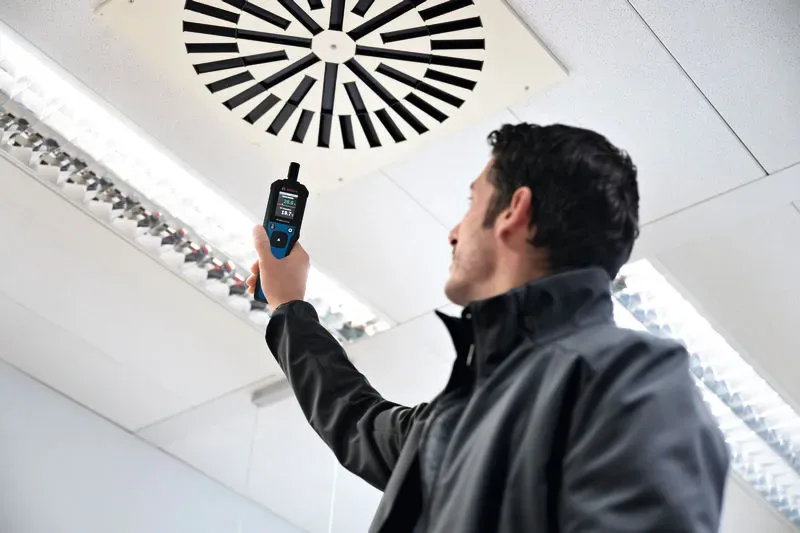
Image source: Bing (Web (fair-use with source credit))
The direct sunlight problem
Sunlight heats the sensor directly. A hygrometer on a windowsill can read 10 to 15% higher than the actual room humidity because the sensor is warmer than the surrounding air. Move it to an interior wall away from windows.
Why being too close to a humidifier gives you a lie
This one seems obvious but gets missed constantly. If your hygrometer is within four or five feet of a running humidifier, the sensor is measuring the microclimate around the humidifier, not the room. The reading can be 20 to 30% higher than the actual room average.
Place it on the opposite side of the room instead.
The new construction problem
Fresh drywall, curing concrete, and new wood all release moisture as they dry. Recently renovated rooms can be genuinely humid for weeks. But the hygrometer might also be sitting on a damp wall or near wet joint compound.
Let the room dry out for 30 to 60 days, then recheck.
Where you should actually put the hygrometer
Place it on an interior wall, about five feet off the floor, away from windows, doors, vents, and appliances. Keep it out of corners where air circulation is poor. In a humidor, put it in the center of the box, not near the lid or the humidification device.
Branch 3: Sensor Contamination and Drying Out
If calibration and placement are both fine, the sensor itself may be contaminated. Dust, salt, oils, and even mold can build up on the sensing element and cause it to read high.
How salt residue, dust, and oils create permanent false highs
In a humidor, the hygrometer is exposed to constant moisture from the humidification device. If the water contains dissolved minerals, and tap water usually does, those minerals settle on the sensor as the water evaporates. The same happens in greenhouses, terrariums, and reptile enclosures.
Salt and mineral deposits change the capacitive properties of the sensor, making it think humidity is higher than it is.
The rice bath recovery method for digital sensors
For digital hygrometers, you can try drying the sensor out. Place the unit in a bag of uncooked rice for 24 to 48 hours. Rice acts as a desiccant and pulls moisture out of the sensor housing.
This works best if the sensor has been exposed to condensation or direct misting. It does not fix salt or mineral contamination.
What happens when condensation gets inside the housing
Prolonged exposure to 90%+ RH can cause condensation inside the plastic housing. That water shorts out the electronics, causing the unit to read 99% or 100% constantly. Remove the battery, open the compartment if possible, and let the unit dry in a warm place for 48 hours.
Cleaning the sensor without destroying it
For visible contamination, use a cotton swab barely dampened with 99% isopropyl alcohol. Gently wipe the sensor openings. Do not use water.
Do not poke anything into the sensor. Do not use compressed air, which can push contaminants deeper. Let it dry for an hour before reinstalling the battery.
When to give up and replace the unit
If cleaning and drying don't fix the problem, the sensor is likely permanently damaged. Digital hygrometers with capacitive sensors typically last 3 to 5 years. Analog models last longer but drift more.
A replacement costs $10 to $25. Don't spend more time on a dead sensor than it's worth.
Branch 4: The True High Humidity Scenario
Sometimes the hygrometer is right. Your house might actually be humid. Before you blame the sensor, rule out a real moisture problem.
The window test
Check your windows in the morning. If you see condensation on the glass, the indoor humidity is genuinely high, typically above 60% RH in winter. That's a sign of excess moisture in your home.
Comparing against dew point and weather reports
Check the outdoor relative humidity in your local weather report. If it's also high, say 80% or more, and your windows are open or your home is leaky, the indoor reading is probably accurate. The National Weather Service publishes dew point data for your area.
If the indoor dew point is close to the outdoor dew point, your hygrometer is likely correct.
What genuinely high indoor humidity looks like
Real problems show up as readings above 70% for several consecutive days, condensation on windows, musty smells, and visible mold growth. If you have these symptoms, the hygrometer is not the issue. You need a dehumidifier, better ventilation, or a fix for a moisture source like a leaky pipe or damp crawlspace.
The difference between a sensor problem and a real moisture problem
The key is consistency. A sensor problem usually shows a fixed offset. It reads 5% high all the time.
A real moisture problem fluctuates with weather, cooking, showering, and ventilation. If your hygrometer reads 80% at night and 40% during the day, that's real humidity variation.
When to cross-check with a second hygrometer or a sling psychrometer
The most reliable confirmation is a second device. Borrow a friend's hygrometer or buy a cheap backup. Place them side by side for 24 hours.
If they agree within 3 to 5%, both are probably accurate. For absolute certainty, use a sling psychrometer, which measures wet bulb and dry bulb temperatures. It's the most accurate field method available.
Analog vs. Digital: Why the Problem Is Different for Each
Analog and digital hygrometers fail in different ways. Understanding which type you own narrows down the fix.
Analog hygrometers
Analog units use a mechanical spring or coiled hair that expands and contracts with moisture. They're prone to sticky needles, which happen when the mechanism gets dirty or the hair degrades. The calibration screw on the back fixes most issues.
But if the hair is stretched out, no amount of adjustment will help. Replace it.
Digital hygrometers
Digital units use a capacitive sensor that measures changes in electrical charge. They drift over time, especially after exposure to extreme conditions. Battery voltage matters too.
A dying battery can cause erratic readings, including false highs. Always replace the battery before troubleshooting further. Some smart hygrometers also need a firmware update to correct known sensor bugs.
Which one runs high more often
Analog units run high more frequently because their mechanical parts wear out. Digital units are more accurate when new but drift faster after the 3-year mark. If you want a stable baseline, a digital hygrometer in the $20 to $40 range is the sweet spot.
Final Decision Guide: What to Do Next (A Workflow)
Here's a quick decision workflow based on everything above. Work through these questions in order.
Question 1: Have you calibrated in the last 12 months?
If no, run the salt test first. Wait 24 hours. Adjust the hygrometer or note the offset.
If the error was under 10%, you're done. If it's over 15%, go to Question 4.
Question 2: Is the hygrometer near a vent, window, humidifier, or corner?
If yes, move it to an interior wall, five feet off the floor, away from all of those. Wait 2 to 4 hours and recheck. Most placement errors resolve this quickly.
Question 3: Has the sensor been exposed to mist, dust, or tap water?
If yes, clean the sensor with isopropyl alcohol and a cotton swab. If condensation got inside, do the rice bath for 24 to 48 hours. Then reinstall the battery and recheck.
Question 4: Is the reading stable and consistent?
If the reading is still stuck at 90% or above after all of these steps, or jumps around by more than 5%, replace the hygrometer. Consumer-grade units cost $10 to $25. The cost of a wrong reading in a humidor or guitar case is far higher.
What to ignore
Ignore readings for the first 30 minutes after you power on a new hygrometer. Ignore a reading taken right after spraying alcohol or cleaning the humidor. And ignore any single reading that appears right after a massive temperature swing.
Give the sensor time to settle.
Frequently Asked Questions
Why does my hygrometer say 99% even though the room feels dry?
A 99% reading almost always means condensation inside the sensor housing or a short circuit. Remove the battery and dry the unit in a bag of rice for 48 hours. If it still reads 99%, the sensor is dead and the hygrometer needs replacing.
Why is my new hygrometer reading higher than my old one?
New hygrometers often ship with a factory error of 5 to 10%. Your old unit was probably also inaccurate, just in the opposite direction. Run the salt test on both and see which one is closer to 75.3%.
Then calibrate or adjust accordingly.
How often should I calibrate my hygrometer?
Twice a year is a good rule. Many enthusiasts calibrate at the start of summer and again in winter, because the humidity extremes stress the sensor differently. If you use it in a humidor, calibrate every 6 months.
Analog units need it more often.
Can a dead battery cause a high reading?
Yes. Low battery voltage can make digital sensors output erratic readings, including a permanent high value. Replace the battery before you run any calibration test.
If the reading drops immediately, the battery was the problem.
Will my hygrometer recover from being misted directly?
Maybe. Direct misting can push water into the sensor housing. Remove the battery and dry the unit in a bag of uncooked rice for 24 to 48 hours.
If the reading returns to normal, you're fine. If not, the sensor has been damaged.
Why does my hygrometer read high only at night?
At night, indoor humidity naturally rises because windows are closed, doors are shut, and activity slows. The air also cools, so relative humidity goes up even when the absolute moisture level stays the same. This is usually real, not a sensor fault.
If the daytime reading is accurate, you can trust the nighttime reading too.