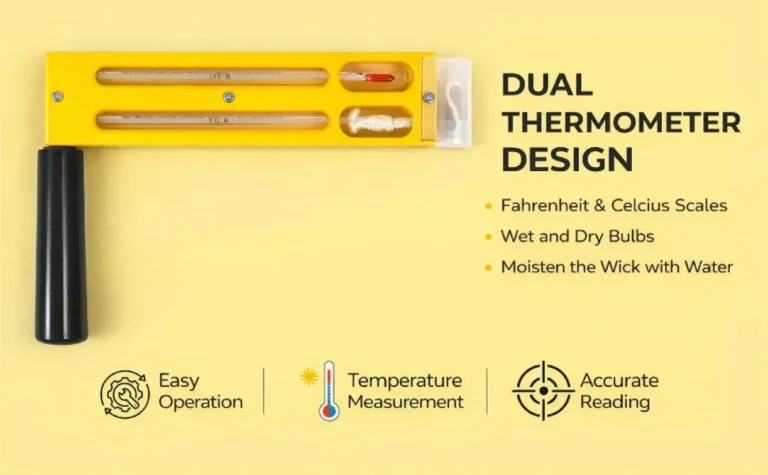
Why Does My Hygrometer Fluctuate
If you've watched your hygrometer bounce between 45% and 60% within ten minutes, you already know the frustration. "Why does my hygrometer fluctuate" is a question without a single simple answer. The truth is that most fluctuations are completely normal.
Some of them do point to a real problem, though.
ASHRAE Standard 55 recommends keeping indoor relative humidity between 30% and 60% for comfort and health. Consumer hygrometers typically claim ±3-5% accuracy, but real-world conditions can create much bigger apparent swings. Understanding the difference between normal and faulty fluctuation starts with knowing how your sensor actually works.
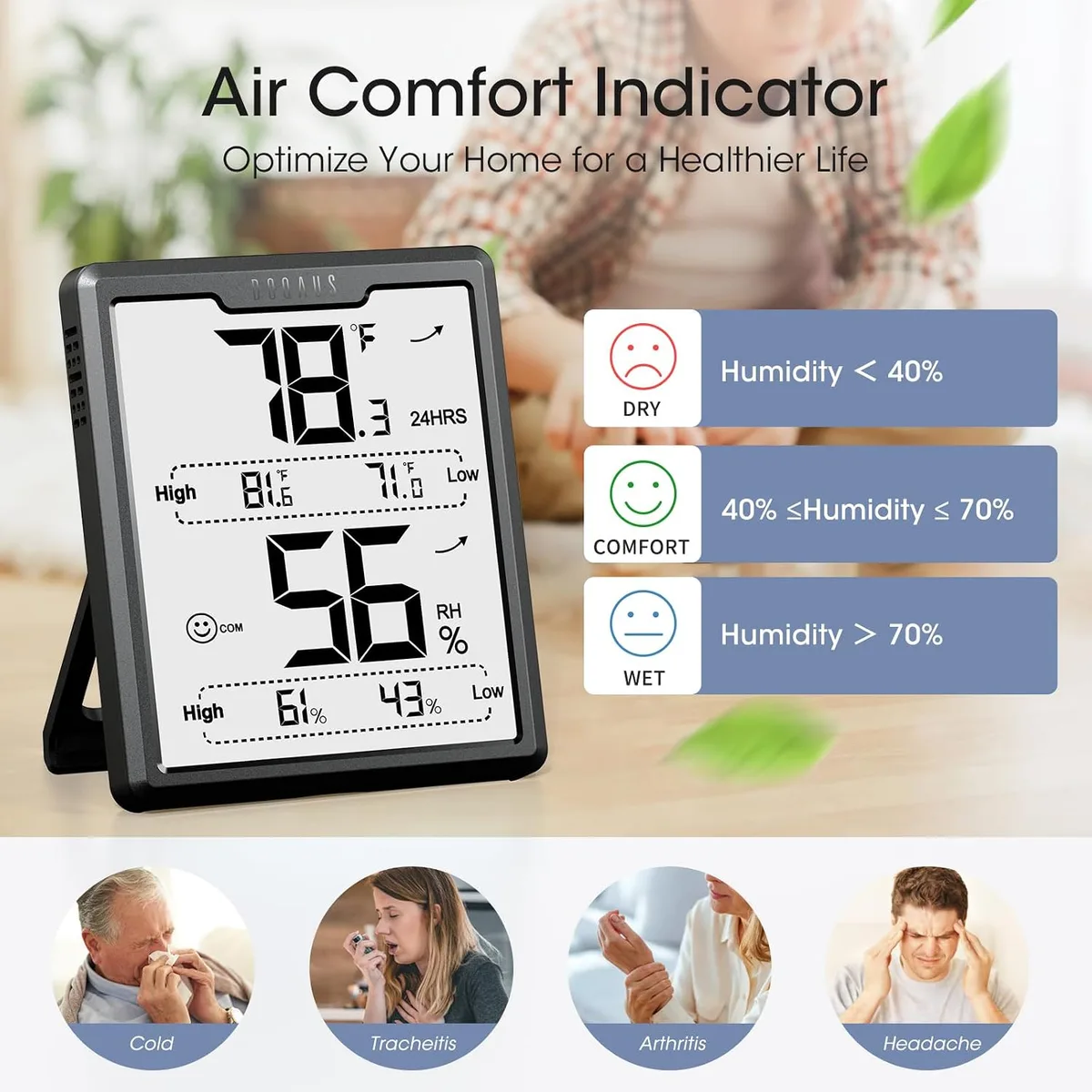
Image source: Bing (Web (fair-use with source credit))
Quick Answer
Your hygrometer fluctuates because it reacts to real changes in the air. Temperature shifts, HVAC cycles, and humidity sources all affect readings. Sensor drift or a low battery can cause false jumps.
Most minor fluctuation is normal. Persistent swings over 10% need investigation.
Why Your Hygrometer Won't Sit Still
Your hygrometer doesn't measure moisture directly. It measures relative humidity, which is the ratio of water vapor in the air compared to the maximum it can hold at that temperature. Warm air holds more moisture than cold air.
When your AC drops the room temperature, the relative humidity reading jumps up. No water was added or removed. That's just physics.
Most digital hygrometers use a capacitive sensor. These sensors change electrical properties as humidity levels change. They are also sensitive to temperature.
Many models include temperature compensation, but it isn't perfect. A 5°F temperature swing can cause a 10% relative humidity swing all on its own.
Here's the key insight: your hygrometer is probably telling the truth about the air immediately around it. The real question is whether that air represents the whole room. Microclimates matter.
Air near a window in winter reads differently than air near a heating vent.
Normal fluctuations follow predictable patterns. Humidity rises after a shower or during cooking. It drops when the HVAC system runs.
It climbs slowly overnight as people breathe and perspire. These are gradual changes tied to events you can identify.
Abnormal fluctuations look different. A reading that jumps 15% in five minutes for no obvious reason. A sensor that reads 70% in one spot and 45% six inches away.
A device that stays at 35% all day, then suddenly spikes to 80%. Those patterns point to a sensor problem rather than a room problem.
Branch 1: Is It the Sensor (Drift, Hysteresis, Dead Battery)?
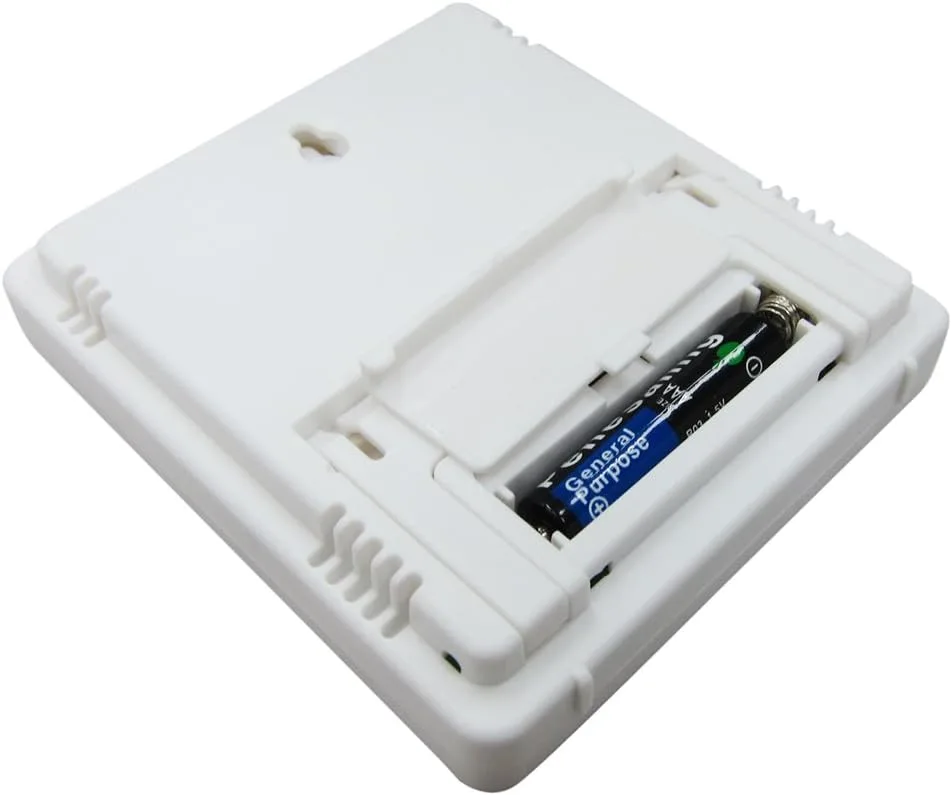
Image source: Bing (Web (fair-use with source credit))
Start with the simplest fix: check the battery. Low voltage causes erratic behavior in digital hygrometers. A fresh alkaline battery stabilizes most jumpy readings.
If the display still fluctuates, move on.
Sensor drift is the next suspect. Capacitive sensors collect dust and oils from the air over time. The typical lifespan of a consumer-grade sensor is two to five years.
If your hygrometer is older than that and acting up, replacement might be simpler than troubleshooting.
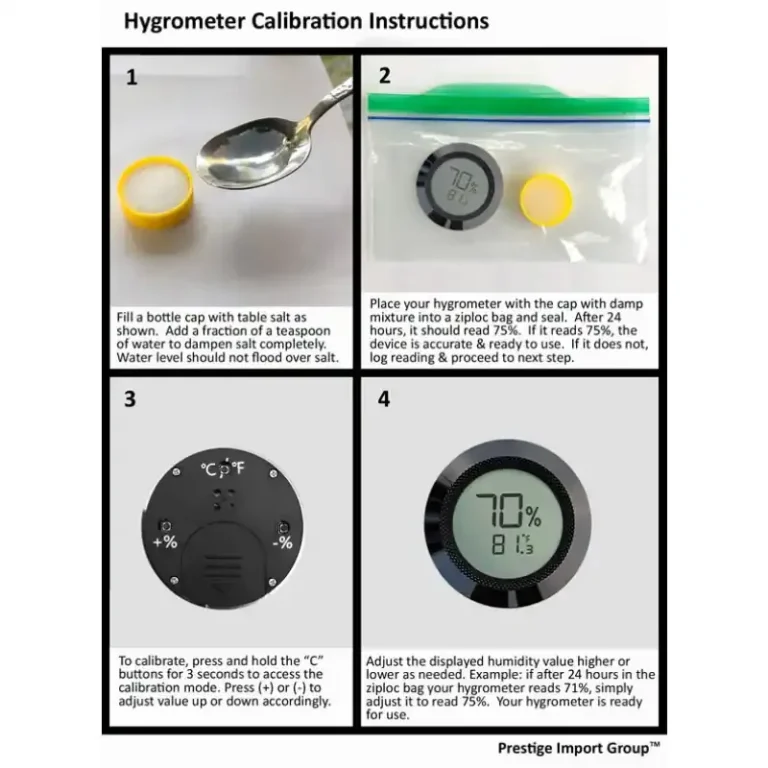
A salt test will tell you if the sensor is still accurate. Seal the hygrometer in a zip-top bag with a Boveda 75% RH calibration pack, or with a small cup of saturated table salt solution. Table salt mixed with distilled water creates 75% RH at room temperature, a method recognized by NIST.
Wait 24 hours. The reading should show 75% ±3%. If it's off by more than 5% and the device can't be calibrated, it's time to replace it.
Hysteresis can also cause confusing readings. Some hygrometers read differently depending on whether humidity is rising or falling. A sensor might show 55% while humidity climbs but drop to 50% when humidity falls.
This can appear as fluctuation even when the room is stable. Manufacturers don't always spec hysteresis for consumer models, so the best test is comparing readings over a full day.
Branch 2: Is Placement Tricking the Reading?
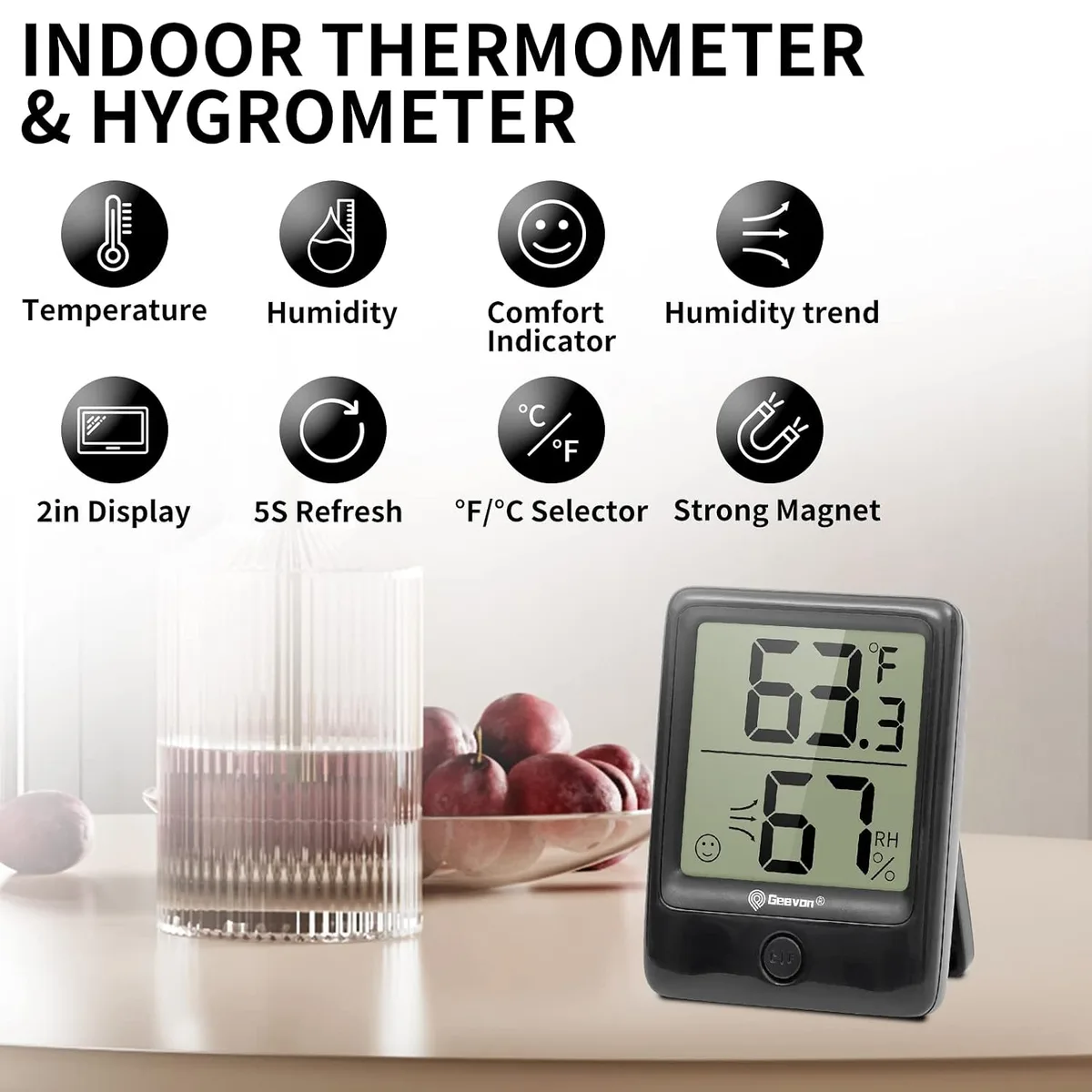
Image source: Bing (Web (fair-use with source credit))
Placement is the most common cause of perceived fluctuation. The air in your home isn't uniform. It varies by location, height, and proximity to moisture or airflow sources.
A hygrometer near a window reads the microclimate at that window. In winter, that spot is colder and drier. In summer, it's warmer and more humid.
The reading will track outdoor weather instead of indoor conditions.
Near a heating or cooling vent, the hygrometer reads the air coming out of the duct. That air is much drier or more humid than the room average. Every time the HVAC kicks on, the reading spikes.
In the bathroom or kitchen, the hygrometer is reading steam and cooking moisture. Those are real changes, but they don't represent the rest of your home.
The fix is simple. Move the hygrometer to a central location, away from windows, vents, doors, and moisture sources. Place it at chest height on an interior wall.
Let it sit for 24 hours. If fluctuations become smaller and more gradual, placement was the problem all along.
Branch 3: Is the Room Actually Changing (HVAC, Humidifier, Temp Swings)?
Sometimes the sensor is fine, and placement is fine. The room itself is changing. This scenario gets overlooked because people assume their hygrometer is malfunctioning.
Your HVAC system cycles on and off throughout the day. When it runs, it removes moisture. When it stops, humidity slowly rises.
This natural cycle causes a 5% to 10% swing in most homes. It looks like fluctuation, but it's just the system doing its job.
Humidifiers add another layer. A whole-house humidifier tied to your furnace adds moisture when the heat runs. Humidity rises during heating cycles and falls when the furnace shuts off.
This creates a sawtooth pattern on a data logger. Normal, but confusing if you're not expecting it.
Temperature swings are the hidden driver. Relative humidity depends on temperature. A 5°F drop in room temperature raises relative humidity by about 3% to 5%.
If your thermostat allows a 2°F differential before kicking back on, your hygrometer will show a corresponding humidity swing. The absolute moisture hasn't changed. The air's capacity to hold moisture has changed.
Check your thermostat's differential setting. If it's set to 2°F or more, that alone explains a 3% to 5% humidity fluctuation. Narrowing the differential to 1°F can steady your readings if your system can handle it.
How to Diagnose Your Hygrometer in 10 Minutes
Follow this decision tree to pinpoint why your hygrometer won't hold steady.
Step 1. Replace the battery. If the reading stabilizes, you're done. If it doesn't, move to Step 2.
Step 2. Move the hygrometer to a central location. Wait 24 hours. Smaller, gradual fluctuations mean placement was the issue.
Wild jumps mean the problem is the sensor or the room.
Step 3. Run a salt test or Boveda calibration test for 24 hours. A reading outside 75% ±5% means the sensor has drifted.
Step 4. Log the readings. A data logger or manual notes every 15 minutes over a day will reveal patterns. Check whether spikes line up with HVAC cycles.
If yes, the room is changing and your hygrometer is healthy. If no pattern exists, the sensor is suspect.
Step 5. Place a second hygrometer right next to the first. Matching patterns mean real room fluctuations. Mismatched values mean one device is faulty.
| Condition | Likely Cause | Action |
|---|---|---|
| Reading jumps sharply every few minutes | Low battery or failing sensor | Replace battery, then calibrate |
| Reading tracks HVAC cycles | Room humidity is cycling | Normal; adjust thermostat differential |
| Reading changes when you move location | Placement issue | Keep sensor in stable central spot |
| Difference of more than 5% from calibration standard | Sensor drift | Calibrate or replace |
| Two side-by-side hygrometers disagree | One sensor is faulty | Swap positions to confirm |
Here's a real-world example. A wine cellar hygrometer swinging between 50% and 80% with no pattern points to a failed sensor or a compressor cycling too aggressively. Log 48 hours of data.
Matching compressor patterns mean the room is the problem. Random jumps mean the sensor needs replacement. As of 2026, consumer hygrometers cost between $10 and $40, so replacement is often smarter than endless troubleshooting.
Mistakes to Avoid When Troubleshooting Humidity
Don't calibrate a brand new hygrometer out of the box. Most sensors need a break-in period of 24 to 48 hours. New sensors can drift slightly during the first few hours of use.
Don't test calibration in a humid bathroom or a dry garage. Salt tests and Boveda packs need a sealed environment. A leaky bag will throw off the reading.
Use a fresh zip-top bag and a clean container.
Don't ignore temperature. If your hygrometer shows steady 50% RH while room temperature swings 5°F, the absolute humidity is changing. Moving the sensor won't fix that.
You need to address the temperature swings.
Don't assume a digital display means accuracy. Consumer-grade digital hygrometers are often no more accurate than well-maintained mechanical ones. The digital readout just looks more precise.
That 45.7% reading might actually be 50%.
Don't place a hygrometer near electronics. Heat from a TV, router, or computer warms the local air and lowers the relative humidity reading. This creates a false low and fluctuates with device usage.
Don't skip regular calibration. Sensors drift gradually. A yearly salt test catches drift before it becomes a problem.
If you store valuable items like cigars, instruments, or wine, test every six months.
Maintenance and Long-Term Sensor Care
Sensors collect dust and oils from the air as they age. Capacitive sensors are especially vulnerable. Clean them every six months with a dry cotton swab or a blower bulb.
Avoid water, alcohol, or compressed air near the sensor element.
Check your manufacturer's manual for specific cleaning guidance. Some models have removable covers. Others don't.
When in doubt, use the softest touch possible.
Calibration is the second pillar of maintenance. A saturated salt test once a year is enough for general use. For humidors, greenhouses, or instrument rooms, calibrate every six months.
Note the calibration date on the device or set a phone reminder.
Battery care matters, too. Remove the battery if you store the hygrometer for months at a time. Check contacts for corrosion annually.
A hygrometer left in a high-humidity environment with a coin-cell battery can corrode internally.
Most consumer hygrometers last two to five years before sensor drift becomes significant. If you track calibration results each year, you'll know exactly when yours needs replacing.
Frequently Asked Questions
Why does my hygrometer show different readings in different rooms?
Each room has its own microclimate. Bathrooms, kitchens, and basements are naturally more humid. Bedrooms and living rooms tend to be drier.
Differences of 10% to 15% between rooms are normal. The hygrometer is reading local air, not the whole house.
Can a dead battery cause erratic readings?
Yes. Low voltage can make the sensor behave unpredictably. Replace the battery with a fresh alkaline and watch the display.
If the jumping stops, the battery was the problem.
How often should I calibrate my hygrometer?
Once a year is plenty for most home use. Calibrate every six months if you store cigars, musical instruments, or wine. If you notice sudden, unexplained changes, calibrate immediately.
What is a normal humidity fluctuation range?
A 5% to 10% swing over a day is normal. This happens as the HVAC system cycles, people shower and cook, and outdoor conditions change. A swing of 15% or more in a short span points to a sensor issue or placement problem.
My hygrometer reads 70% in the morning and 40% in the afternoon. Is that normal?
It depends on your climate and HVAC system. Air conditioning removes moisture during the day. That pattern is normal.
If the swing happens without HVAC changes, check for a leak or a faulty sensor. Log the readings for a few days to confirm.
Do I need a professional hygrometer for accuracy?
For most home use, a consumer hygrometer with ±3% accuracy is sufficient. Professional models with ±1% accuracy cost significantly more. Spend the extra money only if you're storing sensitive materials or doing scientific work.