Why Does My Hygrometer Still Show High Humidity
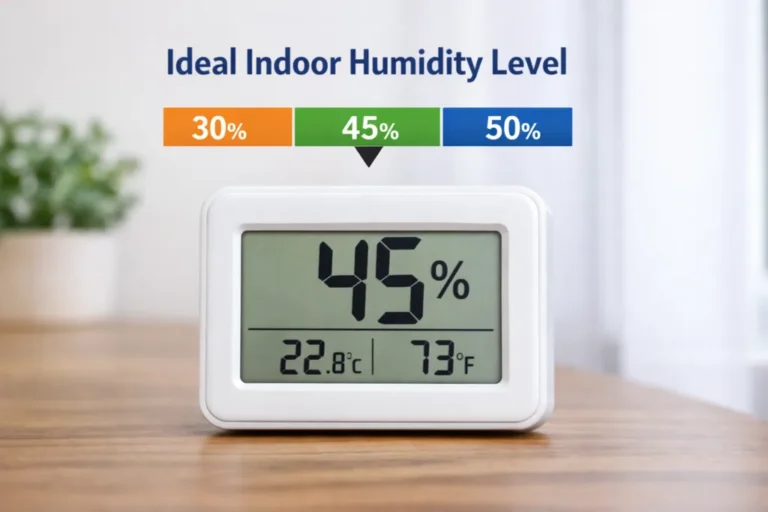
You've waited 10 minutes. The display still shows 78% RH. The room feels comfortable.
If you're asking why does my hygrometer still show high humidity, the fastest path forward is a process of elimination. Placement, calibration, and sensor condition cover the vast majority of false readings. This guide walks you through each step in order.
The science is well established. Per ASTM E104, a saturated salt solution holds a steady 75% relative humidity at 23°C (73°F) inside a sealed container. That gives you a dependable reference to test any consumer hygrometer without spending a dime.
Image source: Bing (Web (fair-use with source credit))
Quick Answer
Your hygrometer shows high humidity because of placement, calibration drift, or a faulty sensor. Move it away from humidifiers and vents first. Then run a salt test to check accuracy.
If it reads above 75% during the test, recalibrate or replace it.
Why Your Hygrometer Still Shows High Humidity (And Why It Matters)
Relative humidity (RH) measures how much water vapor the air holds compared to its maximum capacity at a given temperature. Warm air holds more moisture than cold air. So RH can shift dramatically with a small temperature change.
That temperature connection is the first thing to understand about false readings.
Most consumer hygrometers use a capacitive sensor. A thin polymer film absorbs water vapor and changes its electrical properties. The device translates that into a percentage.
When new, these sensors are accurate to within ±2% to ±3% RH. As of 2026, that's still the typical spec for consumer models.
But sensors drift. Dust, cooking vapors, and off-gassing from paint or cleaning products slowly coat the film. That skews the output.
After a year or two of continuous use, readings can run 5% to 10% high without any obvious warning. The change is gradual, so it's easy to miss.
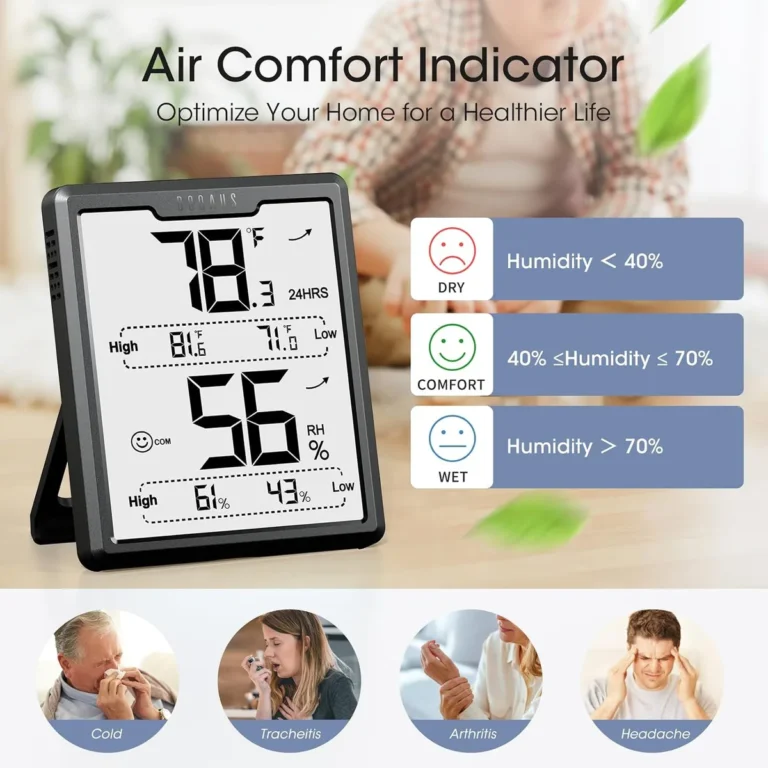
Why does that matter? Sustained indoor humidity above 60% RH is the threshold the EPA links to mold and dust mite problems. If you're running a dehumidifier based on a bad reading, you're wasting electricity and over-drying your home.
Trusting a wrong number cuts both ways.
The Quick Fix: Three Things to Check Before You Do Anything Else
Before you assume the sensor is dead, rule out the easy stuff. Three things cause most false high readings. Each takes under a minute to check.
Move it away from moisture sources. A hygrometer next to a humidifier, aquarium, houseplant tray, or steaming kettle is measuring a microclimate. Not the room. Manufacturer guidelines suggest placing the device 3 to 5 feet off the floor.
Keep it away from windows, vents, and exterior walls.
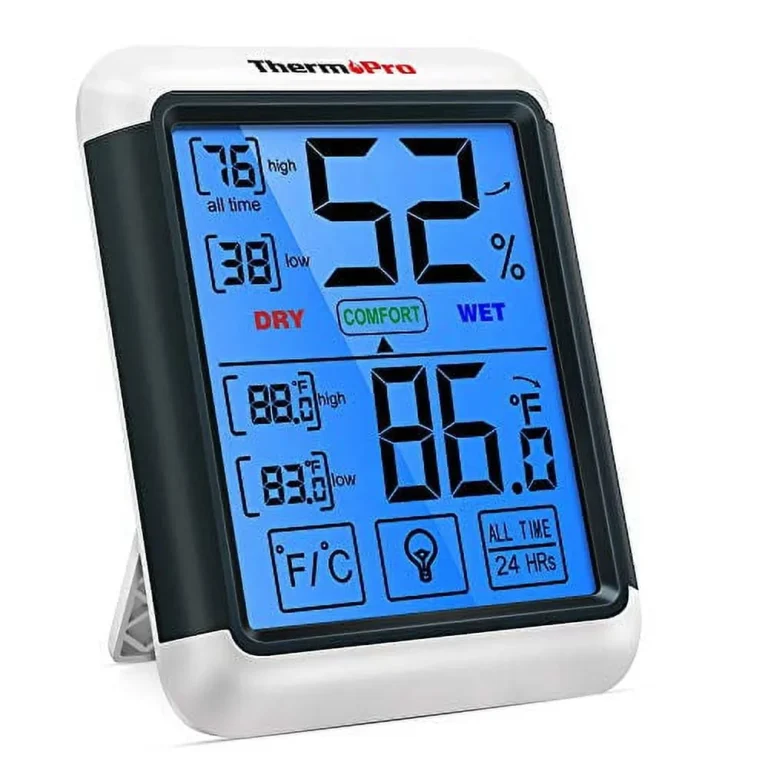
Check the battery and display mode. Low battery voltage can push some digital hygrometers into erratic readings. That includes values stuck near 99%. Also make sure you're not looking at the min/max memory.
That log stores the highest humidity since the last reset. If a reading is stuck at 90% and drops when you press reset, it was just the memory.
Do a breath test. Cup your hand around the sensor and exhale gently. Your breath is nearly saturated. If the reading jumps and then falls back slowly, the sensor works.
If it barely moves, the sensing element is likely dead.
These three checks resolve roughly half of all stuck-high complaints. If yours passes all three, you're dealing with calibration drift or a saturated sensor.
The Decision Tree: Find the Real Cause Step by Step
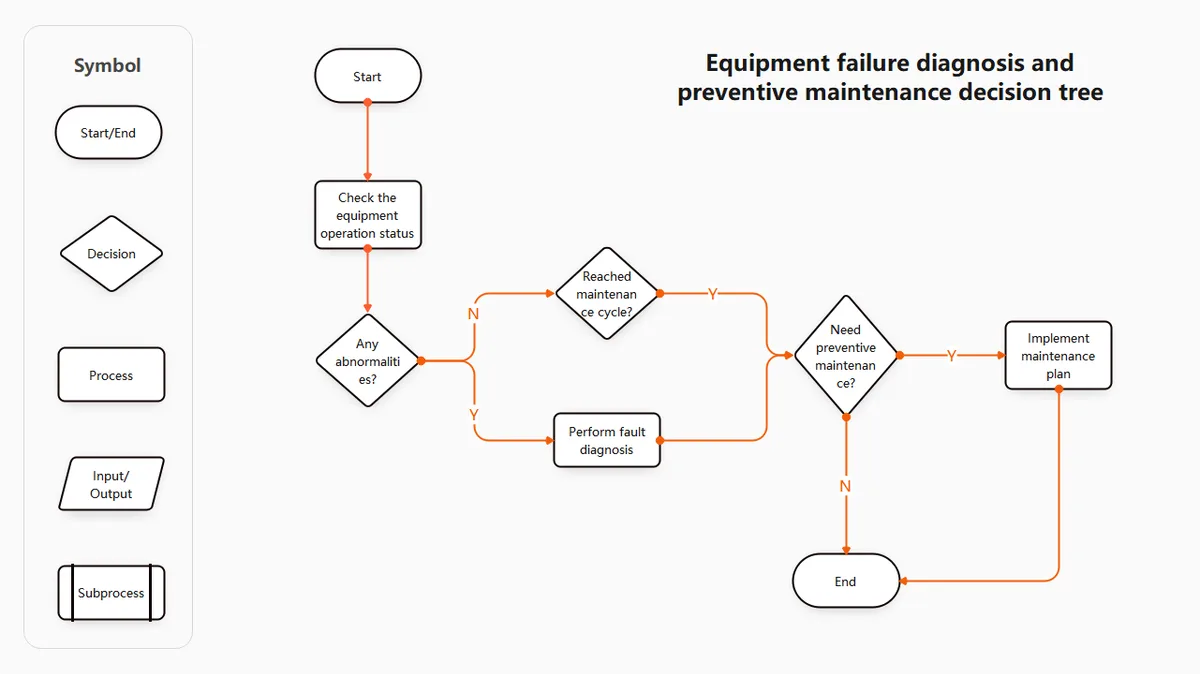
Image source: Bing (Web (fair-use with source credit))
This decision tree takes you from symptom to fix. Answer each question honestly. The branch points you where to go.
Where is the hygrometer placed? If it's near a humidifier, plant, bathroom, or vent, that's likely your problem. Move it to a neutral spot 3 to 5 feet off the floor. Keep it away from drafts.
Wait 30 minutes and recheck. Still high? Move to the next question.
Does the reading respond to your breath? If it jumps up and slowly falls, the sensor is functioning. If it barely moves, the sensing element is dead or disconnected. That unit needs replacing, not calibrating.
Has it been calibrated in the last 6 to 12 months? If not, calibration drift is the most likely culprit. Run the salt test below. It catches the widest range of false high readings.
If you calibrated recently and still see high values, keep going.
Is the sensor wet or contaminated? Steam from showers, cleaning sprays, or smoke can coat the sensor film. That pins the reading high. Place the device in a warm, dry spot for 24 hours and retest.
No change? The electronics may have failed. Contact the manufacturer or replace the unit.
Here's a real example. A terrarium owner sees 90% RH on the display. The glass is dry.
The plants look fine. They move the hygrometer away from the misting nozzle. Within 30 minutes, the reading settles at 62%.
The sensor was fine. The placement was the lie.
The Salt Test: How to Calibrate Your Hygrometer Properly

Image source: Bing (Web (fair-use with source credit))
The salt test is the easiest reliable way to verify any hygrometer. You don't need special tools. Just table salt, water, a sealed container, and 24 hours of patience.
The principle comes from ASTM E104. At room temperature, a saturated solution of pure sodium chloride maintains a constant 75% RH inside a sealed enclosure. That gives you a rock-solid reference point.
Here's the full procedure.
Add a few tablespoons of plain table salt to a small open cup. Don't use iodized salt. Anti-caking agents alter the vapor pressure.
Add water gradually and stir. You want a thick slurry, not a puddle. The salt must stay saturated.
Place the cup and the hygrometer inside a large zip-top bag or airtight container. Keep them side by side. Don't let them touch.
Seal it tightly and push out excess air. Set it somewhere temperature-stable around 23°C (73°F).
Wait 12 to 24 hours. Then read the display without opening the bag.
It should read exactly 75% RH. If it reads 78%, the error is +3. If it reads 80%, the error is +5.
That number is your offset.
Most digital hygrometers allow recalibration through a button or software setting. Analog units usually have a small adjustment screw on the back. If yours can't be adjusted, at least you know the truth.
Subtract the offset mentally or replace the unit if the error is unacceptable.
For a deeper look at the underlying science, NIST maintains detailed resources on humidity calibration at nist.gov.
Common Mistakes That Keep Your Readings Stuck High
Even careful users sabotage their own hygrometers. Here's what to watch for.
| Mistake | What happens | The fix |
|---|---|---|
| Leaky calibration bag | Salt test reads wrong because air exchanges with the room | Use a fresh zip-top bag and squeeze out the air |
| Iodized or flavored salt | Reference RH shifts away from 75% | Use pure sodium chloride only |
| Testing right after unboxing | Reading drifts while the sensor stabilizes | Let the device sit for 2 hours at room temperature |
| Expecting instant response | Stuck readings from slow sensor reaction | Wait 30 to 60 seconds for the sensor to catch up |
| Reading the min/max log | Shows daily peak instead of live RH | Press reset and confirm the value drops |
| Spraying cleaner on the unit | Chemical residue coats the sensor film | Wipe the exterior with a dry cloth only |
One more subtle issue: condensate. If a hygrometer sits on a cold windowsill overnight, microscopic condensation can form on the sensor. That reading stays pinned high until the water evaporates.
Moving the device off cold surfaces prevents this entirely.
And remember the temperature connection. RH is relative. It rises when temperature drops.
A basement that cools to 58°F at night can push a 50% RH reading up to 65% without a single drop of water added. That's physics, not failure. Read the numbers in context.
Long-Term Care: Keeping Your Hygrometer Accurate
A hygrometer is a precision instrument. It rarely gets treated like one. A few simple habits keep the sensor honest for years.
Start with the environment. Capacitive sensors degrade fastest when exposed to chemical vapors, smoke, or heavy dust. Keep your unit away from aerosol sprays, cleaning products, and cooking oil mist.
Mount it where air moves freely. Don't put it inside a closed cabinet where vapors get trapped.
Calibration should follow a schedule. Manufacturer documentation recommends checking accuracy every 6 to 12 months. In our research, units in damp basements or near humidifiers drift faster.
Often within 4 to 6 months. Set a phone reminder. Run the salt test the same week you change your smoke alarm batteries.
| Hygrometer type | Suggested recalibration cycle | Sensor lifespan |
|---|---|---|
| Capacitive digital | Every 6 months | 3 to 5 years |
| Resistive digital | Every 6 months | 2 to 4 years |
| Analog hair | Every 12 months | 5 to 10 years with care |
When the sensor finally fails, it usually pins at one extreme. If your salt test reads 99% or 0% after a full 24-hour equilibrium period, the sensing element is dead. No cleaning will revive it.
Aggregate reviews indicate most consumer hygrometers cost less to replace than to repair.
One last habit: let the unit re-stabilize after big temperature swings. Bring it in from a cold garage. Moisture will briefly condense on the sensor.
Give it 2 hours at room temperature before trusting any display value.
Frequently Asked Questions
Why does my hygrometer show 99% humidity all the time?
A reading pinned at 99% usually means condensation on the sensor or a dead sensing element. Check placement first. If it sits near a humidifier or cold window, move it and wait 2 hours.
Then run a salt test. If it still reads 99% in the sealed bag, replace the unit.
How often should I calibrate my hygrometer?
Every 6 to 12 months, depending on use. A hygrometer that runs continuously in a basement or humid environment drifts faster. Mark your calendar and use the salt test as a baseline.
Consistent calibration catches sensor drift before it causes mold damage or wasted dehumidifier energy.
Can I calibrate a hygrometer without a salt test?
Yes. Many digital models offer a manual offset adjustment under a settings menu. But you still need a reference value to set that offset.
The salt test gives you a known 75% RH without buying anything. A Boveda calibration kit works too and costs less than $10.
Why is my hygrometer accurate at high humidity but wrong at lower levels?
That's a classic symptom of sensor aging. Capacitive sensors can lose sensitivity as the polymer film degrades or picks up contaminants. The reading drifts more at one end of the scale.
If the error exceeds ±5% RH, replace the unit. Correction curves are rarely worth the effort.
Does humidity outside affect my indoor hygrometer?
Only if you're venting air directly from outside. Open windows, exhaust fans, or unsealed doors can pull humid air in. Coastal and tropical climates make this worse.
If outdoor RH stays above 70%, your indoor reading will only drop when your AC or dehumidifier actively removes moisture.