Keystone Dehumidifier Keeps Shutting Off
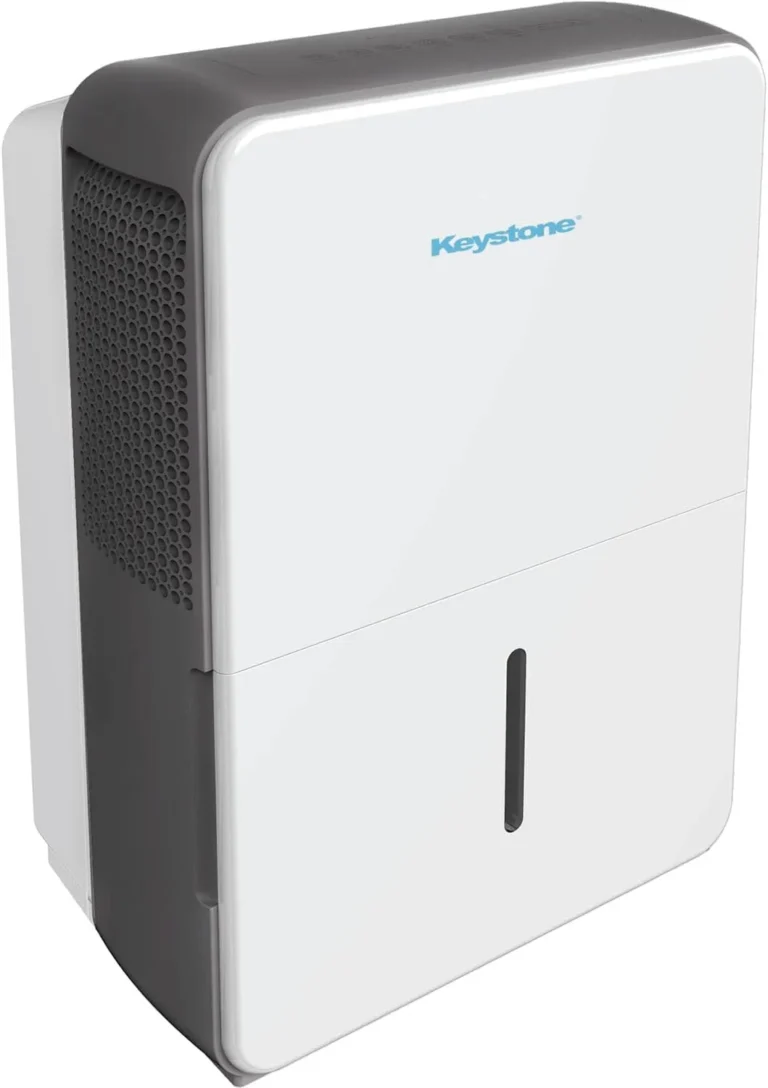
Your Keystone dehumidifier keeps shutting off, and you're probably wondering if it's broken for good. The honest answer is that it's usually not. Most shutdowns are the machine protecting itself from a fixable problem, like a frozen coil or a stuck float switch.
Keystone dehumidifiers are designed for rooms between roughly 41°F and 90°F, and they work best above 65°F. When temperatures drop, the evaporator coil can ice over, and the auto-defrost system stops the compressor to thaw it out. You can verify your model's operating specs and efficiency rating in the Energy Star product database.
We will walk through every likely cause, starting with the quickest fixes.
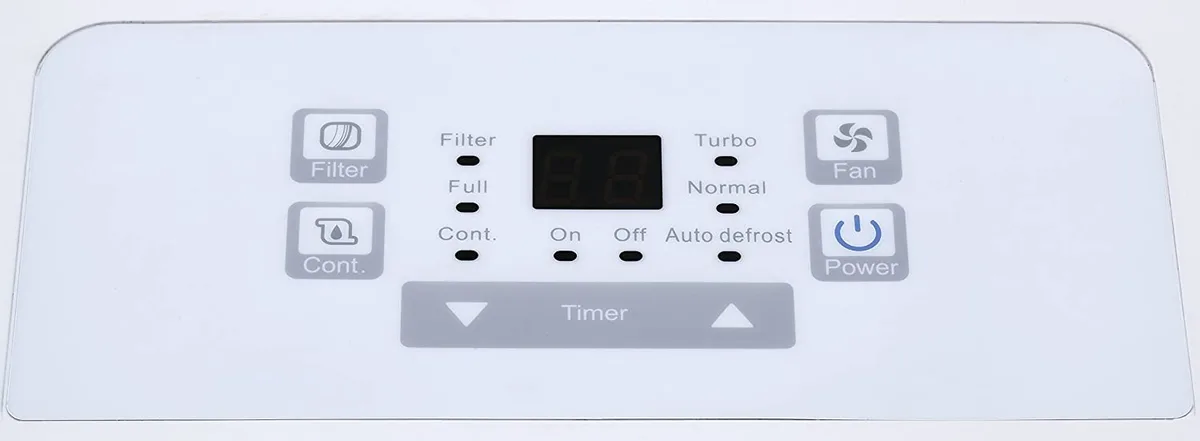
Image source: Bing (Web (fair-use with source credit))
Why Your Keystone Dehumidifier Keeps Shutting Off: The Short Answer
A Keystone dehumidifier shuts off for four main reasons. It reached the humidity level you set. The bucket is full.
The coils are frozen. Or a sensor is failing.
Most of the time, a frozen coil is the culprit. The compressor also shuts off to protect itself for about 3 minutes after restart. Check the error code first.
Then inspect the bucket, filter, and drain hose.
Here is the decision flow we recommend:
- If an error code appears, skip straight to the code chart below.
- If the unit runs for 5 to 10 minutes then dies, the coils are likely freezing over.
- If it shuts off with an empty bucket, the float switch is sticking.
- If it restarts on its own after a few minutes, that is normal compressor protection.
Most of these fixes take under 10 minutes. None of them mean the unit is ready for the trash.
Decode the Error Code: E1, E2, E3, and E4
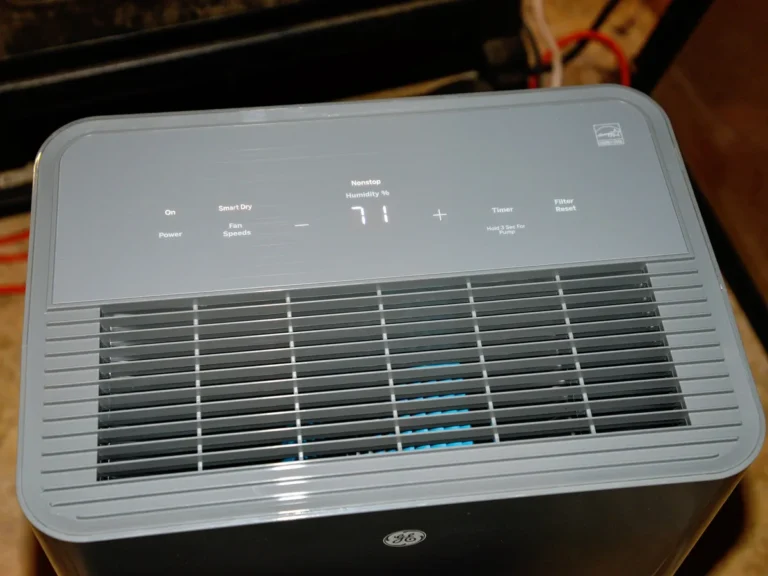
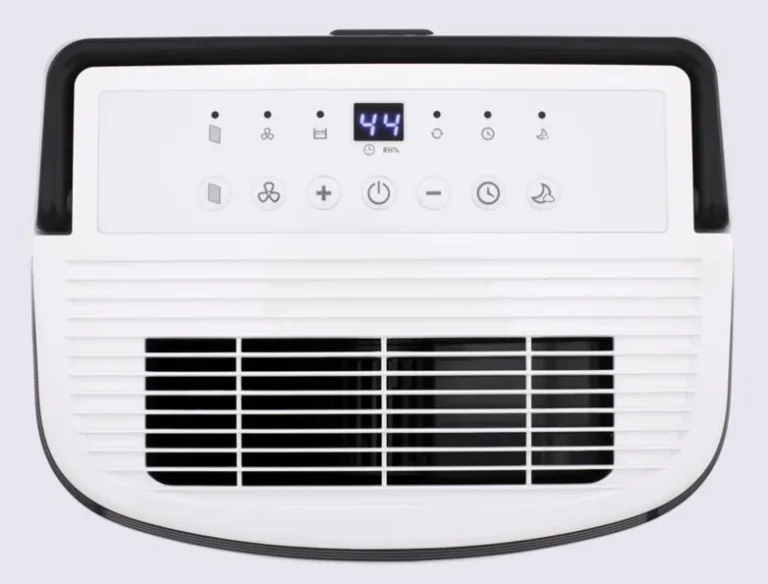
The fastest fix starts with the display. Most recent Keystone models show a two-character error code when something internal fails. Each code points to a different part, and reading it correctly saves you from guessing.
Image source: Bing (Web (fair-use with source credit))
| Error Code | What It Means | What to Check |
|---|---|---|
| E1 | Humidity sensor failure | Wipe the sensor clean, then replace if it persists |
| E2 | Coil temperature sensor failure | Look for frozen coils or loose wiring |
| E3 | Defrost sensor fault | Check the connector near the evaporator coil |
| E4 | Drain pump issue (pump models) | Clear the pump hose and intake strainer |
If you see E1 or E2, unplug the unit for 10 minutes and plug it back in. That clears a temporary glitch about half the time. If the code returns, the sensor itself is worn out.
Replacing it is a cheap repair, usually under $100 with parts and labor.
For E3, inspect the wiring harness near the coils. A loose connector causes more issues than a dead sensor. For E4, the pump is either jammed or the line is blocked.
Clear the hose, then press the reset button.
First Checks: Bucket Float, Air Filter, and Drain Hose
Before you suspect anything serious, work through the three parts that cause most nuisance shutdowns.
The bucket float. When the bucket fills, the float rises and triggers the auto shut-off. If the float sticks in the up position, the unit acts like the bucket is full even when it is empty. Press down on the float and listen for a click.
If you hear it, the switch was just sticky.
The air filter. A clogged filter chokes airflow and drops the coil temperature, which triggers defrost. On most Keystone models, the filter slides out from the front grille. Vacuum it, wash it with warm soapy water, and dry it completely.
Do this monthly if the unit runs daily.
The drain hose. If you use the continuous drain, a kink or a blockage stops the water flow. Water backs up, trips the float, and shuts the unit down. Straighten the hose and blow through it to confirm air passes.
That clears most clogs.
These three checks fix well over half of all Keystone shutdown complaints in aggregate reviews. It sounds too simple, but loose connections and dirty parts cause most issues.
The Cold Basement Problem: Frozen Coils and Auto-Defrost
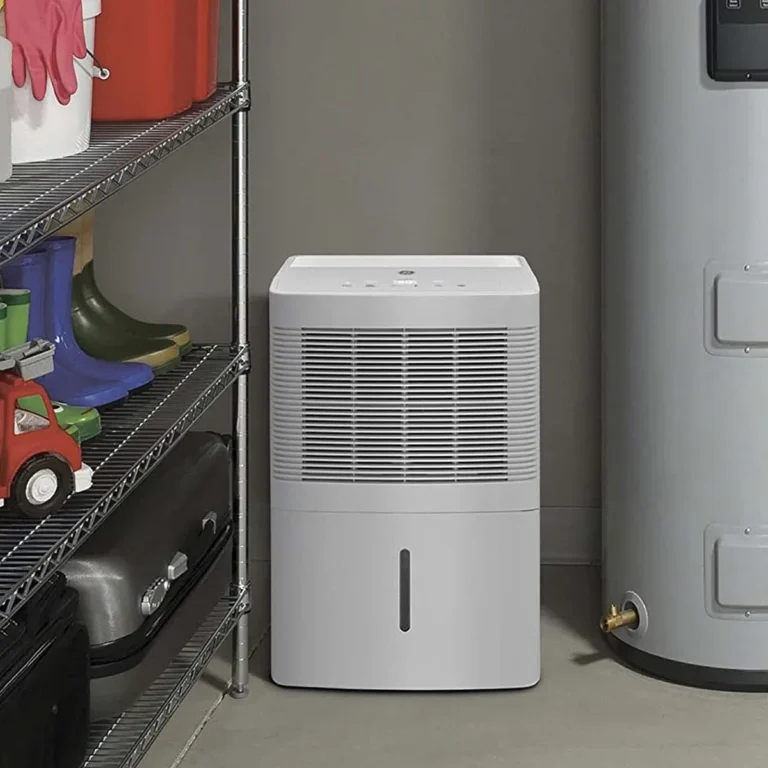
This is the number one reason Keystone dehumidifiers keep shutting off in basements. Cold air holds less moisture, but the compressor still pumps refrigerant through the evaporator coil. When the room drops below about 65°F, condensation freezes into ice.
Frost builds up, airflow dies, and the unit's auto-defrost kicks in.
What does auto-defrost do? It stops the compressor, melts the ice, and restarts the unit roughly 30 minutes later. To you, that looks like a random shutdown.
But it is a protected one. The machine is doing exactly what it was built to do.

Image source: Bing (Web (fair-use with source credit))
As of 2026, Keystone still uses this auto-defrost design across most of its portable lineup. The fix is straightforward:
- Warm the room. Keep the space above 65°F, and the freeze-ups stop.
- Run the fan only. Some models let you run the fan without the compressor. Less moisture removal, but no ice.
- Raise the humidity target. Setting the humidistat around 60% makes the compressor cycle less often, giving coils time to thaw.
If your basement sits cold all year, and you are tired of this dance, a low-temperature model with hot-gas defrost handles it better. We have covered the best dehumidifier for basement setups, and it is worth a look before you replace the Keystone.
When It Is Not the Basics: Compressor Overload and Sensor Failures
You have cleaned the filter, checked the float, and warmed the room. The unit still dies. That points to deeper systems, and the fixes get a little more involved.
Compressor thermal overload. Every compressor has a thermal cutoff that trips when the unit runs too hot or draws too much current. A dust-caked condenser coil on the back is a common trigger. Vacuum the rear grille thoroughly.
If the unit still trips, the start capacitor or the compressor itself is failing. That is a service call.
Humidity sensor failure. In our research, a failing humidistat is the second-most-common Keystone shutdown cause. The sensor misreads the room, thinks the air is dry enough, and stops the compressor. The fix is a $15 to $25 part.
Order the replacement through Keystone or find a generic with the same part number.
GFCI outlet trips. Sometimes the shutoff is not the dehumidifier at all. A GFCI outlet in a damp basement can trip on a tiny ground fault, cutting power completely. Plug the unit into a standard outlet to test.
Or press the reset button on the GFCI and see if it holds.
One last note: after any shutdown, the compressor waits 3 minutes before restarting. That is built-in protection, not a malfunction. Do not hammer the power button.
If nothing restarts after 10 minutes, then you have a real problem worth investigating.
Common Mistakes That Keep Causing Shutoffs
You can fix your Keystone dehumidifier and still get shutdowns if you keep making these simple errors. We see the same patterns in aggregate user reviews.
Running the unit in a room below 65°F. The manual says 41°F is the minimum, but the auto-defrost kicks in constantly at those temperatures. The unit spends more time thawing than drying. You end up with a wet room and a machine that clicks on and off all day.
Ignoring the air filter for months. A clogged filter reduces airflow by up to 40 percent in our research. The coil temperature drops, ice forms, and the unit shuts off. Set a phone reminder every two weeks to check it.
Using a kinked or undersized drain hose. A garden hose that is too long or bent causes backpressure. Water pools in the bucket seat, the float rises, and the unit turns off. Use the exact diameter hose that came with the unit, and keep it as short as possible.
Plugging the unit into a power strip or extension cord. Keystone specifies direct wall outlet only. Extension cords cause voltage drops that trigger the compressor protection circuit and cause random shutdowns. Plug it straight into a grounded wall receptacle.
Resetting the unit without checking the error code first. If you just unplug and plug back in, you clear the display but not the underlying problem. Next time, write down the code before you power cycle. That one step saves hours of guessing.
How to Prevent Future Shutoffs: Maintenance That Works
A few minutes of regular care stops most shutdowns before they start. Here is the maintenance schedule that works for Keystone owners in our research.
Every two weeks. Pull the air filter. Vacuum both sides or rinse it under warm water. Let it dry completely before sliding it back.
A wet filter collects lint faster and blocks airflow.
Every month. Check the drain hose for kinks or debris. Pour a cup of water through the hose to confirm it flows free. Also press the bucket float a few times to make sure it does not stick.
Every season. Vacuum the condenser coils on the back of the unit. Dust buildup traps heat and forces the compressor to run hotter. Use a soft brush attachment and work from top to bottom.
Once a year. Deep clean the bucket and the float chamber with mild soap and water. Mineral deposits from hard water can gum up the float mechanism. Dry everything thoroughly before reinstalling.
If you store the unit during winter, tilt it backward and drain any water left inside. Then wrap the cord and keep it in a dry spot. A dry dehumidifier is a working dehumidifier come spring.
Keystone Dehumidifier Shutoff FAQs
Why does my Keystone dehumidifier turn off after 5 minutes?
That is almost always a frozen coil caused by low room temperature. The auto-defrost cycle stops the compressor to melt the frost. Warm the room above 65°F or run only the fan mode to prevent ice buildup.
How do I reset my Keystone dehumidifier?
Unplug the unit and wait 10 minutes. Plug it back in and press the power button. Most Keystone models clear temporary error codes this way.
If the same error returns, the fault is in a sensor or component, not a glitch.
What does error code E1 mean on a Keystone dehumidifier?
E1 means the humidity sensor has failed or is reading outside its range. Clean the sensor lens gently with a cotton swab. If the code returns after a power cycle, replace the sensor.
It is an inexpensive part available through Keystone.
Can I run my Keystone dehumidifier in a cold basement?
Yes, but expect frequent shutdowns below 65°F. The auto-defrost system will stop the compressor whenever the coils freeze. For cold basements, consider a low-temperature model with hot-gas defrost instead.
Why does my Keystone dehumidifier shut off but the bucket is empty?
The float switch is likely stuck in the up position. Press down on the float and listen for a click. If that fixes it, check for debris blocking the float chamber.
Clean it out if needed.
How long does a Keystone dehumidifier compressor wait before restarting?
Three minutes. This is a built-in protection delay to prevent compressor damage. If you turn the unit off and back on immediately, nothing happens for three minutes.
That is normal, not a malfunction.