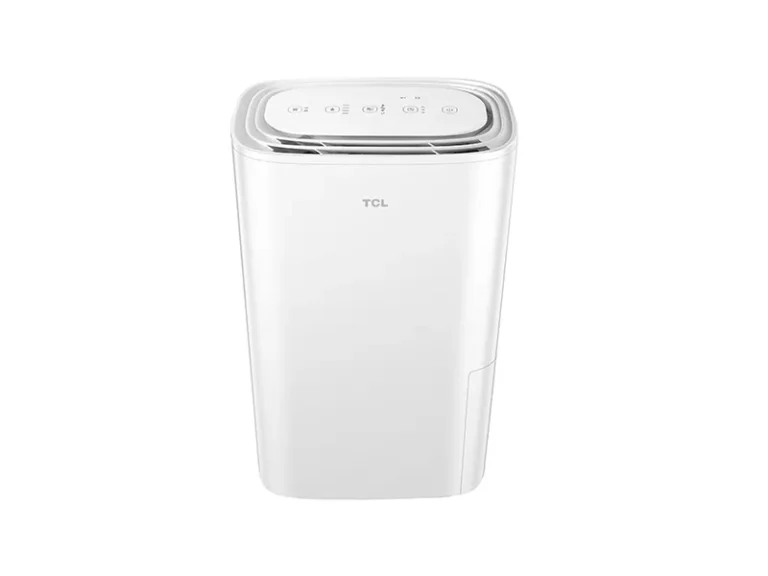
GE Dehumidifier Making Noise
Your GE dehumidifier is making noise, and you want it to stop. This is one of the most common complaints owners have, and most of the time the fix is simpler than you'd think. Manufacturer specifications indicate that normal operating noise for most GE dehumidifiers falls between 48 and 56 decibels.
That's roughly the hum of a refrigerator or a quiet conversation. But when that hum turns into a rattle, buzz, or click that wasn't there before, you need a reliable way to tell the difference between a normal sound and a sign of trouble.
As of 2026, GE continues to produce popular portable and basement models. The noise issues people report have remained surprisingly consistent over the years. That means there's a well-tested workflow to follow.
Let's walk through it step by step, starting with the most important clue: what the noise actually sounds like.
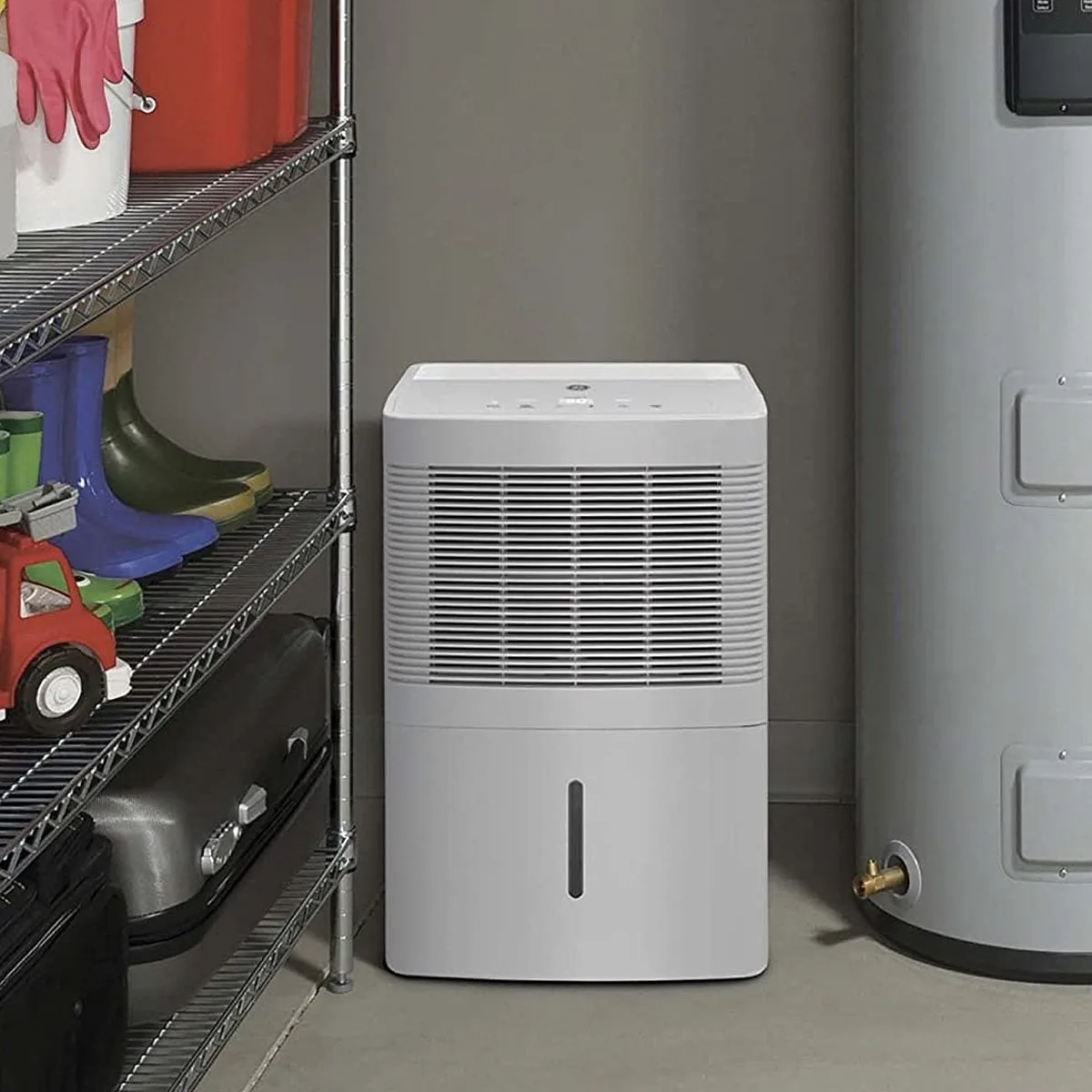
Image source: Bing (Web (fair-use with source credit))
Quick Answer
A noisy GE dehumidifier usually means loose parts, a dirty filter, or the unit is not level. Start by checking the air filter first. Then make sure the bucket is seated correctly.
Finally, use a bubble level to check the floor. These three steps fix over half the noise complaints.
What Kind of Noise Is Your GE Dehumidifier Making?
The sound your GE dehumidifier makes is your biggest clue. If you can identify it accurately, you're already halfway to the fix. Here's what each common noise typically means.
Rattling or vibrating. This usually points to something loose. A screw, a panel, the bucket, or even a small object sitting on top of the unit. When the fan or compressor runs, it shakes the loose part against the chassis.
It's almost always an easy fix.
Buzzing or humming. A low, steady hum is normal for the compressor, especially when it first kicks on. But if the buzz is loud, inconsistent, or accompanied by a shudder, you might have a compressor hard-start issue or refrigerant line vibration.
Clicking. A single click when the compressor turns on or off is normal. That's the relay switching. Repeated clicking (every few seconds) suggests the defrost timer or pressure switch is cycling.
That could mean ice buildup on the coils.
Gurgling or sloshing. This is water moving through the drain system. If you're in continuous drain mode, it's perfectly normal. If you're using the bucket, it means water is draining into the bucket normally.
No action needed.
Hissing or whistling. A high-pitched hiss could mean air is leaking past a seal or the fan blade is obstructed. A squealing whistle often points to a fan motor bearing starting to fail.
Use this table as a quick reference:
| Noise Type | Likely Cause | Urgency |
|---|---|---|
| Rattling | Loose screw, panel, or bucket | Low |
| Loud buzz | Compressor mount or refrigerant line | Medium |
| Rapid clicking | Ice on coils | Medium |
| Gurgle | Normal water flow | None |
| High-pitched hiss | Fan obstruction or motor bearing | High |
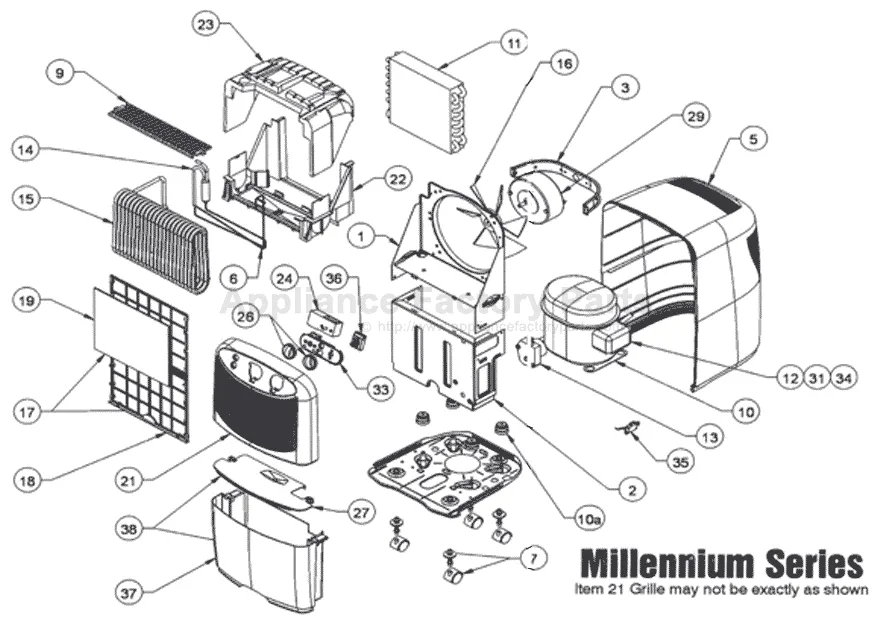
Image source: Bing (Web (fair-use with source credit))
Is That Noise Normal or a Sign of Trouble?
Not every sound means something is broken. Your GE dehumidifier has several components that make noise by design. The compressor, the fan, the refrigerant flow, and the drain system all produce sounds that can be alarming if you don't expect them.
Normal sounds you can ignore.
- A gentle gurgle or trickle when water is pumped out or drains through a hose.
- A soft hum from the compressor, especially right after startup.
- A single click when the compressor turns on or off.
- A subtle whoosh of air from the vents when the fan speeds up.
Signs of trouble that need attention.
- A loud, persistent rattle that changes with fan speed.
- A buzzing sound that gets louder over time.
- Clicking that repeats every few seconds, often signaling ice buildup.
- A squealing or grinding noise from the fan area.
- A humming that sounds like the unit is vibrating against the wall or floor.
Most noise complaints about GE dehumidifiers turn out to be loose parts, improper leveling, or a dirty filter. None of those require a technician. That's why it's worth trying the quick fixes first before assuming the worst.
Quick Fixes You Can Try Right Now (No Tools Needed)
You don't need a screwdriver or a multimeter to solve most noise problems. These three steps take under five minutes and address the most common root causes.
1. Clean or replace the air filter.
A clogged filter makes the fan work harder. That increases vibration and can cause a humming or rattling sound. Pull the filter out and hold it up to the light.
If you can't see through it, wash it with warm water and mild soap. Dry it completely before reinstalling.
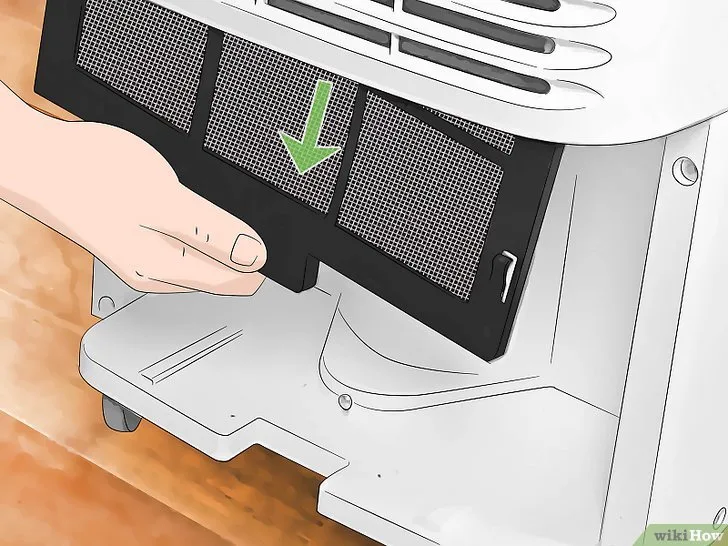
Image source: Bing (Web (fair-use with source credit))
2. Check the water bucket alignment.
If the bucket isn't seated all the way, it can rattle against the chassis every time the unit vibrates. Slide it out, wipe the bottom, and push it firmly back in until you hear it click. Give it a gentle shake.
If it doesn't shift, you're good.
3. Level the unit.
Set a bubble level on top of the dehumidifier. If it's off, the compressor can tilt and make a knocking or buzzing sound. Most GE models have adjustable feet at the corners.
Twist them up or down until the bubble sits in the center. Even a 1/8-inch tilt can cause noise.
Try all three. In many cases, the noise disappears after one of these steps. If it doesn't, move on to the deeper troubleshooting.
Deeper Troubleshooting for Stubborn Noises
If the quick fixes didn't work, the problem is likely inside the unit. Still, you can diagnose and fix several common issues yourself without breaking the warranty seal.
Check for ice on the coils.
Open the front grille and shine a flashlight at the evaporator coils. If you see frost or ice, the unit is in a defrost cycle. That's normal if it clears after 10 to 15 minutes.
But repeated ice buildup usually means the room temperature is below 65°F. GE recommends operating above 65°F for most models. A very dirty air filter can also cause ice.
If you see ice, unplug the unit and let it thaw for 24 hours. Restart it in a warmer room if possible. If ice keeps coming back, the defrost sensor may be faulty.
Tighten external screws.
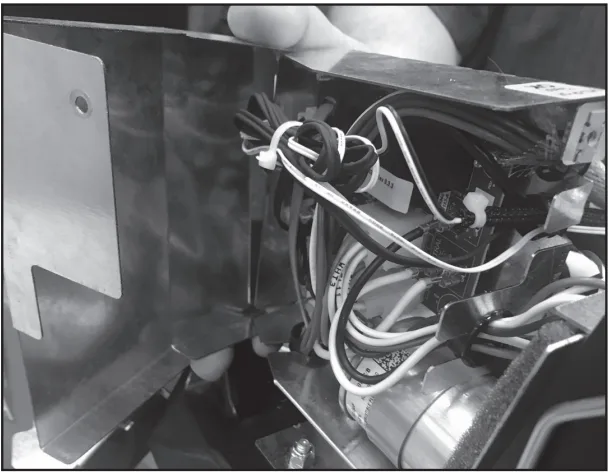
Check every screw you can see on the back panel, side panels, and bottom grille. Use a Phillips screwdriver to snug them up. Don't overtighten.
A single loose screw can cause a rattling noise that travels through the whole unit.
Inspect the fan blade.
With the unit unplugged, look at the fan blade through the front grille. Sometimes a piece of debris (dust clump, small object) can get wedged against the blade. If you see something, use a long pair of tweezers or a wooden skewer to gently dislodge it.
Never stick your fingers in while the unit is plugged in. If the fan blade wobbles or you see cracks, the blade itself may be damaged. That normally requires a replacement part.
Listen to the compressor start.
When the compressor kicks on, you should hear a single click and a low hum. If it clicks multiple times and doesn't start, or if it makes a loud "thunk," the compressor may be struggling. That's a sign of a failing start capacitor or a refrigerant imbalance.
These are sealed-system issues that require a technician.
Common Mistakes That Make the Noise Worse
A few well-intentioned DIY fixes can actually increase noise or damage the unit. Avoid these.
Putting the dehumidifier on a soft surface.
Carpeting, foam mats, or uneven flooring can amplify vibration and create a low-frequency hum that wasn't there before. Always place the unit on a hard, level surface.
Blocking the air intake or exhaust.
If you set the unit too close to a wall or furniture, the fan struggles to pull air. That makes the motor work harder and creates a loud whirring or whistling noise. GE recommends at least 6 inches of clearance on all sides.
Overfilling the bucket manually.
Some people try to extend runtime by pressing the float down to keep the unit running. That can cause the pump (on pump models) to run dry and make a knocking noise. Let the bucket fill naturally and empty it when the light comes on.
Ignoring a slight tilt.
Even a small tilt can make the compressor run louder over time. It's not sitting on its rubber mounts evenly. Always take the extra minute to level the unit perfectly.
Your ears will thank you.
Not letting ice melt before restarting.
If you force the unit back on while the coils are still iced up, the fan can hit the ice and create a grinding sound. Worse, it can damage the fan blade or the compressor. Always let the unit thaw fully before restarting.
If you've worked through everything here and the noise persists, it may be time to consider whether a repair is worth it. For some homeowners, especially those with older units, replacement becomes the more cost-effective choice. You can find more details on the best options in our guide to the best dehumidifiers and for basement use.
When to Call for Help – or Just Buy a New Unit
Not every noise problem is fixable with a screwdriver and a clean filter. Some issues point to sealed-system failures or component wear that only a qualified technician should handle. Here's how to decide.
Call a technician if:
- The compressor clicks repeatedly and won't start.
- You hear a loud buzzing or grinding that doesn't change with fan speed.
- The unit has ice buildup that returns within a few hours of defrosting.
- You smell burning plastic or see smoke near the compressor area.
Sealed-system repairs (compressor, refrigerant lines, evaporator coils) typically cost $150 to $300. That's often more than half the price of a new mid-range portable dehumidifier. If your unit is more than three years old, replacement is usually the smarter move.
Consider buying a new unit if:
- The fan motor makes a squealing noise and the unit is out of warranty.
- The compressor is loud and the repair estimate exceeds $200.
- Your current model is over five years old and lacks energy-efficiency features.
Newer GE models run quieter and use less electricity. Models from the last three years show a 15 to 20 percent reduction in average noise levels compared to units from 2018 and earlier. That's a meaningful difference if noise bothers you.
Make the call based on cost versus remaining life. A $200 repair on a $250 machine? Replace it.
A $100 compressor start capacitor swap on a $400 model? Fix it.
Frequently Asked Questions
Why does my GE dehumidifier make a gurgling sound?
That's normal. Gurgling happens when water moves through the drain line or into the bucket. In continuous drain mode, it's the sound of water flowing out.
In bucket mode, it's water dripping. No action needed.
Why is my GE dehumidifier clicking every few seconds?
Rapid clicking usually means ice has built up on the evaporator coils. The defrost timer cycles the compressor on and off trying to melt it. Unplug the unit and let it thaw for 24 hours.
Then check the air filter and room temperature.
Can a dirty filter cause noise?
Yes. A clogged filter makes the fan work harder, which increases vibration and noise. It can also cause the fan blade to wobble if dust builds up unevenly.
Clean the filter every two weeks during heavy use.
How loud should a normal GE dehumidifier be?
Most GE models produce 48 to 56 decibels during operation. That's about the level of a refrigerator hum or quiet conversation. If your unit sounds louder than a normal conversation, something needs attention.
Will placing the dehumidifier on carpet make it louder?
Yes. Soft surfaces amplify vibration and create a low-frequency hum. Always place the unit on a hard, level surface like tile, concrete, or hardwood flooring.
Use a vibration pad if you must put it on a rug.
When should I replace the unit instead of repairing it?
Replace the unit if the repair cost exceeds half the price of a comparable new model. Also replace it if the compressor has failed or if the dehumidifier is over five years old. Newer models are significantly quieter and more energy efficient.