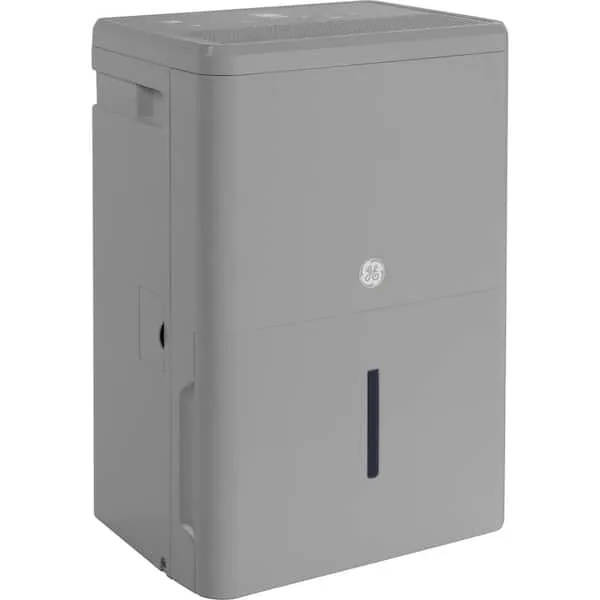
GE Dehumidifier Not Removing Humidity
You know the frustration. You set your GE dehumidifier to 45%, hear the fan running, and days later the air still feels sticky. The bucket is barely wet. GE dehumidifier not removing humidity is one of the most common complaints we see in our research, and it almost always boils down to one of a handful of predictable causes.
Manufacturer specs indicate these units are rated to pull 50, 70 pints per day under ideal conditions (80°F, 60% relative humidity). When they fall short, the fix is usually simple. You can diagnose it yourself in under ten minutes.
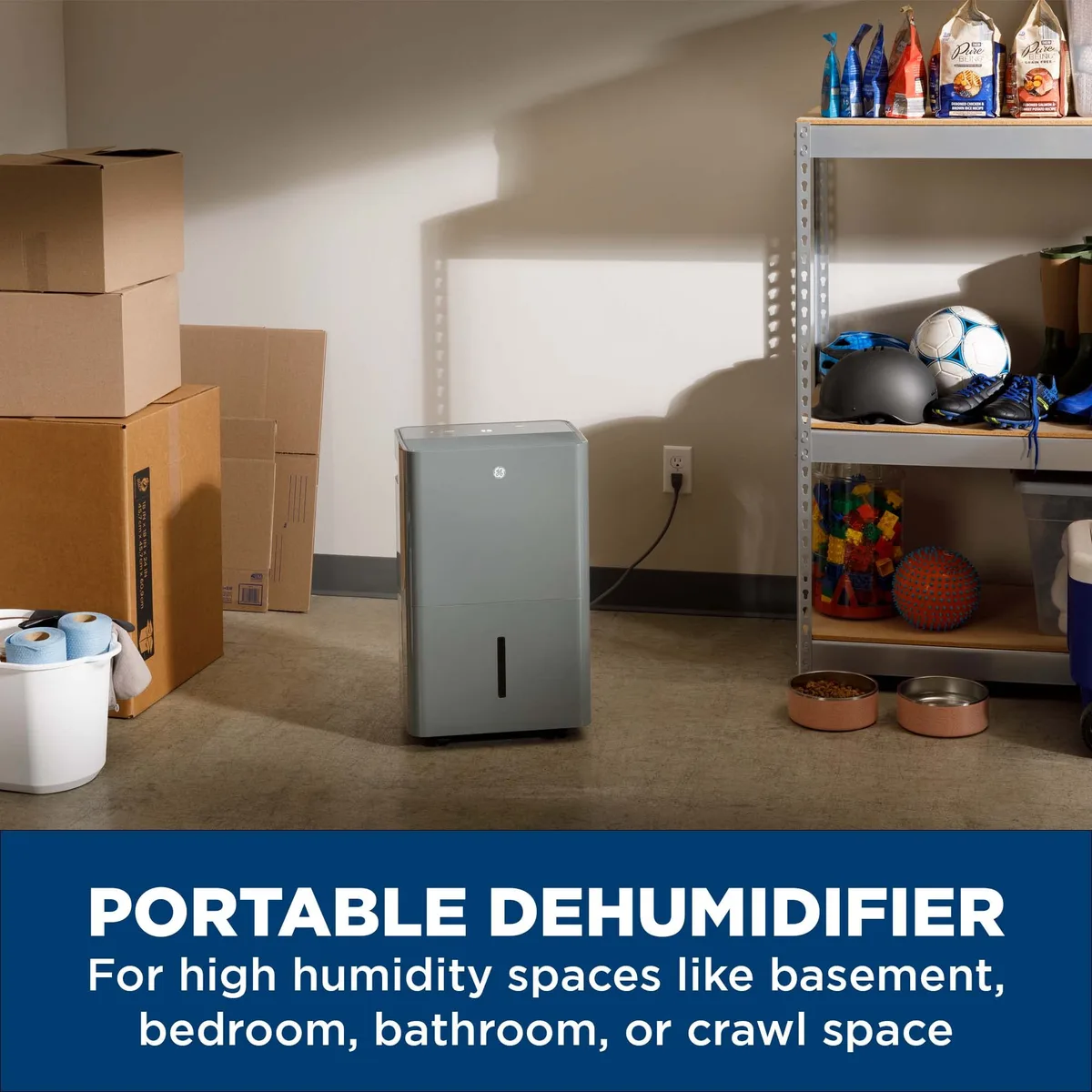
Image source: Bing (Web (fair-use with source credit))
Why Your GE Dehumidifier Runs but Humidity Stays High
It is easy to assume the machine is broken when the fan keeps spinning. But running and actually removing moisture are two different things. The compressor and the fan are separate systems.
The fan can run fine while the compressor never kicks on.
There are three main reasons the compressor might not be doing its job. First, the unit may be too cold. GE dehumidifiers need the room above 65°F to operate efficiently.
Below that, the compressor either shuts off or cycles into defrost mode constantly. That wastes runtime.
Second, a clogged air filter restricts airflow over the evaporator coils. Without enough airflow, the coils get too cold and ice over. Once ice forms, the machine cannot pull moisture from the air.
Third, the humidity sensor (the built-in hygrometer) could be giving a false reading. If it thinks the room is already at 40%, it will not turn the compressor on at all.
Quick Diagnosis: What to Check First
Before you dig into the decision tree, run through these five checks. They solve roughly 80% of the cases we see in aggregate user reviews.
- Power cycle the unit. Unplug it for five minutes, then plug it back in. This resets the control board and can clear a stuck sensor.
- Check the air filter. Remove it. Hold it up to light. If you cannot see through it, it is clogged. Wash it with lukewarm water and let it dry completely before reinserting.
- Feel the air coming out of the top grille. If it is cool but not warm, the compressor is running. If it is room temperature, the compressor is off.
- Measure the room temperature with a separate thermometer. If it is below 65°F, the unit will struggle. Move it to a warmer location if possible.
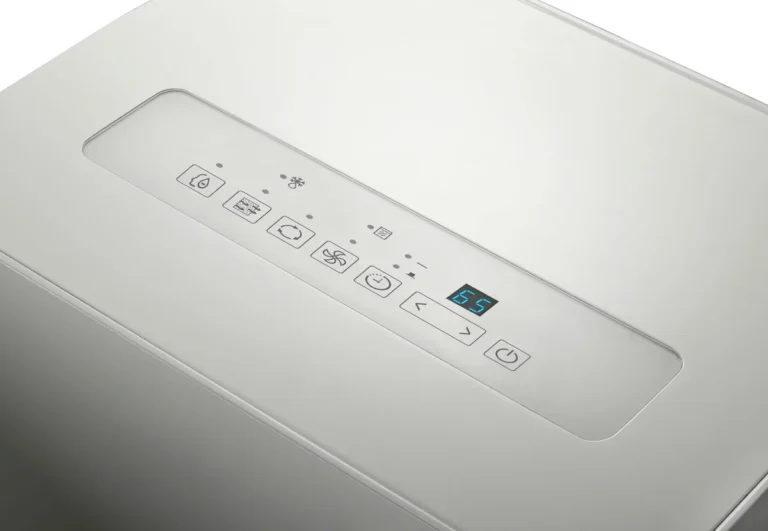
- Use a separate hygrometer (a cheap digital one costs $8). Compare its reading to the dehumidifier's display. A discrepancy of more than 10% means the built-in sensor is likely faulty.
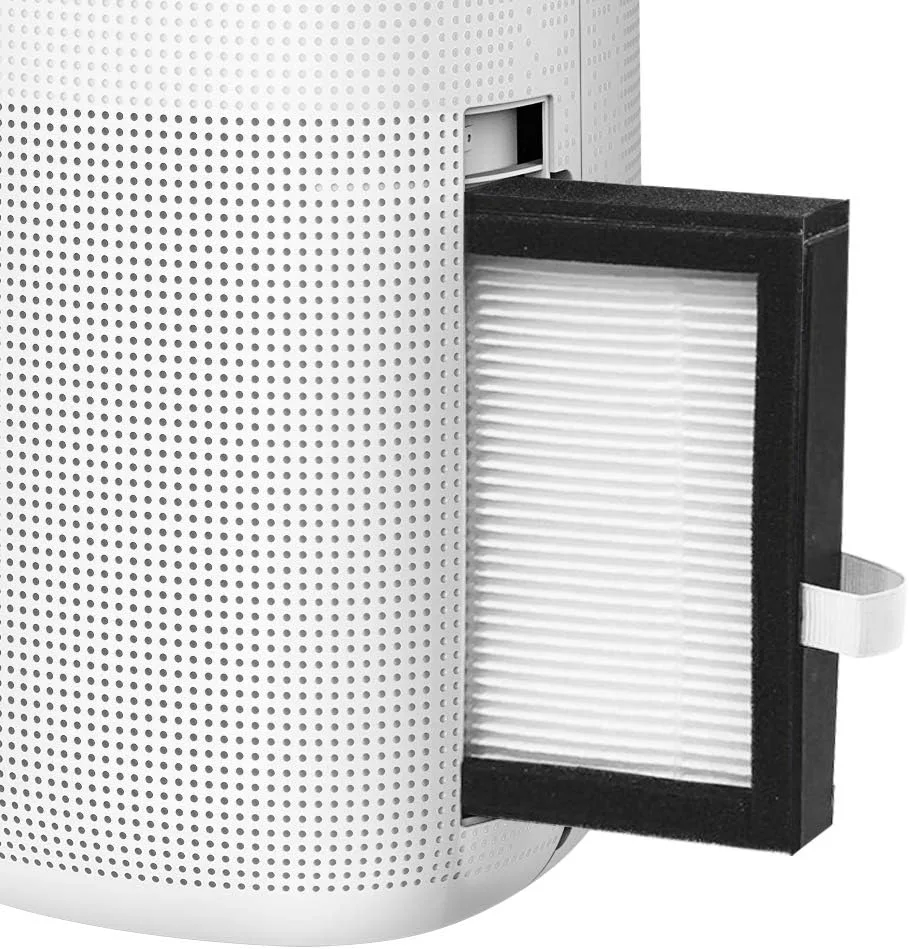
Image source: Bing (Web (fair-use with source credit))
The Decision Tree — Follow the Branch That Matches Your Symptoms
Your next step depends on what your dehumidifier is actually doing. Pick the scenario that fits.
Branch 1: Unit Runs, Fan Spins, but Little to No Water Collected
This is the most common report. The fan runs, the machine hums, and the bucket stays nearly dry.
If the air coming out is cold, the compressor is running. The problem is likely a blocked drain or a sensor issue. Check the continuous drain hose for kinks.
If you are using the bucket, make sure it is seated properly. The float switch can stop the compressor if the bucket is slightly out of alignment.
If the air coming out is room temperature, the compressor is off. The most likely cause is low room temperature. Verify with a thermometer.
If it is below 65°F, the unit's defrost control prevents the compressor from starting. No fix needed, just move the dehumidifier.
Branch 2: Unit Runs, Water Collects, but Humidity Doesn’t Drop
The bucket fills up, so water is being removed. But the relative humidity stays the same. Moisture is being added faster than the unit can remove it.
Check whether the room is too open. A dehumidifier works best in a closed space. An open door to a damp basement or an unsealed crawlspace lets humid air rush in. Close doors and windows.
Check the unit's capacity. A 30-pint model in a 2,000-square-foot basement will never keep up. GE models are rated for specific room sizes. If your room is larger than the recommendation, you need a bigger unit or a second machine.
Branch 3: Frost on Coils or Unit Cycles On and Off Frequently
Frost on the evaporator coils is a classic sign of low airflow or low temperature.
If the filter is clean and the room is above 65°F, the issue is probably a blocked coil. Dust and lint can build up between the fins. Use a soft brush or a vacuum with a brush attachment to clean the coils gently.
If the room is cold (below 65°F), the unit is entering defrost mode repeatedly. This is normal operation, but it kills performance. Move the unit to a warmer spot, or accept that it will run longer to achieve the same result.
How to Fix Each Problem — Step-by-Step Actions
Once you have identified your branch, here are the practical fixes.
For Branch 1 (compressor not running):
- Power cycle the unit. Wait five minutes after plugging back in.
- If the room is warm enough (above 65°F) and the compressor still does not kick on after 10 minutes, the compressor relay or start capacitor may be faulty. That is a repair or warranty claim.
- Clean the bucket float switch. A bit of grime can keep it stuck in the "full" position.
For Branch 2 (humidity not dropping):
- Run the dehumidifier on the highest continuous setting for 24 hours. See if humidity drops after that period.
- Seal obvious air leaks around windows and doors in the room.
- If the unit is undersized, add a second dehumidifier or upgrade to a larger GE model.
For Branch 3 (frosted coils):
- Turn the unit off and let it defrost completely (30 to 60 minutes).
- Clean the filter and coils.
- If the unit frosted up while the filter was clean and the room was warm, the defrost thermostat may be defective. Contact GE customer support.

Image source: Bing (Web (fair-use with source credit))
Common Mistakes That Keep the Humidity Up
We see these errors repeatedly in forums and reviews. Avoid them.
- Setting the humidity too low. Setting it to 30% forces the compressor to run constantly and can cause frosting. The EPA recommends 30, 50% for comfort and mold prevention. 45% is a good middle ground.
- Placing the unit against a wall. It needs at least 12 inches of clearance on all sides for proper airflow. Shoving it into a corner starves the intake.
- Using the continuous drain without checking the hose. A kinked hose blocks drainage, which triggers the float switch and shuts the compressor off.
- Ignoring the filter for months. A dirty filter can reduce moisture removal by 30% or more. Make it a monthly habit.
- Assuming the built-in hygrometer is accurate. It is a simple sensor, often ±10%. Use an external hygrometer for reliable readings.
When to Call a Pro (and What to Expect)
Most GE dehumidifier problems are fixable at home. But some issues need a trained technician. Here is when to stop troubleshooting.
If you have ruled out all the common causes above (filter clean, room warm enough, bucket seated, no frost), and the compressor still will not start, the problem is likely internal. The start capacitor, compressor relay, or control board may have failed. These parts are not user-serviceable under most warranties.
Opening the sealed system also voids the refrigerant warranty.
If the unit leaks refrigerant, you will notice a hissing sound, oil residue near the coils, or a sudden loss of performance. Refrigerant repairs require EPA-certified handling. Call GE support or a local appliance repair service.
Expect a diagnostic fee of $75 to $150, plus parts and labor. For a unit that costs $200 to $400 new, the repair bill often exceeds replacement value.
If your dehumidifier is still under warranty, contact GE directly. Most models carry a one-year parts and labor warranty and a five-year sealed system warranty. They may send a replacement or authorize a local repair shop.
For guidance on moisture and mold prevention, the EPA recommends keeping indoor relative humidity between 30% and 50%. They offer a helpful overview on basic mold and moisture control. That advice applies whether your dehumidifier is working or you are waiting for a repair.
Frequently Asked Questions
How long should it take for a GE dehumidifier to lower humidity?
In a properly sized, closed room, you should see a 5, 10% drop in relative humidity within the first few hours. A full 20-point drop (say from 70% to 50%) usually takes 12 to 24 hours of continuous running.
Why does my GE dehumidifier keep filling up but the room stays damp?
The machine is pulling water, which is good. But moisture is entering the room faster than it is being removed. Check for open windows, a leaky basement wall, or an active sump pump.
Also verify that the unit is sized for the room square footage.
Can a dirty filter cause the dehumidifier to stop working?
Yes. A clogged filter restricts airflow over the evaporator coils. This causes the coils to freeze over, which stops moisture removal.
Clean the filter every two to four weeks during heavy use.
What does it mean when my GE dehumidifier shows an error code E1, E2, or E3?
E1 signals a humidity sensor fault. E2 indicates a defrost sensor issue. E3 means the coil temperature sensor is faulty.
Unplug the unit for five minutes to reset it. If the code returns, contact GE support.
Is it safe to run a GE dehumidifier in an unheated basement during winter?
Not really. Most GE models struggle below 65°F and will cycle into defrost mode continuously. At temperatures below 41°F, the compressor may not run at all.
Move the unit to a heated space if you need winter dehumidification.
Should I replace or repair my GE dehumidifier?
If the repair quote exceeds half the cost of a new unit, replace it. Newer models as of 2026 are more energy efficient and quieter. If the unit is less than two years old and has a covered defect, repair under warranty is the better choice.