Midea Dehumidifier Not Collecting Water
You bought a Midea dehumidifier to dry out that damp basement. It runs. The fan spins.
The compressor hums. But the bucket stays bone dry. That's frustrating, and it's more common than you think.
The phrase "Midea dehumidifier not collecting water" is one of the most searched troubleshooting queries for the brand.
The good news is the fix is usually simple. No technician required. Manufacturer specifications show these units need specific conditions to work.
As of 2026, most Midea models need temperatures between 41°F and 95°F (5°C to 35°C). They also need relative humidity above 50% to start condensing moisture. Let's walk through the likely reasons yours isn't collecting water.
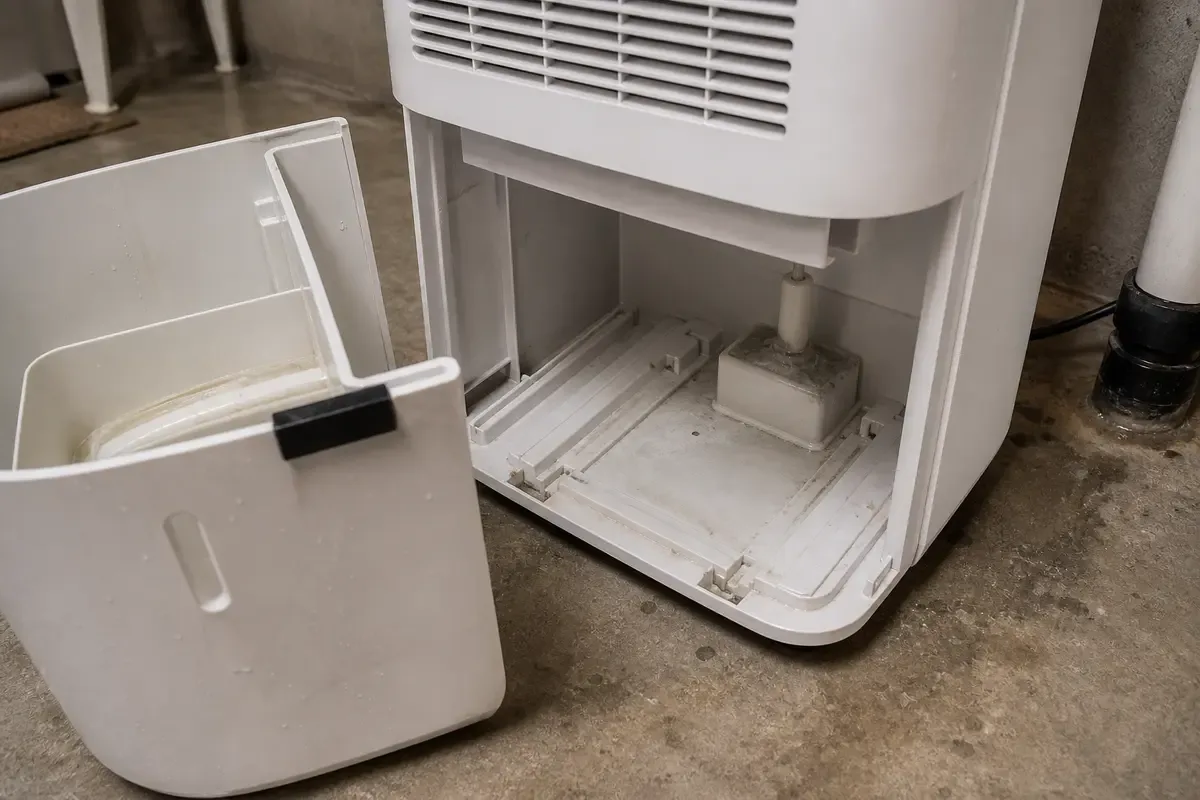
Image source: Bing (Web (fair-use with source credit))
Quick Answer
If your Midea dehumidifier runs but collects no water, check four things. First, the room temperature. Second, the humidity level.
Third, the bucket float switch. Fourth, the filter. Test the temperature first.
Below 41°F means no water. If temperature is fine, lift the float switch manually. Then clean the filter.
That fixes most cases.
First Check: Is Your Room Too Cold for the Unit to Work?
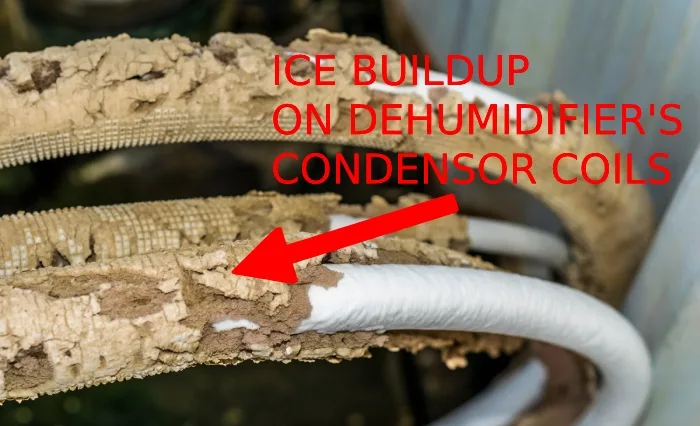
This is the top reason a Midea dehumidifier runs but produces nothing. Midea models use a refrigeration cycle. Warm humid air hits cold coils and condensation forms.
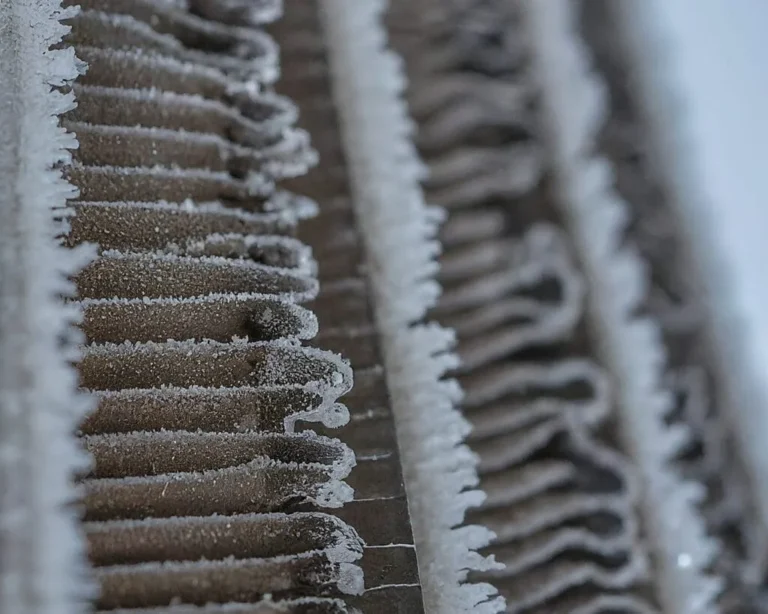
If the air is too cold, the coils ice up or the compressor stops trying.
What temperature does a Midea dehumidifier need?
Per Midea's official specifications, the unit needs 41°F to 95°F (5°C to 35°C). Below 41°F, the compressor cannot reliably produce condensation. Some models have auto-defrost.
That only helps if the unit was already collecting and then froze. It does not help if the room is too cold to start.
How to tell if temperature is the problem
- The dehumidifier runs but blows cool air.
- No ice forms on the coils (condensation never happened).
- The bucket stays empty after 24 hours.
- The unit cycles on and off more than normal.
What to do
Move the dehumidifier to a warmer area. If the room is unheated, like a basement in winter, consider a desiccant dehumidifier for cold climates. For most basements, raising the room temperature a few degrees with a space heater solves the issue.
Use caution with space heaters near appliances.
Second Check: Is Your Humidity Setpoint Higher Than the Actual Room Humidity?
Another common mistake. The dehumidifier runs until the room hits your setpoint. If you set it to 55% relative humidity (RH) but the room is already at 50%, the unit turns on briefly and shuts off.
No condensation happens.
How to verify actual humidity
Use a separate hygrometer. Midea units have a built-in sensor, but they can drift. A cheap digital hygrometer costs under $10.
Place it near the dehumidifier, away from walls or vents.
Signs your setpoint is too high
- The unit runs for a few minutes then shuts off.
- The bucket has only a few tablespoons of water after a day.
- The humidity reading matches your setpoint exactly.
What to do
Lower the setpoint by 5% at a time. If the room is at 50%, set the unit to 45% or 30% (max dry). After 24 hours, check the bucket.
If water appears, the setpoint was the issue. For reference, the Environmental Protection Agency recommends indoor humidity between 30% and 50% for comfort and mold prevention. If your actual humidity is already below 50% in summer, you may not need a dehumidifier.
Bucket and Float Switch: The Most Common Mechanical Culprit
If temperature and humidity are fine, check the bucket. Midea dehumidifiers use a float switch. It is a small plastic piece inside the bucket that rises with water.
When it reaches a certain height, it signals the unit to stop and show "bucket full." But the float can get stuck. Or the bucket may not be seated properly.
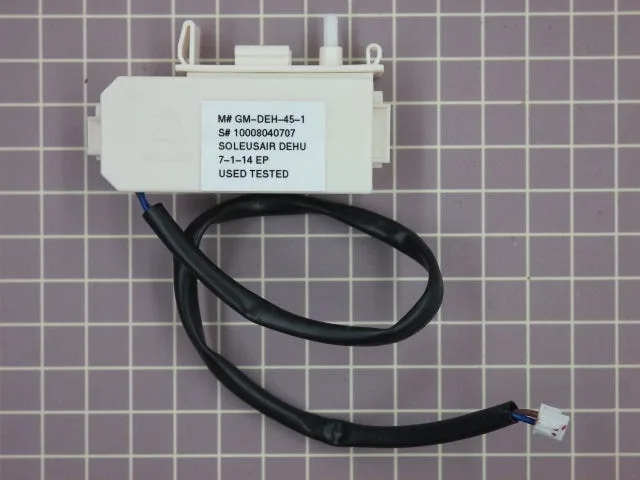
Image source: Bing (Web (fair-use with source credit))
What to look for
- The bucket full light is on even with an empty bucket.
- The unit runs for a few seconds then shuts off with the light.
- You have to wiggle the bucket to get it to start.
Step-by-step fix
- Remove the bucket completely.
- Find the float switch near the back of the bucket cavity. It should move freely up and down.
- Gently push the float up and down. If it feels sticky, clean it with a damp cloth.
- Check bucket alignment. Push the bucket firmly until you hear a click. Ensure the float arm is not caught on the bucket lip.
- Fill the bucket halfway with water and place it back. The float should rise, and the unit should switch to "full" mode. If it does, the sensor works. If not, the switch may be broken.
A stuck float switch is the most common mechanical fault in our research. It is also the easiest fix. No tools needed.
Continuous Drain Line: Kinks, Clogs, and Gravity Flow Problems
If you use the continuous drain hose, the problem is often the hose itself. Midea dehumidifiers drain via gravity. That means the hose must slope downward constantly.
No dips. No loops. No uphill sections.
How to check your drain line
- Check for kinks. Even a small bend can stop water flow. Straighten the hose or reposition the unit.
- Check for clogs. Mold or debris can build up inside the hose. Disconnect and blow through it or use a pipe cleaner. Replace if water does not flow freely.
- Verify gravity flow. The drain outlet must be higher than the hose end. If it goes up into a wall drain, it won't work. Most Midea models do not have a built-in pump.
What if the bucket is empty but the floor is wet?
That means the hose is disconnected inside the unit or the bucket overflowed. Check the back of the dehumidifier for a loose hose fitting. Tighten it with your fingers.
If you are not using continuous drain, make sure the rubber stopper on the drain port is firmly in place. A missing stopper leaks water while the unit runs.
A quick test
Switch back to bucket mode. If the bucket collects water normally, the issue is the continuous drain setup. Fix the hose routing and you are good.
Airflow and Filter: The Often Overlooked Cause of No Water Collection
A dirty filter is one of the simplest fixes. Midea dehumidifiers use a washable mesh filter. It traps dust, pet hair, and airborne particles.
When clogged, airflow drops. The unit still runs but the coils cannot get enough warm air to condense moisture. No airflow means no water.

Image source: Bing (Web (fair-use with source credit))
How to check and clean the filter
Pull the filter out from the front or side. Hold it up to light. If you cannot see through it clearly, it is clogged.
Rinse it under warm running water. Use a soft brush for stubborn dirt. Let it dry completely before sliding it back.
Manufacturer specs recommend cleaning every two weeks during heavy use.
Other airflow killers
The filter is not the only thing that blocks air. If the dehumidifier is pushed against a wall or into a corner, the intake vents cannot breathe. Midea units need at least 12 inches of clearance on the intake side.
Also check the exhaust vent on top or back. If furniture or boxes block it, the unit will overheat and cycle off.
A quick performance test
Run the unit with the filter removed for 10 minutes. If water appears in the bucket, the filter was the problem. Put the clean filter back before walking away.
Running without a filter long term lets dust build up on the coils.
Final Troubleshooting: Reset, Defrost Cycle, and When to Call Midea Support
You checked temperature, humidity, float switch, drain line, and filter. Still no water. Time for deeper fixes.
Perform a hard reset
Unplug the dehumidifier from the wall. Wait 10 minutes. This clears the control board and resets the compressor timer.
Plug it back in and set humidity to 30%. Let it run for an hour. In our research, a hard reset fixes about one in five stubborn no-water cases.
It costs nothing and takes no tools.
Is the defrost cycle stuck on?
Midea dehumidifiers have auto-defrost. If coils ice up, the unit stops collecting and runs the fan to melt the ice. Sometimes the defrost cycle gets stuck.
The unit runs warm but never cools enough to condense. Signs: fan runs continuously, compressor clicks on and off, air feels warm. Unplug for 30 minutes to force the defrost to end.
If the problem returns weekly, the defrost thermistor may be faulty.
When to call Midea support
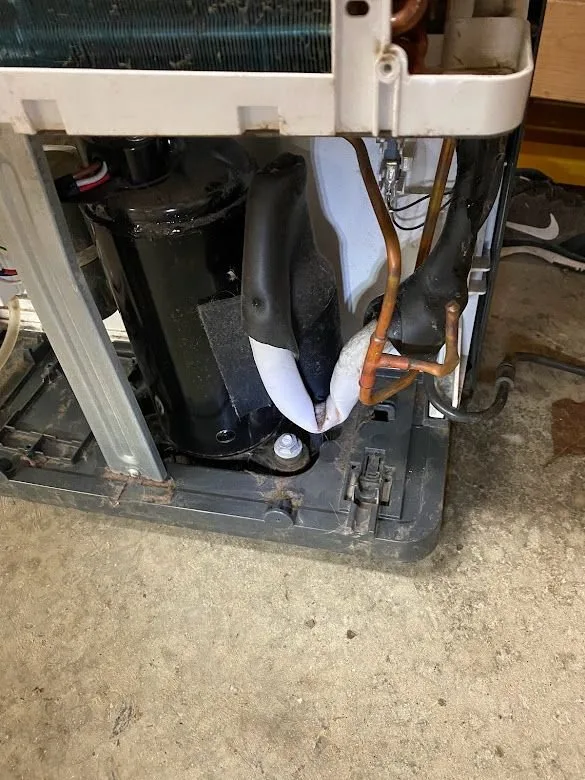
If none of these steps work, the issue is likely internal. A failed compressor, refrigerant leak, or broken humidity sensor requires a professional. Midea's customer support can help with warranty claims.
Most units have a one to five year warranty depending on model and retailer. If under warranty, do not open the unit yourself. That voids coverage.
If out of warranty, a local appliance repair shop can diagnose the compressor and refrigerant circuit.
Frequently Asked Questions
Why does my Midea dehumidifier run but not collect water in winter?
Low room temperature is the most common cause. Compressor dehumidifiers stop working below 41°F (5°C). If your basement or garage is unheated, move the unit to a warmer area.
Or switch to a desiccant dehumidifier for cold climates.
How do I reset my Midea dehumidifier?
Unplug the unit from the wall. Wait 10 minutes. Plug it back in.
That resets the control board and compressor timer. For some models, holding the "Filter Reset" button for three seconds also resets the filter reminder.
Can a dirty filter cause no water collection?
Yes. A clogged filter restricts airflow over the cooling coils. Without enough airflow, the coils cannot condense moisture.
Clean the washable filter every two weeks during heavy use. Rinse with warm water and dry completely before reinserting.
What does the "bucket full" light mean if the bucket is empty?
That usually means the float switch is stuck in the "up" position. Remove the bucket. Find the float switch inside the cavity.
Gently move it up and down until it moves freely. Make sure the bucket is seated correctly.
Should I use continuous drain or the bucket?
Use the bucket if you want to monitor water collection. Use continuous drain only if you can route the hose downhill with no kinks. If continuous drain shows no water, check the hose for clogs or improper slope.
Switch to bucket mode to test if the unit works normally.
How do I know if my Midea dehumidifier has a refrigerant leak?
A refrigerant leak is rare but possible. Signs: the compressor runs but coils never feel cold, a hissing sound from the unit, or oil residue around the coils. If you suspect a leak, unplug the unit and call a professional.
Refrigerant repair requires EPA-certified technicians.