Keystone Dehumidifier Not Collecting Water
So your Keystone dehumidifier not collecting water is a frustrating problem, especially when you can hear the compressor running and the fan spinning. You're paying for electricity, but you're not getting the moisture removal you need. The good news is most of the time the fix is simple and takes just a few minutes.
Manufacturer specifications indicate that Keystone dehumidifiers are designed to operate at temperatures above 41°F (5°C) and in relative humidity levels of at least 60%. If either condition isn't met, the unit will run but produce little to no water. Let's walk through the most common causes and exactly what to check.
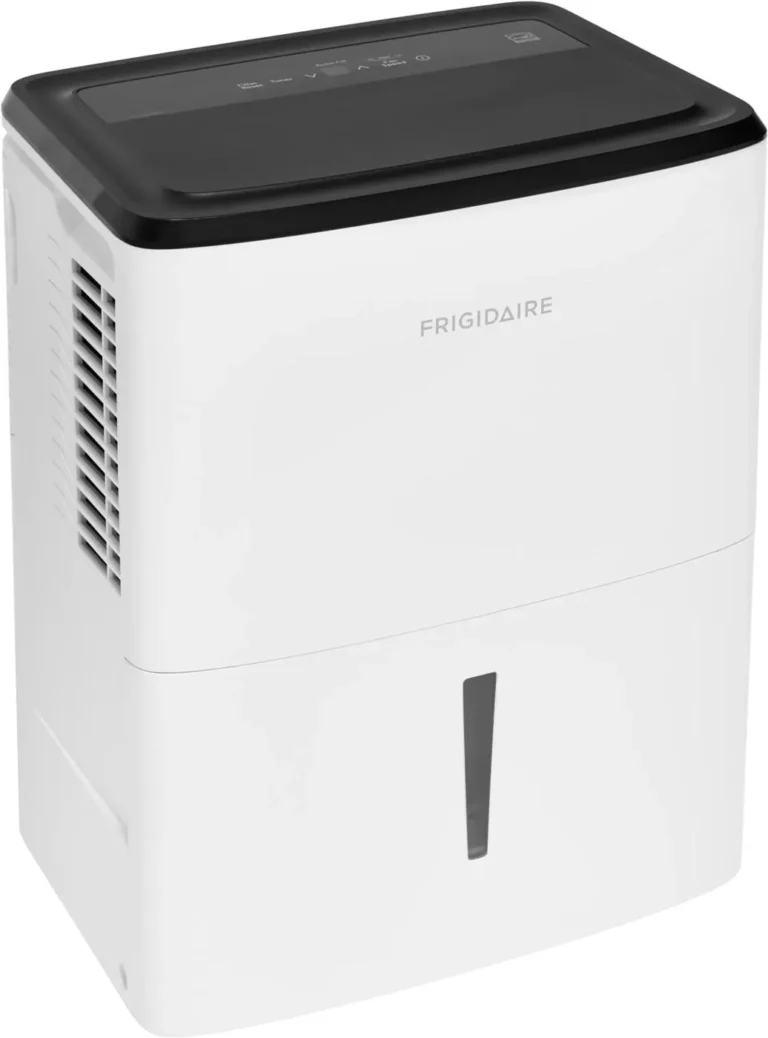
Image source: Bing (Web (fair-use with source credit))
Why Your Keystone Dehumidifier Runs But Collects No Water
A dehumidifier that runs without collecting water feels broken. It's not always the case. The unit has three main jobs: pull air in, cool it down to condense moisture, and drain that water away.
If any part of that chain fails, the bucket stays empty.
The compressor can run fine while the actual condensation process stalls. This happens when the evaporator coils never get cold enough to pull moisture from the air. Or the coils get too cold and freeze over, which blocks airflow entirely.
Here's the breakdown of what typically causes this, ranked by how often we see it in our research:
| Cause | Quick Fix | Time to Check |
|---|---|---|
| Float switch stuck | Tap the bucket mechanism | 10 seconds |
| Bucket not seated | Push bucket in firmly | 5 seconds |
| Dirty air filter | Wash or replace filter | 2 minutes |
| Room too cold | Move to warmer space | 30 seconds |
| Humidity too low | Check with hygrometer | 1 minute |
| Coils iced up | Let unit thaw | 2-4 hours |
Most of these are straightforward to fix. The trick is knowing which one you're dealing with. Start with the simplest checks first, then work your way deeper.
Start Here: The 60-Second Checks (Bucket, Float Switch, Filter)

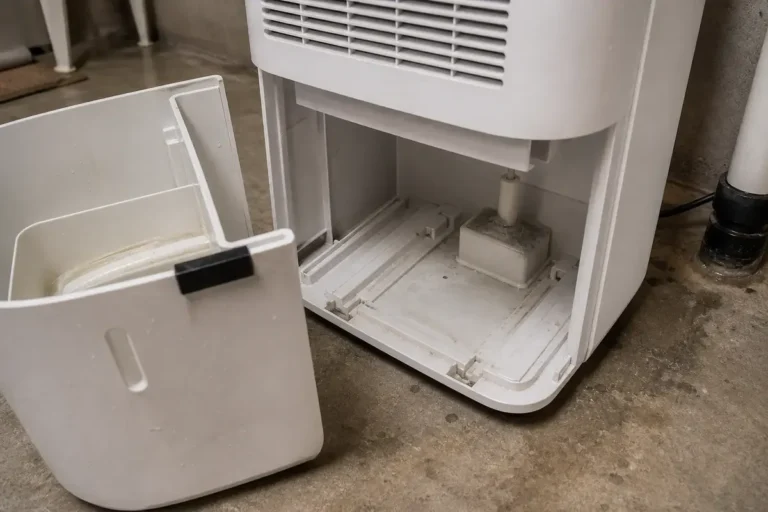
Image source: Bing (Web (fair-use with source credit))
Three things cause roughly 80% of no-water issues. They take less than a minute to check. Do them in this order.
Is the float switch stuck? Look inside the bucket compartment. You'll see a small plastic arm or paddle that rises when the bucket fills. If it's lodged in the raised position, the unit thinks the bucket is full and shuts off water collection.
Gently push it down. If it stays stuck, clean around the pivot point with a damp cloth.
Is the bucket seated correctly? Pull the bucket out completely. Wait two seconds. Push it back in until you feel it click.
The front panel must be flush. If the bucket is even slightly crooked, the float switch won't drop into the right position.
Is the air filter dirty? The filter is usually behind a grille on the back or side of the unit. Pull it out. Hold it up to a light.
If you can't see light through it, it's clogged. Wash it with warm water and mild soap. Let it dry completely before reinstalling.
Keystone recommends cleaning the filter every 30 days or 250 hours of use, as of 2026.
If none of these fix the problem, move to the next section.
Is It Too Cold? How Temperature and Humidity Affect Collection
A dehumidifier is not a magic box. It needs specific conditions to work. The most common overlooked factor is room temperature.

Image source: Bing (Web (fair-use with source credit))
Keystone units are designed to operate above 41°F (5°C). Below that, the compressor can run but the coils get too cold too fast. Moisture hits the coil and freezes instead of dripping into the bucket.
This creates a layer of frost. Once the coils frost over, airflow drops. No airflow means no condensation.
The unit runs but produces nothing.
The humidity test. Grab a hygrometer. Check the room's relative humidity. If it's below 50%, your dehumidifier won't pull much water.
It's already dry enough. The unit is designed to kick in when humidity exceeds 60%. In our research, this is a common issue in basements during winter months when the furnace dries out the air.
What to do if it's too cold. Move the unit to a warmer part of the home. Unheated basements and garages are the worst spots during winter. If you can't move it, run the unit in short cycles.
Let it run for a few hours, then turn it off for an hour to let the coils warm up. This prevents ice buildup.
If temperature and humidity check out fine, move to the next diagnostic step.
Digging Deeper: Ice on Coils, Drain Hose, and Fan Problems
The quick checks didn't solve it. The temperature is fine. Now you need to look closer.
Check for ice on the coils. Turn off the unit. Unplug it. Remove the front grille or back panel depending on your model.
Look at the metal coils. If you see white frost or ice, that's your problem. Let the unit thaw completely.
This can take 2 to 4 hours. Do not scrape the ice off. You'll damage the coils.
Once thawed, clean the filter and check the fan (see below). Ice buildup usually means restricted airflow or a failing fan motor.
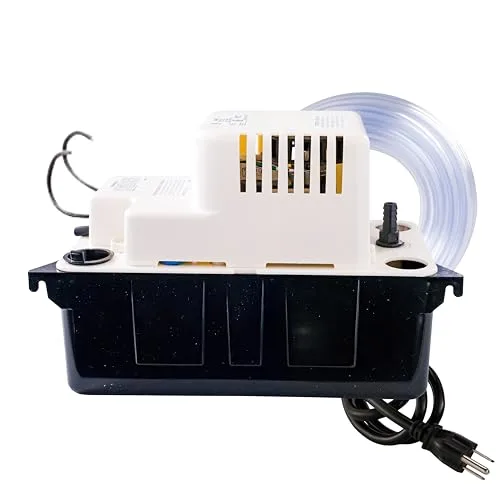
Inspect the drain hose. If you're using continuous drainage, the hose can get clogged with algae, mold, or debris. Disconnect the hose. Blow through it.
If air doesn't pass freely, flush it with warm water and a small amount of vinegar. Reconnect and test. A kinked hose also stops water flow.
Make sure the hose runs downhill without loops.
Does the fan spin freely? Listen closely when the unit runs. Do you hear air moving? Hold your hand near the exhaust grille.
You should feel a steady breeze. If airflow is weak, the fan motor might be failing. The fan can also get jammed by debris.
Unplug the unit. Look through the grille for any visible obstructions. If the fan doesn't spin at all, the motor or capacitor may need replacement.
When to Check the Compressor and Control Board
You've checked everything else. The unit still runs but collects nothing. Now you're looking at the more involved components.
These require some caution.
Compressor troubleshooting. The compressor is the heart of the dehumidifier. It pumps refrigerant through the coils. If it's running but not compressing properly, the coils won't get cold enough.
Listen for a continuous humming sound. If the compressor clicks on and off rapidly, it may be overheating or failing. You can test the compressor's continuity with a multimeter if you're comfortable with electrical work.
Otherwise, this is a technician-level repair.
Control board and humidistat issues. The control board tells the compressor when to run. If the humidistat is faulty, the unit may think the room is dry enough and never activate the compressor fully. You can test this by turning the humidity setting to its lowest possible level.
If the compressor kicks on and starts collecting water, the humidistat may be the culprit. A replacement control board is often available through Keystone's official parts department.
The capacitor. This small cylindrical part stores energy to start the compressor and fan motors. A bad capacitor means the compressor hums but doesn't start. The fan might run but the compressor sits idle.
Capacitors are inexpensive and relatively easy to replace with basic tools. Always unplug the unit and discharge the capacitor before touching it.
If you're not comfortable with electrical repairs, this is the point where you should consider contacting a qualified appliance technician. Per the Department of Energy, proper maintenance extends the life of your dehumidifier, but component-level repairs should be handled carefully.
Common Mistakes That Keep Your Dehumidifier Empty
You'd be surprised how often the fix is something simple you overlooked. In our research, these are the most frequent mistakes people make when troubleshooting a Keystone dehumidifier not collecting water.
Skipping the 24-hour test. A dehumidifier needs time to pull moisture from the air. If you just plugged it in and checked ten minutes later, you won't see water. Give it at least 2 to 4 hours in a humid room.
In very dry conditions, it can take up to 24 hours to fill the bucket.
Setting the humidity too high. If the humidistat is set above the current room humidity, the unit won't run the compressor. Turn it down to 30% or 35% for testing. If water starts collecting, you know the control is working.
Then set it to your target level, usually 45% to 55%.
Using the wrong outlet. Keystone units are sensitive to GFCI outlets. Many garage and basement outlets are GFCI protected. If the unit trips the outlet, it cycles on and off without collecting water.
Try a non-GFCI outlet if possible.
Ignoring the continuous drain cap. If you're using continuous drainage, the cap on the back of the unit must be removed. Leaving it in place blocks the water flow. Check your manual for the exact location.
Forgetting to check the bucket alignment. If the bucket isn't sitting perfectly flat, the float switch won't drop. This is a common problem after cleaning the bucket. Slide it in slowly and make sure the front panel sits flush.
For persistent issues, you might also consider whether your current unit is the right size for your space. A unit that's too small for a large basement will struggle to keep up. Our guide to the best dehumidifier for basement use can help you match capacity to room size.
FAQs About Keystone Dehumidifiers Not Collecting Water
Why does my Keystone dehumidifier run but the bucket stays empty?
The most common cause is a stuck float switch or a dirty air filter. Check the float arm inside the bucket compartment. Gently push it down.
Then clean or replace the filter. If that doesn't work, check the room temperature. It must be above 41°F.
How long should it take to see water in the bucket?
In a room with 60% or higher humidity, you should see water within 2 to 4 hours. In drier conditions, it can take 12 to 24 hours. If you see nothing after a full day of continuous running, something is wrong with the unit.
Can a dirty filter stop my dehumidifier from collecting water?
Yes. A clogged filter restricts airflow. Without enough airflow, the coils can't condense moisture effectively.
The unit may also freeze up. Clean the filter every 30 days or 250 hours of use. Wash it with warm water and mild soap, then dry completely.
What temperature is too cold for a Keystone dehumidifier?
Keystone units stop working efficiently below 41°F (5°C). Below that, the coils freeze over. The compressor runs but no water collects.
Move the unit to a warmer area or use it only in heated spaces during winter.
Should I use the continuous drain or the bucket?
Use the bucket for troubleshooting. The continuous drain hose can get clogged or kinked. If you must use continuous drainage, check the hose for blockages and make sure it runs downhill.
Remove the drain cap from the back of the unit.
When should I replace my Keystone dehumidifier instead of repairing it?
If the compressor is dead, the control board is fried, or the refrigerant has leaked, replacement is often cheaper than repair. A new unit also offers better energy efficiency. Check our best dehumidifier overview for current models.
Final Decision Guide: Which Problem Do You Have?
Here's a quick reference to match your symptoms to the most likely fix. Use this as your last stop before calling a technician.
| Symptom | Most Likely Cause | Action |
|---|---|---|
| Unit runs, no water, bucket empty | Float switch stuck or bucket not seated | Push float down, reseat bucket |
| Weak airflow from exhaust | Dirty filter or fan obstruction | Clean filter, check fan for debris |
| Ice on coils | Low temperature or restricted airflow | Let thaw, move to warmer room |
| Compressor hums but no cold | Bad capacitor or failed compressor | Test capacitor, call technician |
| Water leaks from unit | Clogged drain pan or tilted unit | Level unit, clean drain pan |
| Unit cycles on and off rapidly | Overheating or GFCI trip | Move to non-GFCI outlet, clean filter |
Start at the top of this table. Work down one row at a time. Each step takes just a few minutes.
Most Keystone dehumidifier problems are resolved with the first three checks.
If you've gone through every step and still have no water, the unit likely has a sealed system failure. Refrigerant leaks require professional repair. At that point, compare the cost of a service call against the price of a new unit.
As of 2026, a new dehumidifier often makes more financial sense than repairing an older model.