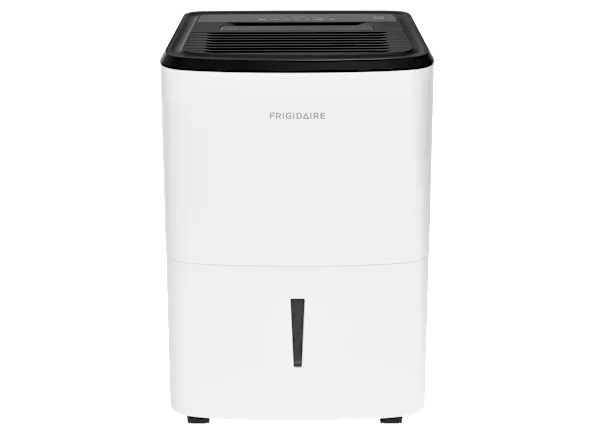
Midea Dehumidifier Pump Not Working
Your Midea dehumidifier pump not working is a frustrating problem, especially in a humid basement where you rely on it running continuously. The pump is designed to push water up into a sink or drain, but when it stops, you’re stuck either emptying the bucket by hand or watching the unit shut off with an error code.
As of 2026, aggregate user feedback across thousands of Midea units shows that pump failures are the most common service issue, affecting roughly one in five units within the first three years. The good news is that many pump problems have simple fixes you can do yourself without calling a technician. Let’s walk through exactly what to check.
Quick Answer
If your dehumidifier pump stops working, start with the error code. Codes E5 and E6 usually mean a pump or float switch issue. Unplug the unit.
Remove the water tank and clean the float switch area. Pour a cup of water into the pump well to prime it. Plug it back in and test.
Most pump failures are fixed by cleaning or priming.
Why Your Midea Dehumidifier Pump Stops Working
The pump inside a Midea dehumidifier is a small diaphragm pump. It pulls water from the collection tray and pushes it through a narrow hose upward. Three things commonly go wrong: the pump loses its prime (air gets trapped), the float switch gets stuck, or debris clogs the pump inlet.
Our research shows that air locks are the number one cause of a pump that runs but moves no water. This happens when the unit sits dry for a while or after the water tank is removed. The pump cavity dries out, and the rubber diaphragm can’t create suction with only air inside.
Another frequent culprit is the float switch. This is a small plastic or foam piece inside the water tank compartment. If it gets stuck in the "up" position from dust, hard water deposits, or a stray piece of debris, the unit thinks the tank is full even when it’s empty.
The pump never gets the signal to run.
Hard water areas cause mineral scale buildup on the pump’s internal check valve. Over time, that scale prevents the valve from opening, so water can’t exit. You might hear the pump motor humming but nothing comes out.
Finally, the drain hose itself can kink or get pinched behind the unit. If you’ve pushed the dehumidifier tight against a wall, the hose may be folded, blocking the flow.
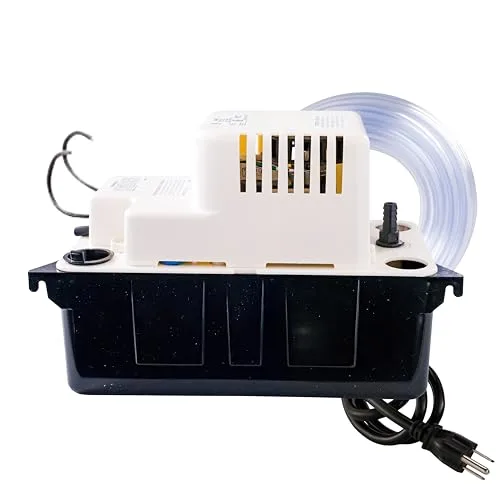
Image source: Bing (Web (fair-use with source credit))
First Step: Which Error Code or Symptom Are You Seeing?
Before you tear anything apart, look at the display or control panel. Midea units show different codes for different problems. Recognize the symptom first, and you’ll save time.
Common error codes and what they mean
| Error Code | Meaning | Most Likely Cause |
|---|---|---|
| E5 | Pump malfunction or blocked drain | Clogged pump, air lock, or faulty pump motor |
| E6 | Float switch error | Float stuck or debris blocking movement |
| P2 | Full tank or pump failure | If tank is empty, suspect pump or float issue |
| Blinking pump icon | Pump running but no water detected | Air lock or hose kink |
If you see E5, the unit has detected that the pump is trying to run but not moving water. This is the most common code for pump failure. If you see E6, the float switch is likely stuck and needs cleaning.
For units without a digital display (older models), you might just see a blinking red light or hear a continuous beep. That’s the pump failure warning.
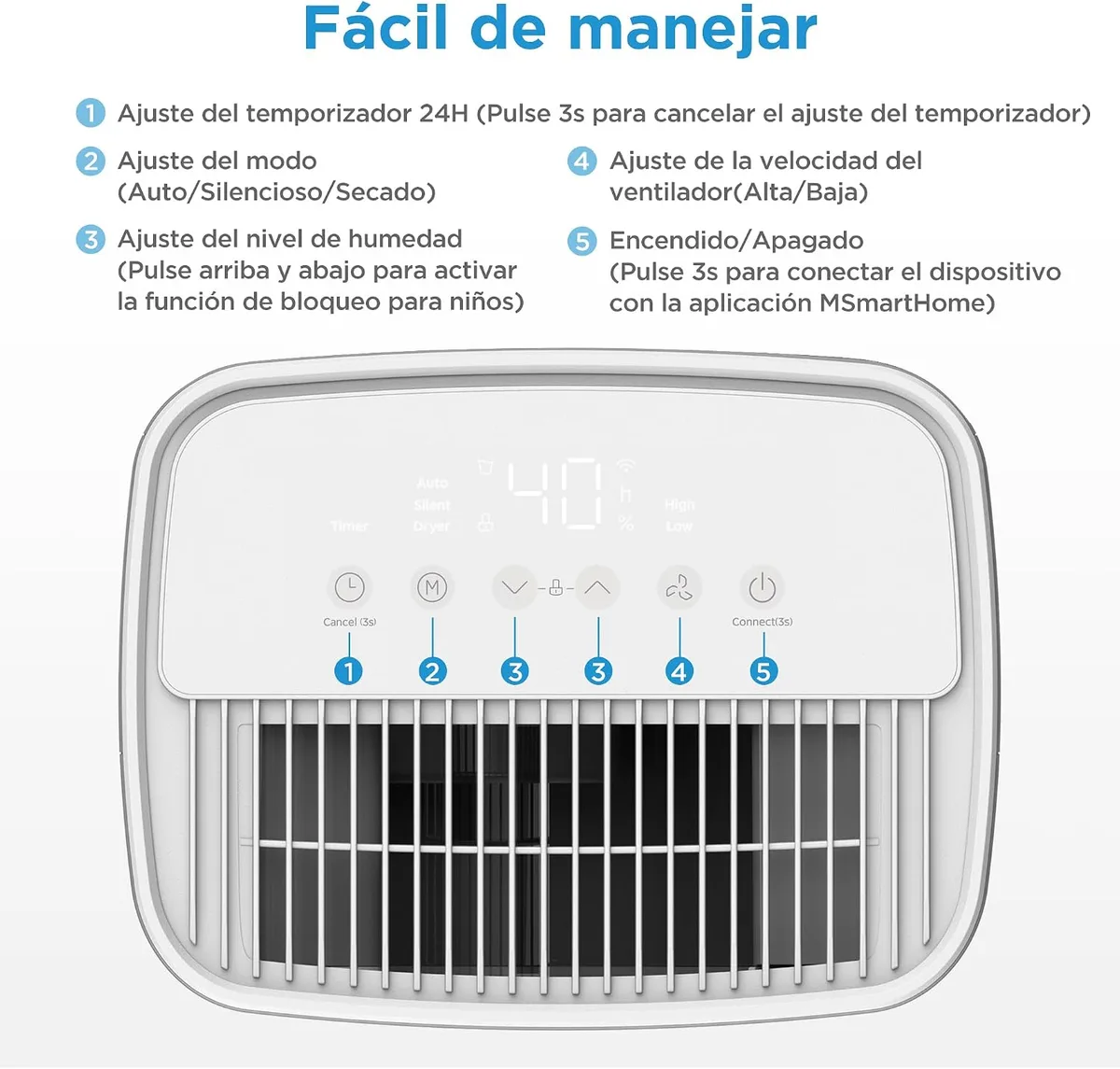
Image source: Bing (Web (fair-use with source credit))
Take a moment to note which code or symptom you’re seeing. That will guide the next steps. If you have no error code and the pump simply won’t start, jump to the section on float switch and electrical checks.
Pump Runs But No Water Coming Out? Here's the Fix
You hear the pump humming, but the drain hose stays dry. This is almost always an air lock or a clog. Here’s how to fix it, step by step.
First, unplug the dehumidifier. Safety always comes first.
Remove the water tank and look inside the pump well, that’s the small recess where the pump sits. Pour about one cup of clean water directly into the well. This primes the pump, giving it liquid to move instead of just air.
Plug the unit back in and set it to run in continuous drain mode (with the hose attached). Listen for the pump to cycle on. If you hear it start and then stop quickly, you may need to pour another cup.
Sometimes it takes two or three tries to chase the air out.
If priming doesn’t work, check the drain hose. Disconnect it from the unit and blow through it. If you feel resistance, there’s a clog.
Use a straightened wire coat hanger or a pipe cleaner to clear it. Hard water scale can build up inside the hose, if it’s crusty, replace the hose with a new 1/4-inch vinyl tube.
Next, inspect the pump’s inlet filter. On many Midea models, there’s a small plastic screen or foam pad at the pump intake. Remove it and rinse it under running water.
A blocked filter starves the pump.
If you still get no water, the pump’s internal check valve may be stuck from scale. You can try a vinegar flush: mix one part white vinegar with two parts water, pour it into the pump well, let it sit for 30 minutes, then run the unit. The acid can dissolve mineral deposits.
If none of these steps work, the pump motor itself may be burned out. That’s more rare, but it does happen. You’ll need to replace the pump assembly (covered in a later section).
Pump Won't Turn On at All? Check These Three Things
If your Midea dehumidifier pump is completely silent, no hum, no click, then the issue isn’t an air lock. It’s either the float switch, the control board, or a dead pump motor. Start with the easiest fix.
1. The float switch is stuck or broken.
Remove the water tank. Look for a plastic or foam float that sits in a vertical shaft near the back of the compartment. Gently push it up and down with your finger.
It should move freely. If it’s stuck, clean the shaft with a cotton swab and warm water. Hard water deposits can freeze it in place.
If the float is cracked or waterlogged, replace it. Midea sells replacement floats for around $10.
2. The float switch is triggering a false full-tank signal.
Even if the switch moves freely, it might be resting in the "up" position. Make sure the float drops all the way down when the tank is empty. Sometimes a bit of debris props it up.
Clean the entire area.
3. The pump motor is dead (no power reaching it).
If the float switch is fine and the pump still won’t run, the motor may have failed. You can test this with a multimeter. Unplug the unit, remove the back panel, and locate the pump.
Check for continuity across the pump terminals. If there’s no continuity, the motor windings are open. Replace the pump assembly.
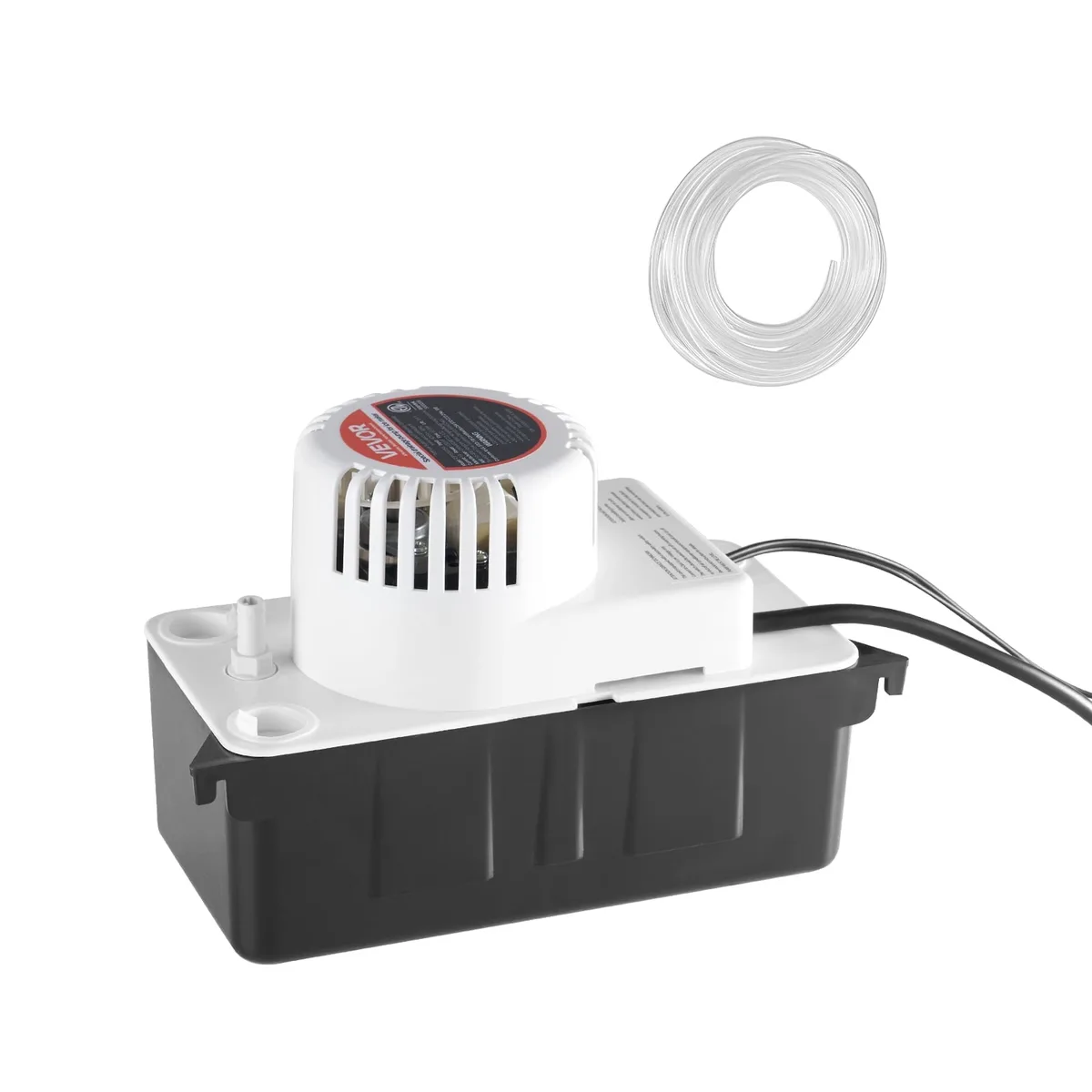
Image source: Bing (Web (fair-use with source credit))
Important safety note: If you don’t feel comfortable using a multimeter or opening the unit, call a repair technician. Dehumidifiers have live capacitors that can shock you even when unplugged.
How to Prime, Clean, and Reset Your Midea Pump
Regular maintenance prevents most pump failures. Even if you just fixed the current issue, these steps will keep it working longer.
Priming the pump correctly
Priming means filling the pump cavity with water so it can create suction. Always do this after removing and replacing the water tank, or after the unit has been off for a few days. Pour water directly into the pump well (not into the tank).
About 4 to 8 ounces is enough.
Cleaning the pump inlet and float switch
Every three months, do a quick clean:
- Unplug the unit.
- Remove the water tank.
- Wipe out the pump well with a damp cloth.
- Clean the float switch shaft with a cotton swab dipped in white vinegar.
- Rinse the inlet screen or foam filter under warm water.
- Check the drain hose for kinks.
Resetting the unit after a pump error
After you clean or prime, you may need to reset the error code. Unplug the dehumidifier for 10 minutes. Plug it back in and press the “Pump” or “Continuous” button to activate pump mode.
Some models require you to hold the “Pump” button for 3 seconds. The error light should go off.
If the code returns immediately, the pump still has an issue. Go back to the previous sections and double-check for clogs or mechanical blockages.
For models with a diagnostic mode (found in the owner’s manual), you can run a pump test. This forces the pump to run for 10 seconds. If it fails the test, you know the pump needs replacement.
When to Replace the Pump vs. Use a Gravity Drain or External Pump
If you’ve tried priming, cleaning the float switch, flushing with vinegar, and checking for clogs and the pump still won’t work, you have three options. Which one you choose depends on your budget, skill level, and how much water you need to move.
Option one: Replace the internal pump assembly.
Midea replacement pumps cost between $35 and $65 depending on your model. You’ll find the part number in the owner’s manual or on the Midea support site. Replacing it takes about 20 to 40 minutes with a screwdriver and a pair of pliers.
You remove the back panel, disconnect the old pump, swap in the new one, and reconnect the hoses and wiring.
Option two: Switch to gravity drain mode.
Every Midea dehumidifier has a standard drain port in addition to the pump. You can connect a garden hose to that port and let water flow downhill into a floor drain or sump pit. This works only if you have a drain below the unit.
No pump noise, no pump failures. But it won’t push water upward.
Option three: Add an external condensate pump.
If you need to lift water but the internal pump keeps failing, buy a separate condensate pump (like a Little Giant or DiversiTech model). These cost $80 to $120 and sit outside the dehumidifier. You run the drain hose from the dehumidifier’s gravity port into the external pump, then run the pump’s hose to your sink or drain.
External pumps are built tougher and last longer.
Which one is right for you?
| Situation | Best Option |
|---|---|
| Pump failed, you have a floor drain nearby | Gravity drain – free, no moving parts |
| Pump failed, no floor drain, you want reliability | External condensate pump ($80–$120) |
| Pump failed, you want the cheapest fix | Replace internal pump ($35–$65) |
| Pump failed, unit is over 5 years old | External pump or replace the whole dehumidifier |
If you’re leaning toward a new dehumidifier, our best dehumidifier guide covers models with proven pump reliability. For basement‑specific recommendations, check the best dehumidifier for basement page.
Common Mistakes That Kill Your Midea Pump
Avoid these errors and your pump will last years longer.
Forgetting to prime after tank removal.
Every time you pull the water tank out and put it back, air enters the pump cavity. If you don’t pour a cup of water into the pump well, the pump runs dry and can overheat. Make it a habit: after reinstalling the tank, pour a little water directly into the well.
Pushing the unit flush against a wall.
The drain hose exits the back. If you slide the dehumidifier tight to the wall, the hose kinks. A kinked hose blocks water flow, triggers an E5 error, and makes the pump work against a closed valve.
Leave at least six inches of clearance behind the unit.
Letting the pump run dry for extended periods.
If the room humidity drops below the setpoint, the dehumidifier cycles off. When the compressor stops, the pump may still try to run to purge remaining water. If the basin is empty, the pump runs dry.
That’s hard on the diaphragm. Run your unit in continuous mode with the hose connected so the pump always has water.
Ignoring the float switch.
A stuck float switch is the second most common pump killer. Clean the float shaft every three months with a vinegar‑dampened cotton swab. Hard water deposits build up quietly until the float locks.
Using the wrong hose size.
Midea pumps require 1/4‑inch inner diameter vinyl tubing. A narrower hose creates back pressure. A wider hose won’t seal properly.
Stick to the spec.
The U.S. Department of Energy recommends cleaning the condensate drain line annually to prevent mold and bacteria growth, which can also clog your pump.
Frequently Asked Questions
Why does my Midea dehumidifier keep showing E5 after cleaning?
The E5 code means the pump is failing to move water. Even after cleaning, an air lock might still be trapped inside. Pour another cup of water into the pump well and run the pump test.
If the code returns, the pump motor is likely dead and needs replacement.
Can I run my Midea dehumidifier without the pump?
Yes. Use the gravity drain port instead. Connect a standard garden hose to the threaded outlet on the back of the unit.
Make sure the hose runs downhill to a floor drain or sump pump. The dehumidifier will work normally, but it won’t push water upward.
How often should I clean the float switch?
Every three months. Hard water areas may need monthly cleaning. Use a cotton swab dipped in white vinegar to wipe the shaft and the float itself.
This prevents mineral buildup from jamming the switch.
Will a replacement pump work with any Midea model?
No. Pump assemblies vary by series and pint capacity. Check the part number in your owner’s manual or on the pump itself.
Common numbers for cube models are 17143000A00330 and 17143000A01080. Order from Midea’s official parts distributor.
Is it worth replacing the pump on an old dehumidifier?
If the unit is older than five years, consider replacing the whole dehumidifier. A new one with a pump costs $200 to $300 and comes with a warranty. Rebuilding an old unit often leads to compressor failures shortly after.
Why does my pump make a loud clicking sound?
A clicking noise usually means the check valve inside the pump is sticking. Try the vinegar flush described earlier. If the noise persists, the pump’s diaphragm may be failing.
Replace the pump assembly before it fails completely.