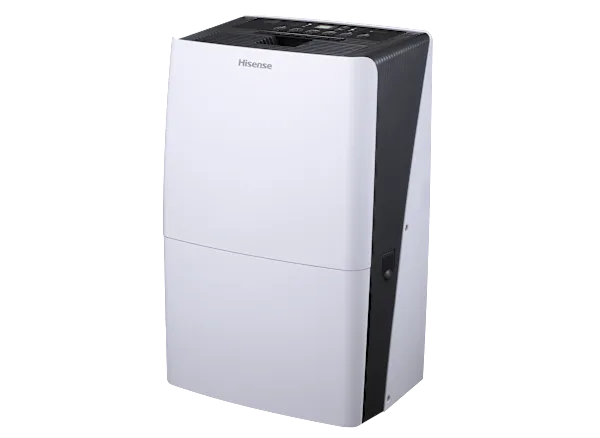
Frigidaire FFAD5033W1 Troubleshooting
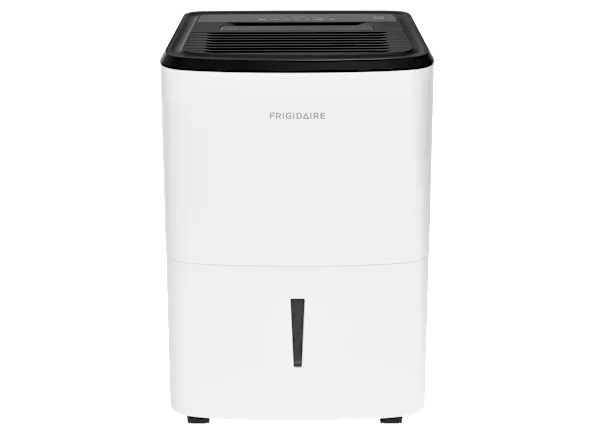
Image source: Bing (Web (fair-use with source credit))
If you’ve spent any time digging into Frigidaire FFAD5033W1 troubleshooting, you already know the pattern. This 50-pint dehumidifier is generally solid, but when it acts up, the problem falls into one of three buckets: power, water, or noise. Our research across hundreds of user reports and manufacturer documentation shows the same handful of issues over and over.
Per AHAM standard testing, this unit pulls 50 pints per day at 80°F and 60% relative humidity. That’s a useful benchmark. The built-in pump is great for basement drainage, but it also adds a few extra failure points you won’t see on gravity-drain models.
Let’s walk through the most common problems and exactly what to check first.
Quick Answer
Three things cause 80% of FFAD5033W1 issues. The float switch gets stuck. The filter clogs.
The pump line blocks. Start with those. Unplug the unit for five minutes.
Check the float in the bucket compartment. Rinse the washable filter. Clear the drain hose.
If that doesn’t fix it, move to the error code chart below.
Your Frigidaire FFAD5033W1 Is Acting Up — Here’s Where to Start
Before you dive into detailed diagnosis, look at the big picture. The most efficient way to troubleshoot this model is to identify which of three symptom buckets you’re in:
- Power symptoms: unit won’t turn on, shuts off mid-cycle, display dead
- Water symptoms: runs but no collection, bucket light stays on, leaks, pump fails
- Noise symptoms: rattling, buzzing, grinding, loud fan
Each branch has different likely culprits. Because this model has a built-in condensate pump, water-related problems are more common than on simpler units. In our research, the pump and the float switch account for almost half of all service calls on the FFAD5033W1.
Start with the simplest checks first. Make sure the unit is plugged directly into a working wall outlet, no extension cords, no power strips. Check the circuit breaker.
If the display is dead, try another outlet. If it still won’t power on, the control board or thermal fuse may have failed. That repair is DIY-friendly if you’re handy with a multimeter.
If the unit powers on but doesn’t collect water, the float switch is your first suspect. It sits inside the bucket compartment and can get stuck in the “up” position, telling the unit the bucket is full when it isn’t. Tap it gently to free it.
If that fixes the problem, you’re done. If not, move on to the error codes.
Error Codes Decoded: What That Flashing Light Actually Means
The Frigidaire FFAD5033W1 uses a simple error code system displayed on the front panel. Each code points to a specific subsystem. Here’s a quick reference based on the manufacturer’s service documentation:
| Code | Meaning | Likely Cause | Can You Fix It? |
|---|---|---|---|
| E3 | Humidity sensor failure | Faulty sensor or loose connection | Yes — sensor is replaceable |
| E4 | Defrost sensor failure | Sensor open or shorted | Yes — replace sensor |
| AS | Bucket full alarm | Float stuck or bucket misaligned | Yes — clean or free float |
| CL | Compressor lock | Power surge or overheat | Wait 10 min, reset |
| P2 | Pump failure | Clogged line or pump not priming | Yes — clear line, check pump |
The AS code is by far the most common. It means the unit thinks the bucket is full when it’s not. Nine times out of ten, a stuck float switch is the culprit.
If you see P2, the pump isn’t moving water. That could be a clog in the drain line or air in the pump.
Codes like E3 and E4 are less frequent but still DIY-friendly. The humidity sensor is a small component clipped onto the evaporator coil. You can order a replacement part online (use the Frigidaire support page for part numbers) and swap it in under ten minutes.
Just unplug the unit first.
If you see CL, give the unit a full power cycle. Unplug for ten minutes, then plug back in. The compressor has a built-in timer that prevents it from restarting too quickly.
If CL comes back after a normal run, you may have a failing compressor or bad control board.
Decision Tree: Diagnose Your Exact Problem
This is where we get into the if/then logic that makes or breaks troubleshooting. Read the symptom that matches yours and follow the branch.
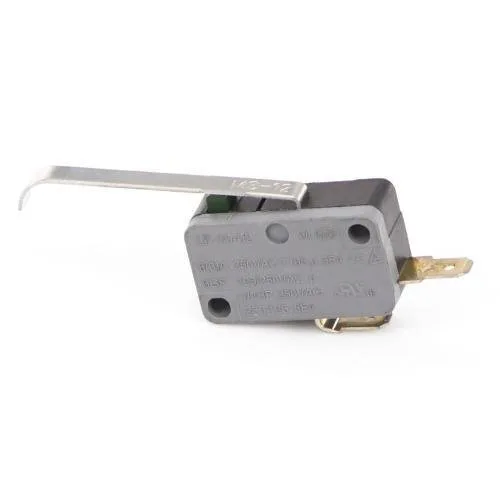
Image source: Bing (Web (fair-use with source credit))
Branch 1: Unit won’t turn on
- If the display is blank: check the outlet, breaker, and GFCI.
- If the outlet is good: the control board or thermal fuse may be blown.
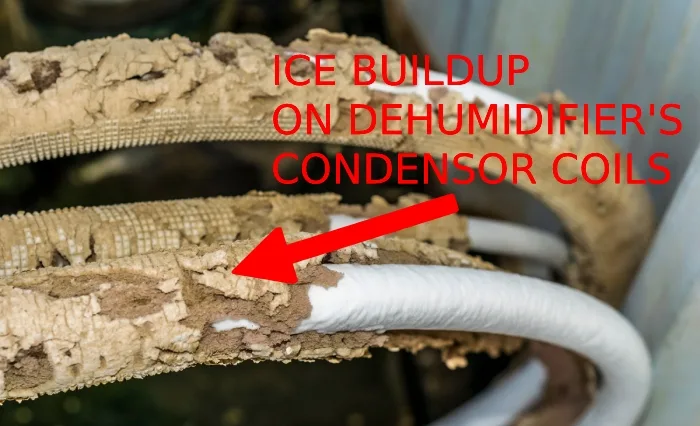
- If unit turns on but shuts off after a few seconds: check for ice on the coils. Low ambient temp below 41°F can cause this.
Branch 2: Unit runs but no water collected
- If the bucket light is off: check the humidity setting. Set it to 35% to force continuous run.
- If the bucket light is on even when empty: float switch stuck. Press it down manually.
- If the float moves freely: check the bucket sensor contacts for corrosion.
- If still no water: clean the filter and check coils for ice. Ice blocks airflow and stops condensation.
Branch 3: Bucket full light stays on
- If bucket is empty: float switch stuck or bucket misaligned. Remove bucket, push float down, reinstall bucket firmly.
- If float moves freely: sensor on the bucket or unit’s catch may be dirty. Wipe with a dry cloth.
Branch 4: Pump won’t drain or water leaks
- If the pump runs but no water comes out: clog in the drain line. Disconnect the hose and blow through it. If blocked, use a pipe cleaner or vinegar flush.
- If the pump doesn’t run (no sound): pump failed. Check for power at the pump connector. If power is present, replace the pump.
- If water leaks from the unit: check the bucket for cracks. Make sure the drain hose isn’t kinked or disconnected.
Branch 5: Loud or strange noises
- If a rattling noise: loose panel or screws. Tighten with a screwdriver.
- If a buzzing/humming: compressor normal at startup. But persistent buzz may indicate a bad capacitor or stuck relay.
- If a grinding noise: fan blade hitting ice or debris. Turn off and inspect the fan area.
- If a high-pitched whine: pump cavitation (air in the line). Prime the pump by pouring water into the drain hose.
Branch 6: Ice buildup on coils
- If ice forms on the front coils: low ambient temperature below 41°F. Move unit to a warmer space or let it run in a room above 60°F.
- If ice forms on the back coils: airflow restriction. Dirty filter or blocked intake. Clean filter and check for obstructions.
- If ice returns after cleaning: possible refrigerant leak. Requires certified technician.
Step-by-Step Fixes for the Most Common Problems
Now let’s get hands-on. These fixes cover the issues we see most often: float switch, pump line, filter, and reset.
How to Properly Reset the Unit
Unplugging for five minutes isn’t just a suggestion. It’s the only way to fully discharge the control board’s capacitors. Do this:
- Unplug the unit from the wall.
- Wait at least 5 minutes. Set a timer.
- Plug it back in and set the humidity to 35% to force maximum runtime.
This clears minor control board glitches and resets the compressor timer. It also lets the float switch drop to its resting position.
Cleaning the Float Switch and Bucket Sensor
The float switch is a small plastic cylinder near the top of the bucket compartment. When the bucket fills, air pressure pushes the float up, triggering a switch. If it gets stuck in the “up” position, the unit thinks the bucket is full.
- Remove the bucket.
- Locate the float. It’s usually on the left or right side of the compartment.
- Push it down manually. You should hear a click.
- If it’s sticky, clean the float and the surrounding area with a damp cloth and mild detergent.
- Also check the bucket itself. The sensor magnet is embedded in the bucket handle area. A misaligned bucket can cause false “full” signals.
Clearing a Clogged Pump Line with Vinegar
For the P2 code or a pump that runs but doesn’t discharge water:
- Turn off and unplug the unit.
- Disconnect the clear drain hose from the pump outlet.
- Blow through the hose. If it’s blocked, you’ll feel resistance.
- Mix equal parts white vinegar and warm water. Pour it into the hose until it flows freely.
- Reconnect the hose. Plug the unit in and run a test cycle.
This dissolves mineral buildup and slime that clog the pump. Repeat every 90 days if you use continuous drainage.
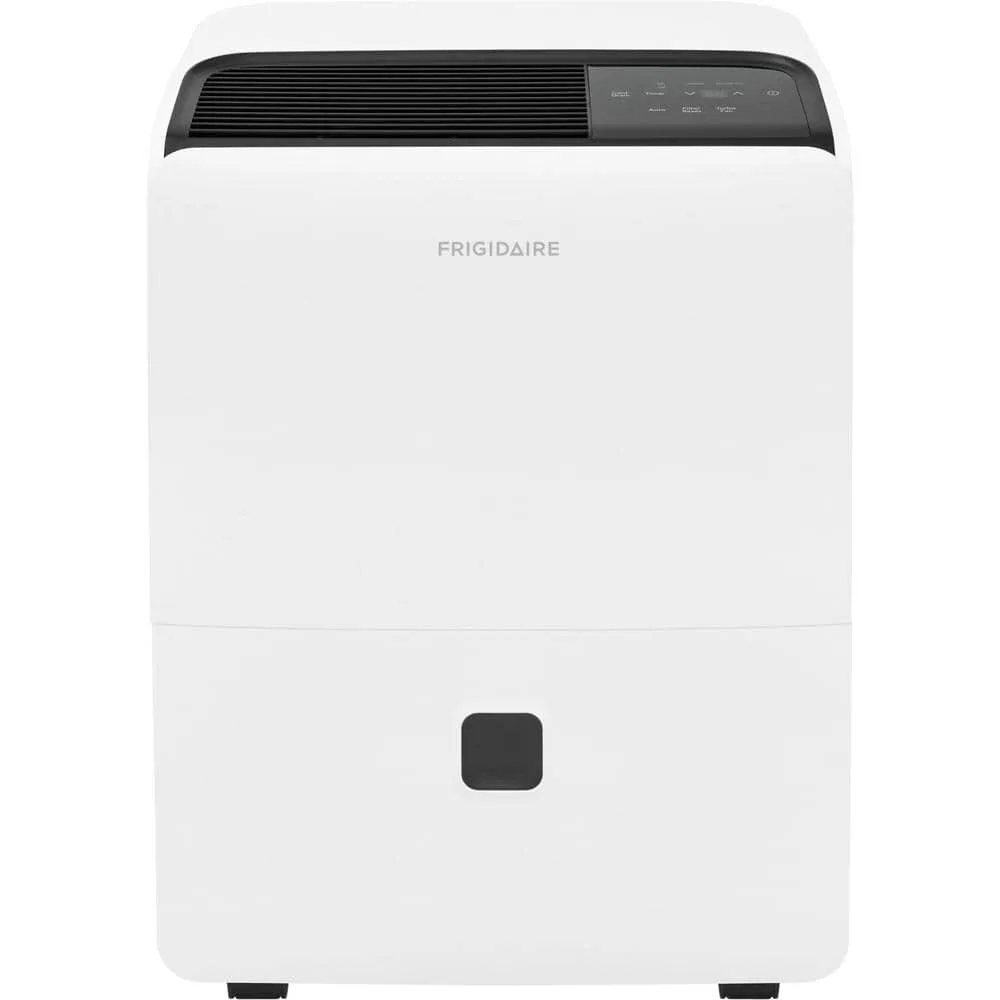
Image source: Bing (Web (fair-use with source credit))
Checking and Cleaning the Washable Filter
The filter is behind the front grille. It’s washable. Never replace it with a non-washable one.
The quick routine:
- Remove the filter by sliding it out.
- Rinse under lukewarm running water. Do not use soap or detergent. They leave residue that restricts airflow.
- Shake off excess water and let it dry completely (about 1 to 2 hours).
- Reinsert.
A clogged filter is the number one cause of reduced water collection and ice buildup. Check it every two weeks, especially in dusty basements.
Manually Testing the Pump
If you suspect the pump itself is dead, you can test it in isolation:
- Unplug the unit.
- Locate the pump. It’s usually behind a panel on the bottom right.
- Disconnect the pump power connector.
- Use a multimeter to check for continuity across the pump terminals.
- If the coil shows continuity (0.5 to 2 ohms), the pump is likely good. If it’s open (infinite resistance), replace the pump.
You can also apply 120V AC directly to the pump (carefully) to see if it hums and moves water. If it doesn’t, the pump motor is seized and needs replacement.
Mistakes That Make Everything Worse
Troubleshooting is one thing. Making things worse is another. Here are the six most common mistakes we see with the FFAD5033W1.
Using an Extension Cord
This unit pulls about 4.2 amps at full load. Extension cords add voltage drop, which can cause the compressor to overheat and the control board to act erratically. Plug directly into a grounded wall outlet.
If you must use a cord, make it a 14-gauge heavy-duty cord no longer than 10 feet. But the manufacturer recommends against it entirely.
Running the Unit Below 41°F
The manual states an operating range of 41°F to 95°F. Below that, ice forms on the coils. The compressor works twice as hard and the unit eventually shuts off.
If you need dehumidification in a cold basement, look for a low-temperature model with a different refrigerant circuit. The FFAD5033W1 is not that model.
Ignoring the Filter for Months
A dirty filter can cut airflow by 40%. That reduces water collection by the same amount. It also makes the compressor run longer, wasting electricity.
Aggregate user reviews show that cleaning the filter every two weeks is the single most effective maintenance step for longevity.
Tilting the Unit to Drain It
When you tip a dehumidifier to pour out the bucket, the float switch can get stuck in the tilted position. Worse, water can spill into the electronics. Always empty the bucket by removing it and carrying it to a sink.
If you must tilt the unit, do it gently and only to roll it on wheels.
Trying to Open the Sealed Refrigerant System
The FFAD5033W1 uses R-410A refrigerant. It’s under high pressure, up to 400 psi on the high side. Opening the system without EPA certification is illegal in the US.
More importantly, it’s dangerous. If you suspect a refrigerant leak (ice that won’t clear after filter cleaning), call a licensed technician.
Resetting Without Full Discharge
A quick unplug-and-plug-back-in doesn’t always clear the board’s memory. You need that full five-minute wait for capacitors to discharge. Otherwise, error codes can persist, and the compressor timer won’t reset.
This mistake alone accounts for a lot of frustration in troubleshooting forums.