Honeywell Dehumidifier Keeps Running
If your Honeywell dehumidifier keeps running long after the room feels dry, you're dealing with the most common complaint we found across user reviews. The good news is that the cause is usually simple, and the fix rarely costs money.
In normal operation, a dehumidifier cycles off when the room's relative humidity (RH) drops to your set point. Honeywell's digital models display both the current RH and your target percentage. As of 2026, the control layout across the TP, DH, and DR series is nearly identical, so these steps apply to just about any recent unit.
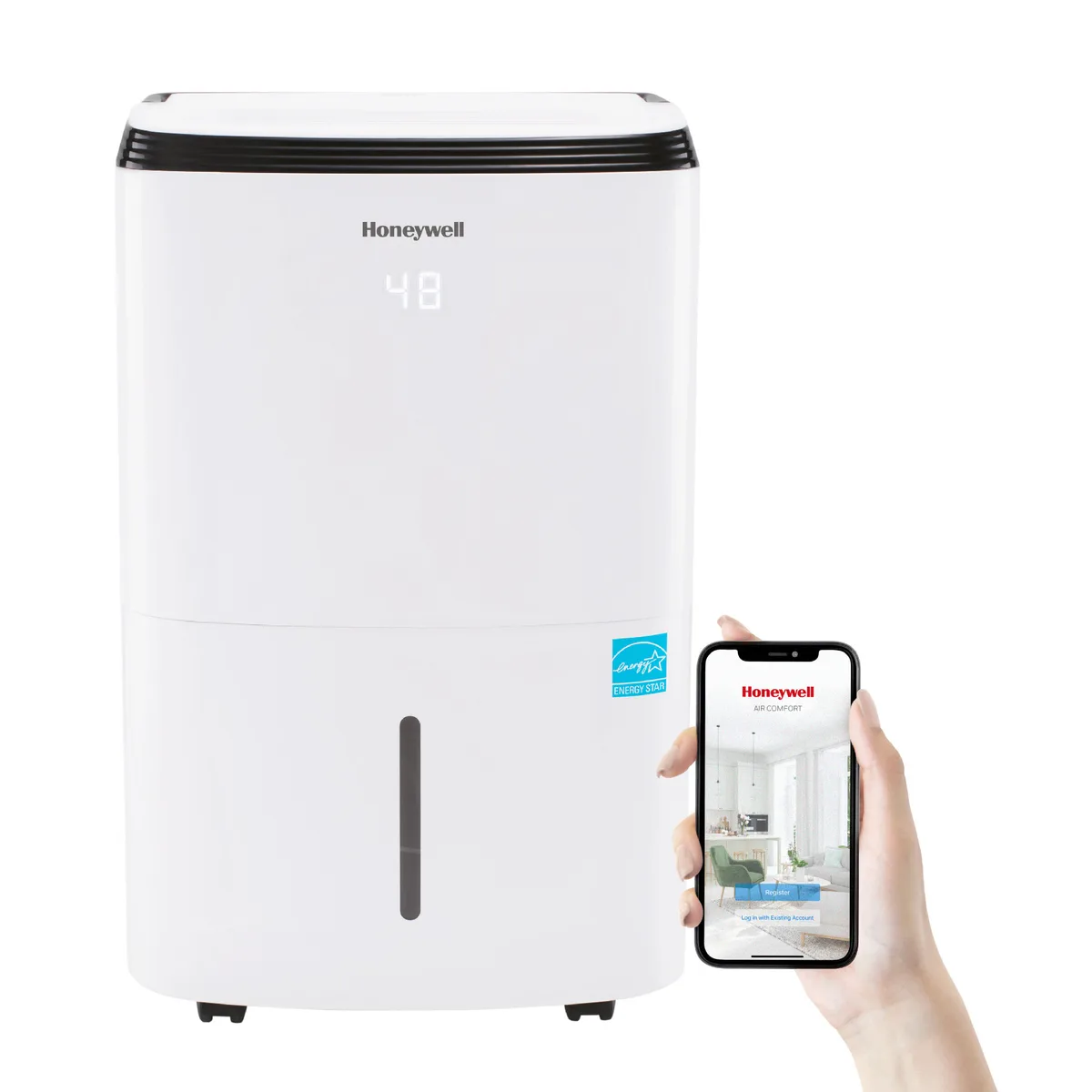
Image source: Bing (Web (fair-use with source credit))
Why Your Honeywell Dehumidifier Won't Stop Running
Here's what's supposed to happen. The compressor cools the coils. A fan pulls humid air across them.
Water condenses into the bucket or down the drain hose. A humidity sensor reads the room as it dries. When that reading hits your target, the control board tells the compressor and fan to stop.
On Honeywell's digital models, the sensor measures continuous relative humidity. The display shows the current reading next to your set point. If those numbers are close, the unit should shut down within a few minutes.
Most continuous-running problems trace back to one of four root causes. A setting issue. A drain problem.
A sensor error. Or an airflow restriction. We'll rule them out in that order.
Note that Honeywell's Continuous Operation mode bypasses the humidity sensor entirely. In that mode, the unit runs until the bucket fills or the room drops near freezing. If that setting is active, nothing you adjust on the humidity dial will matter.
Older dial-style models behave differently. They use a mechanical humidistat instead of a digital sensor. They still cycle off, but the mechanical switch drifts over time.
That causes longer run cycles as the unit ages.
ENERGY STAR certified units, per ENERGY STAR requirements, must meet minimum efficiency thresholds. Those thresholds assume a clean filter and proper clearance. Both factors play a big role in whether your Honeywell shuts off normally.
Quick Check: The Most Common Fixes in 60 Seconds

Image source: Bing (Web (fair-use with source credit))
Try these in order. Each check takes under a minute.
Your Honeywell dehumidifier keeps running because something never sends the stop signal. Most often, the unit is stuck in continuous mode. Switching to Auto mode with a 45% to 55% target humidity fixes it.
Resetting the unit by unplugging it for 60 seconds also works.
- Check the mode light. Press the Continuous button once to exit that mode.
- Set a target humidity. Use the arrow buttons to choose 50%. If the display already shows 50% or lower, the compressor should stop soon.
- Unplug the unit for 60 seconds. This clears a stuck control board.
- Reseat the bucket. Pull it out, then push it back in firmly. A mis-seated bucket blocks the float switch.
- Clean the air filter. A clogged filter restricts airflow. The sensor reads humid air near the coils instead of the whole room.
| Check | What to look for | What to do |
|---|---|---|
| Mode light | Continuous is lit | Press Continuous to switch back to Auto |
| Set point | Target is above the room reading | Lower the set point to 45% to 55% |
| Bucket | Float looks sticky or misaligned | Remove bucket, wipe float, reinsert |
| Air filter | Dusty or discolored | Rinse with water and dry completely |
| Display | Error code or blinking icon | Unplug, wait 60 seconds, restart |
The Decision Tree: Diagnose the Exact Cause
Work through these branches in order. Stop when you find the cause that matches your unit.
Branch A: Setting or Mode Issues
If the display shows a Continuous icon, you've found the problem. Honeywell designed this mode for rapid drying. It ignores your humidity setting and runs until the bucket fills or the room drops to about 35% RH.
Press the Continuous button once to exit. The display should switch back to a target percentage. Set that target to 50%.
The compressor should stop within five minutes if the room is already below that.
If it's still running, check the timer. Some models have a timer function that keeps the unit running for a set number of hours. A timer set to 24 hours looks exactly like a stuck unit.
No continuous light? Move to Branch B.
Branch B: Drain or Bucket Problems
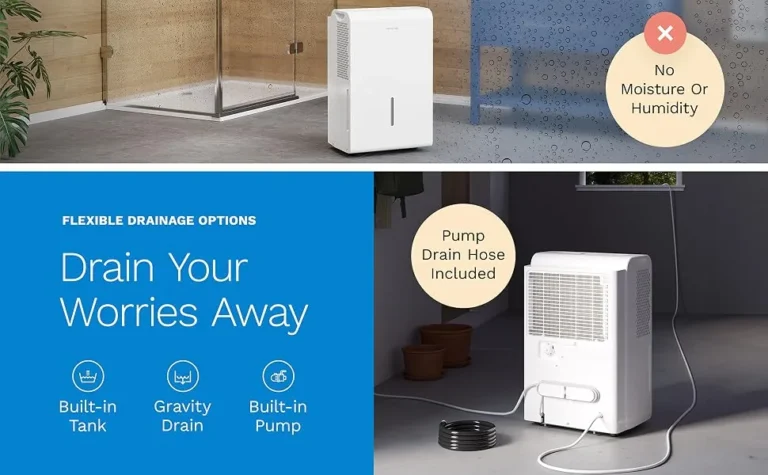
Disconnect any drain hose from the back of the unit. Water should flow out freely. A kinked or clogged hose creates a backup that confuses the float system.
The unit keeps running because it thinks the bucket is full.
If you're using the bucket, remove it and look inside the bucket well. The float switch is the small plastic piece that rises with the water level. Wipe it with a dry cloth and push it up and down a few times.
A sticky float can keep the compressor running even when the bucket is empty.
Reinsert the bucket until it clicks. If the Bucket Full light stays on, the float switch is jammed or faulty.
On pump models, listen for the pump. If it cycles every few seconds with no water flowing, the internal sensor is stuck. That usually needs a technician.
Branch C: Sensor or Airflow Problems
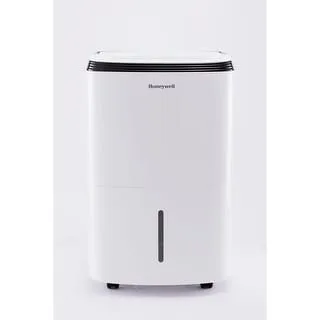
Image source: Bing (Web (fair-use with source credit))
Now check the sensor. Place a separate hygrometer next to the unit and wait 15 minutes. If the unit displays 40% but the hygrometer reads 55%, the sensor is drifting.
A dirty sensor causes this. On most Honeywell models, it sits behind the air filter. Open the grill.
Pull the filter. Wipe the sensor gently with a dry cotton swab.
Also verify clearance. The intake side needs about 20 inches of open space. Move the unit away from the wall and watch the run time.
Watch for the defrost cycle. In rooms below 65°F, the compressor loses efficiency. Coils ice up.
The fan stays on during defrost. Run times stretch. That's normal, not a defect.
Mistakes to Avoid When Troubleshooting
Some well-meaning fixes make things worse. Avoid these.
Don't set the humidity below 35%. The compressor will run endlessly. Coils will ice over.
Defrost will extend runtime. Keep the target between 45% and 55%.
Don't route the drain hose uphill. Gravity drains need a downhill slope along the entire run. Trapped water confuses the float system.
Don't block the intake. Placing the unit inches from a wall restricts airflow. The sensor then reads the stagnant humid zone near the cabinet, not the whole room.
Don't skip the filter cleaning. Honeywell recommends cleaning it every two to four weeks. Aggregate reviews we studied show a dirty filter is the second most common cause of constant running.
Don't unplug the unit repeatedly. One reset is fine. Doing it daily masks the real issue.
Don't use an extension cord. The manual specifies a direct wall outlet. Low voltage can make the compressor run hot and the controller behave erratically.
When to Call a Pro (and When Not To)
Most constant-running problems are DIY fixes. But some issues need a technician.
Call a pro if the compressor makes loud rattling or grinding noises. That points to a failing sealed system.
Call if warm air blows from the exhaust for over an hour. That means refrigerant pressure is off.
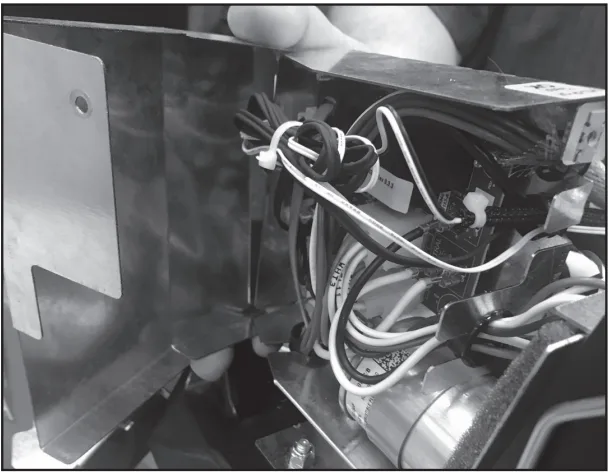
Call if the control board has visible burn marks or the display cycles through error codes endlessly. Board replacement requires specialized tools.
Honeywell portable dehumidifiers include a one-year limited warranty. As of 2026, several models extend the sealed-system coverage to three years. Check your manual, or the Honeywell support site, for exact terms.
If the unit is out of warranty, weigh the repair quote against a new unit. A mid-size Honeywell runs $180 to $280. A service call typically costs $100 to $160 before parts.
When the compressor is the problem, replacement usually wins.
One more thing to consider: the room itself. If the space consistently stays above 60% RH, the dehumidifier may be undersized. A 50-pint unit handles roughly 1,000 to 1,500 square feet.
Larger basements need a 70-pint or 90-pint model. If you're shopping for a bigger unit, our basement dehumidifier guide can help you match capacity to square footage.
Frequently Asked Questions
Why does my Honeywell dehumidifier run even when the humidity is set higher than the room?
The unit is likely in Continuous mode. That setting bypasses the humidity sensor entirely. Press the Continuous button until the icon disappears.
Then set the target to at least 5% above the current room reading. The compressor should stop within a few minutes.
How do I reset my Honeywell dehumidifier?
Unplug the unit from the wall outlet. Wait 60 seconds. Plug it back in.
The display should flash and return to the default settings. If the problem was a stuck control board, this clears it. For models with a Reset button, hold it for three seconds instead.
Can a dirty filter cause the unit to run constantly?
Yes. A clogged filter restricts airflow over the coils and the humidity sensor. The sensor reads warmer, moister air near the cabinet and never sees the dryer room air.
Cleaning the filter every two to four weeks restores normal cycling.
What does the Continuous mode light mean?
It means the unit ignores your humidity setting. It runs until the bucket fills, the pump trips, or the room drops to about 35% RH. This is useful for drying a wet basement quickly, but it's not meant for daily operation.
Press the Continuous button to switch back to Auto mode.
Should I use the gravity drain or the bucket?
Gravity drain works fine if the hose runs downhill without kinks. Bucket mode works if you empty it regularly. Neither causes constant running unless the float switch sticks or the drain hose is blocked.
How long should a Honeywell dehumidifier run before cycling off?
In a room at 60% RH with a target of 50%, expect the unit to run 45 minutes to 90 minutes before cycling off. Run time depends on room size, temperature, and airflow. If it runs for hours without stopping, work through the three branches above.
Preventive Maintenance Tips
Once you've fixed the immediate issue, a few simple routines keep your Honeywell dehumidifier from slipping back into constant-run mode.
Clean the air filter every two to four weeks. Set a phone reminder. A clean filter costs nothing and prevents the most common cause of sensor drift.
Check the bucket and float switch monthly. Wipe the float with a dry cloth. Push it up and down to confirm it moves freely.
A stuck float is the second most common cause of endless running.
Inspect the drain hose quarterly. Remove it. Run water through it.
Check for kinks or mineral buildup. Hard water deposits clog the hose over time. Flush with white vinegar if needed.
Give the unit breathing room. Keep 20 inches of clearance on the intake side and at least six inches on the exhaust side. Airflow matters more than most people realize.
Test the humidity reading with a separate hygrometer every few months. If the unit's display drifts more than five percentage points, the sensor may need cleaning or replacement. Wipe it with a dry cotton swab first.
Run the unit in Auto mode for daily use. Reserve Continuous mode for emergencies like a wet basement after a flood. That single habit prevents most constant-run complaints.
Unplug the unit once a season for a full minute. This resets the control board and clears minor glitches before they become persistent problems.