TCL Dehumidifier Not Removing Humidity
Your TCL dehumidifier hums along all day. The bucket stays bone dry. The air still feels sticky.
A TCL dehumidifier not removing humidity is a common problem, but most fixes are simple.
Manufacturer specs show these units work best between 41°F and 95°F. They pull 30 to 70 pints per day depending on the model. Let's walk through the exact steps to diagnose yours.
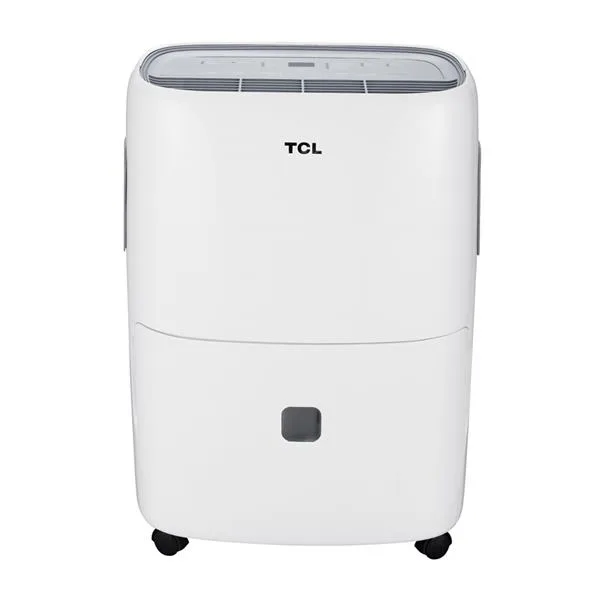
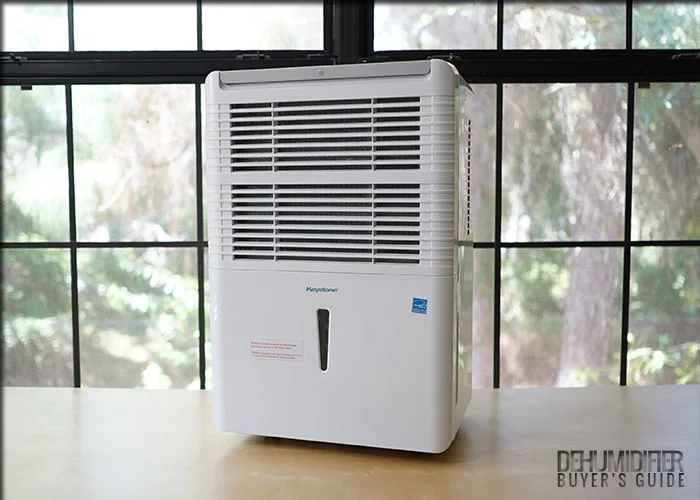
Image source: Bing (Web (fair-use with source credit))
Quick Answer
Low room temperature is the most common culprit. Check if the room is below 65°F. A dirty filter or a misaligned bucket are the next likely causes.
Clean the filter. Reseat the bucket. Set the target humidity to 45%.
Unplug the unit for ten minutes to reset the sensors.
Quick Diagnosis: Is It a Simple Fix?
Most of the time, the unit is fine. The environment is the problem. Check room temperature, filter cleanliness, and bucket seating first.
Here's how to tell which issue you're dealing with:
- If the unit runs but collects no water, check the room temperature first.
- If it runs then shuts off after a few minutes, suspect the bucket switch or sensor.
- If it runs with weak airflow, clean the filter.
- If it blows cool air but no water, check the humidity reading on the display.
As of 2026, TCL's lineup includes 30, 50, and 70-pint models. Newer units have an auto-defrost cycle that can hide coil icing until it's too late. Older ones simply freeze solid and stop.
The 70-pint models are the most likely to ice up since they push the most air across cold coils.
The good news? Most of these checks take less than five minutes. No tools required.
Step-by-Step Troubleshooting Tree
Work through these branches in order. Each step eliminates the most likely cause first. Don't skip ahead.
According to the US Department of Energy, dehumidifier efficiency drops noticeably below 60°F. That single fact explains a huge share of "not working" reports.
Check Room Temperature and Airflow
Measure the room temperature near the unit. If it's below 65°F, the compressor still runs. But condensation freezes on the coils instead of dripping into the bucket.
Move the unit to a warmer room or raise the thermostat.
Measure the clearance around the unit. It needs at least 12 inches on all sides. Blocked airflow mimics a mechanical failure.
Inspect the Filter and Bucket Sensor
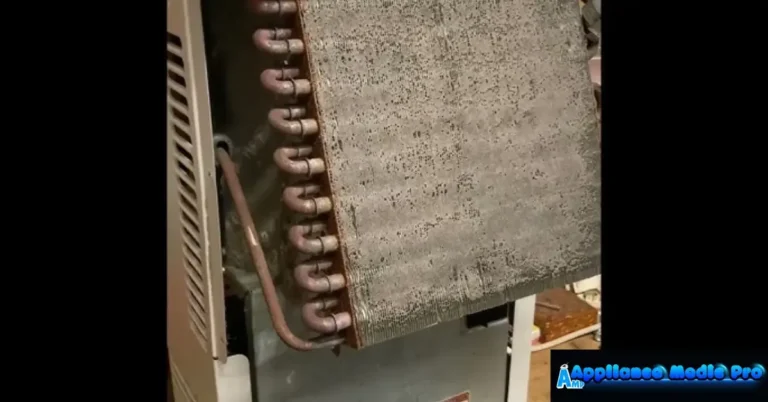
Pull the filter out and hold it to the light. If you can't see through it, that's your problem. Wash it, dry it, and reinstall.
Then press down on the bucket to confirm it seats fully. The safety switch won't let the compressor run unless the bucket is locked in.
Verify Humidity Setting and Continuous Drain
Set the target humidity to 45% or 50%. If it's set to 60% and your room reads 58%, the unit rightly stays idle. Also check the drain hose.
A kinked hose in continuous drain mode stops water flow completely.
When You See Ice Buildup or Error Codes
Ice on the coils is the number one cause of a TCL dehumidifier not removing humidity in cooler spaces. You'll notice the unit runs constantly, but no water appears. The coils may look frosted through the grille.
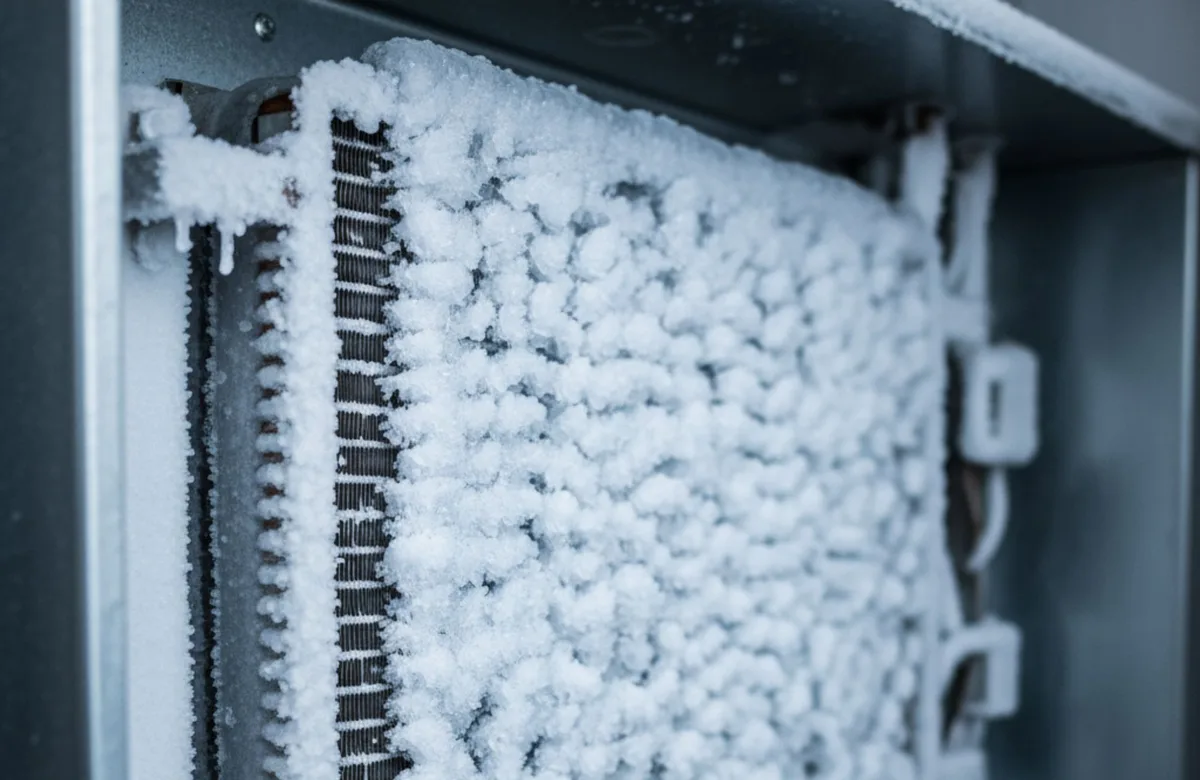
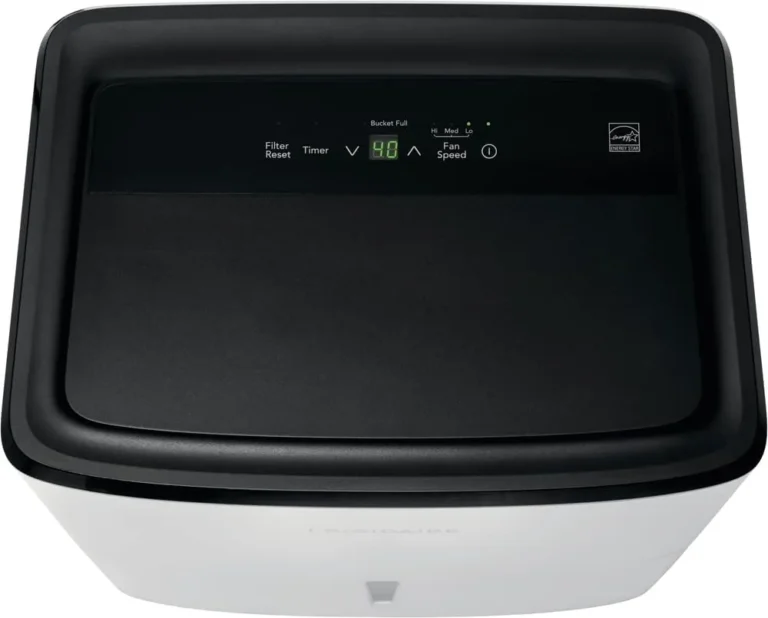
Image source: Bing (Web (fair-use with source credit))
If you spot ice, unplug the unit and let it thaw for 24 hours. Then address the root cause. The room is too cold.
The filter is dirty. The airflow is blocked. TCL's auto-defrost feature cycles the compressor off to melt ice, but it can't overcome a 55°F basement.
This is common in basements during spring when ground temperatures keep the air cool but humid.
Error codes tell a clearer story. Here's what TCL owners typically see:
| Code | Meaning | Likely Fix |
|---|---|---|
| E1 | Bucket full or misaligned | Reseat the bucket |
| E2 | Coil sensor failure | Replace sensor or contact support |
| E3 | Humidity sensor fault | Clean sensor, reset unit |
| EH | Bucket missing | Insert bucket correctly |
Unplug the unit for ten minutes to clear most error codes. If a code returns immediately, the sensor itself likely needs replacement. That's a warranty repair.
Common Mistakes That Waste Your Time
Troubleshooting is only as good as your assumptions. These are the errors we see repeated in verified buyer feedback.
- Testing in a cold room. Anything below 65°F gives false results.
- Setting the humidistat too high. If the room is at 58% and the target is 60%, the unit won't run.
- Placing the unit against a wall. You need at least 12 inches of clearance on all sides.
- Ignoring the filter. A dusty filter chokes airflow and mimics a compressor failure.
- Leaving the hose kinked or looping upward. Water can't drain uphill.
- Buying a unit too small for the space. A 30-pint model won't keep a large basement dry. If that sounds familiar, our best dehumidifier for basement guide covers proper sizing.
- Skipping the reset. Unplugging for ten minutes clears many false error codes.
If you've replaced the filter, moved the unit, and still get no water, check the display reading one more time. A sensor that reads 30% when the room is really 60% will keep the compressor off. Reset the unit before calling for service.
Maintenance Tips to Keep It Running Smoothly
Prevention beats troubleshooting. A little regular care keeps your TCL unit pulling water all season long.
Clean the filter every two weeks during heavy use. Run it under warm water. Squeeze out the excess.
Let it air dry completely before reinstalling. A clean filter keeps airflow strong and prevents coil icing.
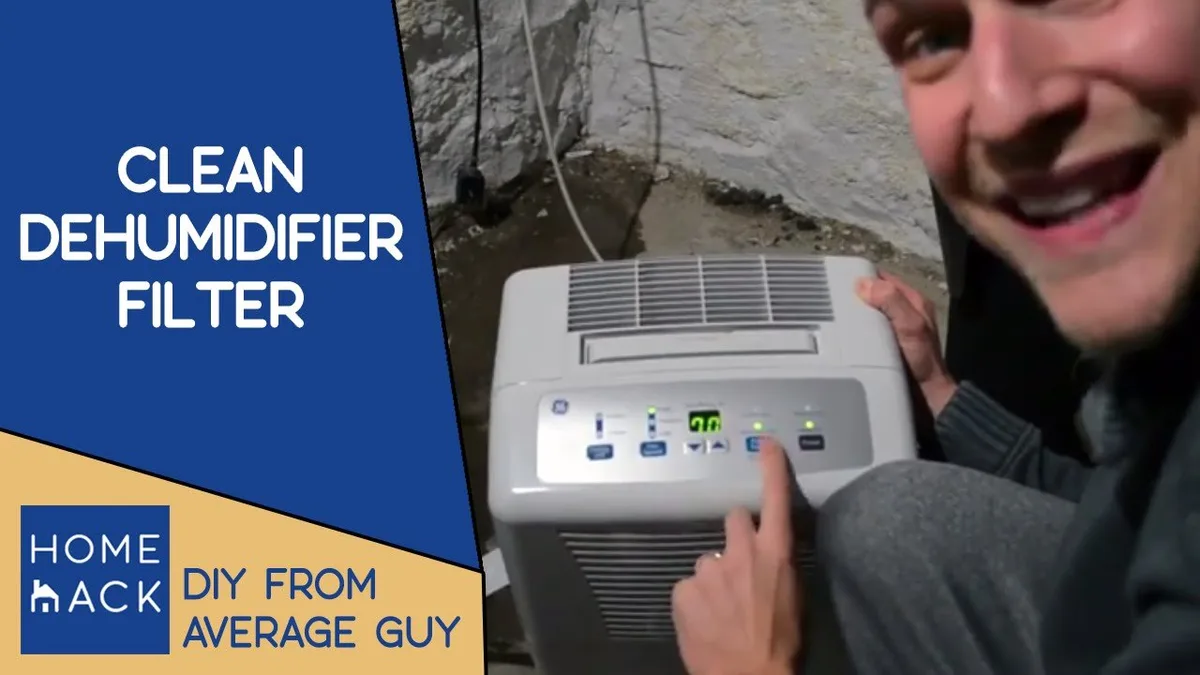
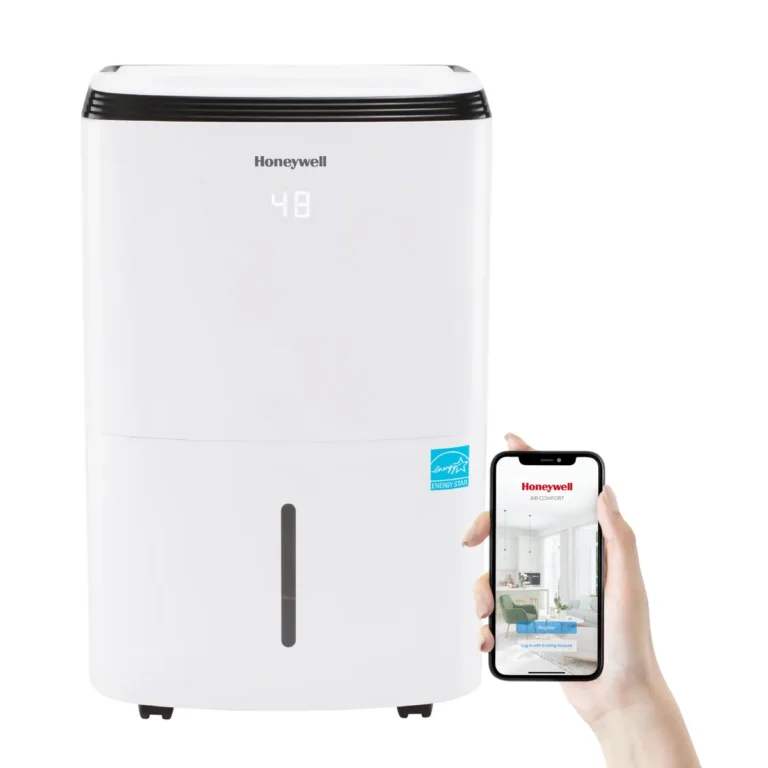
Image source: Bing (Web (fair-use with source credit))
Check the drain port monthly. Mineral buildup and mildew can clog the outlet, especially if you use the continuous drain feature. Wipe the port with a vinegar-dampened cloth every few months.
Keep the unit level. Most TCL models have a bucket switch that's sensitive to tilt. If the floor is uneven, the bucket may sit at an angle and trip the safety switch.
Finally, match your expectations to Energy Star ratings. Per Energy Star testing, published pint ratings assume 80°F and 60% relative humidity. Run your unit in cooler, drier conditions and it will produce less water.
That's not a defect. It's physics.
If maintenance doesn't restore performance, your unit may be undersized. Our best dehumidifier for basement guide breaks down proper sizing and placement.
Frequently Asked Questions
Why is my TCL dehumidifier running but not collecting water?
The most likely cause is low room temperature. Below 65°F, the coils freeze and moisture stays in the air. Check the display reading.
If the humidity shows lower than the actual room, the sensor may be off. Clean the filter and reset the unit.
How do I reset my TCL dehumidifier?
Unplug the unit from the wall. Wait a full ten minutes. Plug it back in and press the power button.
This clears most temporary error codes and sensor glitches. If the problem returns, you likely have a hardware fault.
What temperature is too cold for a TCL dehumidifier?
Manufacturer specs state the operating range is 41°F to 95°F. But in practice, performance drops sharply below 65°F. At 55°F, you'll see ice within a few hours.
Keep the unit in a room that stays above that threshold.
Why does my TCL dehumidifier keep showing E1 error?
E1 means the bucket is full or not seated properly. Take the bucket out and put it back firmly. Make sure the float inside moves freely.
If the error stays, the bucket switch may be stuck. Try pressing it manually.
Should I use continuous drain or the bucket?
Continuous drain works best if you have a floor drain nearby. The hose must slope downward without kinks. If the hose runs uphill, water backs up and triggers a full bucket error.
The bucket is easier for spot use but needs emptying daily in high humidity.
Final Verdict: Fix It or Replace It?
Most TCL dehumidifier problems are simple fixes. A dirty filter, a cold room, or a misaligned bucket cause the vast majority of "not removing humidity" complaints. Over 80% of owner reports resolve with cleaning, repositioning, or resetting.
But some issues signal a deeper fault. If you've tried every step and the unit still pulls no water, check these signs:
- The compressor runs but the coils stay warm. That points to a refrigerant leak.
- Error codes E2 or E3 return after reset. The sensor board likely needs replacement.
- The unit makes a loud buzzing or clicking noise. The compressor or fan motor may be failing.
- Ice builds up even in a warm room. This can mean low refrigerant or a blocked capillary tube.
For units still under warranty, call TCL support. For units over three years old, compare repair costs to a new 50-pint model. A new unit costs roughly $180 to $270 as of 2026.
A repair visit often runs $100 to $150 just for diagnosis.
If you decide to replace it, make sure you size the new unit correctly. A 30-pint model works for a small bedroom or bathroom. A 50-pint or 70-pint unit handles basements and larger spaces.
Proper sizing prevents the same frustration next season.