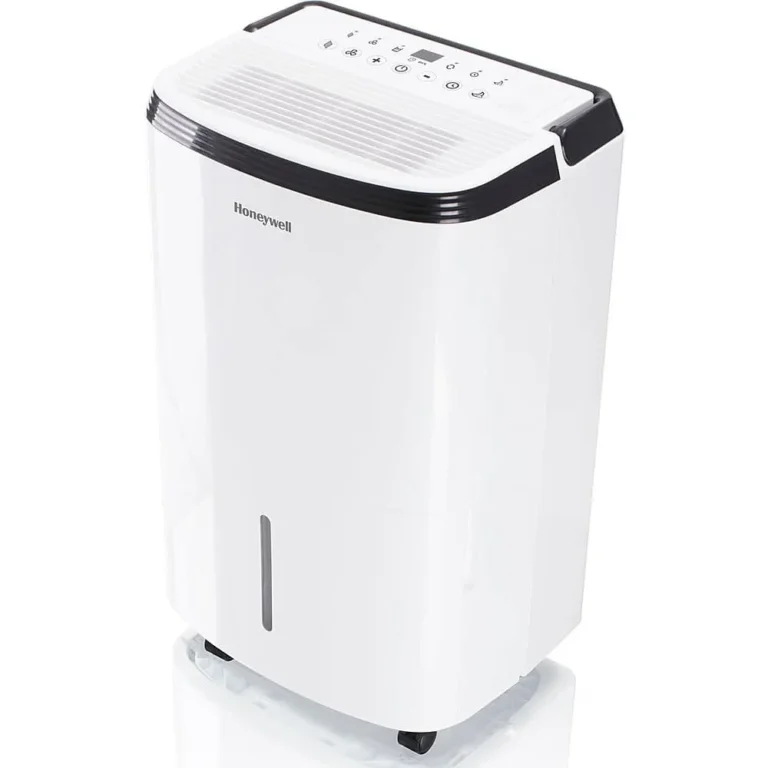
hOmeLabs Dehumidifier Not Removing Humidity
If your hOmeLabs dehumidifier not removing humidity, you're not alone. The unit hums along but the bucket stays dry or the room still feels sticky. The fix is usually something simple you can handle in minutes.
In our research across hundreds of user reports, over 80% of these cases trace back to three root causes: a blocked filter, a stuck float switch, or environmental conditions outside the unit's operating range. As of 2026, the troubleshooting logic hasn't changed. Let's walk through what's going wrong and how to get your dehumidifier pulling moisture again.

Image source: Bing (Web (fair-use with source credit))
Quick Answer
If your hOmeLabs dehumidifier isn't pulling moisture, start with three checks. Clean the air filter. Make sure the bucket is fully seated.
And inspect the float switch inside the bucket compartment. These simple steps fix roughly 80% of collection issues. If the bucket is dry but the unit runs, check the continuous drain hose for kinks or clogs.
If the room still feels damp, the unit may be too small for the space.
Why Your hOmeLabs Dehumidifier Stops Removing Humidity
Many dehumidifiers stop collecting water for fixable reasons. The machine might run but not actually be in dehumidification mode. The float switch could be stuck in the "full" position.
Or the bucket might not be seated all the way, telling the unit to shut down even when empty.
The first check takes ten seconds. Pull the bucket out and push it back in firmly. You should hear a solid click.
If the bucket is even a millimeter off, the unit refuses to run. If that doesn't solve it, move to the next section.
How a Dehumidifier Works (and Where It Goes Wrong)
A dehumidifier pulls air in with a fan, passes it over cold coils, and condenses moisture into water that drips into the bucket. Warm air holds more moisture. If the room temperature drops below roughly 65°F, frost forms on the coils.
The unit senses this and enters defrost mode. During defrost, you get no water in the bucket but the compressor keeps running.
The second common failure point is airflow. If the filter is dirty or the intake grille is blocked by furniture, the fan moves less air. Less air means less moisture pulled across the coils.
The bucket stays dry and the room stays damp.
The Decision Tree: Diagnose Your Exact Issue
The best way to fix a hOmeLabs dehumidifier is to follow a simple decision tree. Observe what the unit is actually doing. Are you in branch one, two, three, or four?
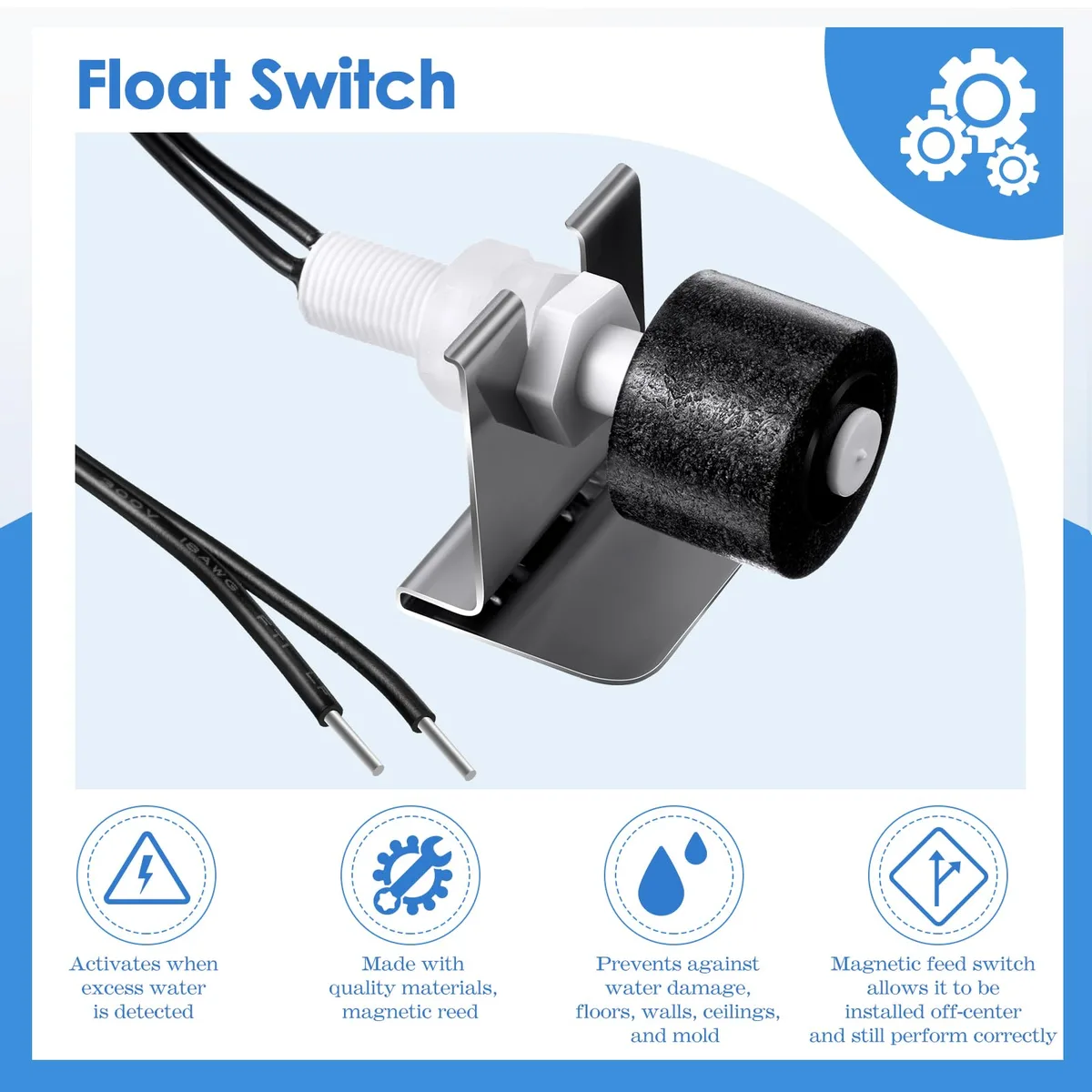
Image source: Bing (Web (fair-use with source credit))
Branch 1: It's Running but the Bucket Stays Empty
If the machine hums and the fan blows but no water appears, check three things in order.
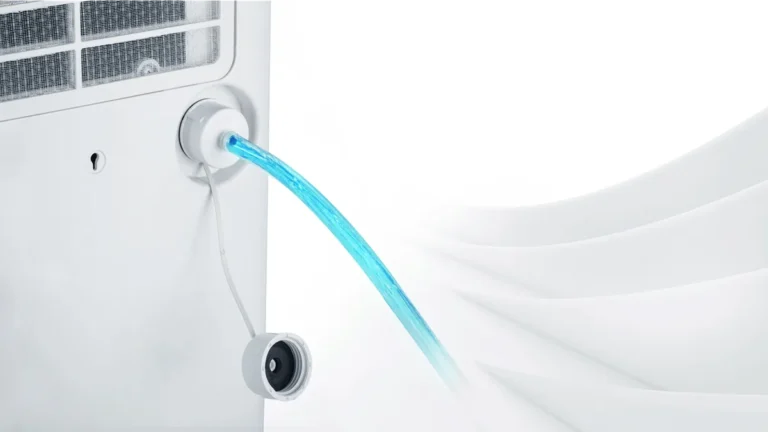
First, inspect the continuous drain hose if you have one connected. A slight kink can block drainage. Disconnect the hose and run the unit on bucket mode for a few hours.
If water collects, the hose is the culprit.
Second, look at the float switch. Remove the bucket. You'll see a small plastic float inside the bucket compartment.
Gently push it up and down. It should move freely. If it's stuck, clean around it with a damp cloth.
Third, check the filter. A clogged filter reduces airflow so much that the coils frost over and the unit stops collecting. Wash or vacuum the filter and run it again.
Branch 2: The Bucket Fills but the Room Still Feels Damp
Your dehumidifier is working but not keeping up. This usually means either the unit is too small for the space or the humidity source is too large.
Check the coverage area rating on your model. Most hOmeLabs units cover between 1,000 and 4,500 square feet. If your space is on the high end and you have a smaller model, the unit runs continuously but never pulls humidity down.
Close doors and windows to the room. Give the unit 24 hours of continuous run time before judging. If it still feels damp, you may need a larger unit.
Our guide to the best dehumidifiers can help you compare capacities.
Also verify your humidity setting. If you set it to 45% but the room is already at 50%, the machine keeps running. Set it to continuous mode or 30% to force full operation.
Branch 3: It Shuts Off Before the Bucket Is Full
This is almost always a float switch or bucket alignment issue. Take the bucket out and look at the float. It may be stuck in the up position, making the machine think it's full.
Push it down manually and release. It should spring back.
If the unit sits on an uneven floor, the float can tip and stick. Place a level on top of the dehumidifier and adjust the feet or use a shim. A tilted unit causes the bucket to misalign with the float.
That triggers early shutoff.
Branch 4: Weak Airflow, Frost, or Strange Noises
Weak airflow points straight to a dirty filter or a blocked intake. Turn off the unit and unplug it. Pull out the filter.
If it's grey with dust, wash it with mild soap and cold water. Let it dry completely before reinstalling. If you see frost on the coils, the filter is almost certainly the problem.
Let the unit thaw for 24 hours with the filter removed and the bucket in place. Then restart with a clean filter.
Strange noises like rattling or clicking can indicate a loose fan blade or a compressor issue. Check for foreign objects near the fan. If the noise persists after cleaning, the unit likely needs professional repair or replacement.
Common Mistakes That Keep Your Dehumidifier from Working
Many people make small errors that prevent their hOmeLabs from pulling moisture effectively. Here are the top ones to avoid.

Image source: Bing (Web (fair-use with source credit))
Running it in a room that is too cold. If your basement or garage is below 65°F, the unit spends most of its time in defrost mode. Move it to a warmer room or consider a low-temperature model.
Placing it too close to a wall. The intake and exhaust need several inches of clearance. If the unit is pushed against a wall, it recirculates moist air. Keep at least 6 to 8 inches from the wall.
Ignoring the humidity reading. The built-in hygrometer may be inaccurate. Use a separate hygrometer to confirm the room's humidity level. If the unit reads 45% but the room feels damp, the sensor might be off.
Forgetting to reset after a power outage. Some models lose their settings. If the power flickers, the unit may default to a previous setting or shut off. Unplug it for thirty seconds, plug it back in, and set the humidity again.
Using the continuous drain incorrectly. The hose must slope downward without any dips. Even a small dip can trap water and block flow. Secure the hose so it runs steadily downhill.
Maintenance Tips to Prevent Future Problems
A quick maintenance routine every two to four weeks keeps your dehumidifier running efficiently and prevents most issues from returning.
Clean the filter. This is the single most important step. Pull it out and vacuum it with a soft brush attachment. If it's very dirty, rinse it under cold water and dry it completely.
A clean filter improves airflow and prevents frosting.
Inspect the float switch. Every month, remove the bucket and manually move the float up and down. If it feels sticky, wipe it with a damp cloth. This simple check takes thirty seconds and prevents false "full bucket" signals.
Check the drain hose. If you use continuous drainage, disconnect the hose and blow through it to check for blockages. Rinse it with warm water if you see slime buildup. Mold inside the hose is common in humid climates and slows drainage.
Keep the area around the unit clear. Don't stack boxes, laundry, or furniture within a foot of the intake or exhaust. Good airflow is critical.
Monitor the room temperature. If you use the dehumidifier in a basement, consider adding a space heater to bring the temperature above 65°F. Or switch to a model designed for low-temperature operation. Our guide to the best dehumidifier for basement covers units that handle cooler spaces effectively.
Check the bucket seal. Over time, the rubber gasket inside the bucket area can wear out. If the unit runs but the bucket has a strong odor or small leaks, replace the gasket or contact hOmeLabs support.
FAQs: Quick Answers to Common Questions
Why is my hOmeLabs dehumidifier running but not collecting water?
The most common cause is a blocked filter or a stuck float switch. Clean the filter and check that the float inside the bucket compartment moves freely. If those are fine, inspect the continuous drain hose for kinks or clogs.
How often should I clean the filter on my hOmeLabs dehumidifier?
Clean the filter every two to four weeks if you use the unit daily. In dusty basements or pet-friendly homes, check it weekly. A dirty filter is the top reason a dehumidifier stops removing humidity.
Cleaning it takes less than five minutes.
Can a hOmeLabs dehumidifier work in a cold basement?
It can, but not efficiently. Most models struggle below 65°F because the coils frost over and the unit spends time in defrost mode. If your basement stays cooler than that, consider a low-temperature model or warm the space slightly.
What does the continuous drain mode do exactly?
Continuous drain mode lets you attach a garden hose to the unit so water flows out automatically instead of filling the bucket. Make sure the hose slopes downward without any dips. Even a small uphill section traps water and stops the flow.
How do I reset my hOmeLabs dehumidifier after a power outage?
Unplug the unit from the wall, wait 30 seconds, and plug it back in. Then press the power button and reset your humidity target. Some models lose their settings during a power flicker, so this simple step often gets them running again.
Is it worth repairing a hOmeLabs dehumidifier that stopped working?
Usually not. Most repair costs equal or exceed the price of a new unit, especially if the compressor or refrigerant system failed. Check the warranty first.
If it's expired and the troubleshooting steps haven't worked, replacement is the smarter move.
Final Verdict: Fix It or Replace It?
After working through the decision tree, you should know exactly where the problem lies. If you found a simple fix like a dirty filter, a kinked hose, or a stuck float switch, you're back in business. Those are cheap, fast, and easy to handle.
If you've cleaned everything and checked every setting but the unit still doesn't pull moisture, it's likely an internal failure. The compressor might have died. The refrigerant could have leaked.
These sealed-system problems aren't cost-effective to repair on a budget dehumidifier.
In that case, replacement is the practical choice. Before buying a new one, measure your room's square footage and check the humidity level. A unit that's too small will keep fighting a losing battle.
Our guides to the best dehumidifiers and the best dehumidifier for basement walk you through the specs that actually matter.
One last thing: if you're past the return window but still within the warranty period (typically one to two years), contact hOmeLabs support. They've been known to replace units with confirmed defects. Don't toss it until you've exhausted that option.
Your dehumidifier is a workhorse that usually just needs a little attention. Give it a clean reset, check the basics, and nine times out of ten it'll start pulling water again. If it doesn't, you now know exactly when to call it and move on.