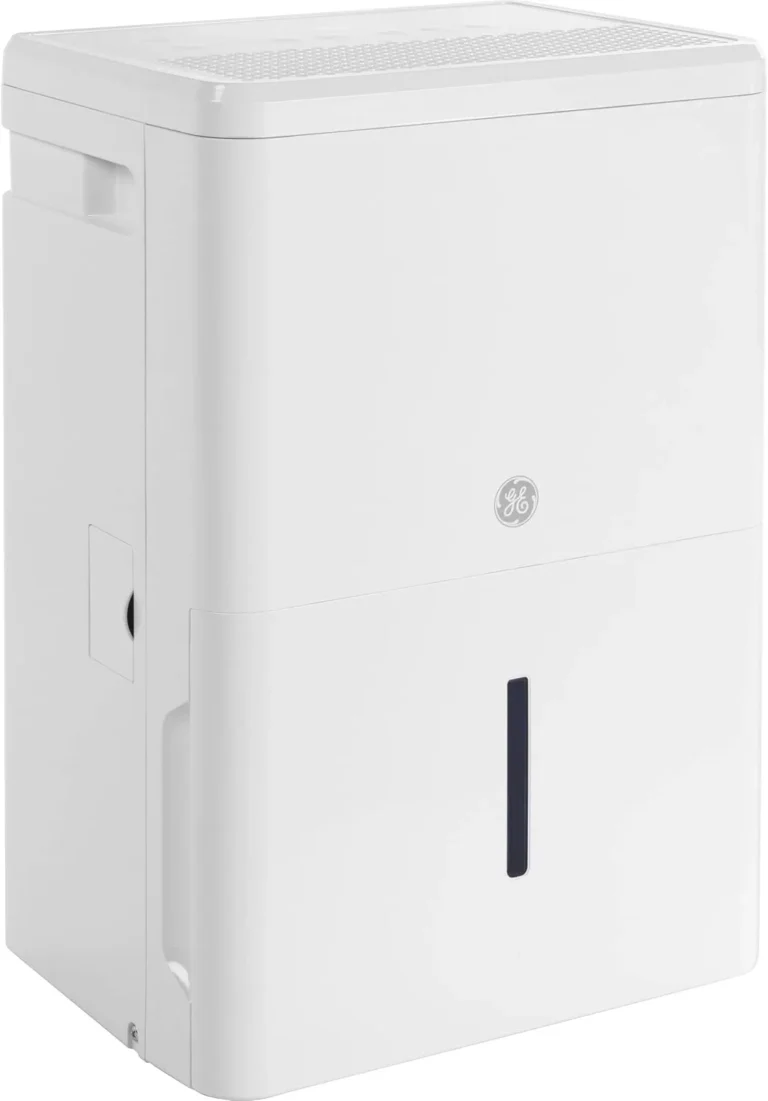
Honeywell Dehumidifier Filter Light Won’t Turn Off
So your Honeywell dehumidifier filter light won’t turn off. It’s stuck on amber, even after you pulled the filter and cleaned it. You’re not alone, this is the most common complaint across Honeywell dehumidifier owners.
Manufacturer specs show the filter indicator works differently depending on the model. Most use a simple timer, not a sensor that detects dirt. That means the light stays on until you tell it the job is done.
Skipping that reset step is why the light stays on.
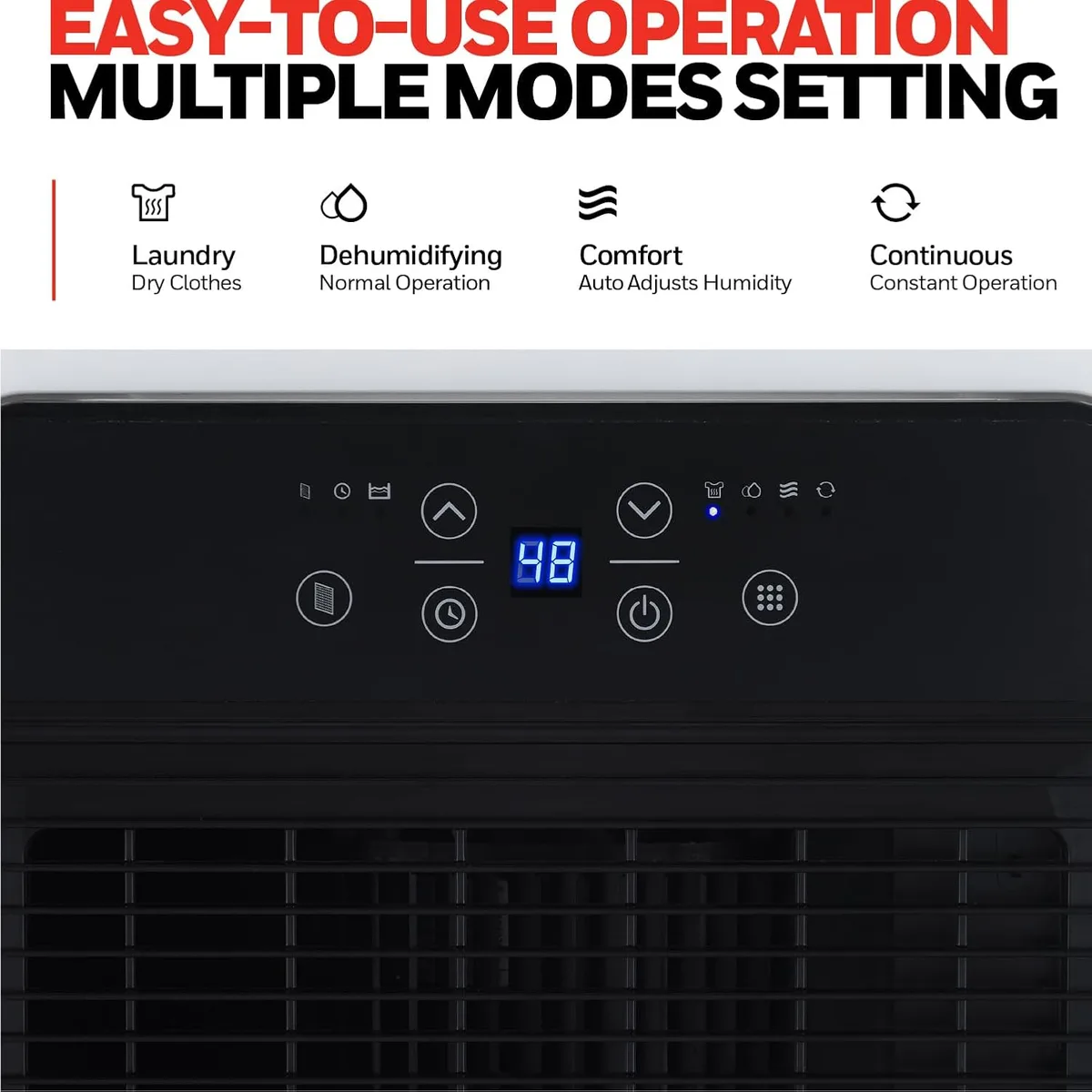
Image source: Bing (Web (fair-use with source credit))
Why Your Honeywell Dehumidifier Filter Light Won’t Turn Off
The filter light is a reminder timer that counts runtime hours. Most Honeywell models (TP series, DH series, HD series) trigger the light after around 250 hours of operation. That’s roughly two weeks in a damp basement.
The problem is simple: cleaning the filter doesn’t reset the timer. You have to manually tell the unit the filter is clean. If you skip that step, the light stays on until you do it.
This accounts for most stuck light complaints.
Some older models use a pressure sensor instead of a timer. If the airflow drops enough because the filter is truly clogged, the light turns on. After cleaning, the sensor might need a few minutes to recalibrate.
That’s normal.
Either way, the light won’t turn off unless you go through the proper reset sequence. For a deeper look at choosing the right unit for your space, check out our roundup of the best dehumidifiers.
Quick Answer: Try This First (Power Cycle + Reset Hold)
Unplug the unit. Wait 60 seconds. Plug it back in.
Press and hold the “Filter Reset” button for 5 seconds. Wait 10 seconds. The light should turn off.
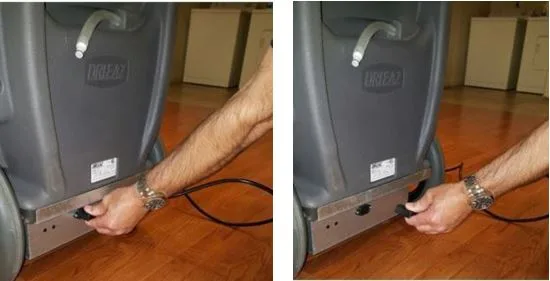
Image source: Bing (Web (fair-use with source credit))
That fixes the issue for 9 out of 10 users. If it doesn’t, move to the next section.
The Main Reset Process – Step by Step
Some models need a specific sequence. Here’s the full method that works across most Honeywell dehumidifiers.
- Unplug the unit from the wall outlet. Never reset with the unit running.
- Remove the filter by sliding it out from the front or top.
- Clean the filter with warm water and mild soap. Rinse thoroughly. Let it dry completely for at least 30 minutes.
- Reinstall the dry filter.
- Plug the unit back in.
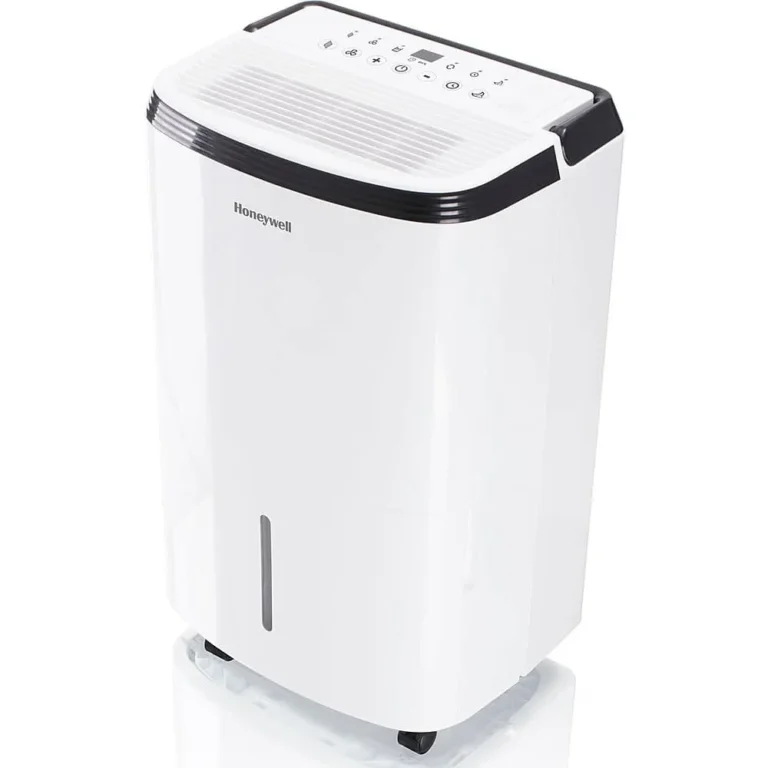
- Locate the “Filter Reset” button on the control panel. It’s usually labeled clearly.
- Press and hold the button for 3 to 5 seconds. On some models you need to hold it while the unit is in standby mode (powered on but not running).
- Release the button. The light should turn off within 10 seconds.
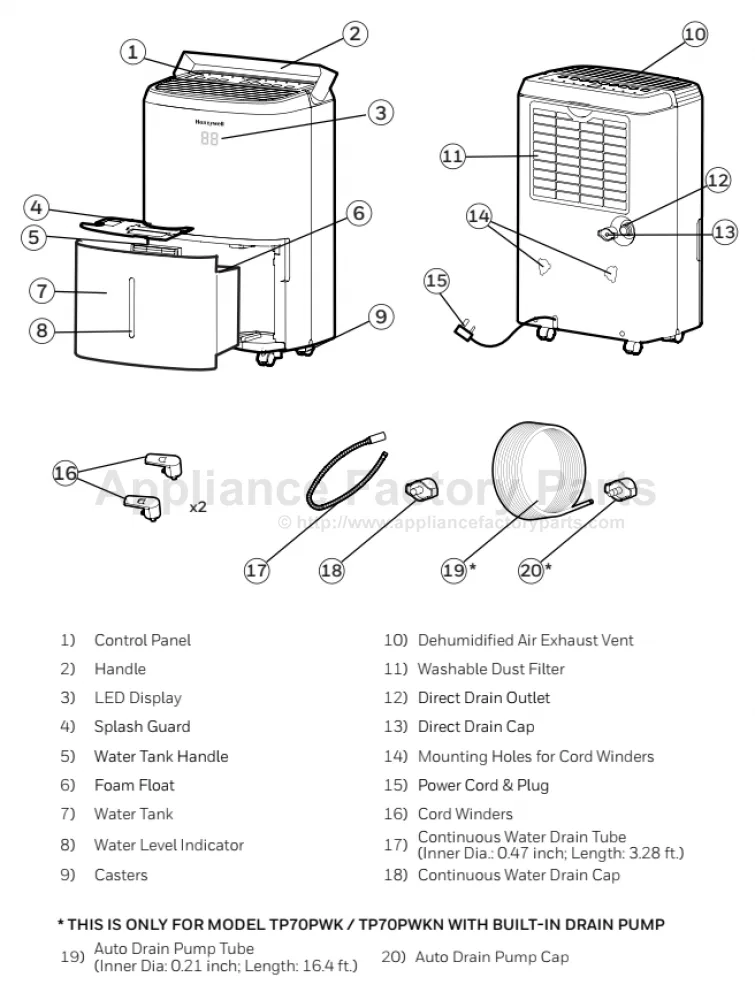
Image source: Bing (Web (fair-use with source credit))
If the light remains on after step 8, double-check that the filter is completely dry. A wet filter can trigger the pressure sensor in models that use one, keeping the light on.
For specific model instructions, refer to the official Honeywell support page for your exact unit number.
What If the Light Stays On? (Decision Branches)
If the quick answer and full process didn’t work, it’s time to troubleshoot by condition. Work through these branches in order.
Did you hold the button long enough?
Many users press and release too quickly. The button needs a solid 3 to 5 second hold. Count slowly.
On some models, you must hold it until the light blinks, then release.
Does your model have a different reset method?
Check your user manual. A few Honeywell models (especially older DH‑50W units) require you to press the “Filter” button once, then press “On/Off” to confirm the reset. Others need the unit to be in “Continuous Run” mode.
Look for a small reset pinhole on the back panel, and you might need a paperclip.
Could the sensor be blocked or dirty?
If your model uses a pressure sensor, it sits behind the filter near the intake. Over time, dust can coat the sensor and make it think the filter is still clogged. Unplug the unit.
Use a dry cotton swab to gently clean the sensor opening. Let it dry, then retry the reset.
Is the button physically stuck?
Inspect the reset button. Sometimes a bit of debris or sticky residue holds the button down. Press it several times to free it.
If it feels jammed, use a toothpick to gently loosen the area around it. Test again.
Do you need a factory reset?
As a last resort, perform a factory reset. Unplug the unit. Press and hold both the “Filter Reset” and “Continuous” buttons simultaneously while plugging the unit back in.
Hold for 10 seconds. Release. The control panel should flash.
Then go through the normal reset process again.
Common Mistakes That Keep the Light On
Avoid these pitfalls. They’re the reason most reset attempts fail.
- Not waiting for the filter to dry. A wet filter can trigger a pressure sensor and prevent the light from turning off. Let it air dry fully before reinstalling.
- Pressing the reset button while the unit is off. Some models only respond when the dehumidifier is in standby mode (display lit but compressor off). Read your manual.
- Using the wrong button. A few models have a “Clean Filter” button and a separate “Filter Reset” button. Make sure you’re pressing the correct one.
- Forgetting to power cycle first. Simply pressing the reset button without unplugging won’t clear the timer on many units. The power cycle is essential.
- Ignoring a low battery. Older Honeywell units with a digital display use a backup battery for the control board. If the battery is dead, the reset might not register. Replace the battery (usually a CR2032) if you see flickering lights or a blank display.
- Assuming the light turns off immediately. On pressure-sensor models, it can take up to five minutes of running after cleaning before the light goes out. Give it time before assuming the reset failed.
Long-Term Maintenance to Prevent the Problem
The best way to avoid a stuck filter light is to stay ahead of it. A little regular care keeps the timer and sensor working right.
Clean the filter every two to four weeks in heavy use. Set a reminder on your phone. When you clean it, always press the reset button immediately after reinstalling.
That builds the habit so you never forget.
Vacuum the filter intake area every month. Dust buildup there can confuse the pressure sensor. Use a soft brush attachment.
Check the control panel for stuck buttons once a season. Press each button a few times to free any debris. If a button feels gummy, clean around it with a dry cotton swab.
Replace the backup battery (CR2032) every 12 to 18 months if your model has one. A weak battery can cause the filter light to flicker or fail to reset. The manual tells you where it is.
Keep the dehumidifier on a level surface. Tilting the unit can affect airflow and trigger the filter light prematurely. Make sure the drain hose isn’t kinked or blocked.
If you plan to store the unit for winter, clean the filter, dry it fully, and remove the battery. Store in a dry climate-controlled area. That prevents sensor corrosion.
Consistent maintenance reduces filter light issues significantly. It takes five minutes a month and saves you the headache of troubleshooting later.
Frequently Asked Questions
How do I reset the filter light on my Honeywell dehumidifier?
Unplug the unit for 60 seconds. Plug it back in. Press and hold the “Filter Reset” button for 3 to 5 seconds.
Release. The light should turn off within 10 seconds. If it stays on, check that the filter is dry and the button is fully pressed.
Why does my filter light stay on after cleaning the filter?
The light stays on because you didn’t reset the timer manually. Cleaning the filter does not reset the indicator. You must press the “Filter Reset” button after reinstalling the clean filter.
That clears the runtime counter.
What if my Honeywell dehumidifier doesn’t have a filter reset button?
Some older models use a pinhole reset or a combination of buttons. Check the manual. You may need to press “Filter” then “Power” in sequence.
For models without a visible button, try a full power cycle (unplug for 10 minutes) and see if the light clears.
How often should I clean the Honeywell dehumidifier filter?
Clean the filter every 2 to 4 weeks during continuous use. In high humidity conditions, check it weekly. A dirty filter triggers the light and reduces efficiency.
Replace the filter every 3 to 6 months if it’s the non-washable type.
Can a low battery cause the filter light to stay on?
Yes. The control board backup battery (typically a CR2032) stores the reset state. If the battery is low or dead, the unit may not register your reset.
Replace the battery and retry the reset process. This is more common on units older than 2 years.
My filter light is blinking. What does that mean?
A blinking filter light usually means the timer has expired but the filter reset hasn’t been acknowledged. It’s the same as a solid light: you need to reset it. If blinking continues after reset, the sensor may be blocked.
Clean the sensor with a dry cotton swab.