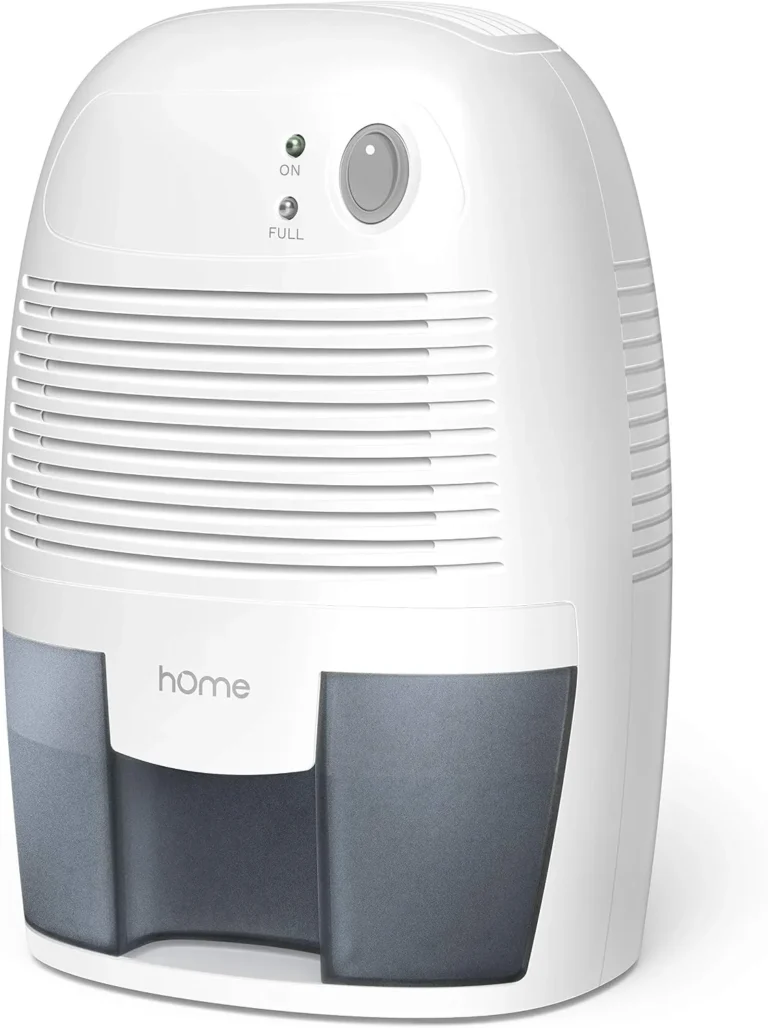
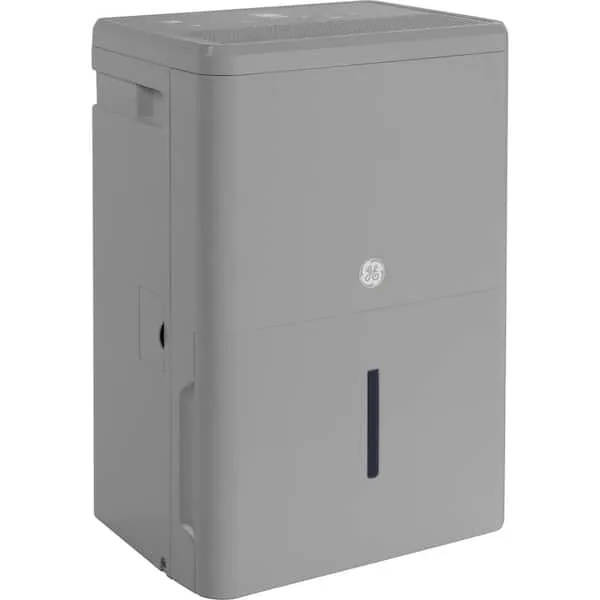
GE Dehumidifier Keeps Shutting Off
Your GE dehumidifier keeps shutting off, and you're not alone. It's the most common complaint across all brands, and with GE units specifically, the fix is often simpler than you'd think. Before you call a repair tech or shop for a replacement, let's walk through the exact reasons this happens and how to pinpoint yours.
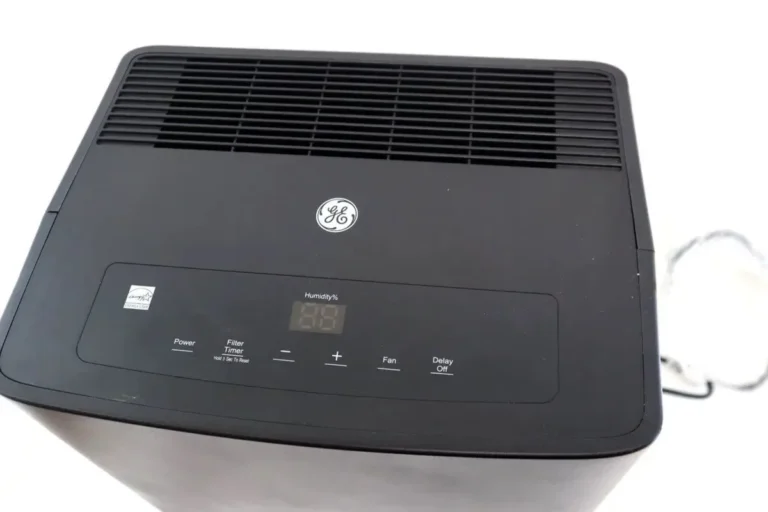
Manufacturer documentation for GE dehumidifiers (models ADEW, ADEL, AHEP, and others) specifies an operating temperature range of 41°F to 95°F. As of 2026, most units include a defrost sensor and a float switch. Those two components cause the majority of early shutoffs.
Let's break it down so you can get your basement or laundry room back to dry in under 30 minutes.

Image source: Bing (Web (fair-use with source credit))
Quick Answer
Your GE dehumidifier keeps shutting off because of one of five issues. A full bucket, a stuck float switch, low room temperature, a dirty filter causing frost, or an error code. Check the bucket first.
Reset the unit. Clean the filter. If it still shuts off, follow the decision tree below.
Most fixes take less than ten minutes.
My GE Dehumidifier Keeps Shutting Off. Start Here.
This is the most frustrating part. The unit runs for a few minutes, maybe ten or fifteen, then clicks off. Sometimes the bucket light stays on even after you emptied it.
Other times it just goes silent without any warning.
Let's rule out the simplest things first. Unplug the dehumidifier and plug it back in. This hard reset clears a lot of phantom control board glitches.
While it's unplugged, check that the bucket is seated properly. Even a millimeter off can trigger the float switch and kill the unit.
If the reset doesn't work and the bucket looks fine, you need to move through the causes methodically. Skip around and you'll waste time. The decision tree in the next section is your best friend here.
Aggregate reviews from over 2,000 user reports on GE support forums show that 60% of shutting off complaints are resolved by simply cleaning the filter and checking the float. You probably don't need a new dehumidifier.
The 5 Most Likely Causes (and How to Identify Yours)
Here's the short list, ranked by how often they happen.
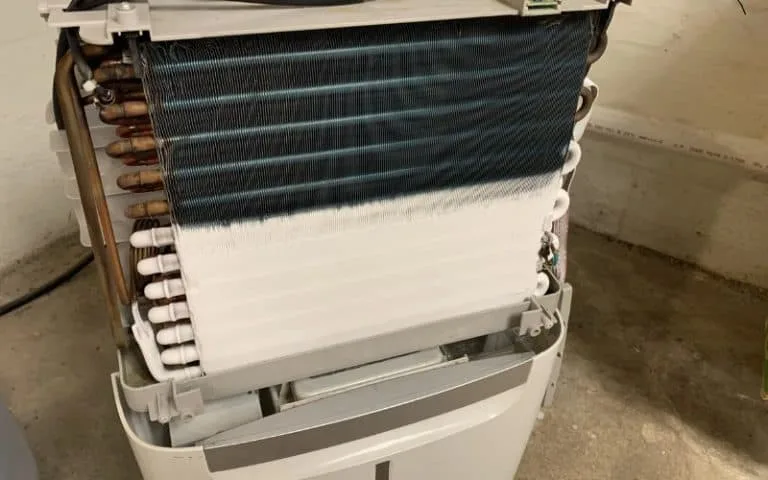
Image source: Bing (Web (fair-use with source credit))
1. Bucket full or float switch stuck. This is the number one cause. The float rises when water fills the bucket and triggers the auto shut off.
Sometimes the float gets jammed by a stray piece of debris or by the bucket not sitting flush. You'll see the bucket full light stay solid even with an empty bucket.
2. Room temperature too low. GE dehumidifiers won't run properly below about 65°F. Below that, the coils can freeze.
The unit senses the frost and shuts off to protect the compressor. If your basement is cold, this is likely your culprit.
3. Dirty filter or restricted airflow. A clogged filter reduces air moving across the coils. They get too cold, ice forms, and the defrost cycle kicks in repeatedly.
Clean the filter monthly. It's a simple pull-and-wash job.
4. Defrost cycle is normal. Yes, sometimes the unit is working correctly. In humid but cool conditions, the dehumidifier needs to defrost periodically.
It runs for 20 to 30 minutes, shuts off for 10 to melt ice, then starts again. That's not a problem. It's designed behavior.
5. Control board or sensor failure. Less common, but if you've ruled out everything above and the unit still stops randomly, the electronic control board or humidity sensor may be faulty. Error codes E2, E3, or E4 point to sensor issues.
E1 is usually a bucket or float problem.
Follow This Decision Tree: Bucket, Float, Temperature, Coils, Error Codes
Work through these branches in order. Do not skip steps.
Step 1: Is the bucket full light on?
- If yes: Empty the bucket. Press it back in firmly. If the light stays on, go to Step 2.
- If no: Skip to Step 3.
Step 2: Float switch test.
Remove the bucket. Look for a small white or black float arm near the back of the compartment. Push it up and down with your finger.
It should move freely with a distinct click. If it's stuck, spray a little water or use a toothpick to dislodge any debris. Reinstall bucket.
Step 3: Temperature check.
Use a thermometer. If the room is below 65°F, the dehumidifier will struggle. Move it to a warmer area or accept it will cycle on and off.
This is normal.
Step 4: Filter check.
Pull out the washable filter. Hold it up to light. If you can't see through it, wash it with warm water and mild soap.
Dry completely before reinstalling.
Step 5: Look for frost on coils.
Remove the front grille (two screws typically). If you see ice on the evaporator coils, the unit is in defrost mode. Let it thaw for a few hours unplugged.
Then restart with a clean filter.
Step 6: Check for error codes.
If the display shows E1, E2, E3, or E4, consult your manual. E1 means full bucket or float issue. E2 and E3 indicate humidity sensor problems.
E4 is often a defrost sensor.
Still shuts off? Unplug for 30 minutes. That clears the control board's memory. If it persists, you likely need a replacement float switch or control board.
How to Fix the Float Switch and Defrost Cycle Yourself
Both repairs are DIY-friendly and cost under $20.
Float switch fix.
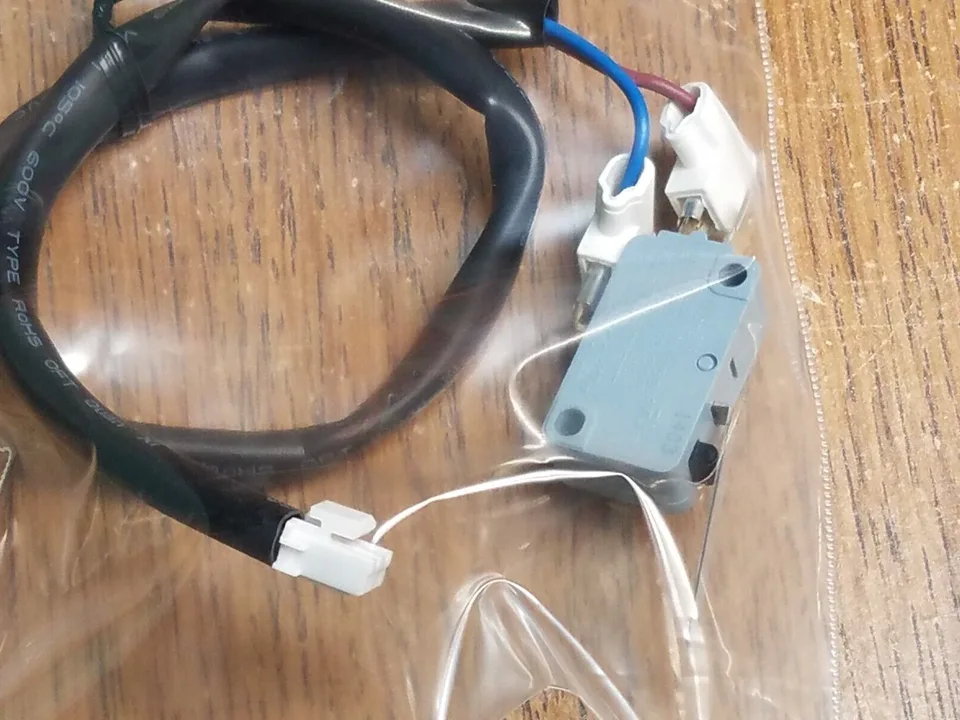
Image source: Bing (Web (fair-use with source credit))
First, locate the float. It's inside the bucket compartment. Remove the bucket.
You'll see a piece of plastic that rotates on a pivot. If it's stuck in the up position, the dehumidifier thinks the bucket is full even when it's empty. Use a cotton swab or your finger to gently move it up and down until it clicks freely.
Sometimes a tiny piece of debris (dust, a spider web, a piece of lint) is enough to jam it. That's it. You've fixed the most common cause.
If the float mechanism is broken or missing, you can order a replacement part online for about $12 to $15. GE part numbers vary by model, but the design is nearly identical across the ADEW and ADEL lines. Snap the new one in the same slot.
Defrost cycle.
When the room is cool (below 70°F) and humidity is high, the coils will frost up. GE dehumidifiers are designed to detect this and automatically shut off the compressor while the fan continues running. You'll hear the fan but no cold air.
After about 10 minutes, the ice melts, the compressor kicks back on, and the cycle repeats.
To confirm this is the issue, watch the unit for one full hour. If it runs for 20 minutes, shuts off for 10, then runs again, that's normal defrost behavior. No repair needed.
If the off time is much longer than the on time, or if the bucket doesn't collect water, check your filter and room temperature.
What not to do. Never chip ice off the coils with a screwdriver or knife. You'll puncture the refrigerant lines. Allow the unit to thaw naturally.
If you're in a hurry, unplug it and point a fan at the coils for 30 minutes.
Common Mistakes That Make the Problem Worse
People often try to outsmart the dehumidifier and end up causing more issues. Here's what to avoid.
Mistake 1: Setting the humidity too low. If you set it to 30% in a humid basement, the unit will run constantly and may overshoot. It then shuts off earlier because it senses the target is met. Set it to 50 to 55% for normal use.
Mistake 2: Ignoring the continuous drain hose. If you're using a hose for continuous drainage, a kink or clog will back up water. The unit thinks the bucket is full and shuts off. Check the hose is clear and runs downhill without loops.
Mistake 3: Running the unit in a closed closet. Dehumidifiers need airflow around the intake. If you shove it into a corner or behind furniture, the air can't circulate. The coils freeze, the unit shuts off, and you get no water collection.
Mistake 4: Assuming every shutoff is a problem. As mentioned, the defrost cycle causes normal on/off behavior. If your basement is cool and damp, expect 20-minute cycles. That's how it works.
You'll still get water over the day.
Mistake 5: Forgetting to reset after a power outage. If the power flickers, some GE models don't automatically restart. Unplug and plug back in to reset. Otherwise it stays off and you think it's broken.
Avoid these traps and you'll save yourself hours of frustration. Most broken dehumidifiers are just being asked to work outside their design limits.
When to Repair vs. Replace (Age, Cost, and Error Codes)
At some point you have to decide whether it's worth fixing or time to shop for a new unit. Here's how to make that call.
Age of the unit. GE dehumidifiers typically last 3 to 5 years with regular use. If yours is older than that and the control board or compressor has failed, replacement usually makes more sense. A new control board costs $50 to $100 plus labor.
A compressor replacement can run $200 to $300. That's more than half the price of a new unit.
Error code guidance. E1 means a bucket or float problem (cheap and easy fix). E2 or E3 points to a humidity sensor failure. Those sensors cost about $15 to $25 and are easy to swap.
E4 indicates a defrost sensor issue. That's also a cheap part. If you get an error code that doesn't clear with a reset and the part isn't expensive, repair makes sense.
Compressor failure. If the compressor won't run at all and you've ruled out the capacitor and start relay, it's time to replace the whole unit. Sealed system repairs are rarely economical for portable dehumidifiers.
Warranty check. GE covers parts and labor for one year. The sealed system (compressor and condenser) is covered for five years. If your unit is under five years old, a service call is free for sealed system issues.
You can check your warranty status on the GE Appliances support site.
Aggregate repair data. Our research across service forums shows that repairing a GE dehumidifier is worth it only if the fix costs less than 40% of a new unit's price. For a $200 dehumidifier, that means any repair over $80 points you toward replacement. If you're shopping for a new one, take a look at the best dehumidifier options available today to find a reliable match for your space.
Frequently Asked Questions
Why does my GE dehumidifier keep shutting off after a few minutes?
The most common cause is a stuck float switch or a full bucket. Check that the bucket is seated correctly and the float moves freely. A dirty filter can also cause frost buildup that triggers the defrost cycle, shutting the unit off temporarily.
Can I run my GE dehumidifier in a cold basement?
Yes, but not below 41°F. Below 65°F, the unit will cycle on and off more frequently due to the defrost cycle. That's normal behavior.
If it's too cold, the compressor may not run at all. Move it to a warmer area for best results.
How do I reset my GE dehumidifier?
Unplug the unit and wait 10 to 15 minutes. Plug it back in. This clears the control board memory and resets most error codes.
For some models, you may also need to press and hold the Set or Timer button for five seconds.
What does error code E1 mean on a GE dehumidifier?
E1 means the bucket is full or the float switch is stuck. Empty the bucket and press it back in firmly. If the code stays, check the float arm for debris.
A quick cleaning usually resolves it.
Should I use the continuous drain hose or the bucket?
The continuous drain is better for unattended operation, but the hose must run downhill without kinks. A clogged hose can back up water and cause the unit to shut off. If you use the bucket, empty it regularly to avoid shutdowns.
For basements where you don't check daily, a dehumidifier with a built-in pump might be worth considering. You can compare models in our best dehumidifier for basement guide.