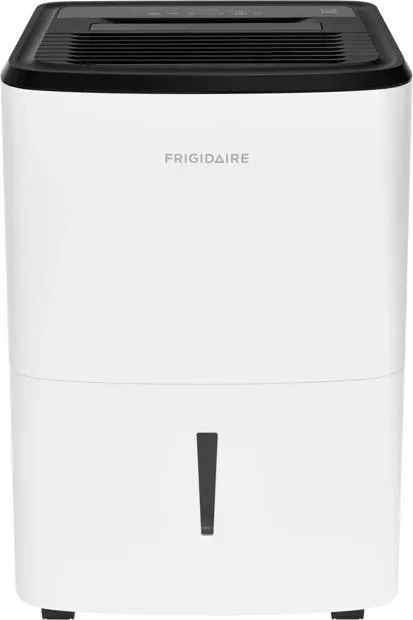
Why Is My Dehumidifier Showing a Full Tank
Few things are more frustrating than emptying a dehumidifier tank, sliding it back in, and watching the full-tank light stay stubbornly on. So why is my dehumidifier showing a full tank when the bucket is empty? In most cases, it's not actually measuring water level.
It's reading a small switch or sensor that has gotten stuck, misaligned, or blocked.
The full-tank indicator is usually triggered by a float switch or a magnetic sensor, not by direct water detection. As of 2026, most portable dehumidifiers use a simple mechanical float that rises with the water level and presses a microswitch. That tiny mechanism is also the most common failure point.
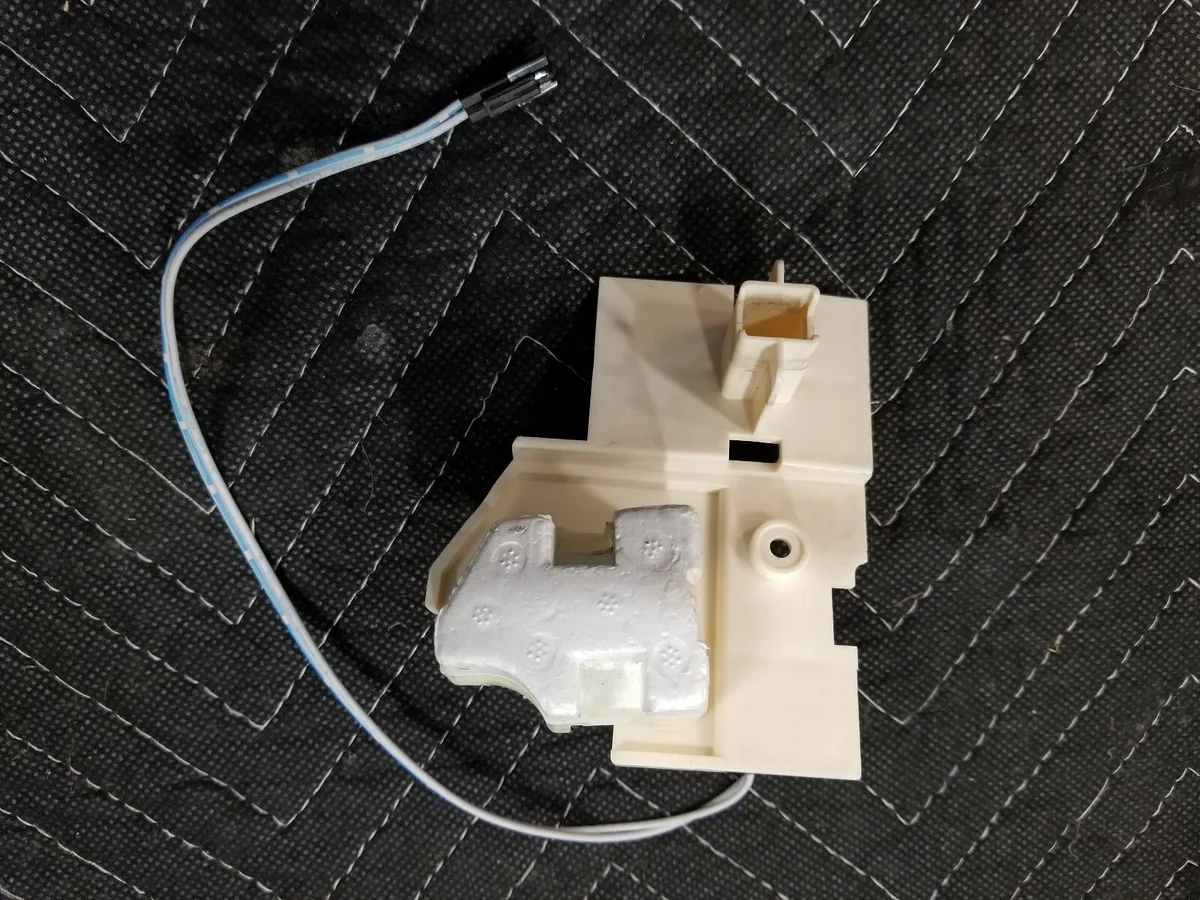
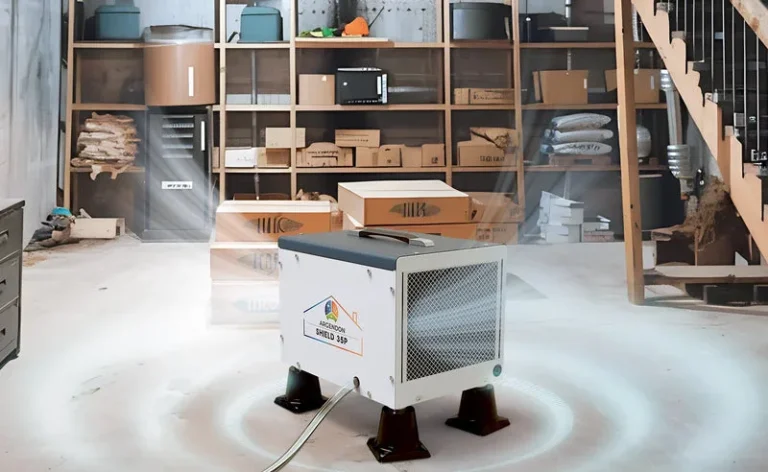
Image source: Bing (Web (fair-use with source credit))
Quick Answer
Your dehumidifier shows a full tank because the float or sensor is stuck, not because the bucket is actually full. A stuck float triggers the microswitch even with an empty tank. Check the float arm for debris or binding.
Then re-seat the tank properly. Cleaning the float well fixes most false alarms.
How the Full-Tank Sensor Actually Works
Dehumidifiers use a few different sensor designs, but they all serve the same purpose. They detect when the tank is full so the unit shuts off before water overflows onto your floor.
The most common type is a floating ball or foam disc attached to a plastic arm. As water fills the tank, the float lifts the arm, which presses a microswitch. That switch tells the control board to stop the compressor and turn on the full-tank light.
Some newer models use a magnetic reed switch instead. A small magnet sits on the float arm. As it rises, it gets close to a sealed reed switch on the control board.
The magnetic field closes the switch circuit. These are less prone to sticking but still fail from debris or misalignment.
| Sensor Type | How It Works | Common Failure |
|---|---|---|
| Float arm + microswitch | Float lifts with water and presses a lever | Stuck arm, dirty pivot, broken spring |
| Magnetic reed switch | Magnet on float activates a sealed switch | Debris blocking float travel, magnet displaced |
| Infrared sensor | Optic beam detects water level | Mineral film on lens, condensation fogging |
Infrared sensors are less common in portable models, but they exist. They use a small light beam to detect when water reaches a certain level. These are sensitive to mineral buildup and can give false readings if the lens gets coated.
Step-by-Step Troubleshooting: From Most Likely to Least
Work through this order rather than taking the machine apart. The simplest fixes solve most problems, and none of them require tools.
Step 1: Inspect the float
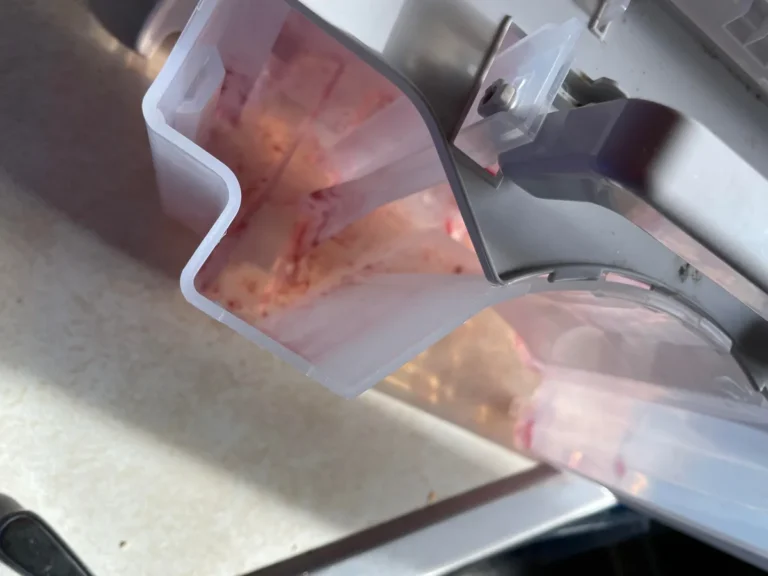
Unplug the dehumidifier and remove the tank. Look for the float inside the rectangular well on the unit's base. Press it down gently with a finger.
It should sink and spring back up smoothly.
If it's stuck, clean the well and the float with warm water and mild soap. Use a soft toothbrush for mineral scale. Rinse thoroughly and dry it before reinstalling.
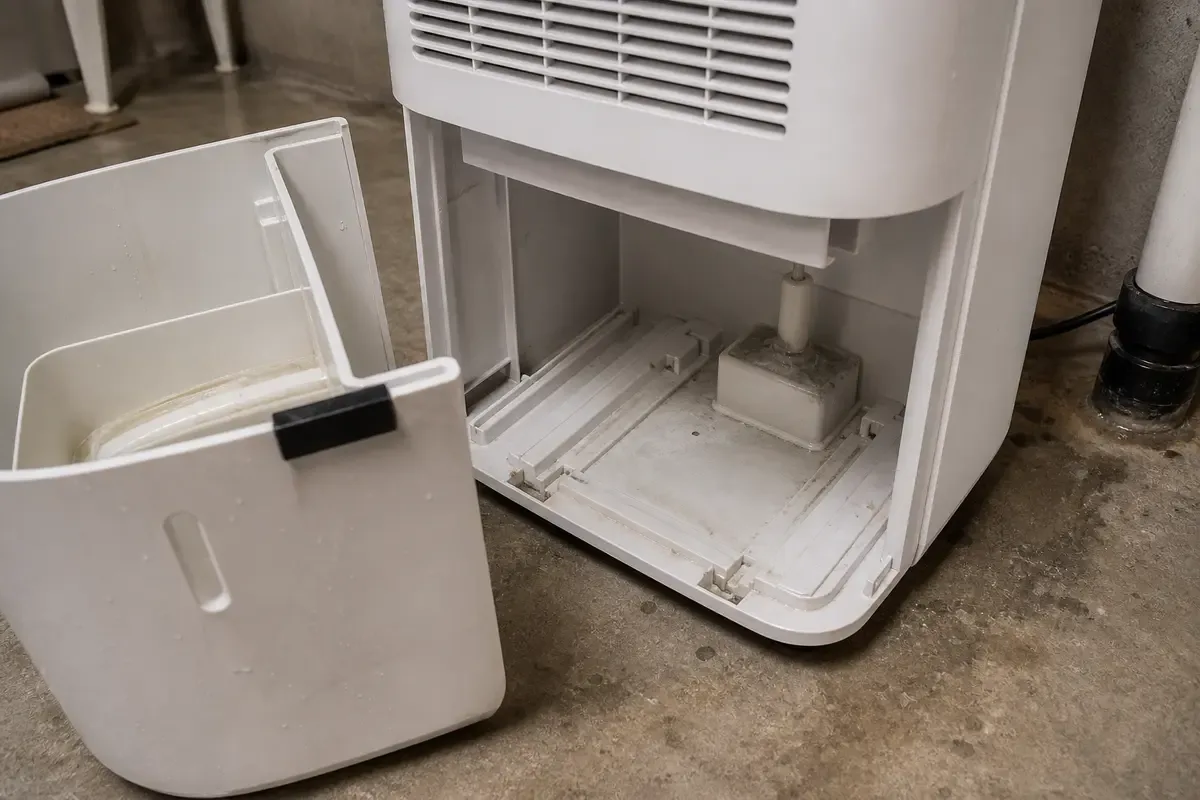
Image source: Bing (Web (fair-use with source credit))
Step 2: Re-seat the tank properly
A tank that's slightly out of line can press the float up even when empty. Remove the tank and slide it back in slowly. Make sure the entire bottom sits flat and the front edge clicks or settles into place.
If the tank has a splash guard on top, check that it's aligned. A misaligned guard can wedge the float. This happens more often than most people expect.
Step 3: Check the sensor and wiring
If the float moves freely and the tank sits correctly, inspect the microswitch. That usually means removing a few screws from the housing. Look for loose wires, corrosion, or a switch that feels broken when pressed.
Magnetic reed switches are harder to test without a multimeter. If you have one, check continuity across the sensor leads. No continuity typically means a failed switch.
Step 4: Test the continuous drain setting
Some models let you run a hose from the drain port so water never fills the tank. But the sensor still needs a tank-mounted float to trip correctly. If you're using continuous drain and the tank is in place, ensure the hose isn't kinked or pooling water near the unit.
When the tank is completely removed, many units show a full-tank light by design. That's not a malfunction. The dehumidifier won't run safely until a tank is back in place.
Common Mistakes That Keep the Light On
Even after a thorough cleaning, people repeat a few errors that make the full-tank light come back. Avoid these and you will save yourself a lot of headache.
- Forcing the tank in. Slamming or jamming the tank can bend the float arm. A bent arm trips the switch permanently.
- Ignoring the air filter. A clogged filter restricts airflow, which can cause ice to form on coils. Melting ice drips into the tank area and can confuse the sensor.
- Skipping the float well during cleaning. Wiping the tank is not enough. Debris lives under the float and around the pivot point.
- Leaving the tank lid loose. The plastic baffle on top of the tank can shift during emptying. If it does not sit flush, it holds the float up.
- Placing the unit on uneven floors. A slight tilt changes how the float rests. The switch may trip early or never reset.
If you have made any of these mistakes, the fix is usually quick. Re-check the float, adjust the tank lid, and move the unit to a level surface.
Pro Tips for Preventing False Full-Tank Alarms
Once you have cleared the current problem, a few habits keep the sensor working right through the humid season.
Clean the float well every two to four weeks during heavy use. If you live in an area with hard water, check it more often. Mineral deposits build up faster than you would think and are the number one cause of sticking floats.
Use a continuous drain when you can. A gravity drain hose routed to a floor drain or sump pit means the tank never fills, which reduces the chance of float issues. Just remember the tank still needs to be seated for the unit to run.
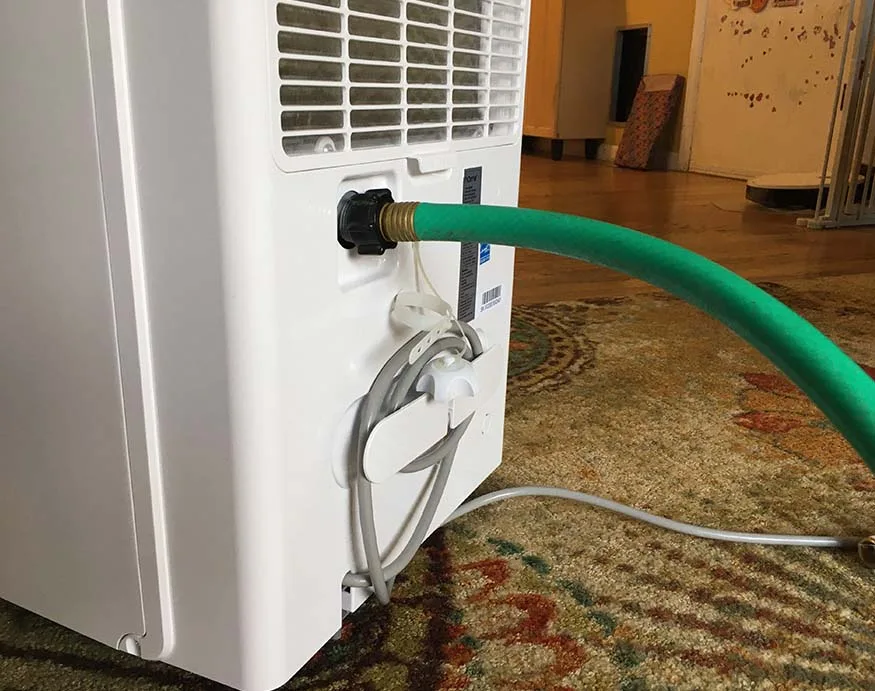
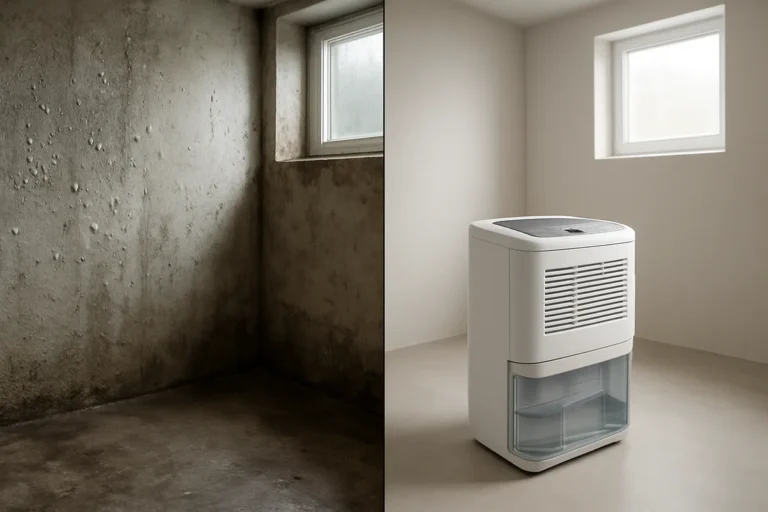
Image source: Bing (Web (fair-use with source credit))
Keep the area around the unit clean. Vents and sensors pull in dust and pet hair, which ends up in the float well. A quick vacuum pass around the machine every week helps more than you would expect.
Finally, choose the right dehumidifier for the room. A unit that is undersized for a basement will run constantly, fill the tank fast, and wear out sensors sooner. If you are sizing a new machine, the best dehumidifier options and basement-specific models are worth reviewing before you buy.
Maintenance Habits That Keep the Sensor Working Right
Now that the light is off, do not let the same problem sneak back. A little routine care goes a long way, especially during heavy summer use.
Get into the habit of wiping the float well every couple of weeks. Pull the tank, press the float down, and rinse the area with warm water. A soft toothbrush handles mineral scale that soap alone will not break loose.
Clean the tank itself with mild dish soap and warm water every month. This prevents slimy biofilm from building up on the walls. That biofilm can transfer to the float and make it stick.
Do not forget the drain port. If you use continuous drainage, check the hose connection for calcium buildup or debris. A blocked port forces water to pool where the float sits, triggering false alarms.
Finally, change the air filter as recommended by the manufacturer. Most models use a washable foam pad. A clogged filter reduces airflow, which can lead to coil icing and dripping into the sensor area.
Good maintenance means fewer false alarms and a longer lifespan for the unit. Set a monthly reminder on your phone if you need to.
Frequently Asked Questions
Why does my dehumidifier show a full tank when it is empty?
The float switch is stuck in the raised position, or the tank is not seated correctly. Remove the tank and press the float down gently. If it does not move freely, clean the float well.
Check that the tank sits flat with the lid properly aligned.
Can I bypass the full-tank sensor?
You can, but we do not recommend it. Bypassing the sensor risks overflow, which can damage your floors and the dehumidifier. The better solution is cleaning the float well or replacing a faulty microswitch.
A bypass is a temporary workaround at best.
How do I reset my dehumidifier after cleaning it?
Most units reset automatically when power is restored. Unplug the dehumidifier, wait five minutes, then plug it back in. If the full-tank light stays on, re-check the float and tank alignment.
Some models have a test button near the indicator.
Is a stuck float switch covered by warranty?
It depends on the brand and model. Most manufacturer warranties cover sensor and switch failures for one year. Check your manual or the manufacturer's official warranty page for details.
Cleaning is not covered, but a defective float assembly usually is.
Should I try to repair the switch myself?
Yes, if you are comfortable with basic tools. Unplug the unit, open the housing, and locate the microswitch. If you see corrosion or a broken arm, replacement parts often cost less than $15.
If the wiring looks complex, call a licensed technician instead.