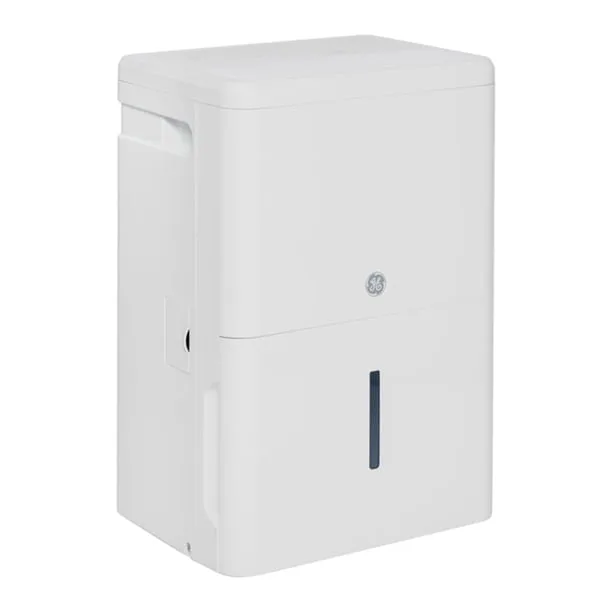
hOmeLabs HME020003N Troubleshooting
Your hOmeLabs HME020003N is sitting there with the bucket full light on, but the bucket is empty. Or it’s been running all day and hasn’t pulled a drop out of the air. That is the moment hOmeLabs HME020003N troubleshooting gets frustrating, because one symptom can have a dozen causes.
Most of those causes are quick to fix. The HME020003N is a 50-pint compressor dehumidifier for basements, large rooms, and damp crawl spaces. As of 2026, owner feedback points to the same handful of failure points.
Work through them in the order below.
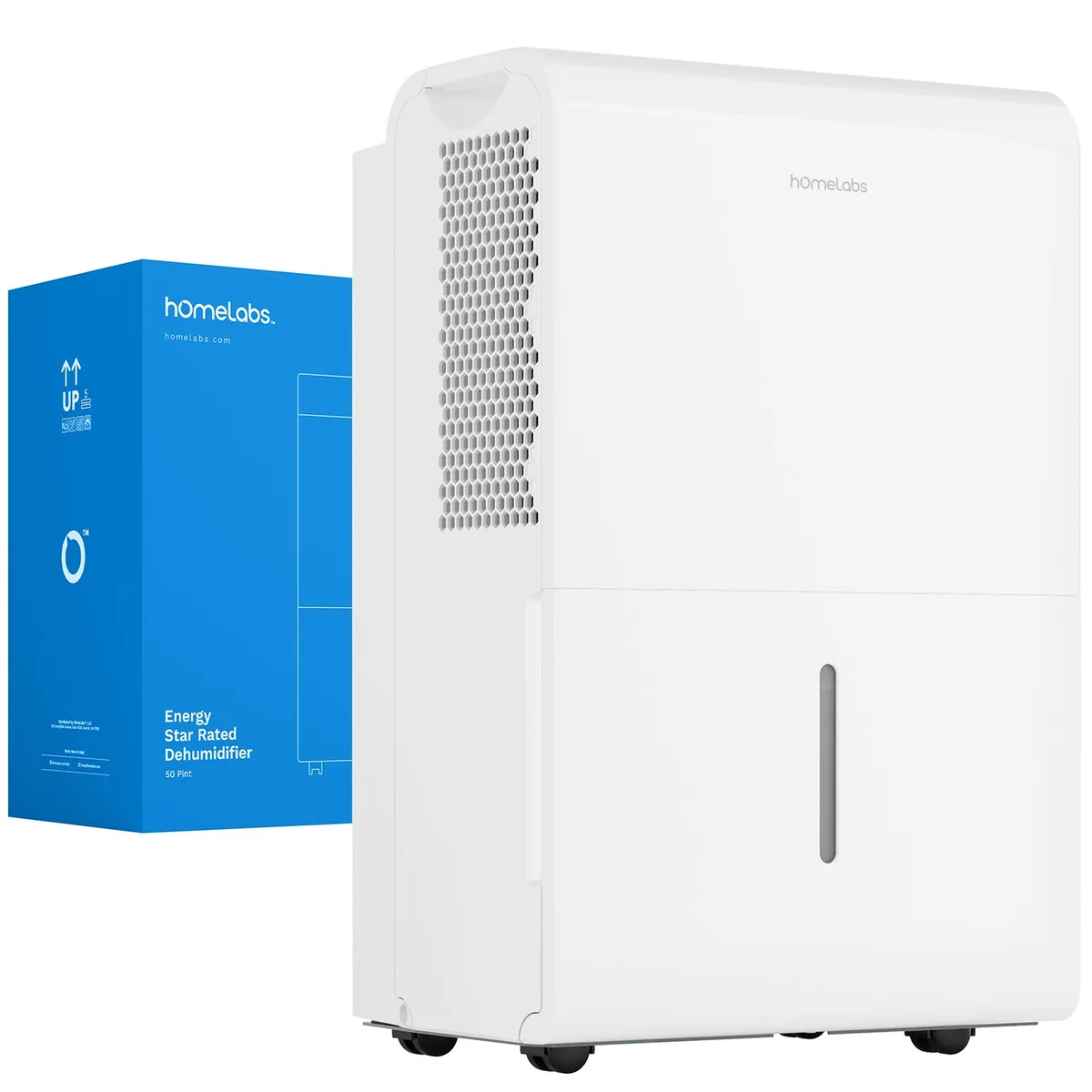
Image source: Bing (Web (fair-use with source credit))
Start Here: The Most Common hOmeLabs HME020003N Problems
Quick answer: Check the power, the bucket, the float switch, the air filter, and the drain hose. That covers about 80 percent of common failures.
For official rated capacity and efficiency data, the Energy Star product database is the source to check.
Problems usually show up in these patterns:
- Unit won’t turn on: dead outlet, tripped GFCI, or loose cord.
- Runs but no water collects: low room temp, frosted coil, or clogged filter.
- Bucket full light stays on with empty bucket: stuck float switch or bucket not seated.
- Water leaks underneath: drain hose issue or cracked bucket.
- Error code on the display: sensor fault, fan fault, or test mode.
Start with what you see. Dark display means power. Working display with no water means temperature or airflow.
A code means jump to the error section below.
One warning. The HME020003N has no user-serviceable parts inside the sealed refrigeration loop. A dead compressor is a warranty call, not a DIY repair.
How to Diagnose What’s Wrong (A Simple Symptom Flowchart)
Answer four quick questions. Does the display light up? Does air blow out of the top grille?
Is the full light on? Is there water underneath? Each answer points to a different fix.
| What you see | Check first | If that doesn’t fix it | | Unit won’t power on | Outlet, GFCI, and power cord | Unplug 10 minutes, then reset | | Runs but collects nothing | Air filter and coil ice | Clean filter and let unit thaw completely | | Full light stays on | Float switch movement | Clean float and reseat bucket | | Water around the base | Drain hose connection and bucket | Shorten hose and keep it sloping down |
Work down the row matching your symptom. Most people solve it on the first check. If not, the third column is your next move.
If a code appears on the display, skip the table and read the next section.
Error Codes Explained: E1, E2, E3, E4, E5, and Eb
The display code is your unit telling you what is wrong. You just need to know which code means what.
Image source: Bing (Web (fair-use with source credit))
| Code | Likely cause | First move | | E1 | Humidity sensor issue | Unplug 10 minutes, restart | | E2 | Sensor communication fault | Clean filter and check airflow | | E3 | Compressor fault | Let unit rest 30 minutes | | E4 | Frozen coil or defrost sensor | Let coil thaw completely before restart | | E5 | Fan motor obstruction | Clear fan area and reseat filter | | Eb | Diagnostic test mode | Press power button to exit test mode |
E4 is the most common. It happens when the coil freezes solid. The HME020003N has a defrost cycle, but a cold basement below 60°F can overload it.
Turn the unit off, open the grille, and let all ice melt. That can take 12 to 24 hours.
If a code comes back after a clean filter and full thaw, a part is failing. Contact hOmeLabs support or a local technician. Do not try to bypass the sensor.
Step-by-Step Fixes: Power, Bucket, Drain Hose, and Filter
Fix the four most common trouble spots in order. Test after each step so you know which fix solved it.
- Power and reset. Test the outlet with a phone charger. Reset any tripped GFCI or breaker. Unplug the dehumidifier for 10 minutes. That clears most false codes.
- Bucket and float switch. Pull the bucket out and inspect for cracks. Find the float switch in the bucket well (a small arm or tab). Push it up and down. If it sticks, clean around it. Put the bucket back until it clicks.
- Drain hose. Disconnect the hose and run the unit with only the bucket. If it collects water, the hose is kinked, blocked, or not sloping downhill. Fix the hose path and test again.
- Air filter. Slide the filter out from the back. Rinse under lukewarm water. Let it dry completely. Slide it back in. A clogged filter makes coils frost up fast.
If none of these work, move to continuous drain setup. The problem may be in how water leaves the unit, not in the unit itself.
Continuous Drainage Setup and Fixes (Get the Water Flowing)
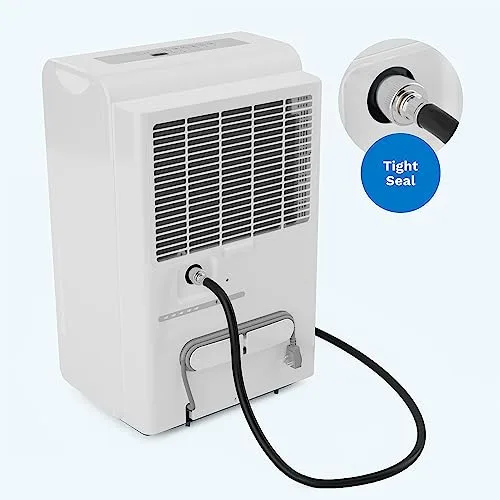
Image source: Bing (Web (fair-use with source credit))
The HME020003N drains by gravity with no built-in pump. The drain hose must slope continuously downward from the unit to the floor drain. Any dip or uphill section traps air and stops the flow.
Set it up this way:
- Use a standard garden hose with a 3/4 inch thread or the included adapter.
- Keep the hose as short as possible. Long hoses add resistance.
- Run the hose downhill the whole way. No low spots.
- Test with the bucket removed so water flows straight down the hose.
If bucket mode works but hose mode does not, the hose is the problem. Check for kinks, a clogged end, or a rise in the middle. Make sure the drain port cap is fully off.
Some owners leave the cap on and wonder why nothing drains.
This setup works well for basement units. If the unit still is not keeping up after a correct continuous drain installation, you may need a stronger unit. Our best dehumidifiers for basement guide can help you compare 50-pint and larger options.
Mistakes That Make Dehumidifier Problems Worse
Running the unit in a room below 41°F. The manual states this clearly. The compressor stops working below that temperature. Running it just frosts the coils and triggers E4.
Move the unit to a warmer space or store it for the season.
Blocking the air intake. The HME020003N pulls air from the back and sides. Pushing it against a wall drops airflow fast. You need at least 12 inches of clearance on all sides.
This is the top cause of poor performance in tight basement corners.
Ignoring the bucket full light. That light connects to a float switch. If the bucket is jammed or the float is stuck, the unit shuts off to prevent overflow. Forcing the bucket or propping it up defeats the safety switch and can flood your floor.
Using an extension cord. The manufacturer warns against this. The power draw of a 50-pint compressor can overload a standard extension cord. It creates a fire risk and can cause voltage drops that confuse the control board.
Plug directly into a grounded outlet.
Skipping filter cleaning. A clogged filter starves the unit of air. The compressor works harder, coils freeze faster, and the unit runs longer than it should. Clean the filter every two weeks during heavy use.
Maintenance That Prevents Future Trouble
Clean the air filter every two to four weeks. Slide it out, rinse with lukewarm water, and let it dry completely before putting it back. Do not run the unit with a wet filter.
Inspect the bucket and float switch monthly. Look for cracks, mineral buildup, or debris. Clean the float well with a damp cloth. A stuck float is the most common cause of a false full light.
Check the drain hose quarterly. Mineral deposits can build up inside. If you notice slow drainage, flush the hose with a vinegar solution (one part white vinegar to three parts water). Run it through and rinse with clean water.
Store the unit properly in winter. Empty the bucket completely. Dry the inside of the bucket and the drain port. Store the unit upright in a dry area.
Do not leave it in a freezing garage.
Vacuum the coils once a year. Dust and pet hair can accumulate on the condenser coils. Use a soft brush attachment on your vacuum. Be gentle.
The fins are thin and bend easily. Bent fins block airflow.
Frequently Asked Questions
Why does my hOmeLabs HME020003N show E4 after running for a few hours?
E4 means the coil is frozen. The most common cause is a dirty air filter. Clean the filter and let the unit thaw completely with the power off.
If the code returns, check the room temperature. Running below 60°F can cause repeated freezing.
How do I reset the hOmeLabs HME020003N?
Unplug the unit from the wall outlet. Wait 10 full minutes. Plug it back in and press the power button.
This clears most temporary error codes and resets the control board. Do not skip the full 10 minute wait.
Can I use a longer drain hose for continuous drainage?
Yes, but keep the hose as short as possible. The HME020003N drains by gravity only. Any dip or uphill section stops the flow.
A standard garden hose with a 3/4 inch thread works. Make sure the hose slopes downhill the entire way.
What does the Eb code mean on my display?
Eb stands for diagnostic test mode. It is not an error code. You likely pressed a button combination that activated the test.
Press the power button once to exit test mode. The unit returns to normal operation.
Why is my dehumidifier running but not collecting water?
Check the room temperature first. Below 60°F, the unit struggles to condense moisture. Next, clean the air filter.
A clogged filter reduces airflow. Finally, check the humidity level. If the room is already dry, the unit will not collect much water.