Hisense Dehumidifier Keeps Running
If your Hisense dehumidifier keeps running and never shuts off, you're not alone. It's one of the most common questions we hear from owners. The unit can run for hours or days without cycling off.
That feels like a defect, but it's often just a setting or a signal that the space truly needs drying.
Manufacturer specs say most Hisense models are designed to cycle off when the room hits 50% relative humidity. If the humidity stays above that, the compressor keeps running. These units have sold widely, and the "nonstop run" complaint shows up often in online discussions.
Let's walk through what's really happening.
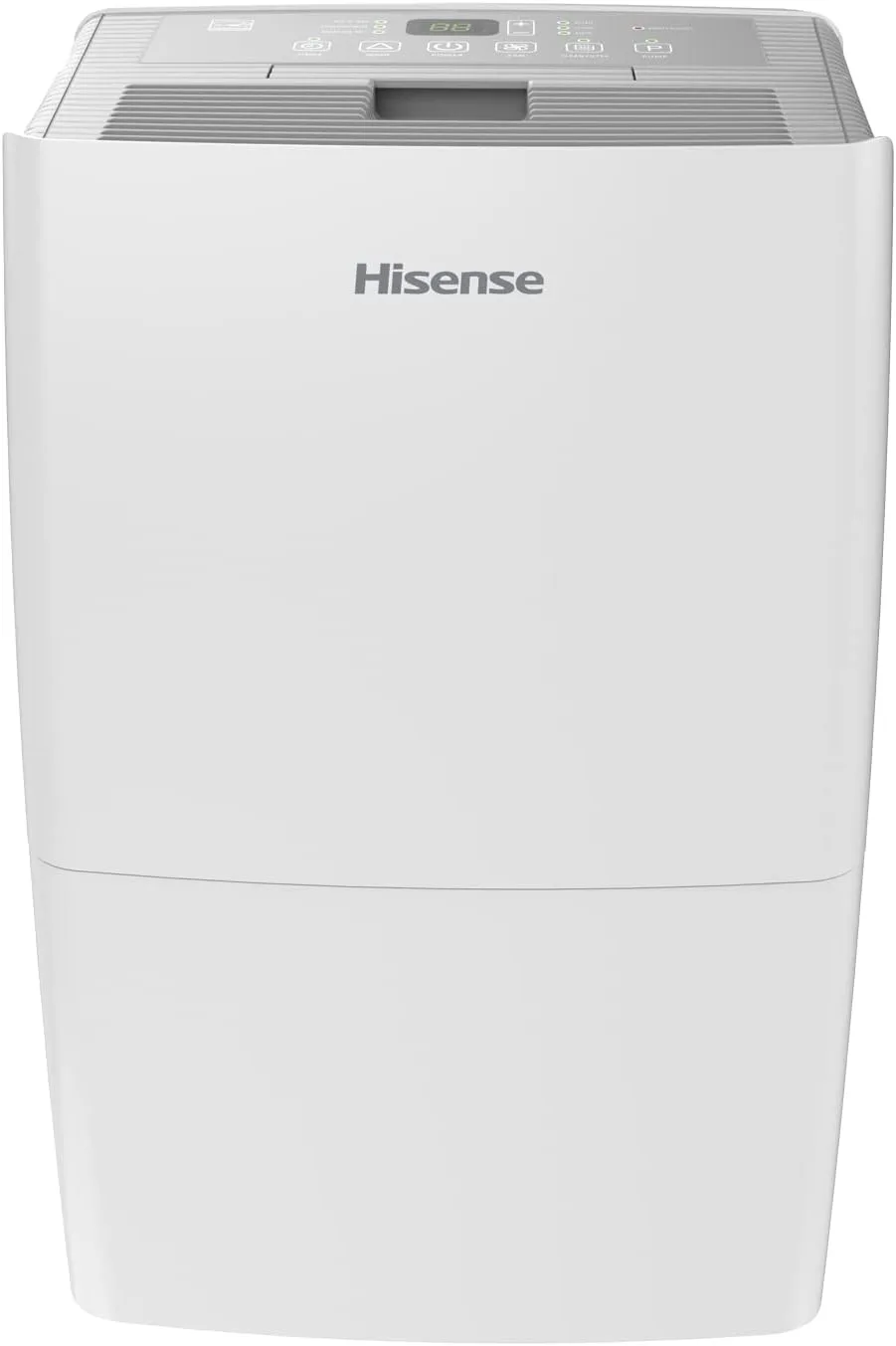
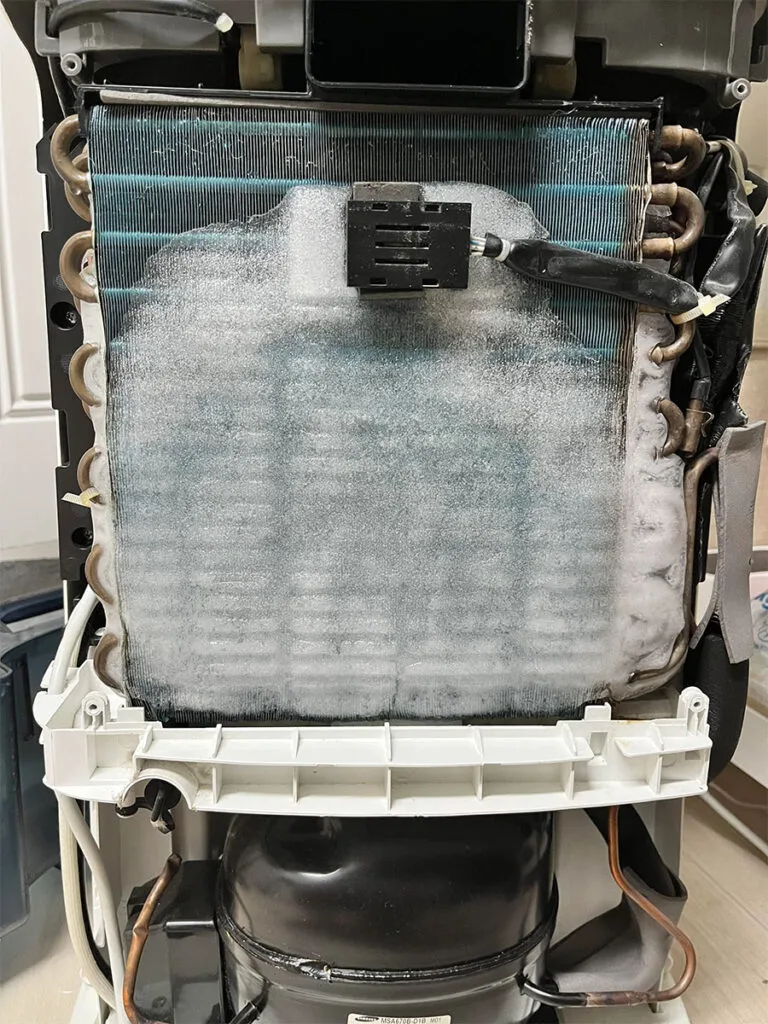
Image source: Bing (Web (fair-use with source credit))
Quick Answer
A Hisense dehumidifier that keeps running is usually in continuous mode. Check the control panel. Look for a "Continuous" or "Comfort" setting.
Switch to a set humidity level like 50%. If it still runs, the room may be too humid. A separate hygrometer can confirm this.
Why Is My Hisense Dehumidifier Running Nonstop?
There are a handful of reasons, and most aren't hardware failures. The most common is that the unit is set to "Continuous" mode. This tells it to run until you manually turn it off.
That is by design.
Another possibility is that the room truly needs constant dehumidification. If your basement sits at 70% RH and you set the unit to 50%, it may run all day. It will never reach that target.
That's normal.
A faulty humidistat can also cause this. If the internal sensor fails, it reads the air as wetter than it really is. This tells the compressor to keep running even when the room is dry.
The First Thing to Check: What Mode Is It In?
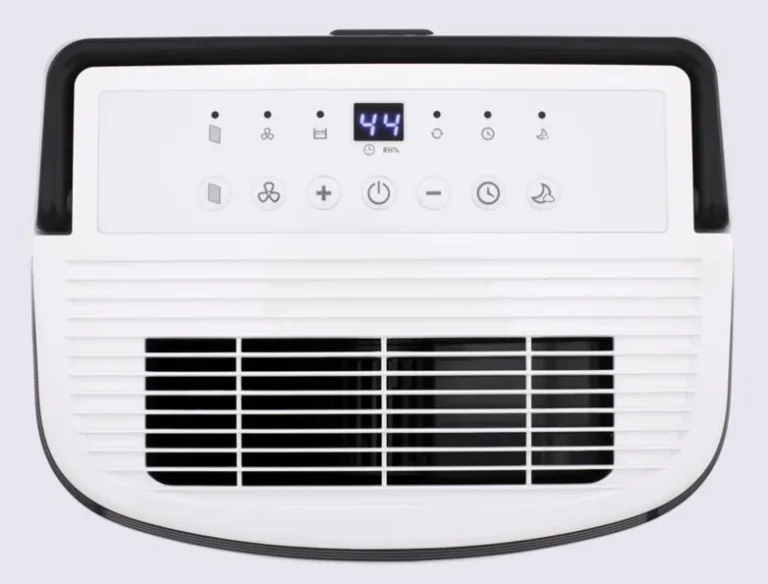
Before you call a repair tech, look at the front panel. Hisense dehumidifiers have three common operating modes: Continuous, Comfort, and Manual.
Continuous mode. When you select Continuous, the unit ignores the humidity sensor. It runs the compressor and fan indefinitely. It only stops if the bucket fills up or you turn it off.
This is the most common cause of "keeps running."
Comfort mode. This is an automatic mode. It tries to maintain a comfortable humidity, usually around 50 to 55%. The unit decides when to cycle off.
Manual setpoint mode. You pick a specific number, say 45% or 60%. The unit runs until it hits that number. Then it shuts off.
This is the best mode for troubleshooting.
What to do. If your unit is in Continuous, switch it to a fixed setpoint like 50%. Watch it for a couple of hours. If it cycles off, you're good.
If not, move to the next step.
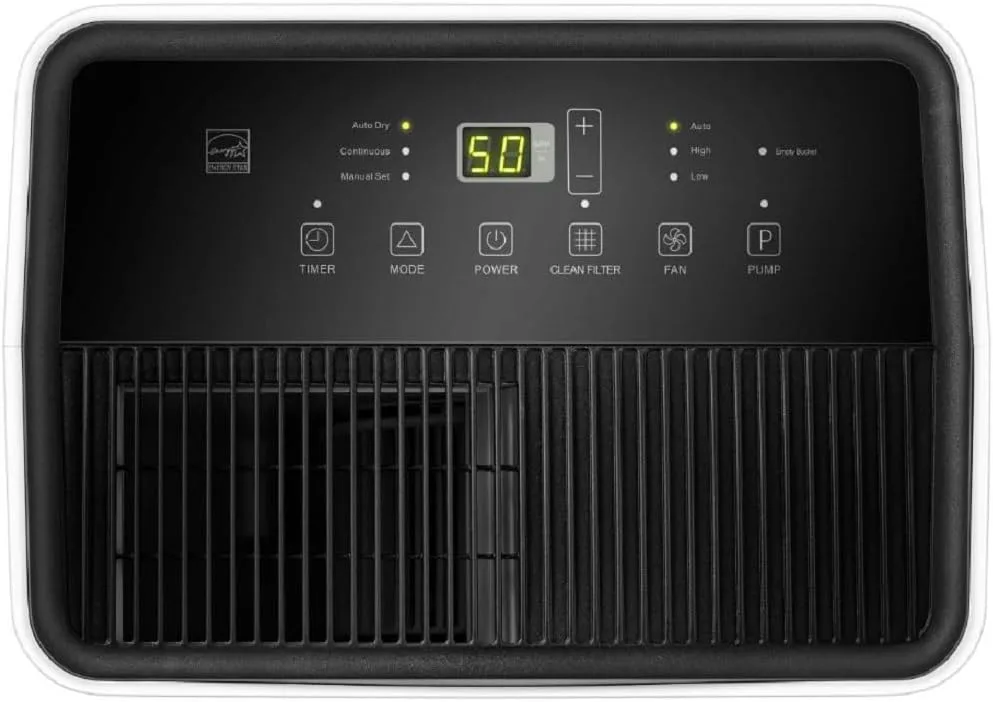
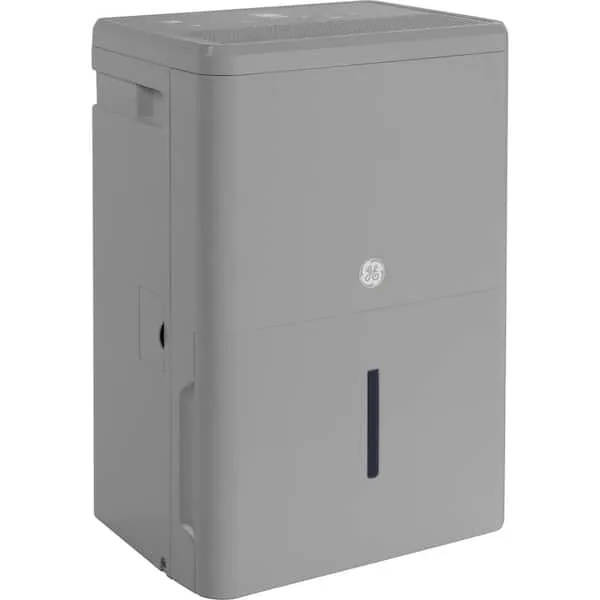
Image source: Bing (Web (fair-use with source credit))
Is the Room Actually Too Humid? (And How to Know for Sure)
This is the second thing to rule out. A dehumidifier that keeps running may simply be fighting a high moisture load. You need an independent measurement.
Grab a separate hygrometer (they cost about $10). Place it away from the dehumidifier's airflow. Let it stabilize for 30 minutes.
If the hygrometer reads above 60% RH, the unit is probably just doing its job. In a damp basement or after a rainstorm, the humidity can stay high for hours. The dehumidifier will run continuously until the room dries out.
If the hygrometer reads 50% or lower but the unit still runs, you likely have a sensor problem. The built-in humidistat may be giving a false reading. That's a known issue on some older Hisense models.
Quick test. Cover the sensor with a damp cloth for 30 seconds. If the unit speeds up or shows a higher reading, the sensor is working. If nothing changes, it's suspect.
Three Decision Branches: Normal Operation, Sensor Issue, or Drain Problem
Now you can narrow it down. Based on what you've checked, the problem falls into one of three categories.
Branch 1: Normal operation. Your mode is set correctly. The room is genuinely humid (above 60%). The unit runs nonstop but pulls water.
That's fine. It may run for days during wet seasons. No fix needed.
Branch 2: Sensor or control board fault. Your room is dry (below 50%), but the unit still runs. The humidistat is likely faulty. The control board may also have a stuck relay.
This requires a replacement part or a service call.
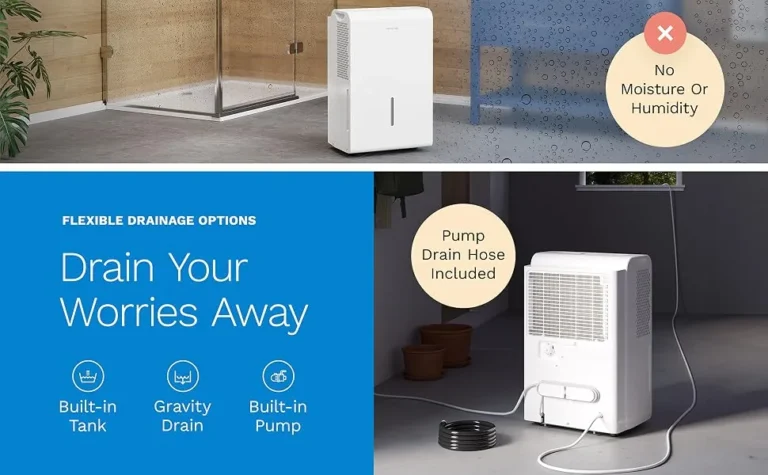
Branch 3: Drain or float issue. If you're using continuous drain, a kinked hose or clog can keep the compressor running even when no water is being removed. Check the drain line for blockages.
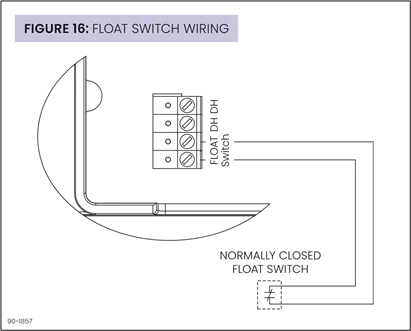
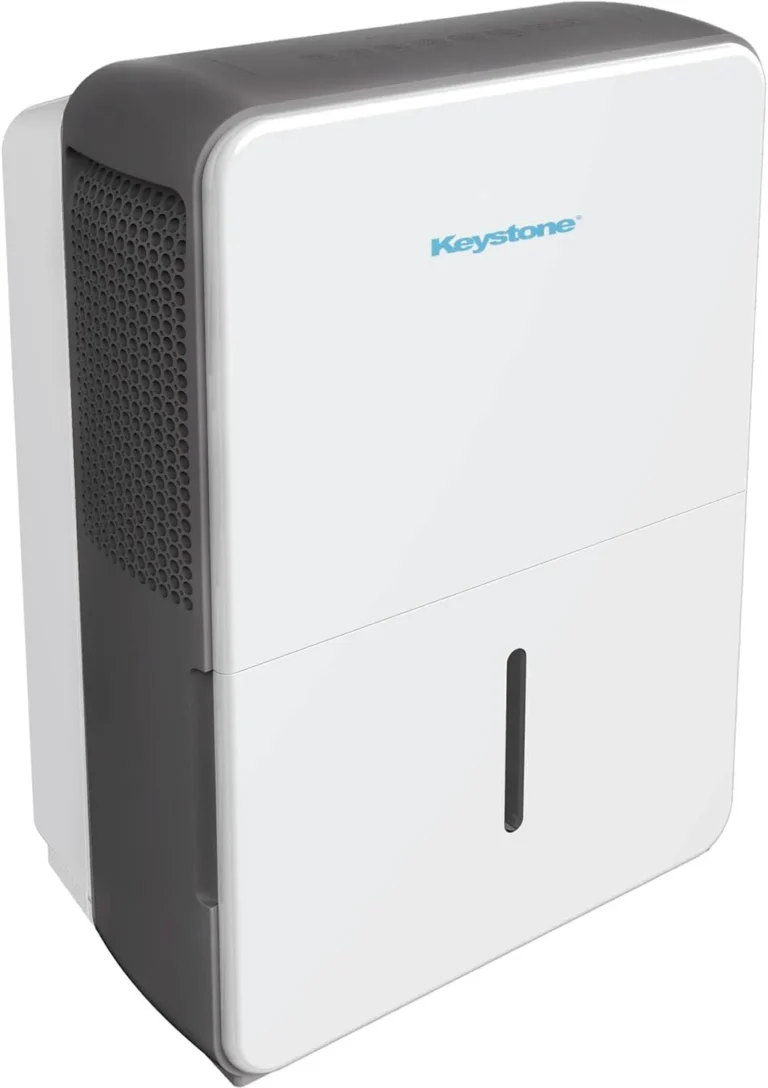
Image source: Bing (Web (fair-use with source credit))
Decision Table
| Condition | Likely Cause | Next Step |
|---|---|---|
| Room >60% RH, bucket fills normally | Normal operation | No action needed |
| Room <50% RH, unit runs nonstop | Sensor failure | Replace humidistat or call support |
| Continuous drain hose, no water in bucket | Clog or poor slope | Clear hose, check slope |
| Bucket full light on but bucket empty | Float switch stuck | Clean float, check movement |
Step-by-Step Troubleshooting for Each Branch
We'll walk through each branch with concrete steps.
Branch 1: Normal operation. Leave the unit in setpoint mode at 50%. Empty the bucket when it fills. Monitor the room humidity with your external hygrometer.
If it drops below 55% within 24 hours, the unit will start cycling. If it never drops, you may need a larger unit. Our research suggests that a 50-pint unit handles up to about 2,000 square feet in moderate humidity.
Branch 2: Sensor fault. Unplug the unit. Remove the front cover. Locate the humidistat (a small module near the control board).
Disconnect it. Use a multimeter to test resistance. A working humidistat reads around 10 to 20 kΩ at 50% RH.
If it reads open or short, replace it. Part numbers vary by model. Check your owner's manual or Hisense support.
Branch 3: Drain clog. Disconnect the drain hose. Blow through it. If air doesn't flow, clear the obstruction.
Make sure the hose runs downhill without low spots. For continuous drain, use a hose no longer than 6 feet. Gravity is your friend.
Common Mistakes That Make a Good Dehumidifier Run Forever
Some fixes are simple, but people overlook them. Here are the most frequent errors.
Leaving it in Continuous mode. You might have pressed a button by accident. Some Hisense models default to Continuous after a power outage. Check the display each time you plug it back in.
Ignoring the filter. A dirty filter restricts airflow. The unit works harder and runs longer. Clean the filter every two weeks during heavy use.
Using the wrong size unit. A 20-pint unit in a 2,000-square-foot basement will run nonstop and never catch up. If your space is over 1,500 square feet, a 50-pint or 70-pint model is more appropriate. You may need to consider a larger unit like those listed in our guide to the best dehumidifiers for basements.
Placing the unit too close to a wall. Air needs to circulate. Leave at least 12 inches of clearance on all sides.
Blocking the continuous drain hose. A kinked or clogged hose stops water from draining. Check for bends, debris, or low spots.
When to Call a Pro (or Replace the Unit)
Most issues are DIY. But some need a technician.
Signs you need professional help.
Refrigerant leak. If the unit runs but blows warm air and collects little water, the sealed system may have a leak. This requires an HVAC technician with EPA certification. DIY refrigerant work is illegal under EPA regulations.
Compressor failure. If the compressor makes a loud hum or clicking sound but never starts, it may be burned out. Replacement cost often exceeds the unit's value.
Control board failure. If buttons don't respond, the board may need replacement.
When replacement makes more sense. A new Hisense dehumidifier costs between $150 and $350. A service call plus parts often runs $200 to $400. If your unit is over five years old, replacement is usually the smarter call.
Our best dehumidifier resource can help you compare options.
Frequently Asked Questions
How do I stop my Hisense dehumidifier from running constantly?
Check the mode first. If it's set to Continuous, switch it to a set humidity level like 50%. If it still runs, test the room humidity with a separate hygrometer.
The room may actually be wet enough to keep it running.
What does the Continuous mode mean on a Hisense dehumidifier?
Continuous mode tells the unit to run nonstop until the bucket fills or you turn it off. It ignores the humidity sensor. This is useful for very damp spaces but can look like a problem if you forget about it.
Why does my Hisense dehumidifier keep running even when the bucket is empty?
If the bucket is empty but the unit runs, the mode may be Continuous. Or the room humidity is above your setpoint. Check the display for the current mode and the actual humidity reading.
How do I reset a Hisense dehumidifier?
Unplug the unit and wait 30 seconds. Plug it back in. This clears minor electronic glitches.
For a full reset, press and hold the Mode button for 10 seconds until the display blinks.
When should I replace my Hisense dehumidifier instead of repairing it?
If the compressor fails, the sealed system leaks, or the control board is defective, replacement is usually cheaper. Also consider replacement if the unit is older than five years and runs constantly without solving the problem.
Why does my Hisense dehumidifier run but collect no water?
Dirty filter, low room temperature (below 38°F), or a refrigerant leak. Clean the filter first. If the room is cold, move the unit to a warmer area.
If it still runs dry, call a technician to check the refrigerant.