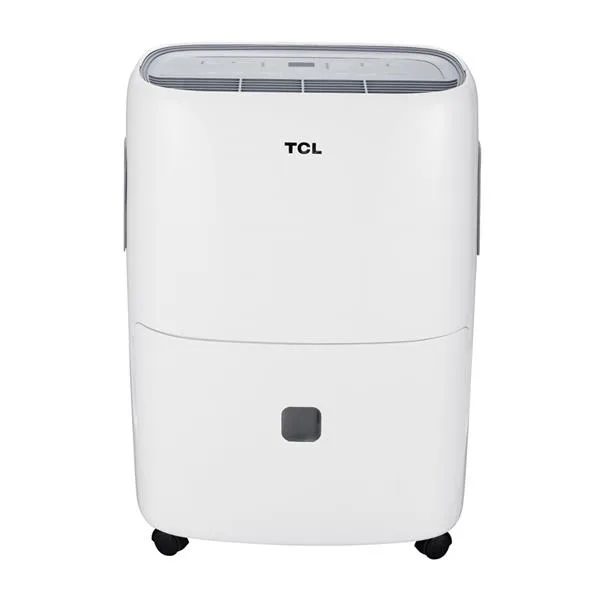
Midea MAD50S1AWWT Troubleshooting
Your Midea MAD50S1AWWT troubleshooting starts here. If it’s not turning on, flashing an error code, or leaving your basement damp, you’re in the right place. This 50-pint dehumidifier is a common choice for basements and crawl spaces across the US.
Manufacturer specs indicate it operates between 41°F and 95°F and removes up to 50 pints per day at 80°F and 60% relative humidity. When something goes wrong, the fix is often straightforward. Let’s walk through the most common problems step by step.
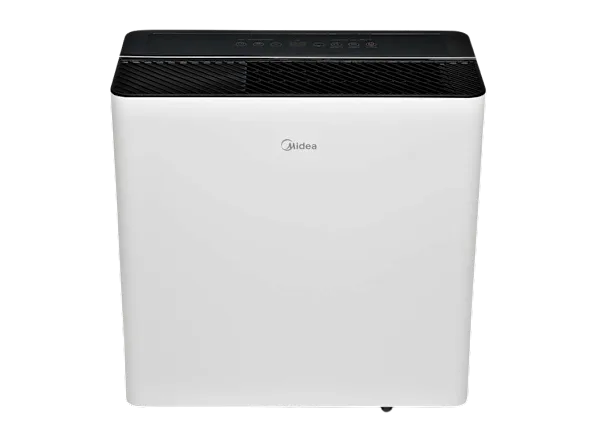
Image source: Bing (Web (fair-use with source credit))
Quick Answer
Check the power source. Plug it into a working outlet. No extension cords.
Empty the bucket fully. Make sure the float switch inside the bucket moves freely. Press the power button.
If the unit still won’t run, unplug it for five minutes to reset the electronics. Most issues trace back to a stuck float, a full bucket, or a tripped circuit.
How It Works: Key Components That Trigger Common Issues
The MAD50S1AWWT uses a handful of parts that handle sensing, cooling, and draining. When one acts up, you get predictable symptoms. Here’s what’s inside and what to watch for.
Float switch. A small plastic arm inside the water bucket. When the bucket fills, the float rises and trips a switch that stops the compressor. This prevents overflow.
The float can get stuck in the raised position even after you empty the bucket. That’s the most common cause of a “full tank” light that won’t turn off.
Humidity sensor. A small electronic board that reads the air’s moisture level. If it fails, the unit might run constantly or not at all. Error code E1 signals a bad sensor.
Coil temperature sensors. Two sensors attached to the evaporator and condenser coils. They tell the control board when frost builds up so the defrost cycle can kick in. A faulty sensor throws error code E2 (coil sensor) or E3 (defrost sensor).
Compressor and fan motor. The compressor pumps refrigerant. The fan blows air across the coils. Both are usually reliable.
A noisy unit or one that runs but collects no water often points to a fan blockage or a refrigerant leak.
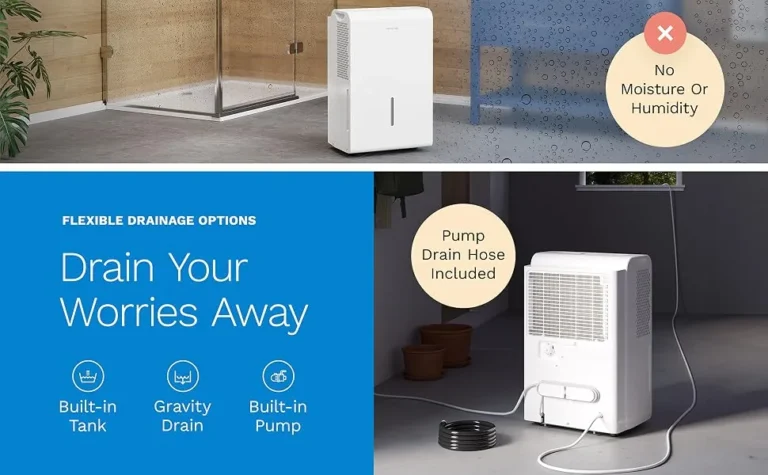
Drain hose and pump (if equipped). The standard model drains via gravity through a hose. The pump version uses a small pump to push water up to a sink or window. Error code E4 on pump models means the pump can’t expel water.
That’s often a clog or air lock.
Here’s a quick cheat sheet:
| Component | Common Symptom | Likely Fix |
|---|---|---|
| Float switch | Bucket full light stays on | Reseat bucket, free float |
| Humidity sensor | Error E1, unit won’t start | Replace sensor or control board |
| Coil sensor | Error E2 or E3 | Check wiring, replace sensor |
| Fan / compressor | Runs but no water, noisy | Clean fan blades, check for frost |
| Drain hose | Water leaking, no continuous drain | Clear kinks or clogs |
Decision Tree: Troubleshoot by Symptom
Use the symptom your unit is showing to jump straight to the right branch. Follow the steps in order. They’re ordered by likelihood and ease.
Unit Won’t Turn On
First, confirm the outlet is live. Plug in a lamp or phone charger. If that works, the problem is inside the dehumidifier.
Check the power cord for damage. A chewed or frayed cord needs replacement.
If the outlet is fine and the cord looks good, unplug the unit and wait five full minutes. This resets the internal control board. Plug it back in.
Press the power button once. The display should light up.
Still dead? The control board may have failed. This is less common but happens, especially after a power surge.
You can test by checking the fuse on the board. That requires opening the unit. See the safety section below.
If you’re not comfortable with that, call Midea support.
Unit Runs but Collects No Water
This is frustrating. You hear the fan but see no water in the bucket. Start with the obvious: check the humidity setting.
If you set it higher than the room’s current humidity, the unit won’t run the compressor. Lower the target to 30% or use the “Continuous” mode.
Next, listen carefully. Do you hear the compressor kick on? It sounds like a low hum.
If you only hear the fan, the compressor isn’t running. That could be a bad start capacitor or a refrigerant leak. Both require professional repair.
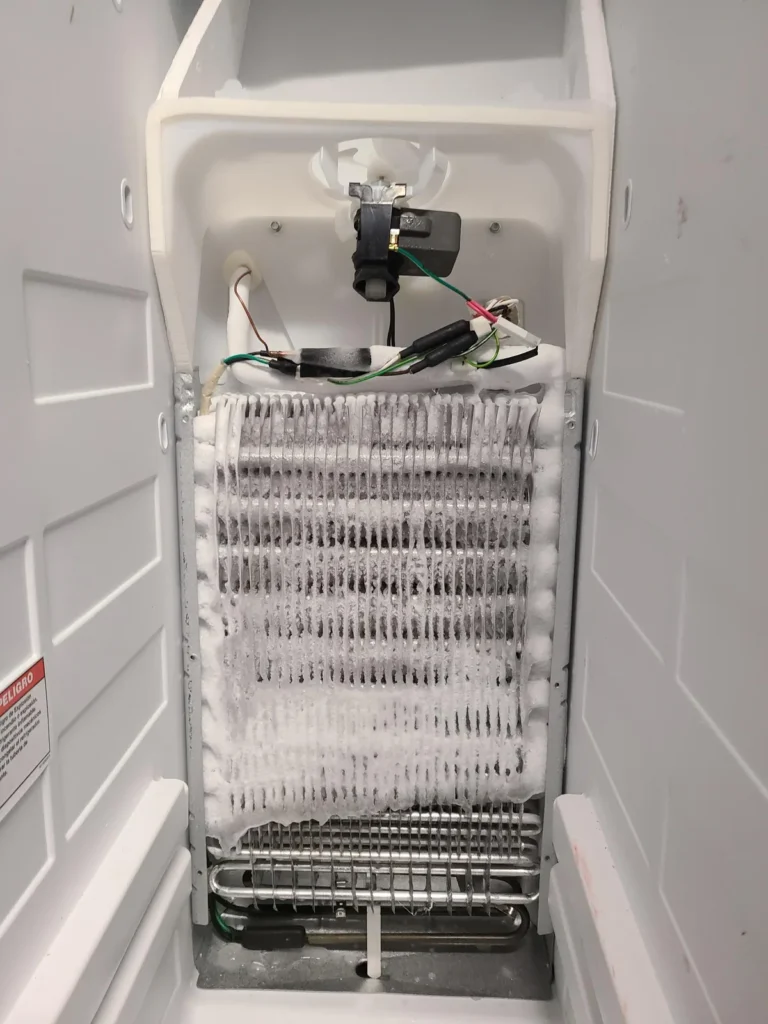
If the compressor runs but still no water, check for ice on the coils. Open the front grille. Unplug first.
If you see frost, the unit needs to defrost. Let it sit unplugged for 24 hours. The auto-defrost feature may be failing.
Bucket Full Light Stays On (Even After Emptying)
This is the number one complaint on this model. Remove the bucket completely. Look inside the compartment at the back.
You’ll see a plastic tab or white float arm. Push it up and down gently. It should move freely.
If it feels stuck, wiggle it until it drops.
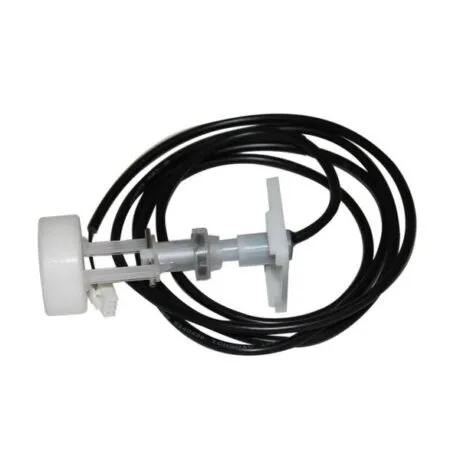
Image source: Bing (Web (fair-use with source credit))
Also check that the bucket is fully seated. Even a 1/8-inch gap can keep the float raised. Wipe the bucket’s back edge and the unit’s mating surface.
A grain of salt or dirt can prevent a tight seal. After reseating, press the power button. The light should go out.
If the float still won’t drop, the switch mechanism may be jammed or broken. Inspect it with a flashlight. A bent arm can be gently straightened.
If it’s cracked, order a replacement float switch kit from Midea.
Error Codes E1, E2, E3, E4, or CL
These codes appear on the display. Each tells you exactly which sensor or system is failing.
- E1, Humidity sensor error. Unplug for five minutes and restart. If it returns, the sensor likely needs replacement. It’s a small component on the control board.
- E2, Coil temperature sensor error. Same reset step. If it persists, check the wire connection to the sensor on the evaporator coil.
- E3, Defrost sensor error. Often shows up during cold weather operation. Run the unit in a warmer room above 60°F to see if it clears.
- E4, Pump failure, only on pump models. Check for a kinked or blocked drain hose. If the hose is clear, the pump motor may be seized.
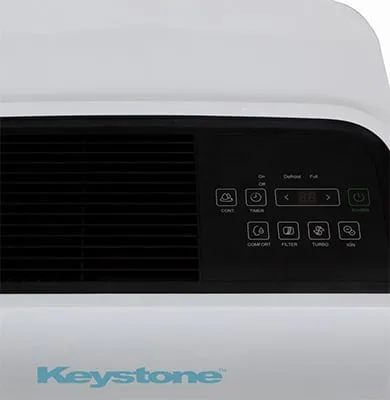
- CL, Clean filter reminder. This is not a fault. Press the “Filter Reset” button for three seconds to clear it. The button is usually a small pinhole or a button on the control panel.
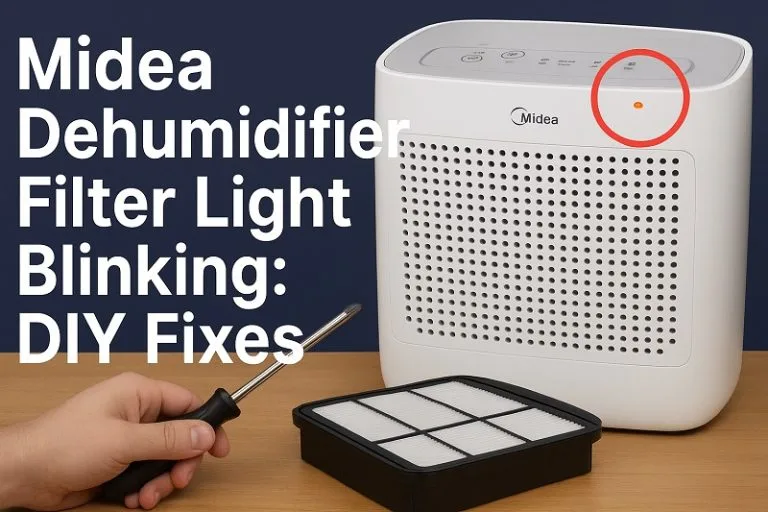
Image source: Bing (Web (fair-use with source credit))
Water Leaking or Frost on Coils
A puddle around the base usually means the bucket is not seated correctly or the drain hose connection is loose. Tighten the hose clamp and ensure the bucket sits flush. If the leak is coming from the back, check the continuous drain port.
It may not be capped properly when not in use.
Frost on the coils happens when the room temperature drops below 41°F. The auto-defrost should cycle on and melt it. If frost stays all day, the defrost sensor (E3) may be bad.
Unplug the unit and let it thaw completely. Then restart it in a warmer space.
Mistakes to Avoid When Troubleshooting
Resetting too quickly. Unplugging for only a few seconds doesn’t drain the capacitors. Wait the full five minutes. Some circuits need that time to discharge.
Ignoring the filter. A clogged filter restricts airflow and can cause frost, poor dehumidification, and overheating. Clean it every two weeks with a vacuum or rinse. Never operate without the filter.
Using an extension cord. This unit draws up to 6 amps. A long cord causes voltage drop, which can damage the compressor. Plug it directly into a wall outlet.
Forcing the bucket. If the bucket doesn’t slide in smoothly, don’t push hard. You might crack the float mount. Remove it, check for obstructions, and try again.
Skipping the manual. The MAD50S1AWWT manual has error code tables and warranty details. Keep it handy. Many fixes are described step by step.
Safety & Warnings Before You Open Anything
Unplug the unit before any cleaning or inspection. Water and electricity are a dangerous mix. Never open the sealed refrigeration system.
That requires an EPA-certified technician. Refrigerant R410A under pressure can cause injury.
Do not operate the dehumidifier near standing water. Do not use it if the power cord is damaged. If you suspect a refrigerant leak, look for a hissing sound or oily residue.
Shut it off and ventilate the area. Call a professional.
When removing covers to access the control board or sensors, use proper tools. Discharge any static electricity by touching a grounded metal surface. One accidental short can fry the board.
If you’re not comfortable with any of these steps, stop. Contact Midea customer support or a licensed appliance repair service. A small mistake can turn a simple fix into an expensive repair.