GE ADHL35LA Troubleshooting
If your GE ADHL35LA troubleshooting has you staring at a dehumidifier that won't cooperate, you're not alone. This is one of the most common issues owners face. The good news is that most problems have simple fixes you can try at home.
Manufacturer specifications indicate the ADHL35LA is designed to remove 35 pints of moisture per day under standard conditions, 80°F and 60% relative humidity. Many of the reported issues come down to a few recurring culprits. We'll walk you through them step by step as of 2026.
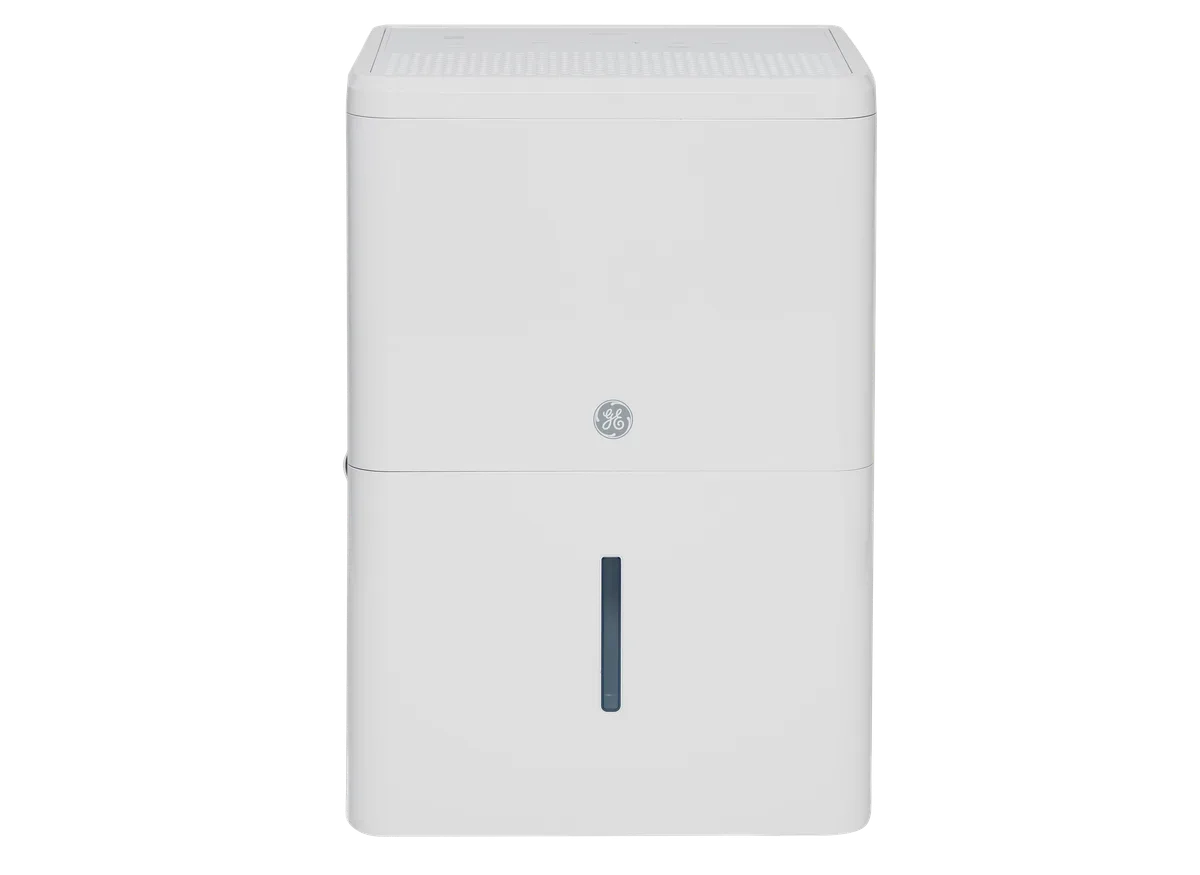
Image source: Bing (Web (fair-use with source credit))
Quick Answer
Check the float switch first. It is the most common cause of a non-working unit. Make sure the bucket is seated correctly.
Clean the air filter. Try a power cycle.
First Things First: What's Your ADHL35LA Doing (or Not Doing)?
Before you start digging into the machine, figure out what symptom you're dealing with. The fix depends on the behavior you see. If the unit shows no signs of life, you have a power issue.
If it runs but the bucket stays empty, the float switch or bucket alignment is likely the problem. If it makes strange noises or shows error codes, the cause is different.
Narrowing down the symptom saves you time. It keeps you from replacing parts you don't need. Let's break down each scenario.
If you're considering a replacement because your unit is old or damaged, you might want to check out the best dehumidifier for basement options. But for now, let's work through the fixes.
Unit Won't Power On: Check the Simple Stuff First
Start with the outlet. If the unit is plugged into a GFCI outlet, that outlet might have tripped. Press the reset button on the outlet.
If that doesn't work, check the circuit breaker and reset it if needed.
Next, inspect the power cord. Look for cuts, frays, or signs of damage. If the cord is damaged, stop using the unit immediately.
Don't try to repair it yourself.
If the outlet and cord are fine, the issue could be the control board. A failed board is less common, but it happens. Try a power cycle first.
Unplug the unit for 10 minutes, then plug it back in. This resets the electronics and can clear a glitch.
If nothing works, you may need a replacement part. The GE Appliances official support site has a troubleshooting guide and parts lookup. You can also search for your model number there.
Runs but No Water Collection: The Float Switch and Other Culprits
This is the most common complaint with the ADHL35LA. The unit runs, you hear the compressor, but the bucket stays empty. Nine times out of ten, it's the float switch.
The float switch is a small plastic piece inside the bucket compartment. It detects when the bucket is full and shuts off the unit. But it can get stuck in the full position even when the bucket is empty.
Gently lift it up and let it drop. You should hear a click. If you do, the unit should start collecting water.
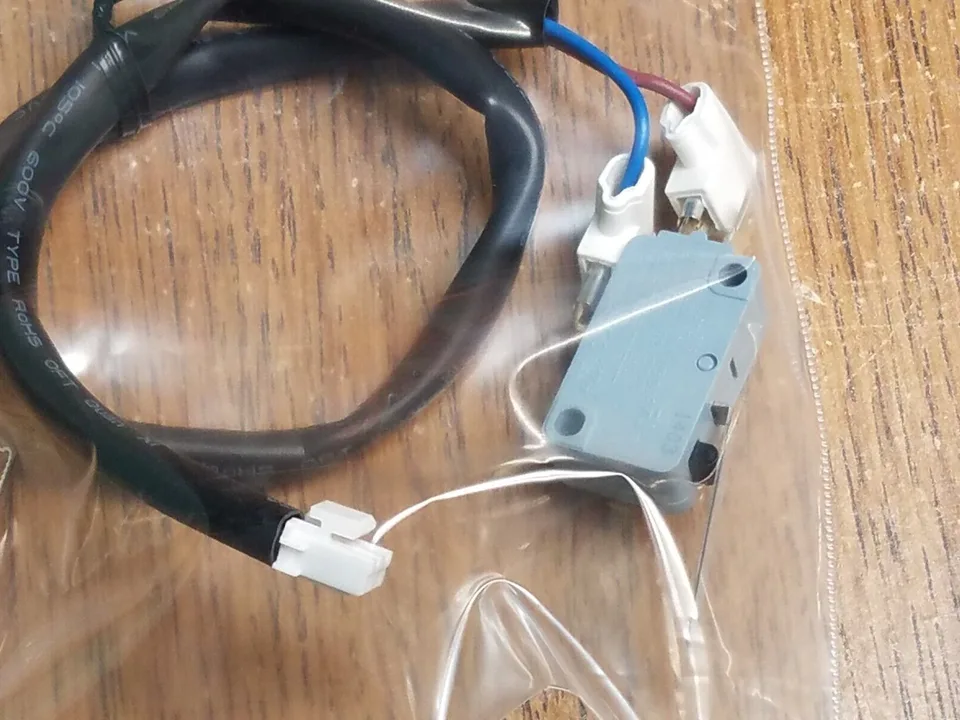
Image source: Bing (Web (fair-use with source credit))
If the float switch is fine, check the bucket alignment. The bucket must be pushed all the way in. A misaligned bucket tricks the unit into thinking it's full.
Listen for the click of the float switch when you insert the bucket.
Also, check the continuous drain option. If you have a hose connected, make sure it's not clogged or kinked. A blocked drain hose can cause the unit to think the bucket is full.
Remove the hose and see if the unit starts collecting water in the bucket.
Strange Noises, Ice, or Error Codes: What They Mean
A rattling or buzzing sound often means something is loose. It could be a fan blade hitting the housing or a foreign object inside. Unplug the unit and inspect the fan area.
Look for debris or signs of a loose screw.
Ice on the coils is a sign of restricted airflow. The most common cause is a dirty air filter. Clean the filter with warm water and let it dry completely before reinstalling.
If the room temperature is below 65°F, the unit may ice up naturally. The defrost cycle should handle it. But if it persists, the defrost sensor might be faulty.
Error codes are your friend. E1 means a humidity sensor failure. E2 means a defrost sensor issue.
CL means the coil temperature is too low. These codes help you pinpoint the problem. Per the Energy Star specifications, the ADHL35LA is designed to operate in a temperature range of 41°F to 90°F.
If the room is too cold, the unit will struggle.
The Most Common DIY Mistake (and How to Avoid It)
The biggest mistake is assuming the unit is broken. Many people return a perfectly good dehumidifier because the float switch is stuck. It's a 30-second fix.
Don't let that be you.
Another mistake is ignoring the filter. A clogged filter makes the unit work harder and can cause ice buildup. Clean it every month during peak use.
A simple rinse under warm water is all it takes.
Finally, don't assume a new unit is problem-free. Even brand new dehumidifiers can have a stuck float switch from shipping. Always test the float switch first before troubleshooting anything else.
It saves time and frustration.
Simple Maintenance That Prevents Half the Problems
A little regular upkeep goes a long way. The single most important task is cleaning the air filter. A clogged filter restricts airflow.
That makes the unit work harder. It can cause ice buildup and reduce water collection.
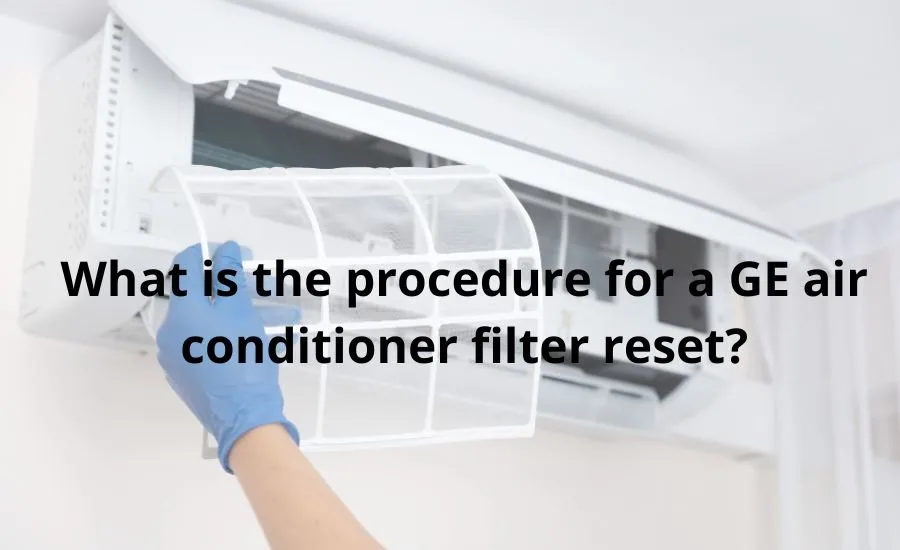
Image source: Bing (Web (fair-use with source credit))
Clean the filter every month during heavy use. Remove it from the front grille. Rinse it under warm running water.
Let it dry completely before putting it back. A damp filter can trap dust and grow mold.
The bucket also needs attention. Wash it every few weeks with mild soap and water. This prevents bacterial growth and odors.
Make sure the drain hole at the bottom of the bucket is clear. A blocked drain can trigger false full tank alerts.
Check the coils once a season. Use a soft brush or vacuum with a brush attachment. Dust on the coils reduces efficiency.
You'll notice the unit runs longer without pulling as much water.
Keep the area around the unit clear. Leave at least 12 inches of space on all sides. Good airflow means better performance.
It also stops the compressor from overheating.
When to Call a Pro (and What to Ask Before You Do)
Some problems need a technician. If you've tried all the basic fixes and the unit still won't run, it may have a failed control board or compressor. These are not DIY repairs.
Refrigerant leaks are another reason to call. Only certified professionals can handle refrigerant safely.
Before you call, have your model number and serial number ready. They are on a sticker on the back or side of the unit. Tell the technician what you've already tried.
This saves time and avoids repeat steps.
Ask about warranty coverage first. The ADHL35LA typically includes a one year parts and labor warranty. If your unit is under warranty, GE Appliances may cover the repair or replacement.
If not, get a cost estimate before authorizing work. Compare that to the price of a new unit. Sometimes replacement is the more practical choice.
If you decide to replace it, you might want to look at the best dehumidifier options available now. But only do that once you're sure the cost of repair isn't worth it.
Still Stuck? Quick Answers to Common Questions
Why does my GE ADHL35LA keep shutting off before the bucket is full?
The float switch is likely stuck. Gently lift it and let it click back down. Also check that the bucket is fully inserted.
A misaligned bucket triggers the full sensor prematurely.
How do I reset my GE ADHL35LA dehumidifier?
Unplug the unit for 10 minutes. Plug it back in. This power cycle resets the electronics.
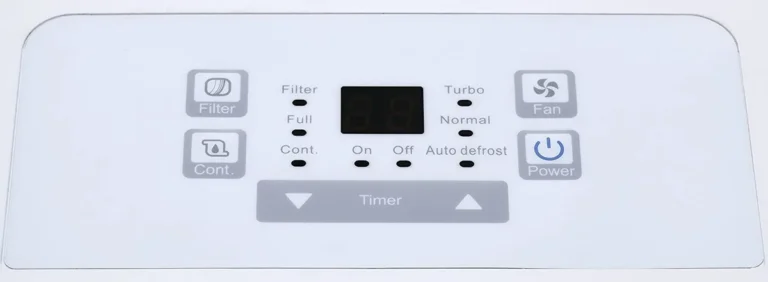
If that doesn't work, hold the Continuous and Timer buttons together for 5 seconds. That performs a factory reset.
What does the CL error code mean on my ADHL35LA?
CL stands for coil low temperature. It means the coils are too cold, often from ice buildup. This usually happens when the room temperature is below 65°F.
Clean the filter and raise the room temperature if possible.
Can I use an extension cord with this dehumidifier?
No. The manufacturer warns against extension cords. They can overheat and cause a fire.
Plug the unit directly into a grounded wall outlet. If the cord doesn't reach, have an electrician install a closer outlet.
My dehumidifier runs but makes a rattling noise. What should I do?
Unplug the unit. Inspect the fan area for debris or a loose screw. Check if the bucket is properly seated.
If the noise persists, the fan blade may be damaged. That requires a replacement part from GE Appliances.
How often should I clean the air filter on my ADHL35LA?
Clean it every month during peak use. In less humid seasons, every two months is fine. A dirty filter causes ice buildup and reduces performance.
Rinse with warm water and dry completely before reinstalling.