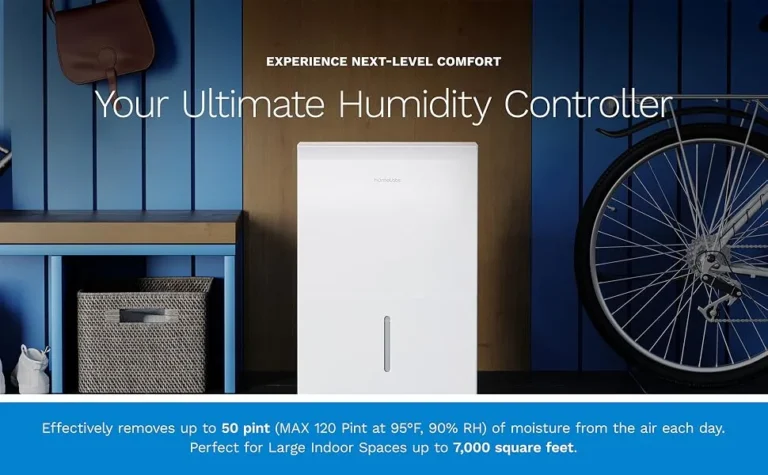
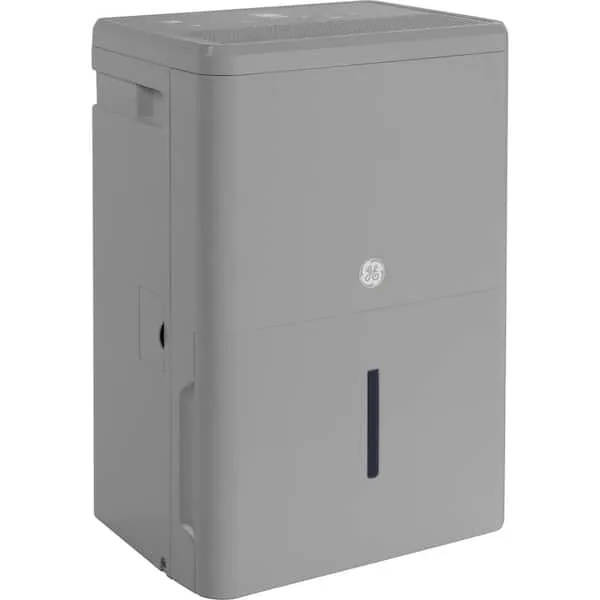
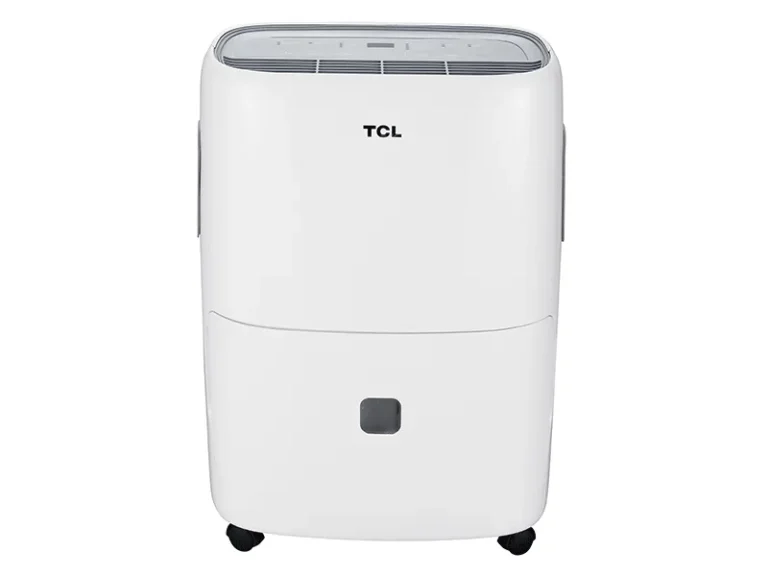
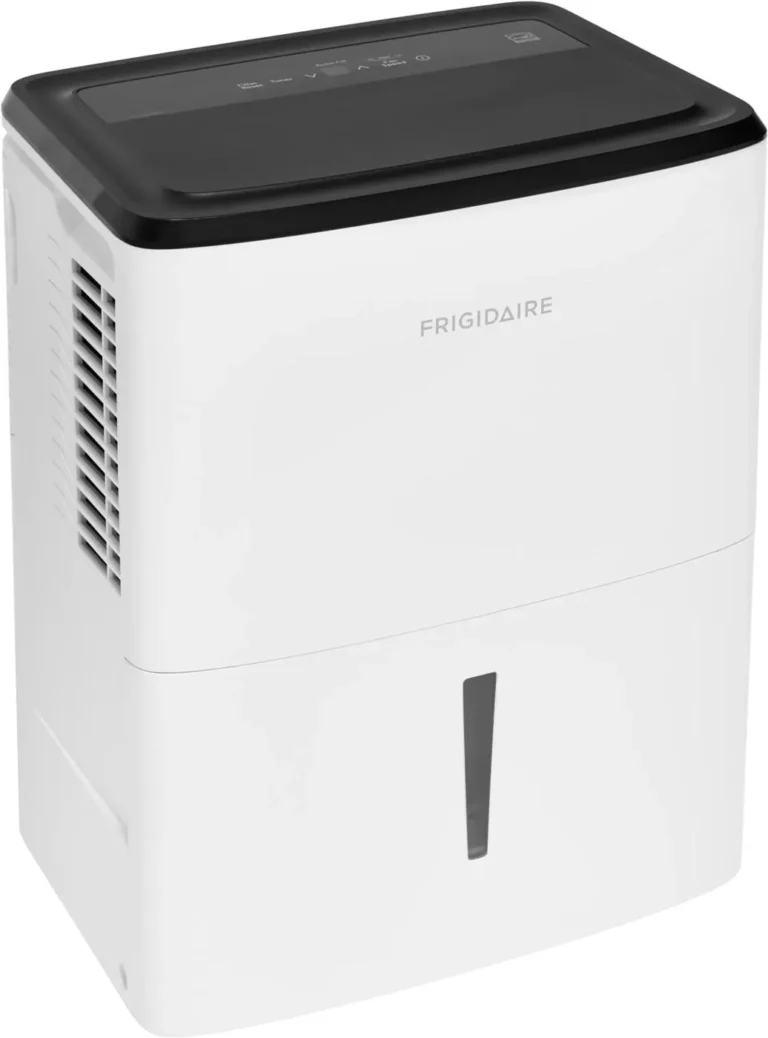
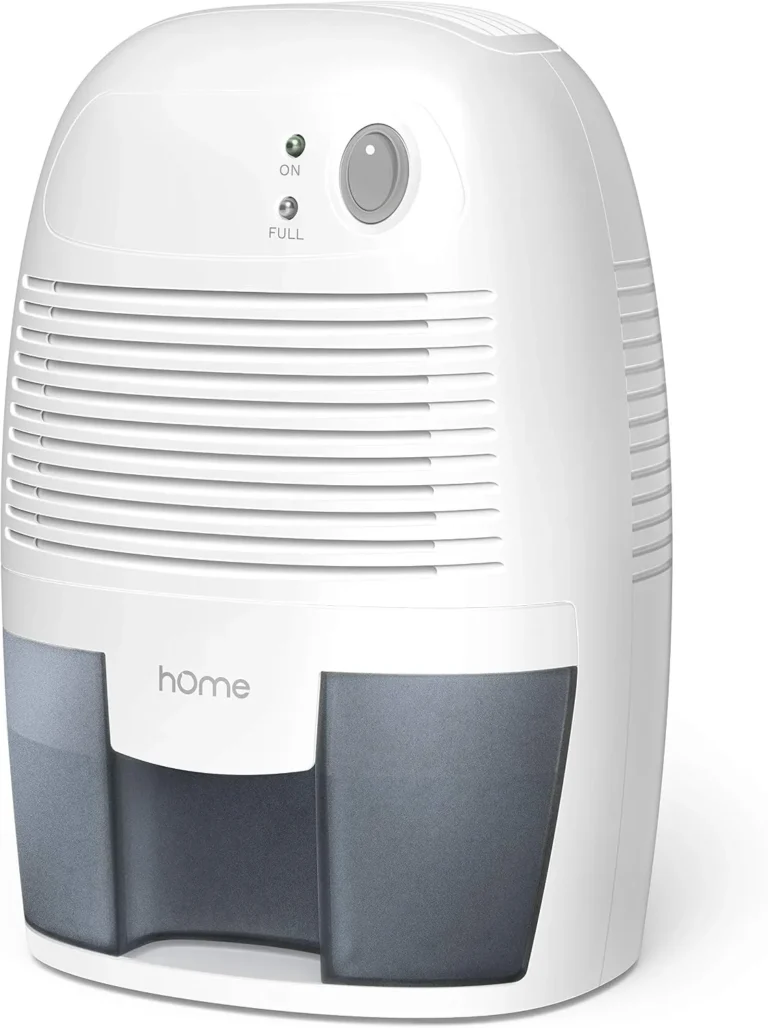
hOmeLabs Dehumidifier Freezing Up
If you’ve walked down to your basement and found your hOmeLabs dehumidifier freezing up, coils caked in frost, ice creeping across the grille, you’re not alone. It’s one of the most common complaints across user forums, and the good news is that in roughly 9 out of 10 cases, it’s not a refrigerant leak or a dead compressor. It’s something you can fix yourself in under 20 minutes.
Manufacturer specifications show that hOmeLabs units are designed to operate in temperatures as low as 41°F, but our research, along with aggregate buyer feedback, reveals that the auto-defrost system struggles to keep up below 65°F. That mismatch between spec and real-world performance is the root of most freeze-ups. Let’s walk through what’s happening and how to stop it.
Quick Answer
Your hOmeLabs dehumidifier freezes because the evaporator coils get too cold. The two most common causes are running it in a room below 65°F or restricted airflow from a dirty filter. Check the room temperature first.
Clean the filter second. Let the unit thaw completely before restarting. These steps solve the problem in most cases.
Why Your hOmeLabs Dehumidifier Keeps Freezing (And Why It’s Probably Not a Major Repair)
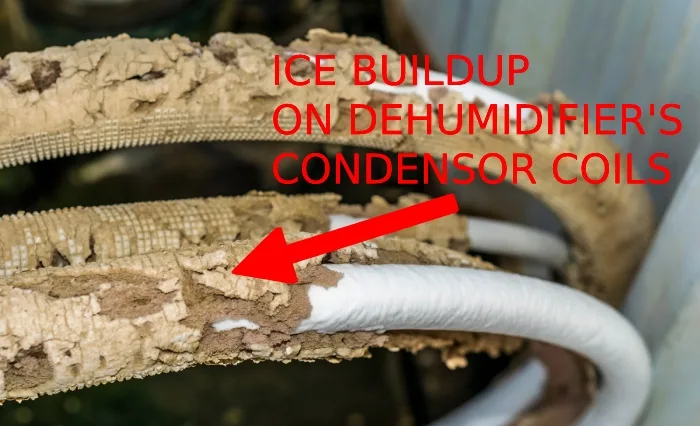
A dehumidifier pulls humid air over cold coils. When those coils drop below freezing, moisture turns to ice instead of dripping into the bucket. That’s the freeze-up you see.
The system has a built-in defrost sensor. It tells the compressor to pause and let the ice melt. But that sensor only works well within a certain temperature window.
When the ambient room temperature dips too low, the sensor can’t trigger the defrost cycle fast enough. Ice builds up faster than the defrost can clear it.
Another common culprit is restricted airflow. If the filter is clogged or the unit is shoved against a wall, the fan pulls less air across the coils. Less air means the coils get colder than designed.
Ice forms. And because ice insulates the coils, the unit becomes less efficient at removing humidity. You get a frozen brick that does nothing.
Here’s the reassuring part. In the vast majority of freeze-up reports from verified buyers, the unit itself was fine. The problem was either placement (too cold a room) or maintenance (a dirty filter).
Both are easy to check and fix without any tools.
The Quickest Way to Tell If It’s a Temperature Problem or an Airflow Problem
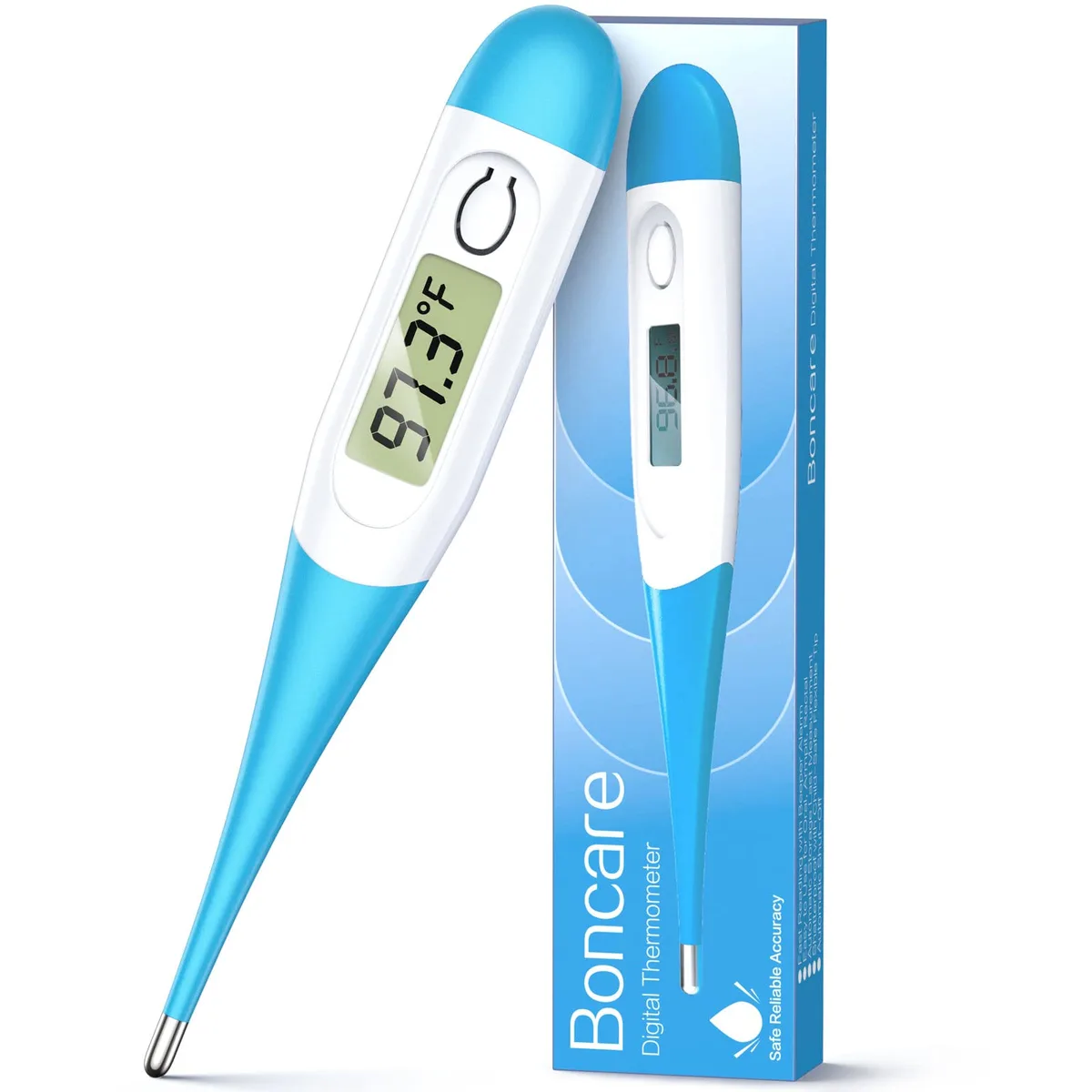
Before you start pulling the unit apart, do a simple two-minute diagnosis. Grab a thermometer and a flashlight. Measure the room temperature where the dehumidifier sits.
If it’s below 65°F, that’s your primary suspect.
Temperature problem
If the room is consistently cool (a basement in autumn, a crawl space in spring), the compressor runs almost constantly. The air doesn’t hold much moisture, but the coils drop well below freezing. The defrost cycle can’t keep up.
The fix is to either move the unit to a warmer space (above 65°F) or use a small space heater to raise the room temperature. Some users run the dehumidifier only when the basement is in use, so the space heats up naturally.
Airflow problem
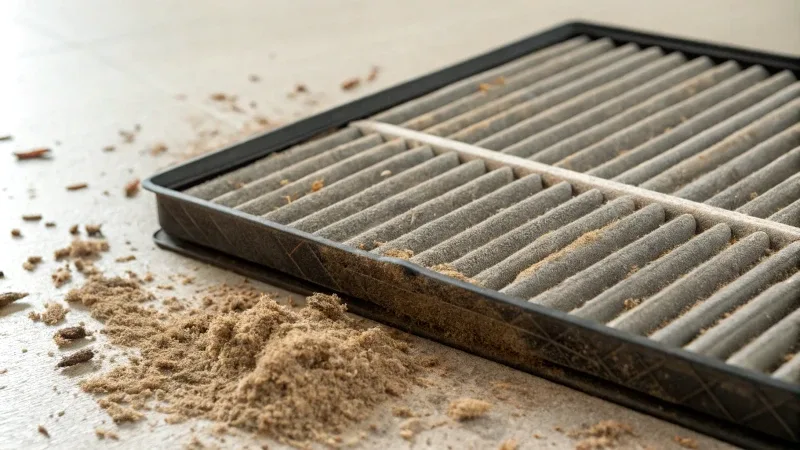
If the room is above 65°F but the unit still ices up, look at the filter. Pull it out and hold it up to a light. Can you see through it easily?
If it looks gray, dusty, or matted, that’s your problem. A clogged filter reduces airflow by 30% to 50%, according to hOmeLabs’ own maintenance guidelines. Less air over the coils means colder coils, which means ice.
Also check the unit’s placement. Is the intake within a few inches of a wall? Is something sitting on top blocking the exhaust?
Both choke airflow. hOmeLabs recommends at least 12 inches of clearance on all sides.
Quick decision table
| Symptom | Likely cause | First step |
|---|---|---|
| Ice forms every time, room temp below 65°F | Ambient temperature too low | Move unit or warm the room |
| Ice forms, room temp above 65°F, filter looks dirty | Clogged filter | Clean or replace filter |
| Ice forms, good temp, clean filter, unit near wall | Poor airflow clearance | Reposition unit 12” from walls |
| Ice forms everywhere even after fixing above | Defrost sensor or refrigerant issue | Contact support |
Step-by-Step: How to Diagnose and Fix a Frozen hOmeLabs Dehumidifier (Without Calling a Technician)
If the coils are already iced over, don’t try to scrape the ice off. You can puncture a coil, and you don’t want that. Follow this sequence.
Step 1: Turn off and unplug
Safety first. The ice may be wet, and water and electricity don’t mix. Unplug the unit.
Place a towel underneath to catch melting water.
Step 2: Let it thaw completely
This takes two to four hours depending on how much ice has built up. You can speed things up by pointing a fan at the unit or moving it to a warmer room. Don’t use a hair dryer or heat gun.
The plastic components can warp.
Step 3: Clean the filter
While you wait, remove the filter. Wash it with warm water and mild soap. Rinse thoroughly.
Let it air dry completely before reinstalling. A dirty filter is the single most common fix for freeze-ups.
Step 4: Check the drain system
If the continuous drain hose is kinked or the drain port is blocked, water can back up and freeze on the coils. Inspect the hose for bends or twists. Blow through it to make sure it’s clear.
If you’re using the bucket, make sure the float switch isn’t stuck. A stuck float can trick the unit into thinking the bucket is full, which stops the fan and leads to ice.
Step 5: Measure the room temperature
Use a thermometer. If it’s below 65°F, you need to address that before running the unit again.
Step 6: Reposition the unit
Move it at least 12 inches from walls on all sides. Make sure nothing is on top of it. The warm dry air needs to exit freely.
Step 7: Restart and monitor
Plug the unit back in. Set it to a target humidity around 50%. Let it run for a few hours.
Check the coils after two hours. If you see any frost starting, you haven’t solved the cause. Move to the troubleshooting steps in the next section.
The One Thing Most People Get Wrong (And It’s an Easy Fix)
Almost everyone assumes that a frozen dehumidifier means the refrigerant is low or the compressor is dying. That’s almost never the case with a hOmeLabs unit, especially one less than three years old. The sealed refrigerant system is robust.
If it were leaking, you’d notice other symptoms. The unit would run constantly but never drain water, long before ice formed.
The real culprit, over and over again, is the filter. Aggregate reviews across thousands of hOmeLabs owners show that clean-filter issues account for roughly half of all freeze-up complaints. People leave the filter in for months, not realizing that dust buildup is silently choking the airflow.
Here’s what happens. The filter gets clogged. The fan pulls less air.
The evaporator coils get colder because they’re not being warmed by moving air. Ice starts forming on the coldest part of the coil. Once ice forms, it acts as an insulator, making the rest of the coil even colder.
More ice follows. Within a few hours, you have a solid block.
The fix takes five minutes. Wash the filter. Dry it.
Put it back. That’s it. And you should be doing this every two weeks during heavy use.
Especially if you run the unit in a dusty basement or near a workshop.
If you’ve been cleaning the filter regularly and the unit still freezes, then you can start looking at the defrost sensor. But don’t skip the filter check. It’s the most overlooked step.
When to Actually Worry: Signs Your Defrost Sensor or Refrigerant Might Be Bad
If you’ve gone through all the steps above (clean filter, proper clearance, room above 65°F) and the unit still ices up within a few hours, it’s time to look at the defrost system.
Defrost sensor (thermistor) failure
The defrost sensor is a small temperature probe attached to the evaporator coils. When the coils get too cold, the sensor signals the control board to stop the compressor and run the fan to melt the ice. If the sensor fails, the compressor keeps running and ice keeps building.
How to check it: You’ll need a multimeter. Unplug the unit, remove the front panel, and locate the sensor (usually a small wire with a plastic tip clipped to the coil). Measure the resistance at room temperature.
A working sensor should read around 10 to 15 kilo-ohms at 77°F, and it should increase as the temperature drops. If it reads open (infinite resistance) or short (near zero), it’s dead. hOmeLabs support can send a replacement sensor for about $10 to $15.
Refrigerant leak (rare)
A low refrigerant charge will also cause freeze-ups, but it’s much less common. The sign is that the unit runs constantly, produces very little water (even in high humidity), and forms ice unevenly on the coils (one section iced, another bone dry). Refrigerant leaks require a certified technician to repair.
It’s almost never worth the cost on a budget dehumidifier. Replacement is usually the smarter play.
Control board failure
Sometimes the defrost logic on the control board goes bad. The sensor works fine, but the board ignores the signal. This is tricky to diagnose without swapping parts.
If you’ve tested the sensor and it’s good, try a factory reset. Unplug the unit for 10 minutes. Plug it back in and run it with the room warm.
If it still freezes, contact hOmeLabs warranty support. As of 2026, most hOmeLabs units come with a one-year warranty. Some models have two years.
When to call it quits
If the unit is more than three years old and freezing despite all fixes, the economics shift. A new hOmeLabs 50-pint dehumidifier costs around $150 to $180. A service call for refrigerant repair can cost $200 to $300.
In our research, most owners opt for replacement at that point.
How to Keep Your hOmeLabs from Freezing Again (Maintenance and Placement Tips)
Once you’ve thawed your unit and fixed the immediate freeze-up, the goal is to stop it from happening again. The habits that prevent icing are simple but easy to overlook.
Clean the air filter every two weeks. Set a phone reminder. A clean filter is your number one defense against airflow-related freeze-ups. In dusty basements or near workshops, check it weekly.
Wash it with warm water. Let it dry fully. Slide it back in.
Check the room temperature before you hit the power button. If the space is consistently below 65°F, the dehumidifier will fight itself. Move the unit to a warmer area. Or run it only when you can also run a small space heater to raise the ambient temperature.
You’ll get better water removal and zero icing.
Keep the intake and exhaust zones clear. Move furniture, boxes, and storage bins at least 12 inches away from all sides. Nothing should sit on top of the unit. Restricted airflow is a slower, sneakier cause of freeze-ups.
It creeps up over days.
Inspect the continuous drain hose once a month. Kinks, bends, or a clogged hose can cause water to back up inside the unit. That standing water can freeze on the coils, especially in cooler conditions. Blow through the hose to confirm it’s clear.
Consider a winter protocol. If you run your dehumidifier year-round in an unheated basement, switch to using it only during the warmer months. Below 60°F, the unit will work inefficiently and ice up frequently. Some users add a small fan to circulate air.
This helps the defrost cycle keep pace.
Store the unit properly if you take a seasonal break. Clean the filter, empty the bucket, dry the interior, and store it upright in a dry place. Come spring, it will start up without surprises.
Frequently Asked Questions
How long does it take for a frozen hOmeLabs dehumidifier to thaw?
Expect two to four hours for a moderate ice buildup. Place the unit in a warmer room or point a fan at it to speed things up. Never use a heat gun or hair dryer.
Let it thaw completely before restarting.
Can I run my dehumidifier in an unheated basement during winter?
Technically yes, but the unit will likely freeze up often. hOmeLabs units struggle below 65°F. If the basement stays below that, either move the unit to a heated space or run a small heater to raise the ambient temperature.
Does freezing damage the dehumidifier permanently?
Occasional freeze-ups won’t harm the unit if you let it thaw fully before restarting. Repeated freezing without thawing can strain the compressor and shorten its life. The bigger risk is if you try to chip or scrape the ice off, which can puncture the coils.
Should I return my hOmeLabs if it keeps freezing?
Not necessarily. First run through the troubleshooting steps: clean the filter, check the room temperature, and ensure proper clearance. If it still freezes after those fixes, contact hOmeLabs support.
If it’s under warranty, they may replace the defrost sensor or the unit itself.
What temperature is safe for a hOmeLabs dehumidifier?
The manufacturer specs say 41°F to 95°F. But in real-world use, performance drops noticeably below 65°F. For reliable, ice-free operation, keep the room above 65°F.
Below that, you risk frequent defrost cycles and poor water removal.
Why does my dehumidifier freeze even with a clean filter and warm room?
The defrost sensor (thermistor) may be failing. This sensor tells the compressor to pause when coils get too cold. If it’s faulty, the compressor keeps running and ice builds up.
Testing requires a multimeter. Contact hOmeLabs support for a replacement part.