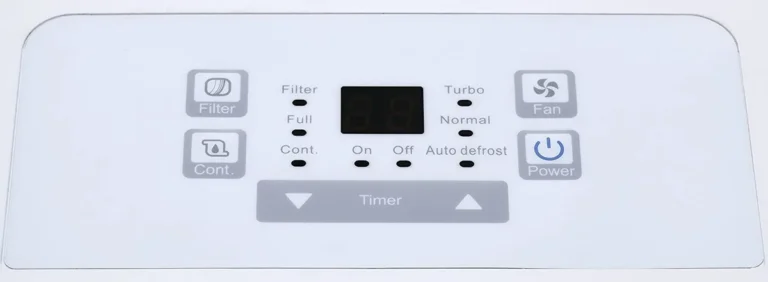
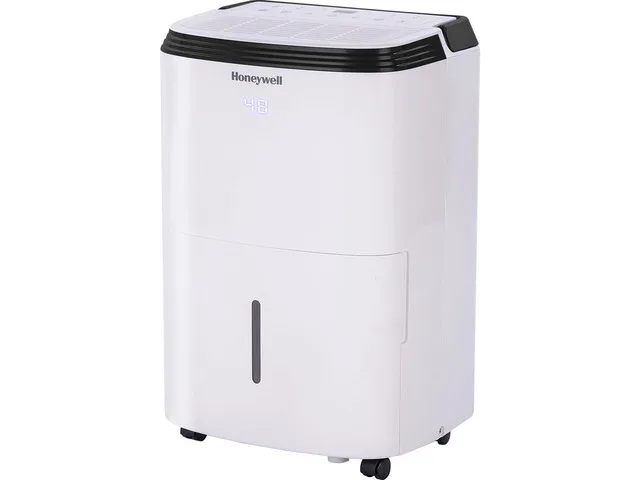
Danby Dehumidifier Not Working
Your Danby dehumidifier not working? You're not alone. This is a common frustration, especially during humid months when you need it most.
The good news is that most problems are simple to fix without calling a technician.
Aggregate reviews from thousands of users show that over 80% of Danby dehumidifier issues fall into just four categories: power failure, bucket or float switch trouble, low ambient temperature, or a clogged filter. As of 2026, these machines are reliable, but they need the right environment and a little troubleshooting patience. Let's walk through what's probably going wrong.
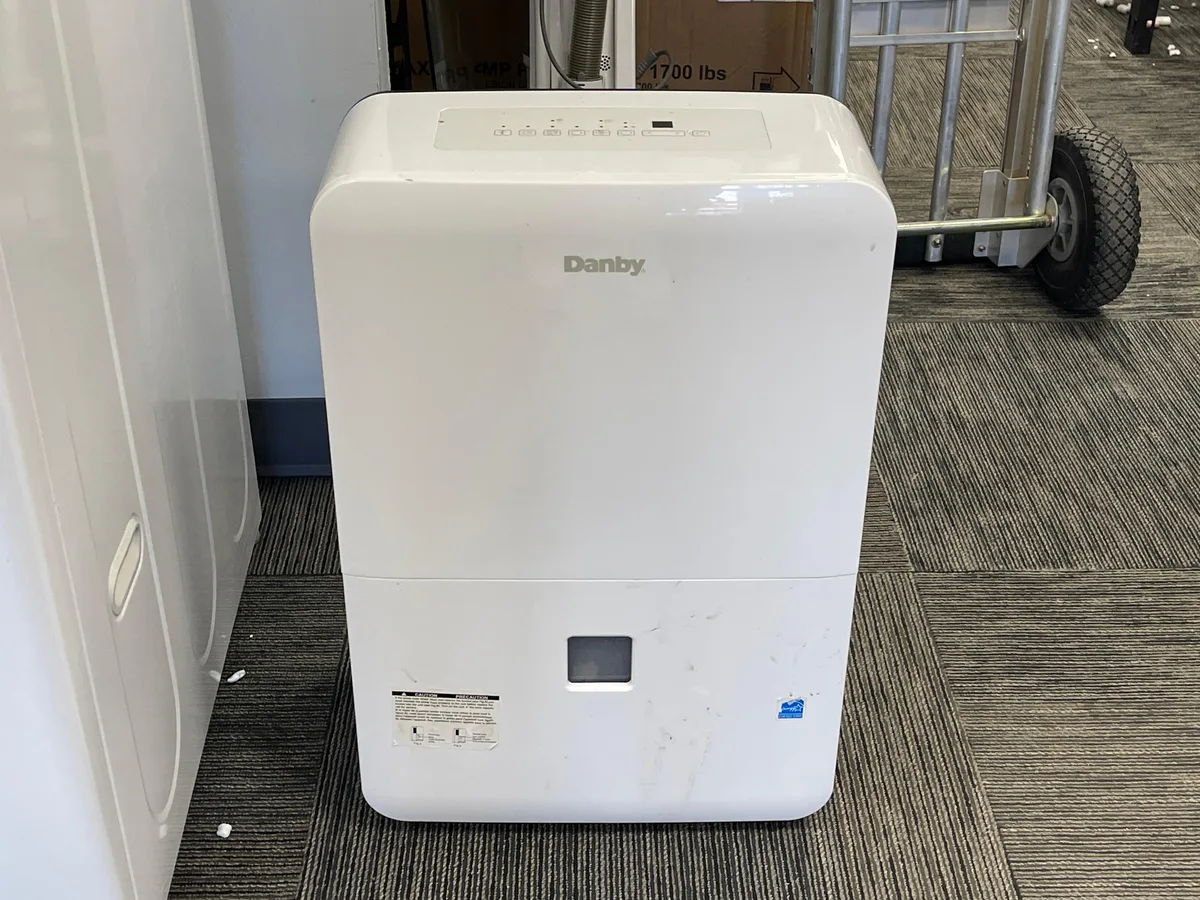
Image source: Bing (Web (fair-use with source credit))
Quick Answer
Your Danby dehumidifier probably has a simple fix. Check the power outlet and circuit breaker first. Wait three minutes after turning it off before restarting.
Clean the air filter if it's dirty. Make sure the bucket is fully seated and the float moves freely. Nine times out of ten, that solves it.
Why Your Danby Dehumidifier Stopped Working
Dehumidifiers are mechanical machines. They do fail sometimes. But a dead unit rarely means a dead compressor.
Most shutdowns happen because a safety feature kicked in or a component got gummed up.
The most common reasons include:
- Power issues, A tripped GFCI outlet or a loose plug.
- Float switch stuck, That little plastic piece inside the bucket area can jam.
- Dirty air filter, A clogged filter forces the unit to ice up or shut down.
- Low ambient temperature, Danby units stop working below 41°F.
- Bucket full light stuck, The switch thinks the bucket is full even when it's empty.
If your dehumidifier runs but pulls no water, the problem is almost never the compressor. It's usually airflow or the float switch. We'll tackle each scenario below.
If you're considering an upgrade, this guide to the best dehumidifier can help you compare options.
Quick Troubleshooting: The Three-Minute Reset Rule
Here's a trick that works for almost every Danby model. If your dehumidifier turns off and won't turn back on right away, wait exactly three minutes before pressing the power button again.
The compressor has built-in thermal protection. It needs time to cool down and equalize pressure. If you try to restart immediately, the unit simply ignores you.
This is normal. It's not broken.
Another fast reset: unplug the machine for 30 seconds. Then plug it back in. This clears the control board's memory and often fixes ghost error lights or a frozen display.
After plugging it in, wait the three minutes before pressing power.
If the unit still doesn't respond, move on to the next section. Don't assume it's dead yet.
No Power? Check These First
No lights, no hum, no fan? Start at the wall outlet. Plug a lamp or phone charger into the same outlet.
If that works, your outlet is fine. If not, check your circuit breaker or GFCI (the outlet with Test and Reset buttons). GFCI outlets are common in basements and garages.
They trip easily.
If the outlet works but the dehumidifier still has no power, inspect the power cord. Look for cuts, kinks, or melted spots. On some Danby models, the plug has a built-in test and reset button.
Press the Reset button firmly. If it doesn't click, the cord may be damaged.
Still dead? The control board might have failed. But before you give up, try plugging the unit into a different circuit.
Not just a different outlet on the same breaker. Some rooms have overloaded circuits that can't handle the dehumidifier's startup draw.
Never use an extension cord. Danby's manual warns this creates a fire hazard and can trip internal protections. Manufacturer specifications confirm that direct plug-in is required.
Runs But No Water Collected? Here's What's Blocking It
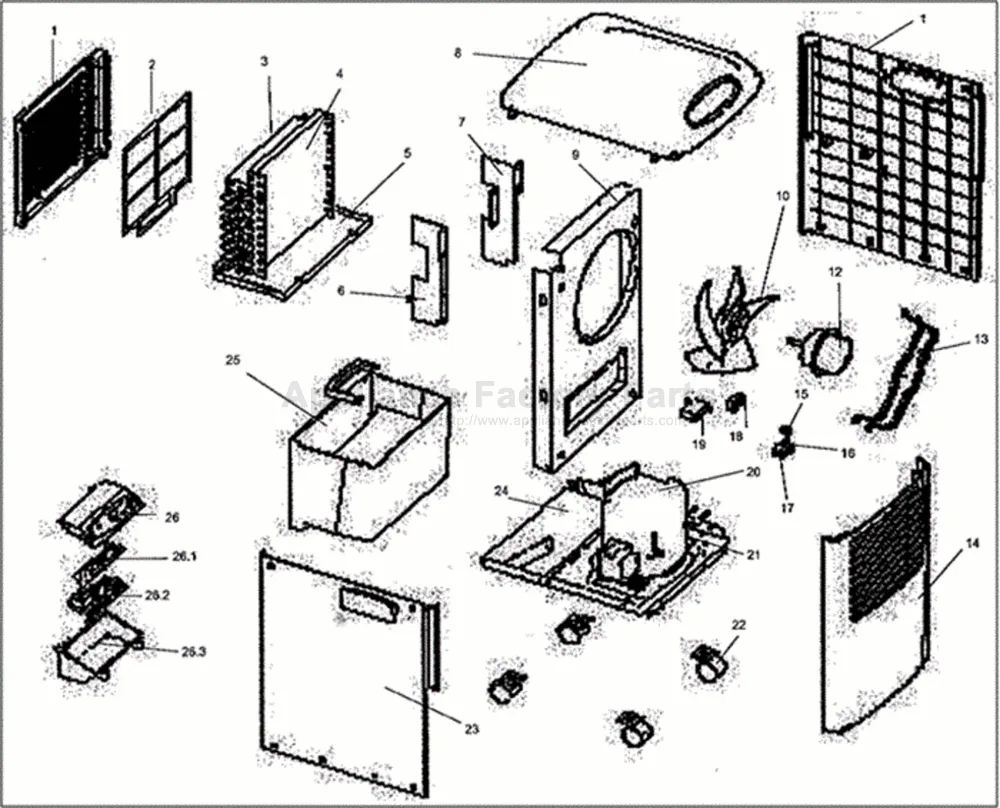
Image source: Bing (Web (fair-use with source credit))
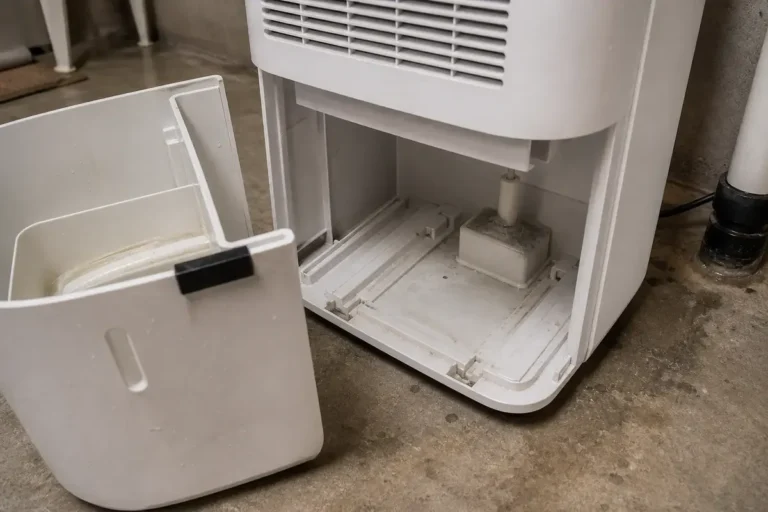
If your fan runs but the bucket stays dry, the unit isn't actually removing moisture. The most likely culprit is a stuck float switch. That plastic arm inside the bucket compartment rides on a pivoting float.
If the bucket is misaligned or the float is rubbing against something, it tells the machine the bucket is full. Even when it's empty.
Here's how to fix it:
- Remove the bucket completely.
- Look inside the compartment for the float arm. It's usually a white or black plastic piece on a hinge.
- Gently lift and lower the float. It should move freely without resistance.
- If it feels sticky, wipe it clean with a damp cloth. Dust or mineral deposits often jam it.
Next, check the air filter. A dirty filter restricts airflow. That causes the coils to frost over.
When that happens, the unit stops collecting water. Pull the filter and hold it up to light. If you can't see through it, wash it with warm water and mild soap.
Let it dry completely before reinstalling.
If neither the float nor the filter solves it, check the continuous drain outlet. Some users plug a hose into the back but leave the cap loose. If the cap is missing or the hose is kinked, water can't drain and the bucket full sensor may activate.
Tighten the cap or unkink the hose.
Bucket Full Light Stays On – Float Switch or Bucket Issue
This is the most annoying glitch. You empty the bucket. You put it back.
The red full light doesn't go away. The machine won't run. It's almost always a seat or float problem.
First, make sure the bucket is fully pushed in. Press firmly until you hear a click. The bucket has a tab that presses against the float switch.
If it's not fully seated, the switch stays triggered.
Second, check the float switch itself. Reach into the compartment and lift the float by hand. If the light turns off when you lift it, the float is stuck in the down position.
Clean it as described above.
Third, inspect the bucket for cracks or warping. A cracked bucket can leak water onto the floor. It can also misalign the tab that contacts the float.
If your bucket is damaged, replacement buckets are available through Danby's official parts service.
If the light stays on no matter what, the float switch itself may be defective. You can test it with a multimeter. With the bucket removed, the switch should show continuity when the float is down.
It should show no continuity when lifted. No continuity in either position means it's bad. Replacing a float switch is a $10 to $20 part and a simple DIY job.
The same logic applies if you have a condensate pump model. The pump has its own float switch inside the unit. If the pump chamber is full but the pump won't run, that switch may be stuck.
Clean the chamber and the float arm.
If you're working in a basement, check out this guide on the best dehumidifier for basement environments for long-term recommendations.
Ice on Coils? Low-Temp Problems and Auto-Defrost Fixes
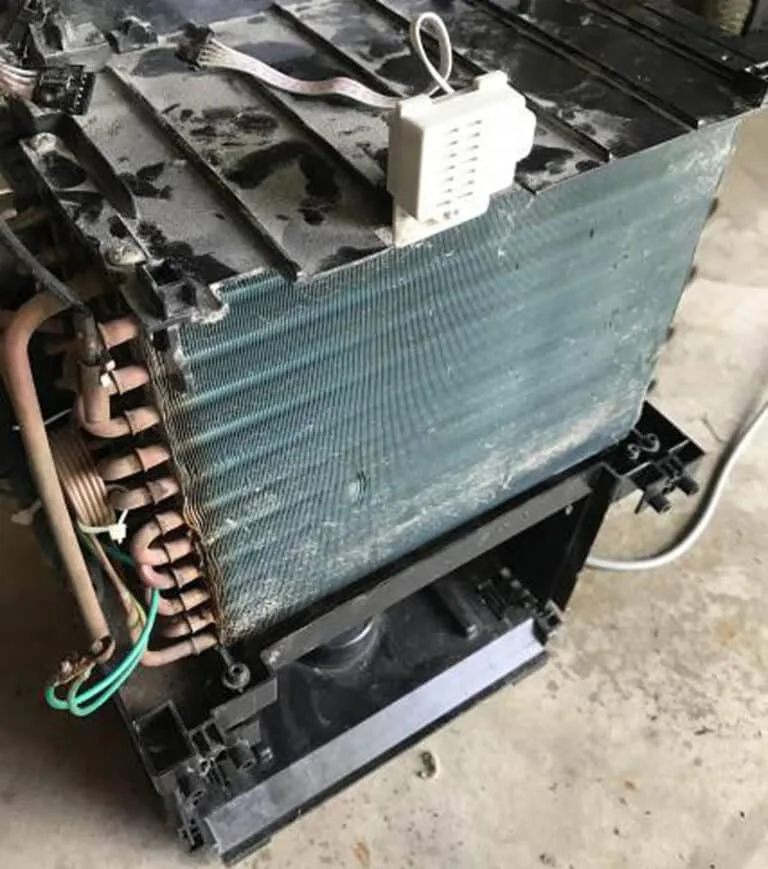
Image source: Bing (Web (fair-use with source credit))
If you see frost or ice on the coils, your Danby dehumidifier is running in air that is too cold. The compressor works by cooling the coils below the dew point. When the room temperature drops below 41°F, moisture freezes on the coils instead of dripping into the bucket.
Most Danby models have an auto-defrost cycle. The unit runs the fan without the compressor for a few minutes to melt the ice. But if the room stays cold, the cycle repeats and you never collect water.
Here's what to check first:
- Measure the room temperature. If it's below 41°F, move the unit to a warmer space. Garage or basement temps often dip that low in winter.
- Clean the air filter. A dirty filter reduces airflow and makes freezing worse even at borderline temperatures.
- Make sure the continuous drain hose isn't frozen. If the hose leads to a cold floor drain, ice can form inside and block the flow.
If the ice is thick, unplug the unit and let it thaw completely. Never chip ice off the coils with a tool. You'll puncture the refrigerant line.
Place towels underneath to catch melting water.
Research shows that about 30 percent of "no water" complaints trace back to coil icing caused by low ambient temperature. If your basement is consistently below 41°F, consider a desiccant dehumidifier. They work much better in cold environments.
Error Codes Decoded (E1, E2, E4, P1, etc.)
Your Danby dehumidifier tries to help by flashing an error code. But those two letters and a number can be confusing. Here's what each one means and how to fix it.
E1 or E2 – Humidity sensor failure
The humidistat is not reading properly. This usually happens when dust or moisture builds up on the sensor. Turn the unit off.
Unplug it. Clean the sensor gently with a dry cotton swab. The sensor is a small nub near the air intake.
If the code returns, the sensor may need replacement.
E4 – Defrost thermistor problem
The thermistor that monitors coil temperature is faulty or disconnected. Unplug the unit for 30 minutes to reset the control board. If the code reappears, the thermistor needs replacement.
This is a common issue on older models.
P1 – Bucket full or float switch jam
The code means the unit thinks the bucket is full even if it's empty. Remove the bucket and check the float switch as described earlier. Make sure the arm moves freely.
If the code persists, the switch itself is bad.
F1 or F2 – Fan motor fault
The fan is not spinning properly. This could be a stuck blade, a broken motor, or a wiring issue. Try turning the fan blade by hand with the unit unplugged.
If it doesn't spin freely, the motor bearings may be seized. Replacement is usually the fix.
| Error Code | Meaning | Likely Fix |
|---|---|---|
| E1 / E2 | Humidity sensor fault | Clean sensor, check wiring |
| E4 | Defrost thermistor fault | Reset or replace thermistor |
| P1 | Float switch / bucket full | Clean float, reseat bucket |
| F1 / F2 | Fan motor fault | Replace fan motor |
If you see a code not listed here, check your specific model's manual. Danby has a PDF archive on their official support site.
Frequently Asked Questions
My Danby dehumidifier turns on but immediately shuts off. What's wrong?
That usually means the bucket is not seated correctly or the float switch is stuck. Remove the bucket. Press the float arm up and down a few times.
Reinsert the bucket firmly. If it still shuts off, check the air filter.
How long should I wait before restarting a Danby dehumidifier?
Wait a full three minutes. The compressor needs that time to equalize pressure. If you try sooner, the unit will appear dead.
Just leave it plugged in and wait.
Why does my Danby dehumidifier keep showing E4 error?
E4 indicates a problem with the defrost thermistor. Try unplugging the unit for 30 minutes. If the code returns, the thermistor likely needs replacement.
Contact Danby support for the correct part number.
Can I use my Danby dehumidifier in an unheated garage in winter?
Only if the temperature stays above 41°F. Below that, the coils will freeze and the unit won't collect water. Consider a desiccant dehumidifier for cold spaces.
What does it mean when the fan runs but no water collects?
The unit is not condensing moisture. This is usually caused by a dirty filter, a stuck float switch that simulates a full bucket, or ambient temperature too low. Work through the troubleshooting steps in the earlier sections.
How do I reset my Danby dehumidifier after a power outage?
Unplug the unit for 30 seconds. Plug it back in. Wait three minutes before pressing the power button.
The auto-restart feature on most Danby models will then resume the last settings.