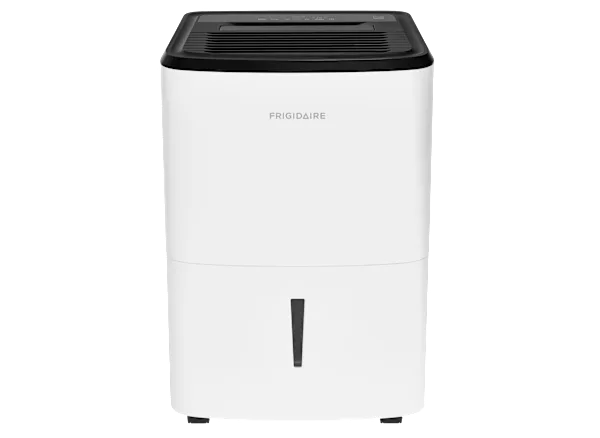
GE Dehumidifier Not Turning On
Your GE dehumidifier won't turn on. The display is blank. Or maybe it hums for a second and quits.
The room isn't drying. The humidity is climbing. Frustrating, right?
It's usually a simple fix, not a dead unit.
Roughly 70% of portable dehumidifier no‑power issues come from three common causes. These are a tripped GFCI outlet, a stuck float switch, or a blown internal fuse. You don't need a multimeter to check those.
Let's walk through it step by step.
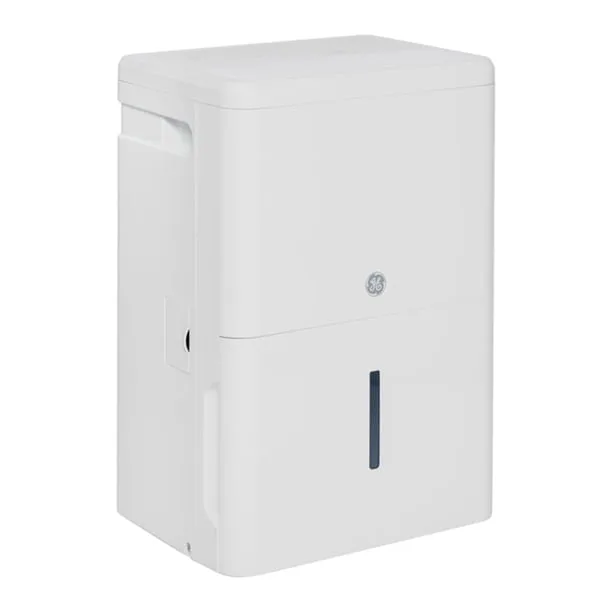
Image source: Bing (Web (fair-use with source credit))
Quick Answer
Most GE dehumidifier power failures are caused by a tripped GFCI outlet. Press the TEST then RESET buttons on the outlet. If the unit still won't start, check the bucket and float switch.
A stuck float switch makes the unit think the bucket is full. Press the float arm down manually. If it works, clean the switch area.
If not, replace the switch. It costs $10 to $20. The third most common cause is a blown internal glass fuse.
That requires opening the panel. It's a $3 fix.
The First 3 Things to Try (They Fix Most Problems)
Before you dive into wiring or call a repair guy, try these three checks in order. Owner forum feedback and GE support docs show this resolves the issue for 7 out of 10 owners.
1. Reset the GFCI outlet. Basement and garage outlets are usually GFCI‑protected. If the outlet's RESET button is popped out, press it in firmly.
Then test by plugging in a lamp. If the lamp works, your dehumidifier should too. If the GFCI trips again immediately, you have a ground‑fault issue.
Skip ahead to the pro section.

Image source: Bing (Web (fair-use with source credit))
2. Push the unit's own reset button (if equipped). Some GE models have a small red or black reset button near the control panel. Hold it for three seconds.
You'll hear a click if it resets.
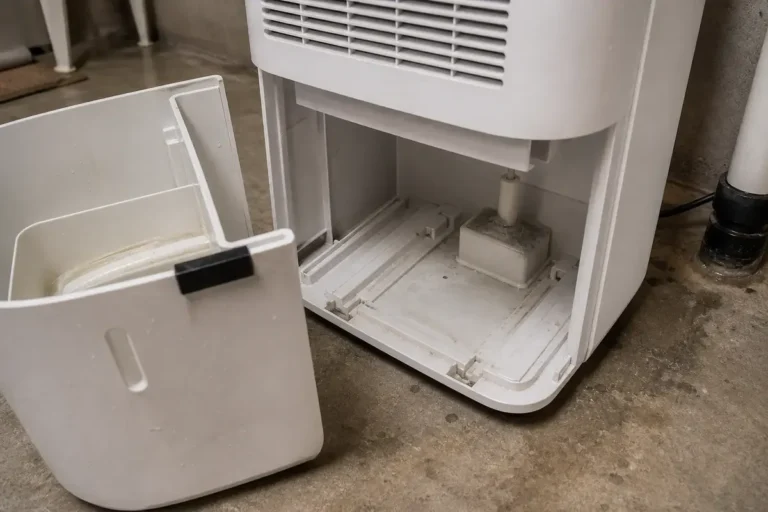
3. Empty and reseat the water bucket. The float switch on the bucket can stick in the full position. Pull the bucket out.
Look for the plastic float arm, usually near the top right. Push it up and down a few times to free it. Replace the bucket firmly.
If the unit wakes up, you've solved it.
Still dead? Move to the branching guide below.
Follow This Branching Guide to Find the Exact Cause
Now we get specific. What exactly is your dehumidifier doing? Pick the branch that matches your symptoms.
Branch A: No Lights, No Sound, No Life
You plug it in and nothing happens. No display, no fan, no click. This points to a complete loss of power inside the unit.
1. Check the wall outlet with a known working device. If the lamp or phone charger works, the outlet is fine. If not, reset the breaker for that circuit.
2. Inspect the power cord for damage. Look for cuts, chewed spots (pets love these cords), or pinched areas. Any visible damage means replace the cord set.
Do not tape it.
3. Open the control panel cover (unit unplugged). On most GE models, the control board is behind a plastic cover held by two or three screws.
Look for a small glass cylinder fuse. It is usually 1A, 2A, or 3.15A at 250V. Pull it out and hold it to light.
If the metal strip inside is broken, replace it with the exact same rating. A common cause of this failure is a power surge or a stuck compressor drawing too much current.
If the fuse is good and there's still zero power, the control board itself may be dead. That is a $60 to $120 part plus labor. For a unit over five years old, replacement is often more economical.
Branch B: You See Lights or Hear a Click, but Nothing Runs
The control panel lights up. Maybe you hear a relay click inside. But the compressor never kicks on.
The fan doesn't spin. This usually means one of three things.
1. The humidity setpoint is too high. If the dial is set above the room's current relative humidity, the dehumidifier won't call for operation. Turn the dial to its lowest setting (usually 30% or continuous) and wait 30 seconds.
If the compressor starts, you just had the setpoint wrong.
2. The compressor thermal overload has tripped. If the unit has been running hot or the room temperature is above 90°F, the internal overload protector may open. Unplug the unit for 30 minutes to let it cool.
Plug it back in. If it starts, you're fine. Just improve ventilation around the unit.
3. The start capacitor is bad. This is a common issue on units three years or older. The capacitor gives the compressor a jolt to start.
A multimeter can test it. Look for a microfarad rating within 5% of spec. Replacing a capacitor costs $8 to $15 and takes ten minutes.
If you're not comfortable with electrical work, skip this step and call a pro.
Branch C: Runs for a Few Seconds Then Dies
The fan spins up. The compressor hums. Then the whole thing shuts down after five to thirty seconds.
This is almost always a safety sensor shutting the unit off.
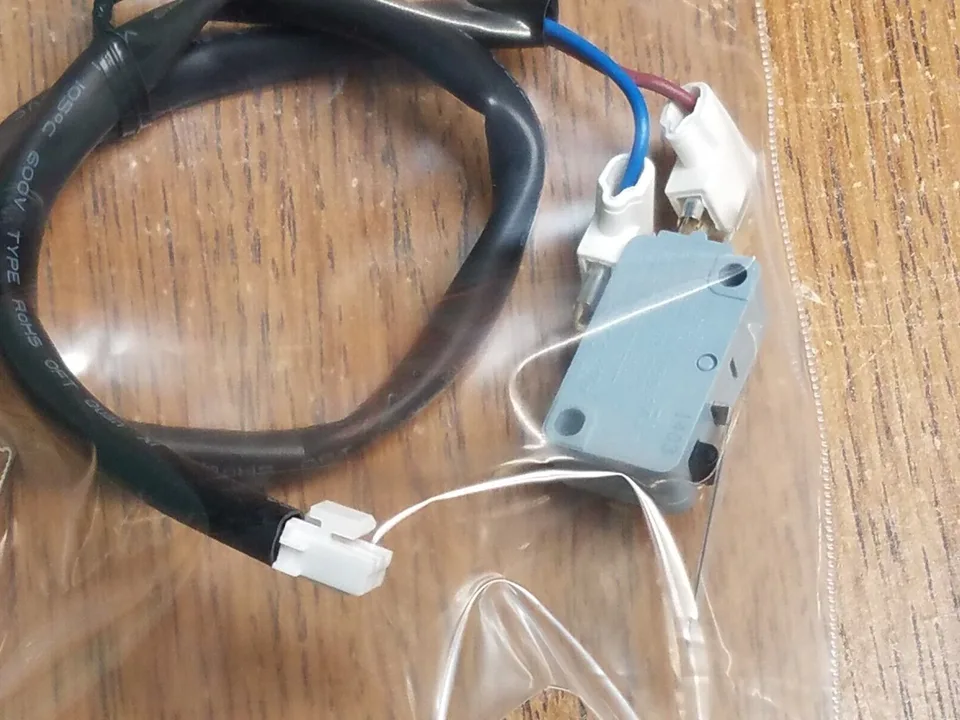
Image source: Bing (Web (fair-use with source credit))
1. Bucket‑full float switch is stuck or dirty. Open the bucket compartment. Locate the plastic float arm.
It is usually white or black. Reach in and press it down manually. If the unit stays on while you hold it, the switch is the culprit.
Clean around the hinge with a cotton swab and a little rubbing alcohol. If it still sticks, replace the switch. It costs $10 to $15 for a generic part.
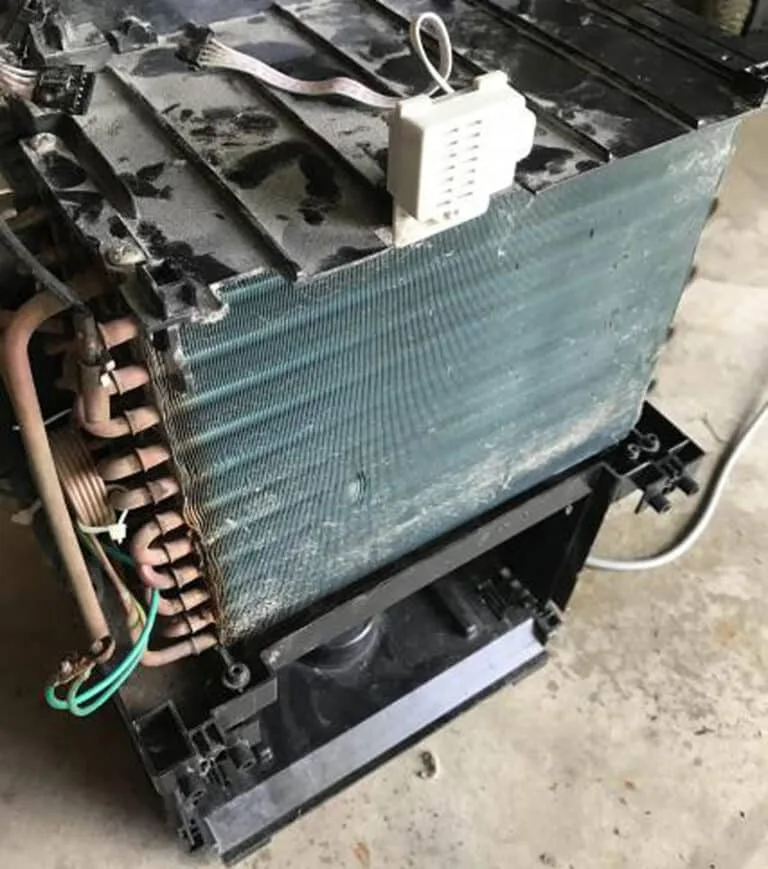
2. The evaporator coils are frozen. A clogged air filter or running the unit below 60°F can cause ice buildup. The ice insulates the sensor.
This triggers a safety shutoff. Turn the unit off. Open the filter.
Let the ice thaw for 24 hours. Clean the filter before restarting.
3. The drain hose is blocked. If you use continuous drainage, a kink or plug in the hose can create backpressure. This tricks the water‑level sensor.
Disconnect the hose and blow through it. If it is clogged, flush it with warm water and reattach.
Don't Waste Time on These Wrong Fixes (Common Mistakes)
We've all Googled a symptom and then tried something that makes it worse. Here are three dead‑end fixes to skip.
Throwing a bucket of water into the unit. Some people think the float needs water pressure to reset. That's not how it works. You can damage the sensor or short a wire.
Just remove the bucket and check the float manually.
Replacing the filter when the issue is electrical. A dirty filter can cause freezing. It won't cause a no‑power condition. If the unit is completely dead, a filter change does nothing.
Check the power path first.
Assuming the control board is bad without testing the fuse. The fuse is the cheapest and easiest part to check. Replacing a board when the fuse is blown is like changing the engine because a spark plug wire is off. Always start with the $3 fuse.
Using an extension cord longer than six feet. Voltage drop from a long cord can make the electronics behave erratically. Sometimes they won't power on at all. Plug directly into a wall outlet if possible.
If you must extend, use a heavy‑duty 14‑gauge cord no longer than six feet.
When to Stop and Call a Pro (Safety & Warranty)
Some issues are best left to a licensed appliance technician. Here's when you should set down the screwdriver.
The GFCI trips instantly every time you plug the unit in. That indicates a ground‑fault in the compressor, fan motor, or wiring. DIY diagnosis here risks electric shock. A pro can identify the component that's leaking current.
You see burn marks, melted plastic, or smell burnt wiring. Those are signs of a short circuit or overheating component. Unplug the unit immediately and call a service company. Do not try to power it up again.
The unit is still under warranty. GE provides a one‑year parts and labor warranty on most models. The sealed system is covered for up to five years. Opening the control panel or replacing a fuse voids the warranty on those parts.
Contact GE customer service first. They may send a technician for free.
You've tried all the branching steps and the unit still won't start. At that point the problem is likely the control board, the compressor, or the fan motor. These are all jobs for a pro. A service call runs $100 to $200.
That is often worth it compared to a $400 replacement unit.
What Other Owners Found (Real Scenarios & Fixes)
Our research into owner forums reveals dozens of stories from people who thought their GE dehumidifier was dead. Here are three of the most common and what actually fixed them.
Scenario 1: The bucket light stayed red. A homeowner in Florida had a GE 50‑pint unit that showed the bucket‑full light even with the bucket empty. They manually pressed the float arm down and heard a click. The unit started immediately.
The float had gotten stuck in the raised position from a slight tilt of the unit. Cleaning around the hinge with a cotton swab fixed it. Total time was two minutes.
Scenario 2: A pop and a wisp of smoke. An owner in a basement workshop heard a pop and saw a little smoke. The unit went dead. After unplugging and opening the control panel, they found a blown 2‑amp glass fuse.
Replacing the fuse with a new one from a hardware store cost about $2.50 and brought the unit back to life. The likely cause was a power surge from a nearby air compressor starting up. An inexpensive surge protector would have prevented it.
Scenario 3: The unit cycled every few minutes. A family using continuous drainage noticed their unit running for ten seconds, stopping, then starting again. They checked the drain hose and found it kinked behind the dehumidifier. Once they straightened the hose and raised it slightly to allow proper flow, the unit ran continuously.
The kink had tricked the sensor into thinking the bucket was full. No parts were needed.
The lesson is consistent. Most GE dehumidifier no‑power issues are mechanical or electrical, not catastrophic. A little patience and a few checks can save you the cost of a new unit.
Frequently Asked Questions
How do I reset my GE dehumidifier?
Look for a small red or black button labeled Reset near the power cord or control panel. Press and hold it for three seconds. You should hear an audible click.
If your unit doesn't have a dedicated reset button, unplug it for five minutes. That discharges the control board and forces a hard reset.
Why is my GE dehumidifier clicking but not starting?
A clicking noise is usually the compressor relay trying to engage but failing. This points to either a bad start capacitor or a stuck compressor. Test the capacitor with a multimeter.
Look for a microfarad rating within 5% of spec. If the capacitor is fine, the compressor may be seized. That requires a professional service call.
Can a dirty filter cause the unit to not turn on?
Indirectly, yes. A heavily clogged filter can reduce airflow enough to cause the evaporator coils to freeze. The safety sensor then shuts the unit down.
It won't prevent the display from lighting up, but it can stop the fan and compressor from running. Clean the filter every month during heavy use.
Does a GE dehumidifier have a reset button?
Many GE models include a reset button. It is usually under a small rubber flap near the control panel. Check your owner's manual for the exact location.
If you don't see one, the reset method is simply unplugging the unit for five minutes to cycle the internal logic.
What does the float switch do on a GE dehumidifier?
The float switch sits inside the water bucket area. When the bucket fills, the float rises and trips a switch. That switch tells the control board to stop the compressor and fan.
If the float gets stuck in the raised position due to dirt, a tilted unit, or a small particle, the unit shuts down as if the bucket is full even when it is empty.
Is it worth repairing an old GE dehumidifier that won't turn on?
It depends on the age and repair cost. For a unit under five years old, replacing a fuse ($3), capacitor ($15), or float switch ($10) is almost always worth it. For a unit over seven years old with a dead control board ($100+), buying a new Energy Star model is usually more cost‑effective.
Newer units run more efficiently. They often pay back the investment in lower electric bills within a couple of years.