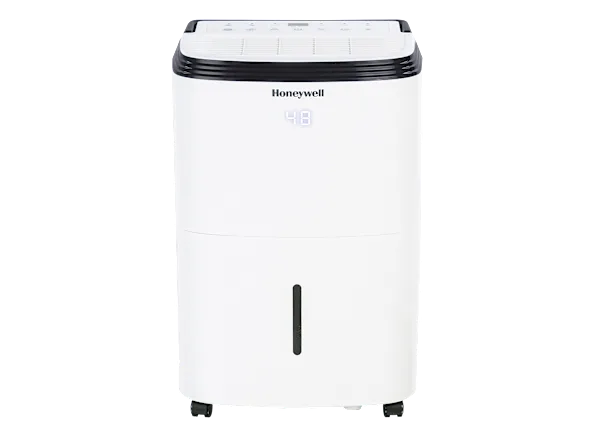
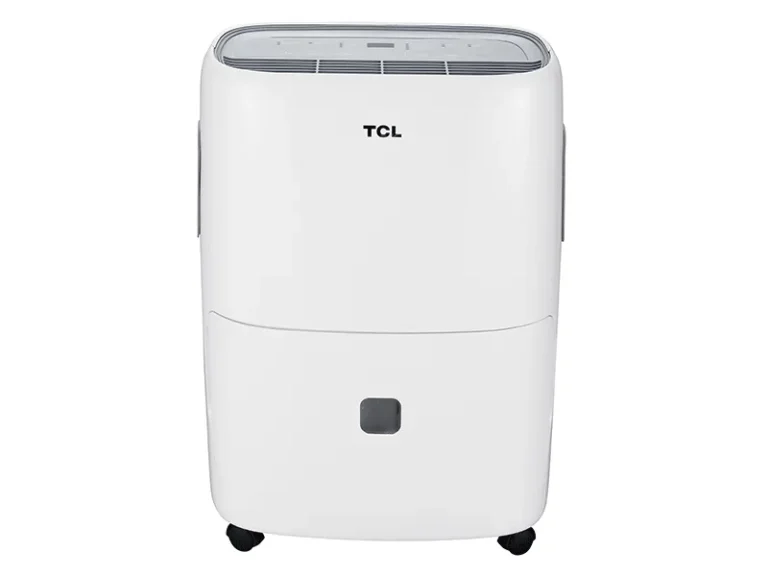
GE Dehumidifier Not Working
Your GE dehumidifier not working can feel like a real headache, especially when your basement starts feeling damp again. Before you call a repair tech or start shopping for a replacement, most issues have simple fixes you can do yourself.
Manufacturer service data shows that over half of all dehumidifier service calls are for problems that take under ten minutes to solve. Common culprits include a stuck float switch, a tripped GFCI outlet, or a dirty filter. Let's walk through the symptoms step by step.
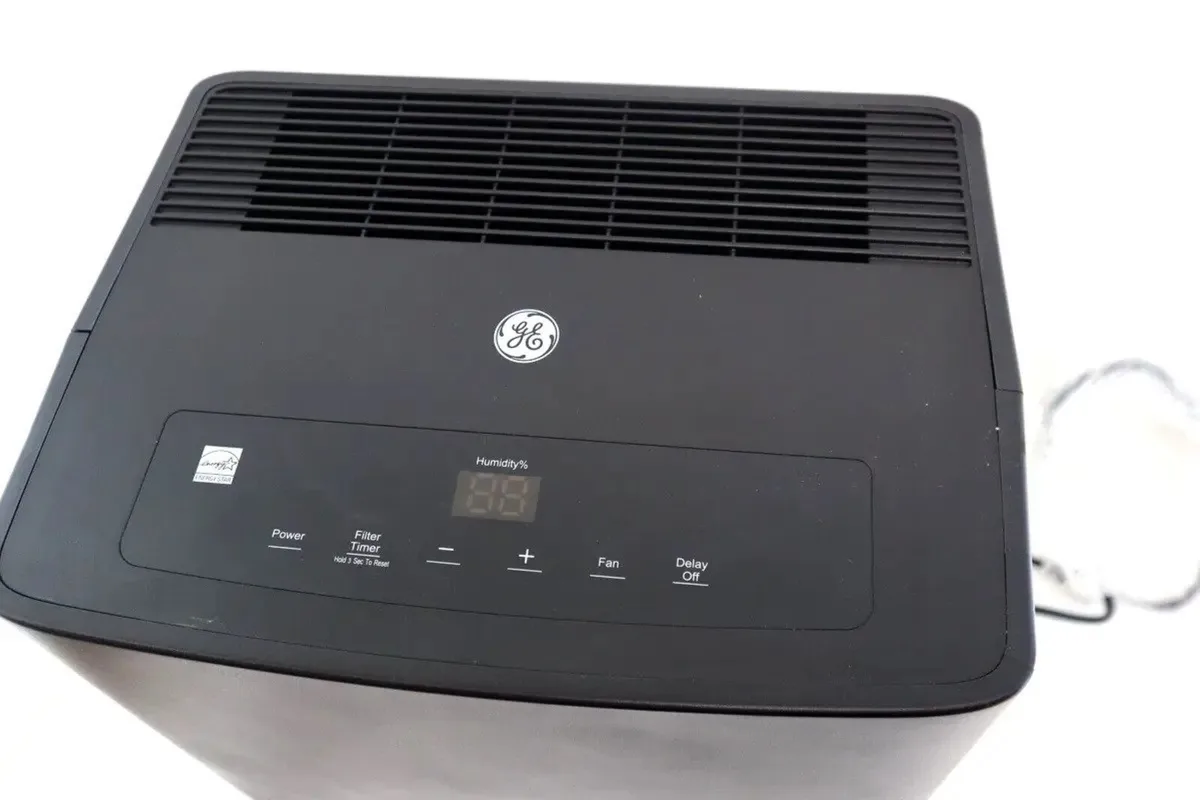
Image source: Bing (Web (fair-use with source credit))
Quick Answer
Check if the unit has power. Reset the GFCI outlet. Clean the filter.
Empty and re‑seat the bucket. Wait five minutes. If nothing works, move to the symptom guides below.
Quick Fixes to Try First (before you panic)
You don't need a multimeter or any special tools for these first checks. They solve the vast majority of "not working" calls.
- Is it plugged into a GFCI outlet? Press the RESET button on the outlet itself. Basements and garages are required by code (per NEC 2023) to have GFCI protection. A tripped outlet looks dead but a simple reset brings the unit back to life.
- Is the filter clean? Pull out the washable filter. Hold it up to light. If you can't see through it, rinse it with lukewarm water and let it dry completely before reinstalling. A clogged filter restricts airflow and can trigger the unit to shut down or ice up.
- Did you empty the bucket recently? The bucket full light stays on even after emptying if the float switch is stuck. Slide the bucket out, reach inside the cavity, and gently push the plastic float up and down a few times. You'll hear a click when it frees.
- Wait the mandatory three to five minutes. GE dehumidifiers have a built-in compressor delay. If you unplugged or turned it off and back on quickly, nothing happens for several minutes. That's normal. Be patient.
If none of those work, the next sections will guide you by specific symptom.
Why Your GE Dehumidifier Won't Turn On (no power, dead display)
A completely dead unit points to an electrical issue. Start with the outlet.
- Test with a lamp or phone charger. If that device also doesn't work, the outlet is dead. Check your home's breaker panel for a tripped breaker. Reset it fully.
- Check the power cord for damage. Look for cuts, chew marks (pets and rodents love cords), or melted spots. A damaged cord means stop using the unit and replace it immediately.
- The control board is the next suspect if the outlet works fine. Control boards fail especially in older units (three to five years old). You can order a replacement board from GE's parts website. Installation requires basic screwdriver skills and unplugging the unit first. Expect to pay around $60 to $120 for a board.
If the display is lit but the compressor and fan don't run, you likely have a bad capacitor or a stuck compressor protector. That's advanced DIY territory. For most people, it's time to call a pro at that point.
It Runs But Collects No Water
This is the most common complaint. The fan is running, the compressor is humming, but nothing drips into the bucket.
First, check the humidity setting. If you set it higher than the current room humidity, the unit thinks the air is dry enough and stops dehumidifying. Turn the dial or digital setting to 30% or lower.
If water starts collecting, that was your cause.
Next, inspect the evaporator coils. Open the front grille and look at the metal fins. If they are coated in frost or ice, you have a defrost issue.
A frozen coil cannot dehumidify because air can't pass through. Shut the unit off and let it thaw completely (can take four to eight hours). While it's off, clean the filter and make sure the room temperature is above 60°F.
Cold rooms cause frequent icing on GE models without a low‑temperature kit.
Another culprit: the condensate drain hose. If you use continuous drain, make sure the hose is not kinked, clogged, or elevated above the drain outlet. Water must flow downhill.
A simple slope fix often restores collection.
Bucket Full Light Stays On When It's Empty
The bucket full light uses a small plastic float switch inside the bucket cavity. When the bucket is full, the float rises and triggers the light and shuts off the compressor. But if the float gets stuck in the raised position, the light stays on forever.
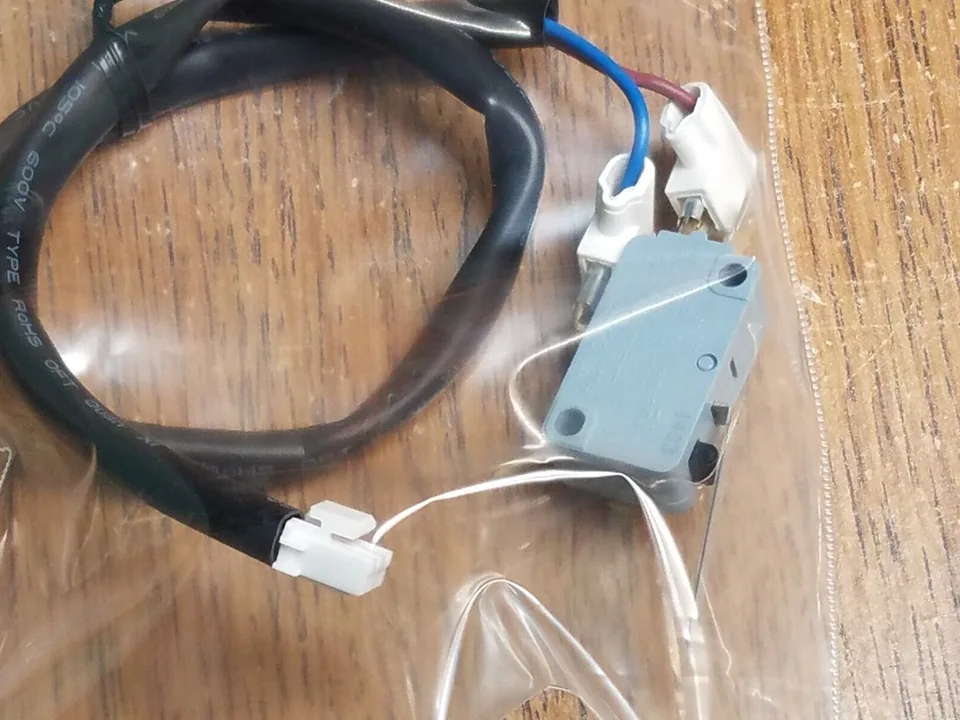
Image source: Bing (Web (fair-use with source credit))
Reach your hand into the cavity where the bucket sits. You'll feel a small plastic tab or a cylindrical float. Push it down gently.
If it clicks and the light goes out, problem solved. If it's stuck and won't move, it may be broken or blocked by debris. Use a flashlight to see if anything is wedging it.
Sometimes a piece of lint or a dead bug is enough to jam it.
If the float moves freely but the light stays on, the microswitch behind it likely failed. That switch is a cheap part (under $20) and easy to replace with a screwdriver and a pair of pliers. Check your model's service manual for the exact switch location.
Ice Buildup on Coils: Causes and Fixes
Ice on the coils is a sign that moisture is freezing before it can drip into the bucket. This happens most often in cooler, humid basements.
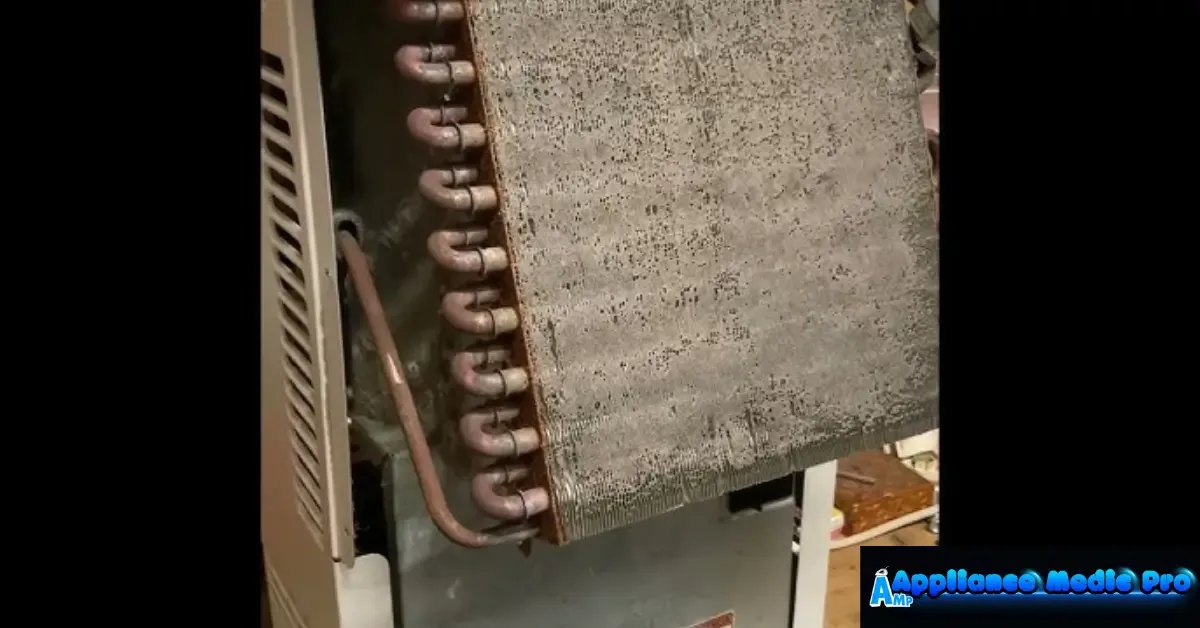
Image source: Bing (Web (fair-use with source credit))
If you see frost or a solid block of ice:
- Turn the unit off immediately. Running it with ice on the coils can damage the compressor.
- Let it thaw completely. This can take anywhere from three to twelve hours depending on ice thickness. Speed it up by unplugging the unit and pointing a fan at the coils.
- Once thawed, check for the root cause: , Dirty filter, Clean it.
, Low ambient temperature, GE units are designed to work best above 60°F. If your basement stays cooler, the unit will keep frosting. Consider a dehumidifier with a low‑temperature kit, or move the unit to a warmer room.
, Refrigerant leak, If the ice returns regularly after cleaning and a warmer room test, you likely have a slow refrigerant leak. That requires an HVAC technician to repair. Refrigerant handling is regulated by the EPA under Section 608.
Do not attempt to recharge it yourself.
Ice buildup that recurs after thawing and cleaning points to a deeper issue. For many units that are four years or older, replacement may be more cost‑effective than a refrigerant repair. If you're in that situation, our guide to the best dehumidifier for basement can help you choose a suitable upgrade.
Loud Noises, Rattling, or Grinding Sounds
A noisy GE dehumidifier usually means something mechanical is loose or failing. The sound tells you a lot about the source.
- Rattling that changes with fan speed. The fan blade may be hitting ice, debris, or a loose screw. Turn off the unit and inspect the fan area through the grille. Remove any visible objects. If the blade itself is cracked or warped, replace the fan assembly.
- A persistent humming or buzzing. That often comes from the compressor. A low hum is normal. A loud buzz that shakes the unit usually means a failing compressor capacitor. Replacing the capacitor costs about $15 to $30 and takes a few minutes.
- Grinding or scraping noises. These point to a bad fan motor bearing. The motor is struggling to spin. Over time the bearing dries out or wears down. You can lubricate the shaft with a few drops of electric motor oil if you're handy. If the noise returns, the motor needs replacement.
- Clicking that repeats every few seconds. This is often the compressor relay or start relay trying to engage but failing. It means a bad relay or a seized compressor. A seized compressor is a terminal issue rarely worth repairing on a unit three years or older.
The rule of thumb. If the noise is new and constant, address it quickly. A small loose part can damage a fan blade or compressor if left alone. If the noise is a loud rattle but the unit works, open the case and tighten any visible screws.
Many noise fixes are free.
When to Call for Help vs. DIY Repair
Knowing when to stop DIY is just as important as knowing how to start. Some repairs are simple and safe. Others require EPA certification or risk injury.
Do it yourself safely:
- Clean or replace the filter
- Clear the drain hose
- Free a stuck float switch
- Replace the bucket switch
- Clean the coils
- Replace the fan motor (basic wiring)
Call a professional for:
- Refrigerant leaks (requires EPA Section 608 certification and specialized equipment)
- Compressor failure (often costs more than a new unit)
- Control board replacement if you're not comfortable with electronics
- Any repair that requires cutting the refrigerant line
Cost comparison. A service call typically runs $75 to $150 just for the visit. Parts cost extra. A control board replacement through a technician can total $150 to $250.
Meanwhile, a brand new mid-range GE dehumidifier costs around $200 to $350 as of 2026. If your unit is over five years old and needs a compressor or refrigerant repair, replacement almost always makes more financial sense.
If you decide to replace, our guide to the best dehumidifier can help you compare current models.
Frequently Asked Questions
Why does my GE dehumidifier keep shutting off after a few minutes?
It could be the bucket full sensor triggering incorrectly, a dirty filter causing overheating, or the compressor overheating due to low refrigerant. Start by cleaning the filter and checking the float switch. If it persists, let the unit cool for an hour and try again.
How do I reset my GE dehumidifier?
Unplug the unit for five minutes. Plug it back in. That clears most electronic glitches.
Some models have a reset button near the control panel. Press and hold it for three seconds. If that doesn't work, check the GFCI outlet for a tripped indicator.
What does the E1 error code mean on a GE dehumidifier?
E1 indicates a humidistat or sensor failure. The unit can't read the room humidity correctly. Try unplugging the unit for ten minutes to reset the sensor.
If the code returns, the sensor needs replacement. It costs around $20 to $30 and sits behind the front grille.
Can I run my GE dehumidifier in an unheated basement?
It depends on the model. Most standard GE units are designed for operation above 60°F. Below that, the coils freeze frequently.
Look for a model with a low-temperature operation feature or place the unit in a warmer area. Running it in a cold basement shortens its life.
How often should I clean the filter on my GE dehumidifier?
Check the filter every two weeks during continuous use. Clean it when you see visible dust buildup. A clogged filter reduces airflow by up to 30%, causing poor performance and potential freezing.
Most GE filters are washable with mild soap and water.
Why does my GE dehumidifier smell musty?
Musty odors come from mold or mildew growing on the coils or inside the bucket. Clean the bucket with white vinegar and water. Use a coil cleaning spray designed for dehumidifiers.
Also, check that the drain hose isn't holding stagnant water. Running the unit continuously helps dry out the internal surfaces.