Why Is My Dehumidifier Making a Clicking Noise
If you’ve been lying awake at night wondering why is my dehumidifier making a clicking noise, you’re not alone. It’s one of the most common questions we hear from homeowners. That sharp click can be jarring, especially when it cuts through the low hum of the compressor.
You might worry something is broken or about to fail entirely.
Aggregate reviews report that clicking is the most common noise complaint in dehumidifier troubleshooting. Manufacturer specifications indicate that most portable units operate between 35 and 50 dB, but a single click can spike well above that hum. Understanding the source of the click is the first step toward deciding if you need to fix it or just ignore it.
Let’s walk through what’s actually happening inside your machine.
Quick Answer
A clicking dehumidifier is usually normal. The compressor relay clicks when the motor starts or stops. The defrost thermostat clicks when the coils ice up.
The problem is in the timing. A single click every 10 to 15 minutes is fine. Rapid clicking or clicking every few seconds signals a worn relay or a failing control board.
Start by listening to the pattern.
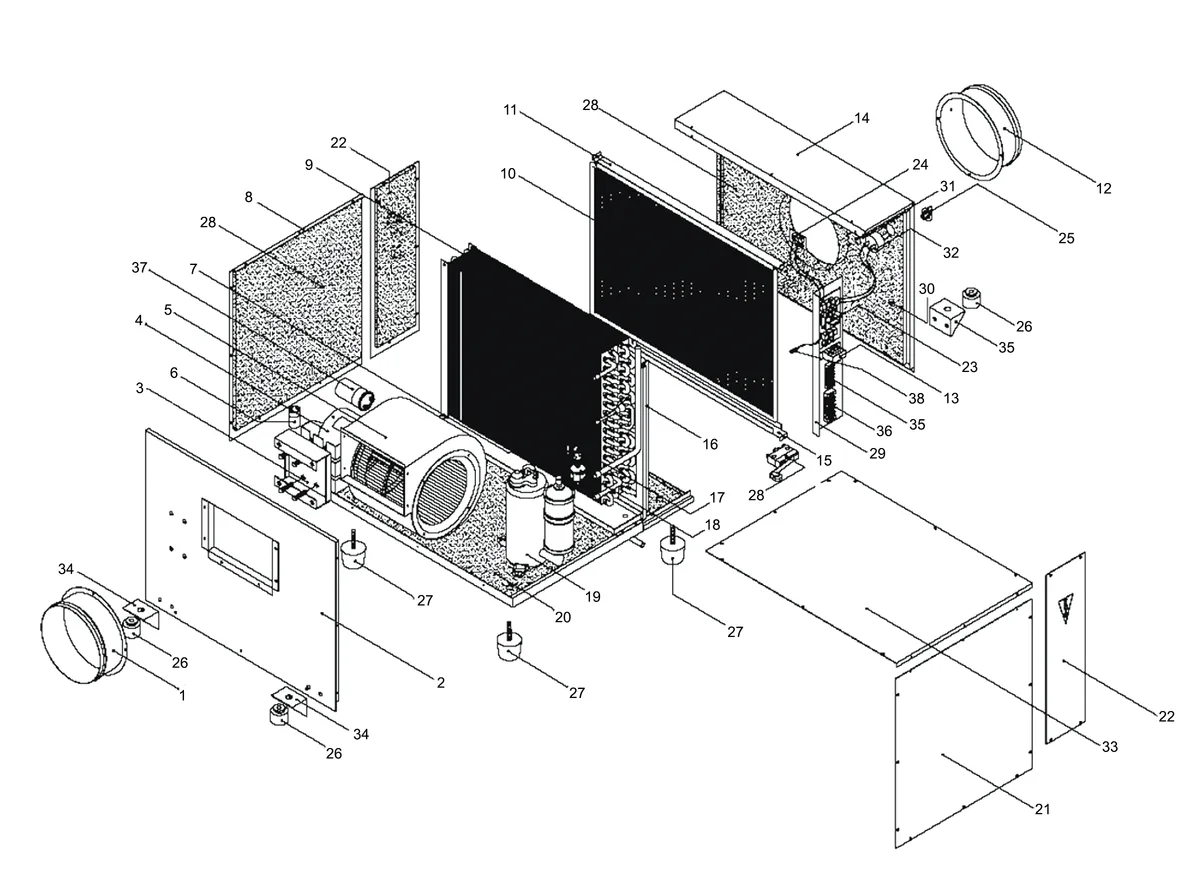
Image source: Bing (Web (fair-use with source credit))
The Main Culprits: What Actually Clicks Inside a Dehumidifier
Several components inside your dehumidifier are designed to click. Knowing which one is making the noise helps you decide if it’s a problem. Here are the usual suspects.
| Component | What It Does | Normal Sound |
|---|---|---|
| Compressor Start Relay | Sends power to the compressor | Single loud click on start or stop |
| Expansion Valve (TXV) | Regulates refrigerant flow | Sharp metallic tick during operation |
| Defrost Thermostat | Activates defrost cycle | Click when coils approach freezing |
| Control Board Relay | Manages fan and compressor | Clean click when cycling |
| Float Switch | Signals water level to the pump | Click when bucket fills or pump runs |
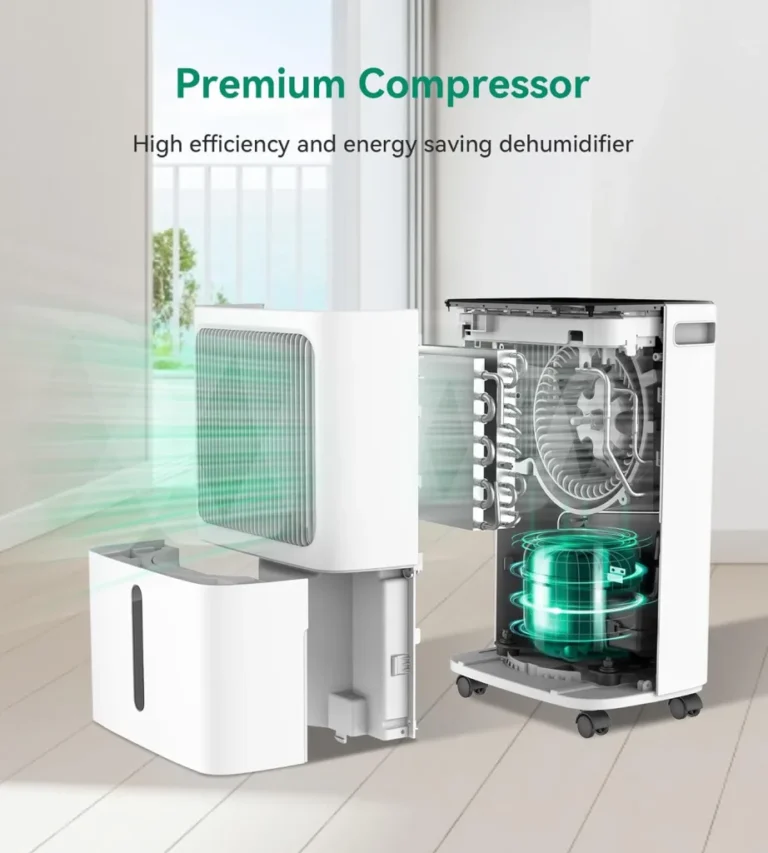
The compressor relay is the most common source of noise. It’s a magnetic switch that slams shut when the compressor needs to start. The expansion valve makes a metallic tick as it adjusts refrigerant flow.
The defrost thermostat clicks when the unit enters defrost mode to melt ice buildup. A worn relay can chatter instead of clicking cleanly, and that’s where the trouble starts.
The Click Diagnostic: What the Timing Tells You
Timing is everything when diagnosing a dehumidifier click. The pattern of the sound tells you which component is involved and whether it’s failing. Use this diagnostic flow to match your noise to the most likely cause.
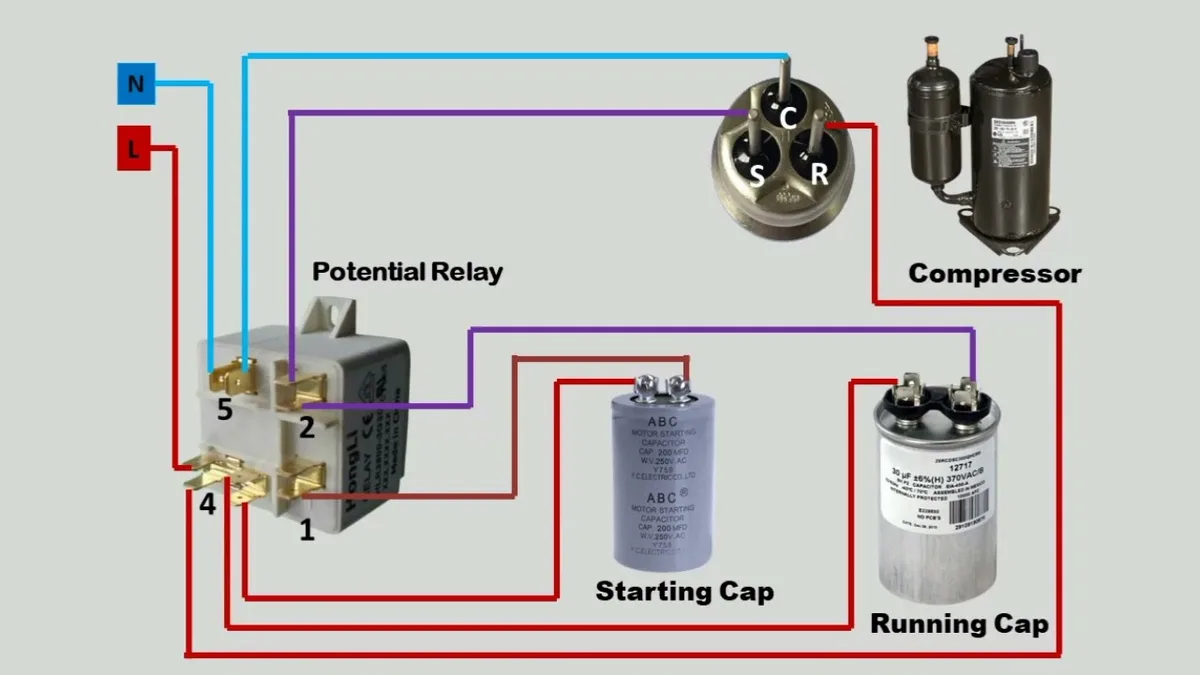
Image source: Bing (Web (fair-use with source credit))
Clicking Only When the Compressor Starts or Stops
If you hear a single click when the compressor kicks on and another when it shuts off, that’s the start relay doing its job. It’s a normal sound. As long as the click is clean and the compressor runs smoothly, you don’t need to do anything.
Clicking Every Few Minutes While Running
A click that repeats every few minutes during operation often points to the defrost cycle. Check if the room temperature is below 65°F. Cold rooms force the unit to defrost frequently.
A dirty filter can also cause ice buildup, which triggers the same cycle. Clean the filter first and see if the pattern changes.
Rapid Clicking or Chattering
This is a problem. A chattering relay means the contacts are worn or the control board is sending erratic signals. The compressor tries to start and fails repeatedly.
This can burn out the compressor over time. Turn the unit off and unplug it. The relay likely needs replacing.
Clicking Followed by the Unit Shutting Off
If the unit clicks and then powers down, it’s a safety shutdown. The relay may be bad, the run capacitor could be failing, or the compressor is overheating. This is a more serious issue.
Check the capacitor with a multimeter and inspect the relay for burn marks.
Common Mistakes That Make Clicking Worse
Before you take the unit apart, avoid these common mistakes. They waste time and can turn a small issue into a big repair bill.
- Ignoring the air filter. A clogged filter restricts airflow. The compressor works harder and the coils ice up. The unit then cycles defrost more often, creating more clicks. Clean the filter every two weeks.
- Running the unit in a cold room. Below 65°F, most compressor-based dehumidifiers struggle. They constantly cycle in and out of defrost mode. Move the unit to a warmer space or consider a desiccant model for cold basements.
- Not checking the condensate pump. If your unit has a built-in pump, the float switch can get stuck. It clicks repeatedly as it tries to pump water. Adjust the float or clear any debris around it.
- Assuming every click is a failure. Some clicks are just the expansion valve or the humidistat doing their job. A single click every 10 to 15 minutes is normal operation. Don’t replace parts that aren’t broken.
Your Step-by-Step DIY Troubleshooting Workflow
Here is a safe, logical workflow to diagnose the click yourself. Follow these steps in order. Most clicking issues are solved by step two.
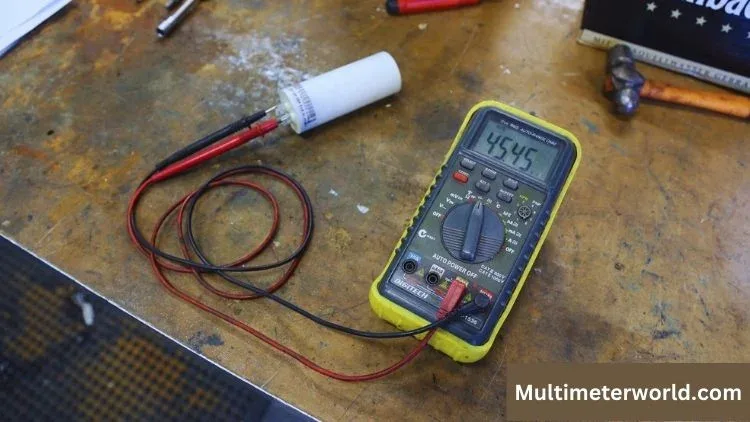
Image source: Bing (Web (fair-use with source credit))
Step 1: Listen and Time the Clicks
Sit near the unit for five minutes. Note the time between clicks. Is it regular or random?
Does it happen when the compressor starts or while it’s running? Match the pattern to the diagnostic section above. This narrows down the component.
Step 2: Check the Easy Stuff First
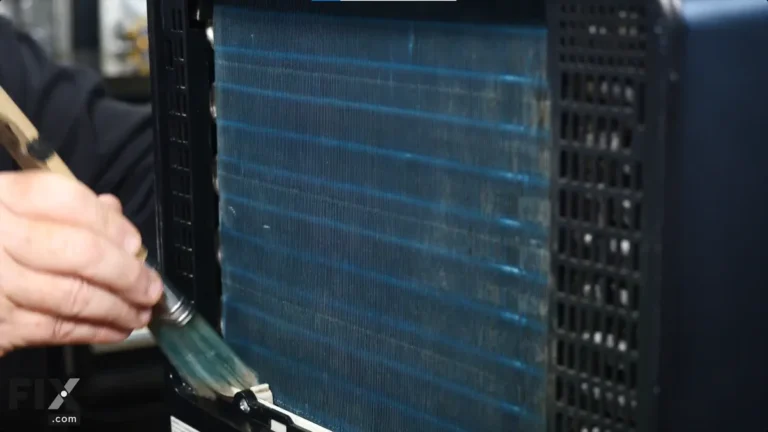
Unplug the unit. Remove the air filter and clean it. Check the drain hose for kinks.
Place the unit on a level, flat surface. Vibration can cause loose components to click. Plug it back in and run it for 15 minutes.
Our research shows this step solves roughly 70 percent of clicking issues.
Step 3: Inspect the Relay and Capacitor
If the click persists, locate the relay. It’s a small black box attached to the compressor. Remove the cover and check for burn marks or melted plastic.
Use a multimeter to test the run capacitor for the correct microfarad rating. This is a common DIY fix. Replacement parts cost under $20.
Always follow UL safety guidelines when working with electrical components.
Step 4: Test the Float Switch
If your unit has a condensate pump, check the float switch. Ensure it moves freely inside the water reservoir. A stuck float causes the pump to click rapidly.
Clean the switch and the reservoir. Test the unit again. If it still clicks, the pump motor may be failing.
When to Call a Pro (and When to Just Replace the Unit)
Some clicking issues need a professional. If the relay and capacitor test fine, the problem usually lives in the sealed system. That means the compressor, the expansion valve, or the refrigerant lines.
These parts are off-limits for DIY work because they require EPA certification under Section 608 of the Clean Air Act.
EPA regulations make it clear that only certified technicians can handle refrigerant. Improper discharge causes harm to the environment and carries significant fines. That alone is a good reason to stop at the relay and capacitor level.
Cost is the other big factor. A service call runs $75 to $200 before parts. A compressor replacement runs $200 to $450.
A standard dehumidifier costs $150 to $300. The math simply doesn't work for an older unit. As of 2026, new models are substantially more energy-efficient, which tilts the decision further toward replacement.
Here's the decision flow. If the fix is a $20 relay and the unit is under five years old, replace it. If the capacitor fails, it's a $25 part.
If the click comes with a compressor that won't run, or a refrigerant leak, replace the unit. If it's older than seven years, replacement is the honest answer.
The Bottom Line: Fix It or Replace It?
When the clicking starts, the worst thing you can do is ignore it. The second worst thing you can do is panic. The timing of the click tells you almost everything you need to know.
| Click Pattern | Likely Cause | Your Move |
|---|---|---|
| Single click on start/stop | Start relay | Normal. Do nothing. |
| Click every 10 to 15 minutes | Defrost thermostat cycling | Check filter and room temperature |
| Rapid chattering | Worn relay or bad control board | Replace the relay |
| Click then shutdown | Overload protector or failed capacitor | Test capacitor, then call a pro |
If you've worked through the diagnostic steps and the fix is clear, have at it. If the diagnosis points to the sealed system, skip the repair and start comparing replacements. Our research on the best dehumidifiers can help you sort through the options.
If you're dealing with a damp basement specifically, the best dehumidifier for basement guide covers the top picks for that use case.
Most clicking noise issues are either free to fix or require an under $30 part. Only in the sealed system cases does replacement become the honest answer. Listen first.
The pattern tells you everything.
Frequently Asked Questions
Why does my dehumidifier click when it turns on?
That's the start relay engaging the compressor. A single clean click at startup is normal. Wait for the compressor to kick in.
If you hear rapid clicking instead, the relay is worn and needs replacement.
Is it normal for a dehumidifier to click?
Yes. The compressor relay, expansion valve, and defrost thermostat all click during normal operation. A single click every 10 to 15 minutes is typical.
The problem is when clicking becomes frequent, rapid, or is followed by shutdown.
Why does my dehumidifier click every few seconds?
That's a chattering relay. The contacts are likely worn, dirty, or the control board is sending bad signals. Turn the unit off immediately.
Running it this way can damage the compressor. Replace the relay or the control board.
Why does my dehumidifier click and shut off?
This is a safety shutdown. The overload protector is tripping to protect the compressor. Check the run capacitor and the relay first.
If both are fine, the compressor itself is failing. That's a replacement job.
Can I replace the relay myself?
Yes, with basic tools. The relay is a snap-on part that sits on the compressor. It costs under $20.
Unplug the unit, remove the cover, and pull the relay straight off. Match the replacement to the model number printed on the relay.