How to Measure Humidity in a Room
Place a hygrometer in the center of the room at chest height. Wait 15 to 30 minutes for the sensor to stabilize. Read the relative humidity percentage on the display.
Compare it to the ideal indoor range of 30% to 50%. Repeat the measurement at different times of day for accuracy.

Image source: Web (Bing) / duperrin.com (Web image (fair-use with source credit))
Start With the Right Question: What Kind of Humidity Reading Do You Need?
The first thing to figure out is what you actually want to know. Are you checking if your bedroom is too dry in winter? Or are you trying to diagnose a moisture problem in the basement?
The answer changes the tool you need and how you use it.
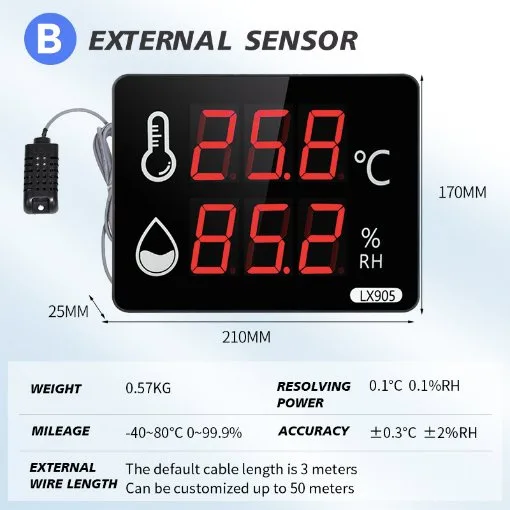
If you just want a quick spot check, a basic digital hygrometer will do the job. You can pick one up for under $15, hold it in the room for a few minutes, and get a reading. But if you need to track humidity over time, maybe to catch mold growth or keep a guitar humidor stable, you need a device with data logging or smart alerts.
Our research shows that most people who ask how to measure humidity in a room want to solve a specific problem. They want to know if the air is too damp for their wood floors or too dry for their skin. The right measurement method depends on that goal.
Here is a simple way to decide. If you are measuring once to see if you need a humidifier, a cheap analog gauge works. If you are monitoring for mold prevention, get a digital one with min/max memory.
If you are protecting something valuable, invest in a smart sensor that sends alerts to your phone.
Analog, Digital, or Smart: Choosing the Right Hygrometer for the Job
Once you know what you need, you can pick the right tool. There are three main types of hygrometers you will find on the market. Each one has clear strengths and weaknesses.
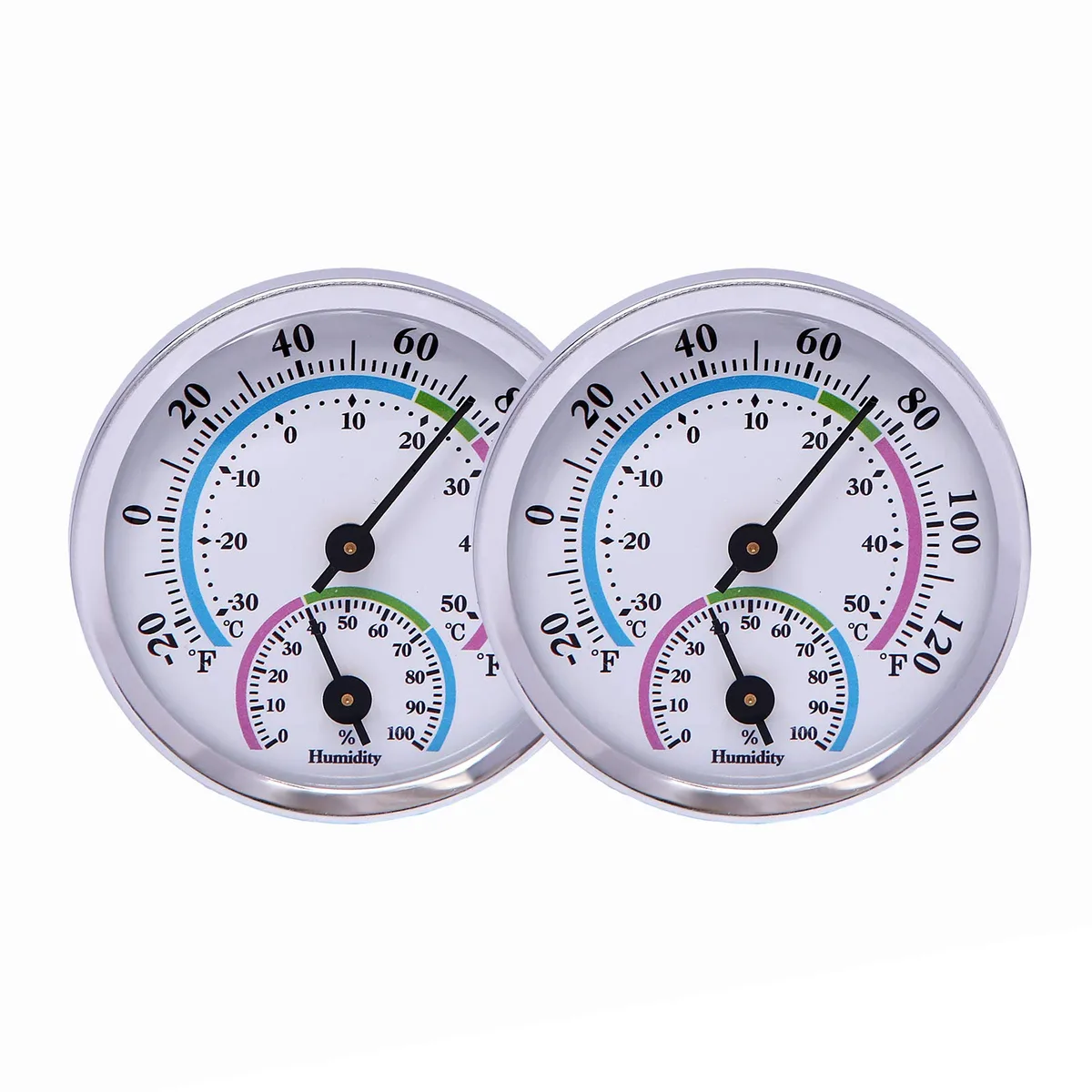
Image source: Bing (Web (fair-use with source credit))
Analog hygrometers use a coil of hair or synthetic fiber that expands and contracts with moisture. They are cheap, battery-free, and look nice on a wall. But they drift over time and can be off by 5% to 10% after a year.
Our research suggests they are fine for a general sense of humidity but not for precise monitoring.
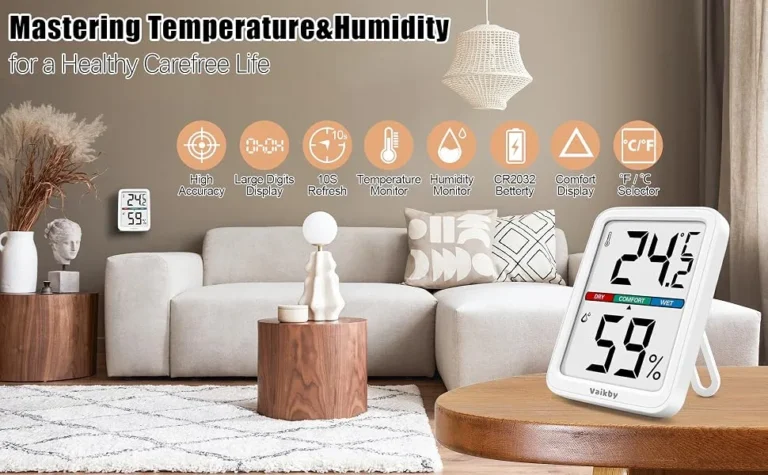
Digital hygrometers use a capacitive electronic sensor to measure relative humidity. They are more accurate, typically within ±2% to ±5% depending on the price. Many also show temperature.
Manufacturer specifications indicate that the best consumer-grade models hold accuracy to ±1.5% to ±2% when properly calibrated.
Smart hygrometers are digital sensors that connect to your Wi-Fi or Bluetooth. They send data to your phone, track history, and let you set alerts. Per ASHRAE Standard 55 guidelines for indoor comfort, these are the best option if you need to monitor a room over time or remotely.
The trade-off is cost and battery life.
For most people, a good digital hygrometer is the sweet spot. It is accurate enough for home use, affordable, and easy to read. Here is a quick comparison.
| Feature | Analog | Digital | Smart |
|---|---|---|---|
| Accuracy | ±5% to ±10% | ±2% to ±5% | ±1.5% to ±3% |
| Price | $5 to $15 | $10 to $30 | $30 to $60 |
| Battery | None | 1-2 AA | 2 AA or rechargeable |
| Data logging | No | Some models | Yes |
| Alerts | No | No | Yes |
Step-by-Step: How to Measure Room Humidity Correctly
You have your hygrometer. Now you need to get a reading you can trust. Following the right process matters more than most people realize.
Step 1: Pick Your Measurement Spot
Place the hygrometer in the center of the room. Keep it away from walls, windows, doors, vents, and electronics. These all affect local humidity.
A spot near a radiator will read too dry. A spot next to a humidifier will read too damp. Aim for a location that represents the whole room.
Step 2: Calibrate Before You Rely on It
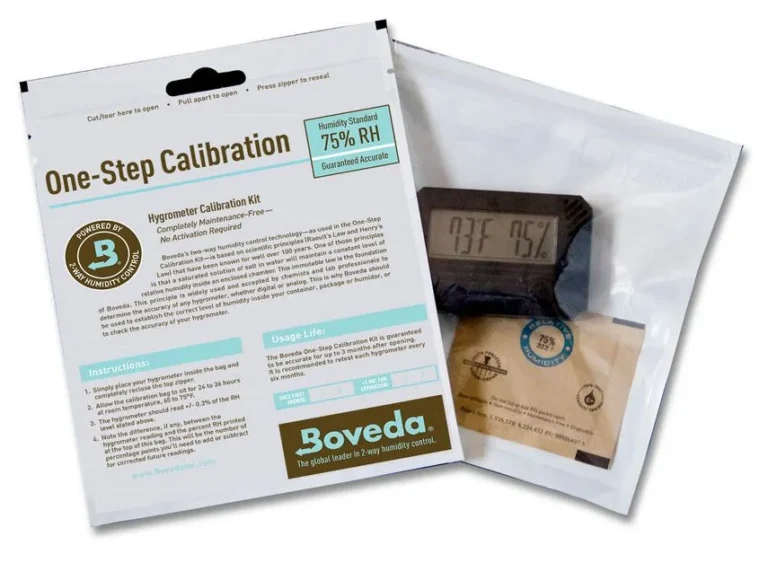
Many digital hygrometers come pre-calibrated from the factory. But some do not, and analog ones almost always drift. The easiest way to check is the salt test.
Put a tablespoon of salt in a small cup. Add a few drops of water to make a wet paste. Place the cup and the hygrometer in a sealed ziplock bag for 6 to 12 hours.
The salt creates a stable 75% relative humidity environment. Your hygrometer should read 75% plus or minus the rated accuracy. If it is off, note the difference or use the calibration adjustment if your model has one.
Step 3: Place the Sensor and Let It Stabilize
Digital sensors take time to adjust to a new environment. Place the hygrometer in the chosen spot and wait 15 to 30 minutes before reading it. Analog ones may need an hour.
Opening the door or walking past the sensor can affect the reading, so leave it undisturbed.
Step 4: Record and Repeat at Different Times
One reading does not tell the whole story. Humidity changes with the time of day, cooking, showering, and weather. Check the reading in the morning, afternoon, and evening.
If you are trying to pinpoint a problem, take readings over several days. That is the only way to know if you have a persistent issue or just a temporary spike.
Where to Put Your Hygrometer (and Where Not To)
Placement is the single biggest source of bad readings. You can buy the most accurate hygrometer on the market. But if you put it in the wrong spot, the number will be useless.
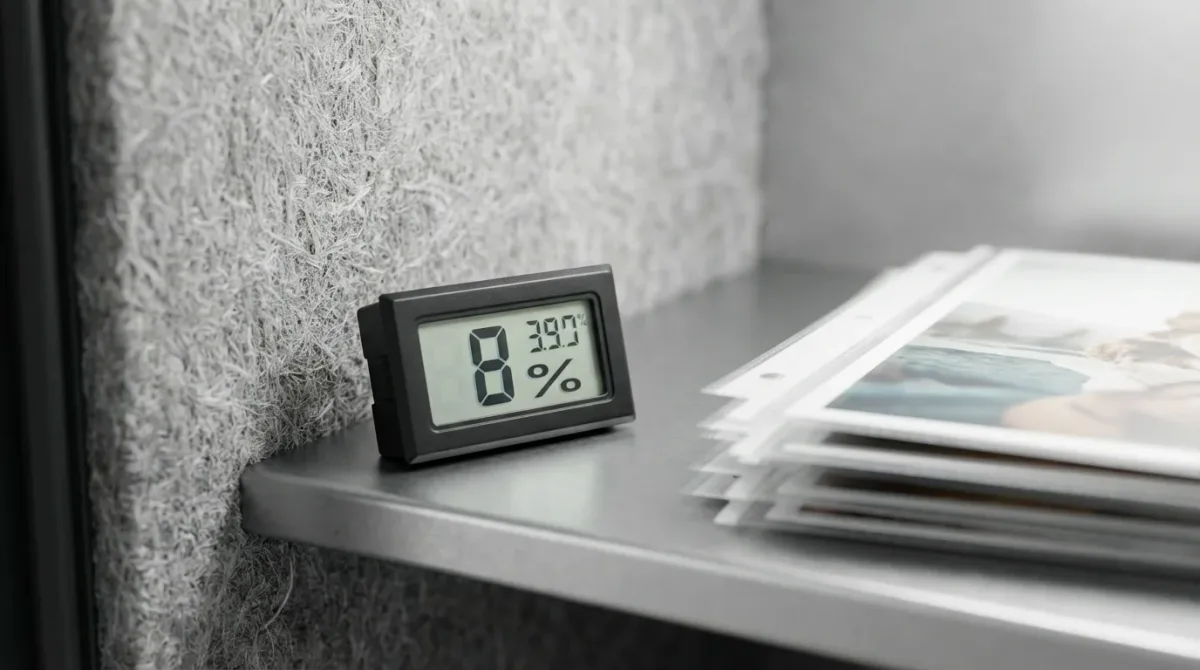
Image source: Bing (Web (fair-use with source credit))
Where to put it. The ideal spot is in the center of the room, about 3 to 5 feet off the floor. That is roughly chest height and represents the air you actually breathe. Place it on a table, shelf, or counter.
Make sure it is not in direct sunlight.
Where not to put it. Avoid these common mistakes. Do not put it near a window where condensation forms. Do not put it in a corner where air does not circulate.
Do not put it above a radiator, air conditioner, or dehumidifier. Do not put it in a bathroom during or right after a shower. Aggregate reviews from thousands of users show that bad placement causes more inaccurate readings than any hardware issue.
What about multiple rooms? Humidity varies significantly from room to room. A bathroom after a shower can hit 80% while the living room sits at 40%. If you want a complete picture of your home, measure each room separately or buy multiple sensors.
One reading from the hallway does not tell you what is happening in the basement.
What Your Readings Mean: Comfort Ranges, Mold Risk, and When to Act
Once you have a reliable reading, you need to know what the number means. Relative humidity is a percentage that compares the amount of moisture in the air to the maximum it can hold at that temperature. The same number means different things in different seasons.
The comfort zone. ASHRAE Standard 55 recommends indoor relative humidity between 30% and 60% for thermal comfort. Most people feel best at 40% to 50%. Below 30%, the air feels dry.
Your skin gets itchy, your throat gets scratchy, and static electricity builds up. Above 60%, the air feels sticky and heavy.
The mold risk zone. The EPA warns that sustained relative humidity above 60% creates conditions for mold and mildew growth. At 70% and above, the risk is serious. If your readings consistently stay above 60%, you need to take action.
That usually means running a dehumidifier or improving ventilation.
What to do about low humidity. If your readings show 25% or lower, especially in winter, add moisture to the air. A humidifier can help. But do not overshoot.
Too much humidity in winter can cause condensation on windows, which leads to mold on window frames.
What to do about high humidity. If your readings show 65% or higher, start by checking for sources of moisture. Bathroom exhaust fans, kitchen range hoods, and proper ventilation in the basement are the first line of defense. If the problem persists, a dehumidifier is the next step.
Per the Department of Energy, keeping indoor humidity below 60% can also reduce cooling costs in summer because dry air feels cooler.
Common Mistakes That Ruin Humidity Readings
Even a good hygrometer gives useless numbers if you make these errors. Here is what to watch for.
Relying on one reading. Humidity changes throughout the day. A single measurement at noon might show 45% while the same room hits 65% at 6 AM. If you base your decision on one reading, you could buy a dehumidifier you do not need or miss a mold problem that only happens at night.
Ignoring temperature swings. Relative humidity depends on temperature. Warm air holds more moisture. When a room cools down at night, the same amount of moisture produces a higher RH reading.
That is why basements feel damp in summer even when the air is dry upstairs. Your hygrometer is correct. The air just behaves differently at different temperatures.
Forgetting to calibrate. Analog hygrometers drift over time. Digital ones can too, especially cheaper models. If you have never checked your hygrometer with a salt test, you have no idea if it is accurate.
Many people assume their $10 hygrometer is right out of the box. That is a gamble.
Using a single sensor for the whole house. Humidity varies by room. Bathrooms, kitchens, and basements are naturally more humid. Bedrooms and living rooms are drier.
Measuring one room and assuming the rest of the house matches is a recipe for missing problems. If you care about indoor air quality, measure each space separately.
Frequently Asked Questions
Do I need a smart hygrometer or is a basic one fine?
A basic digital hygrometer is fine for most people. You only need a smart model if you want to track humidity over time, get alerts on your phone, or monitor a room you are not in regularly. Smart sensors help with wine cellars, guitar rooms, and vacation homes.
How long does it take for a hygrometer to give an accurate reading?
Digital hygrometers need 15 to 30 minutes to stabilize after you move them to a new room. Analog models can take up to an hour. Do not trust the first reading.
Wait for the sensor to adjust to the new environment.
Can I use my phone to measure humidity in a room?
Some phones have a humidity sensor built in. But they are not designed for room measurement. The sensor is inside the phone and gets affected by your body heat and battery warmth.
The reading is usually inaccurate. A standalone hygrometer is much better.
How do I know if my hygrometer is accurate?
Use the salt test. Place a tablespoon of salt in a small cup. Add a few drops of water to make a wet paste.
Put the cup and the hygrometer in a sealed ziplock bag for 6 to 12 hours. The salt creates a stable 75% RH environment. Read the display.
It should show 75% plus or minus the rated accuracy of your device.
What humidity level prevents mold growth?
Keep indoor relative humidity below 60% to prevent mold. The EPA recommends staying between 30% and 50% for the best balance of comfort and safety. Sustained readings above 60% create conditions where mold and mildew can grow on walls, windows, and furniture.
Should I measure humidity in every room or just one?
Measure each room separately if you can. Humidity varies significantly between rooms. Bathrooms and basements are often much more humid than living spaces.
A single reading from the hallway tells you nothing about the moisture level in your bathroom after a shower or in your basement during a rainstorm.