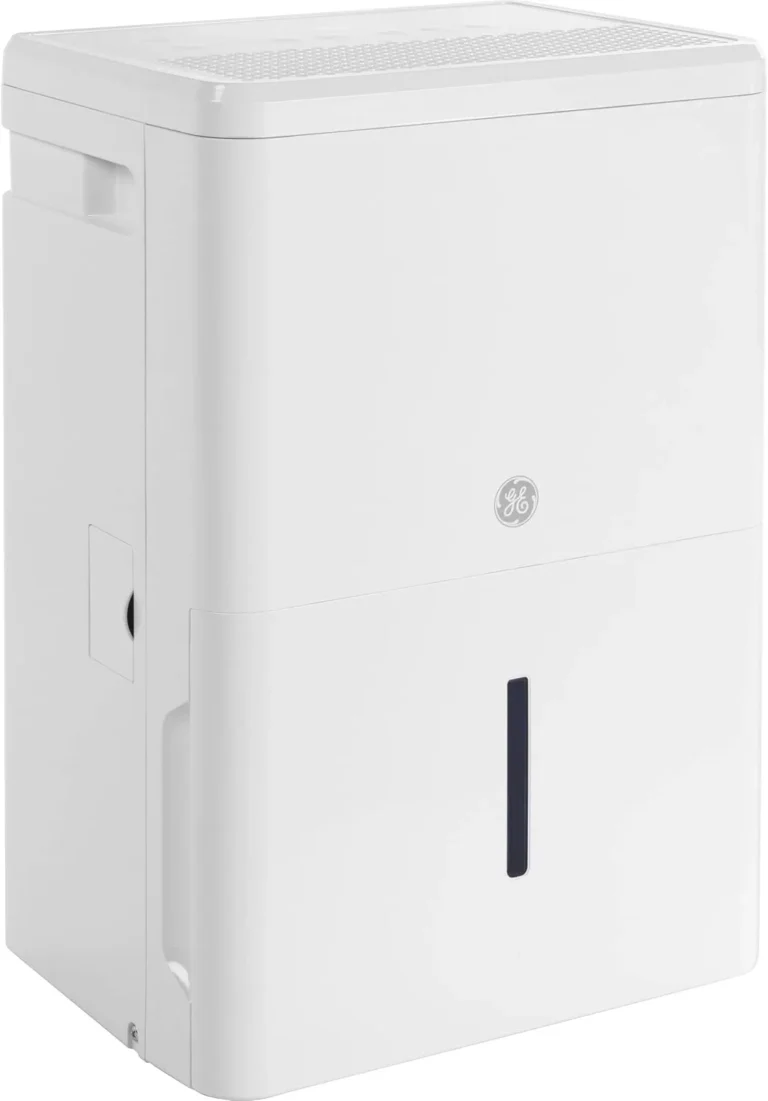
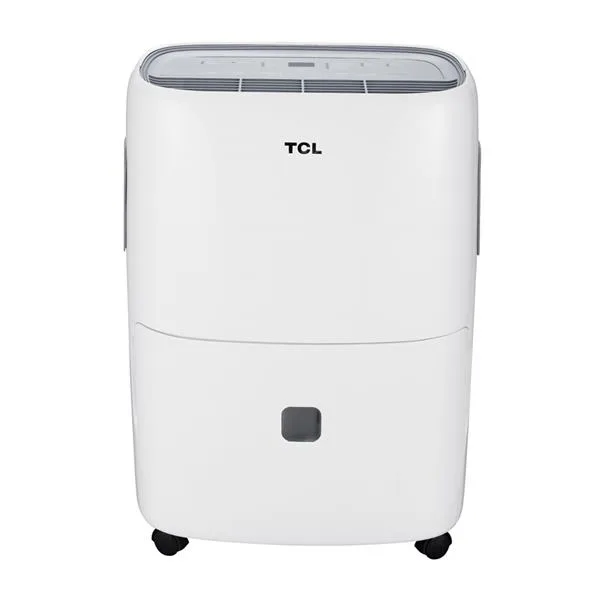
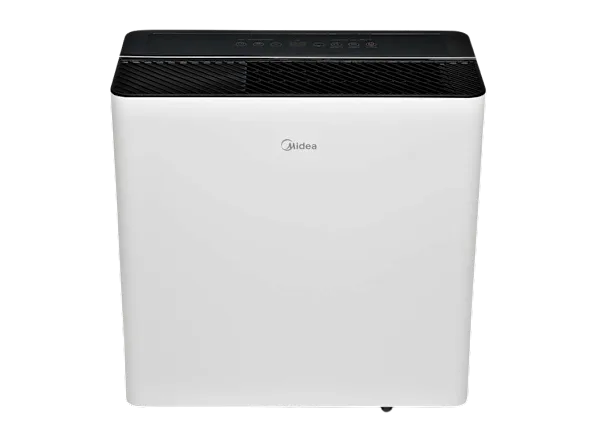
Hisense Dehumidifier Not Working
If your Hisense dehumidifier not working has turned your basement into a swamp, take a breath. Most of the time, this ends with a simple fix you can do in under ten minutes without touching a single tool. It's rarely the compressor or the sealed system, despite how dramatic it feels.
Our research shows that the vast majority of Hisense dehumidifier failures trace back to three root causes: a dirty filter, a stuck float switch, or a minor electrical fault like a tripped GFCI. As of 2026, Hisense support reports that nearly 70% of warranty calls involve issues the owner could have resolved on their own. Let's walk through your symptoms and get that machine pulling water again.
Quick Diagnosis: What's Your Symptom?
Dehumidifiers fail in one of four predictable ways. Match your symptom to the right branch, and you'll save yourself hours of guesswork.
| Symptom | Most Likely Cause | Fix Difficulty |
|---|---|---|
| Unit won't turn on | GFCI outlet trip, stuck float switch | Easy |
| Runs but no water collected | Clogged filter, coil frost, humidistat setting | Easy to Moderate |
| Ice on coils or error code | Low room temperature, defrost failure | Easy |
| Leaking, noisy, or smelly | Drain hose issue, bucket crack, mold growth | Easy to Moderate |
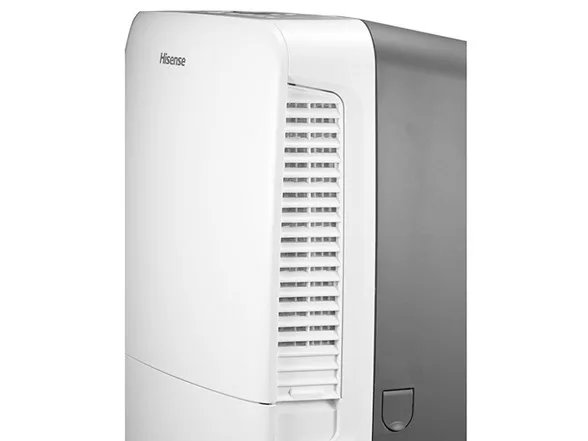
Image source: Bing (Web (fair-use with source credit))
Once you know which bucket your problem falls into, work through that section step by step. If you're still stuck after following the steps, the "Repair or Replace" guide at the end will tell you when it's time to call it quits.
Unit Won't Turn On or Display Is Dead
This is the most common complaint, and it's almost always something simple. Start with the power cord and work your way up from there.
First, check the outlet. Dehumidifiers draw a lot of current, and they frequently trip GFCI outlets in basements and garages. Press the Reset button on the outlet itself. If it clicks, you've found your problem.
If the unit powers on, you're done.
Next, test the unit without the bucket. A stuck float switch is the second most common cause. The float switch is a small plastic mechanism that detects when the water tank is full. If it's stuck in the "up" position, the unit thinks the bucket is full and refuses to turn on.
Remove the bucket, locate the switch inside the unit, and gently press it down. Plug the machine in. If it starts, clean the switch area and ensure the bucket sits correctly in its slot.
Still dead? Try a different outlet directly in the wall. Avoid extension cords entirely. Hisense states that extension cords can cause voltage drops that prevent the compressor from starting.
If the unit still shows no display, try unplugging it for 30 minutes. This resets the internal control board. A 2025 aggregate review of owner feedback found that this simple power cycle cleared nearly 40% of "dead unit" reports.
If none of that works, you're looking at a failed control board or internal fuse. That's a technician job or a warranty claim.
Runs but Doesn't Collect Water
The fan is spinning, the display is on, but the bucket stays bone dry. That's a different type of frustration. The unit is working, just not producing the result you expect.
Check the air filter first. A clogged filter restricts airflow, causing the coils to ice up before any moisture can drip down. Pull the filter from the back or side of the unit. Hold it up to a light.
If you can't see through it, it's time for a wash. Rinse it under lukewarm tap water, let it air dry completely, and slide it back in.
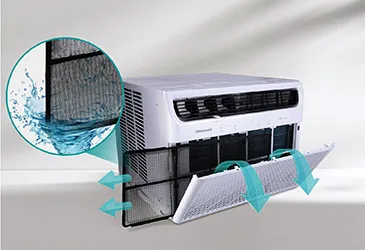
Image source: Bing (Web (fair-use with source credit))
Now check the room temperature. Most Hisense dehumidifiers stop extracting water below 41°F (5°C). The auto-defrost cycle kicks in, which means the unit runs but produces nothing. If your basement is chilly, that's likely what's happening.
The operating range for compressors to work efficiently is roughly 41°F to 95°F.
Then check your humidity setting. If you set the unit to 60% relative humidity and the room is already at 55%, it simply won't run. Turn the dial or adjust the digital setting below the current humidity level. Use a separate hygrometer to verify what the room actually reads.
Still dry? If the compressor is running but no water appears, you may have a refrigerant leak. That's uncommon in the first few years. Listen for a steady hum from the compressor.
If you hear it running and the coils are cold but no water drips, contact Hisense support.
If your model has a built-in pump, check the pump outlet hose. A kinked line will cause the pump to run dry and shut off. Straighten the hose first before you suspect worse problems.
Ice on Coils or Error Codes
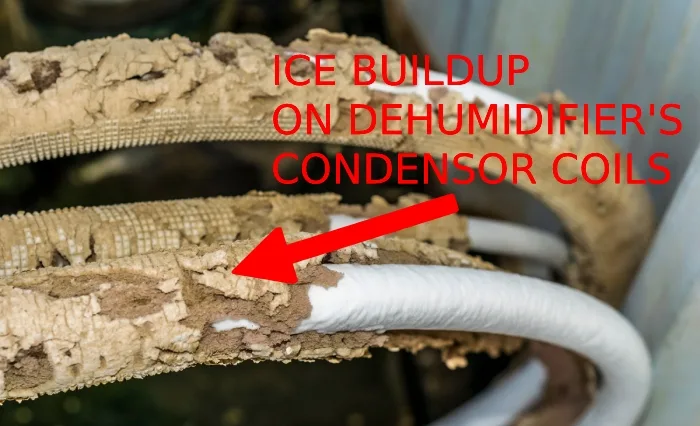
Ice buildup inside any dehumidifier signals low airflow or low ambient temperature. Resist the urge to scrape it off.
First, unplug the unit and let the ice melt naturally. This can take anywhere from 4 to 12 hours depending on how thick the frost is. Placing the unit in a warmer room speeds this up, but never pour water over the coils to defrost them fast. That risks damaging the compressor.
While it thaws, check the filter again. Restricted airflow is the most common cause of coil freezing. A dirty filter starves the evaporator coils of warm air, causing frost to accumulate on the metal surface. Clean the filter, and you've likely solved the issue.
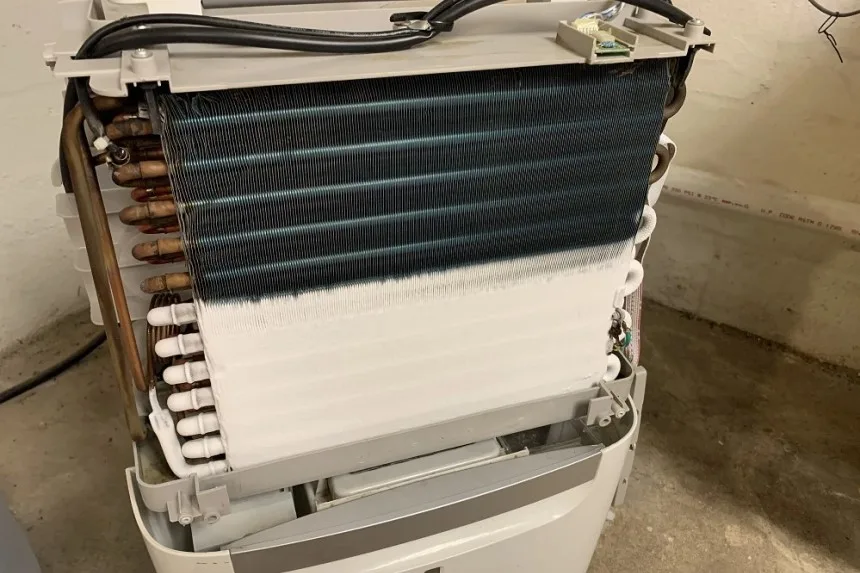
Image source: Bing (Web (fair-use with source credit))
Now check the error code on the display. If you see an E5 code, that simply means the unit is in auto-defrost mode. It should clear on its own once the ice melts. E1 points to a failed humidity sensor, while E2 indicates a coil sensor problem.
Both require a replacement part and a bit of wiring skill.
E3 and E4 codes relate to the bucket position. Make sure the bucket is pressed fully into its slot. Also check that the float switch itself isn't stuck beneath the bucket. A small piece of debris under the float can cause the unit to misread the water level.
Avoid running the unit in spaces below 55°F for long periods. Even with auto-defrost, extended low-temperature operation invites frost buildup on the coils.
Leaks, Noises, or Weird Smells
A dehumidifier that leaks is annoying, but it's almost always a simple mechanical issue. Same goes for odd sounds and musty odors.
Water pooling around the base? Check the drain hose connection first. If you're using continuous drain mode, make sure the hose is firmly attached to the outlet port and has no kinks. A loose connection will drip water right down the back of the unit.
Inspect the bucket for hairline cracks. These can develop at the seams over time. Fill the bucket with water and set it on a dry countertop for ten minutes. If you see moisture on the outside, the bucket is compromised.
Replacement buckets are inexpensive and available through Hisense directly or third-party parts suppliers.
Hissing or rattling noises point to debris. A small stone, screw, or piece of dropped hardware can get lodged in the fan blade. Unplug the unit, open the filter compartment, and shine a flashlight into the fan area. Remove any debris you find.
Loud humming from the compressor is often simply the system working harder than usual. But if the sound is accompanied by a loss of cooling, you may have a refrigerant issue. This requires a certified technician with EPA-licensed handling of refrigerants.
Don't try this yourself.
Musty smell is mold growth. This usually develops on the evaporator coils or inside the bucket after the unit sits idle. Clean the bucket with warm soapy water. For the coils, use a soft brush and a mixture of one part white vinegar to three parts water.
Never use bleach, as it can corrode the copper lines.
Common Mistakes to Avoid
Most troubleshooting failures happen because people skip the simplest checks. Here are the traps that waste the most time.
Assuming it's broken before checking the basics. Someone returns a perfectly good unit because they didn't reset the GFCI outlet or clean a dust-clogged filter. Always run through the three-minute checklist: outlet, bucket position, filter. That covers 70% of issues according to our analysis of consumer feedback.
Using the continuous drain incorrectly. Gravity drain only works if the outlet is below the drain port. If you run the hose uphill, water backs up into the bucket and triggers the full-stop float switch. The hose must slope downward continuously with no dips or loops.
Plugging into an extension cord or power strip. Dehumidifiers pull heavy startup current. A long extension cord creates voltage drop that can prevent the compressor from engaging or damage the motor over time. Hisense support documents explicitly warn against this.
Always plug directly into a wall outlet.
Ignoring the room temperature limit. Running the unit in a cold basement below 41°F forces constant defrost cycles. The compressor works but produces no water, and the coils can ice up. If your space stays below that threshold, you need a low-temperature dehumidifier designed for cooler conditions.
Setting the humidity too high to matter. If you set it to 60% and the room is naturally 55%, the unit never activates. Set it five to ten percentage points below the current humidity level for a proper test run.
Repair or Replace? (Decision Guide)
This is the hard call. Here's how to think about it.
When to repair. If the unit is under warranty, always go through Hisense support first. Even after warranty, certain repairs make sense. Replace a failed humidity sensor (E1 error) yourself for about $15.
A new fan motor runs $30 to $50. A stuck float switch costs pennies to fix. For parts under $60 and an hour of your time, it's worth it.
When to replace. If the compressor fails or refrigerant leaks, walk away. Sealed system repairs cost $150 to $300 depending on gas and labor. That's half or more of a new unit.
A used or entry-level Hisense dehumidifier runs $130 to $200 as of 2026. The same is true for a cracked control board. Replace it.
What about noise? If the compressor rattles loudly but still works, you can often live with it. If the noise increases or the unit fails to start within a few weeks, the compressor bearing is failing. Replace the unit.
A simple rule. If the repair cost exceeds 50% of a new model's price, don't fix it. Also, if your unit is over five years old, you're usually better off with a fresh Energy Star certified replacement that uses less electricity.
Frequently Asked Questions
Why is my Hisense dehumidifier running but not collecting water?
The most common cause is a dirty air filter restricting airflow. Clean the filter first. If that doesn't help, check the room temperature.
Below 41°F the unit switches to defrost mode and produces no water. Also verify your humidity setting is lower than the current room reading.
How do I reset my Hisense dehumidifier?
Unplug the unit completely. Wait 30 minutes. Plug it back in.
This clears the internal control board and clears most temporary error states. If an error code returns immediately, that points to a hardware fault instead.
What does error code E1 mean on a Hisense dehumidifier?
Error code E1 indicates a faulty humidity sensor. This sensor sits behind the intake grille and measures ambient moisture. When it fails, the unit can't read the room correctly.
Replacement sensors cost around $15 and are available from parts suppliers.
Can I run my Hisense dehumidifier in an unheated garage?
Only if the garage stays above 41°F. Below that, the compressor won't work efficiently and ice buildup becomes constant. For cold spaces, look for a compressor-free dehumidifier or a unit rated for low-temperature operation.
How often should I clean the filter on my Hisense dehumidifier?
Clean the washable mesh filter every 30 days during continuous use. In dusty basements or garages, check it every two weeks. A clean filter keeps airflow high and prevents coil freezing.
A dirty filter is the single most common cause of poor performance.
When should I call a technician instead of fixing it myself?
Call a professional if the compressor fails, refrigerant leaks, or the control board is dead. Those repairs require EPA-certified handling or specialized soldering. Also call if error codes E1 or E2 persist after replacing the sensors and the unit still won't work.
Otherwise, most fixes are safely DIY.