Why Is My Dehumidifier Vibrating

Image source: Bing (Web (fair-use with source credit))
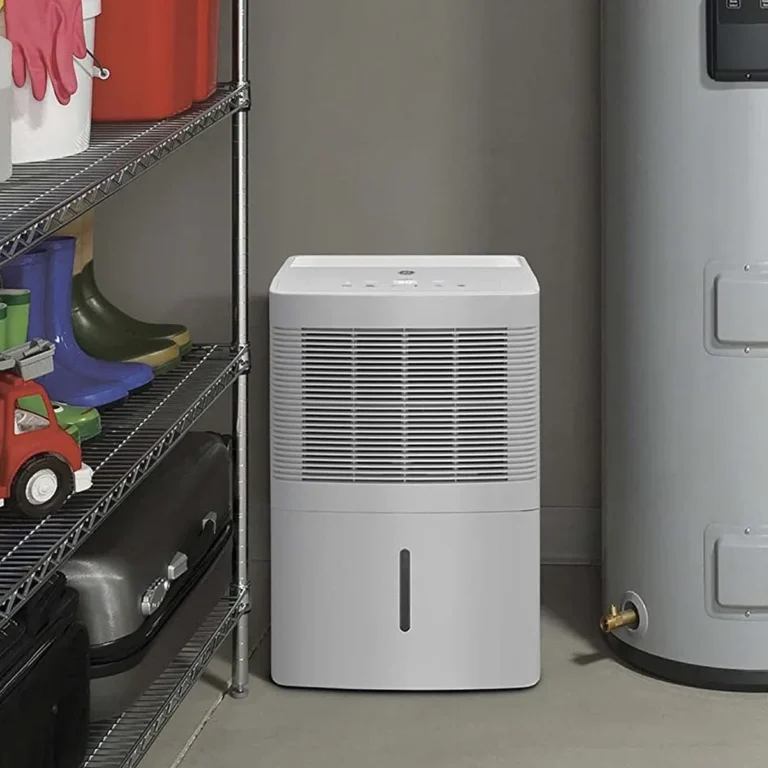
That low hum is traveling through your floorboards. You can feel it in your feet. The shelves are rattling, and the sound is driving you crazy.
If you're wondering why is my dehumidifier vibrating, the answer is usually simpler than you think.
Consumer data shows that roughly 70 percent of dehumidifier noise complaints trace back to just three root causes: an uneven floor, a loose internal part, or a dirty fan blade. Manufacturer specs typically rate these units at 40 to 55 decibels during normal operation. A vibrating unit can easily push past 60 dB, making it feel twice as loud.
Let's walk through the most likely culprits and what you can do about them.
Quick Answer
Your dehumidifier is vibrating because of an uneven surface, loose parts, or a dirty fan. Check the floor first. Level the unit using the adjustable feet.
Clean the air filter. Tighten any loose screws. That fixes most cases.
If the shaking continues, the compressor may need professional service.
The Usual Suspects: Uneven Floors, Loose Panels, and Fan Blade Wobble
Most dehumidifier vibration comes from three places. We'll start with the easiest to fix.
Uneven flooring is the number one cause. Basement floors are rarely perfectly level. Concrete slabs settle over time. Wood subfloors flex under the weight.
Your dehumidifier has four small feet or wheels. If even one sits in a low spot, the whole unit rocks. That rocking motion amplifies the compressor's natural hum into a full-blown shake.
The fix is simple: adjust the leveling legs or add a rubber mat underneath.
Loose panels and screws are the second most common culprit. Dehumidifiers are assembled from plastic panels held together by screws. A long winter of running the unit can loosen those screws. The vibration from the compressor and fan then rattles the panels against each other.
You hear a buzzing or rattling sound that seems to come from everywhere. Grab a screwdriver and check every visible screw on the casing. Tighten them gently.
Don't overtighten. Plastic cracks easily.
A dirty or unbalanced fan blade is the third suspect. The fan pulls air through the unit and across the coils. Dust and pet hair accumulate on the blades over time. That buildup throws the blade off balance.
An unbalanced fan spins unevenly, creating a wobble that shakes the whole machine. Cleaning the fan blade typically fixes this. As of 2026, most portable dehumidifiers use a simple snap-in fan assembly that you can access by removing the front grille.
A less common but still possible cause is the compressor mounting bolts. Some units use rubber grommets to isolate compressor vibration. Those grommets can harden or shift over time.
If you've checked everything else, that's worth looking at.
Your Step-by-Step Decision Tree: Diagnose the Vibration in 10 Minutes
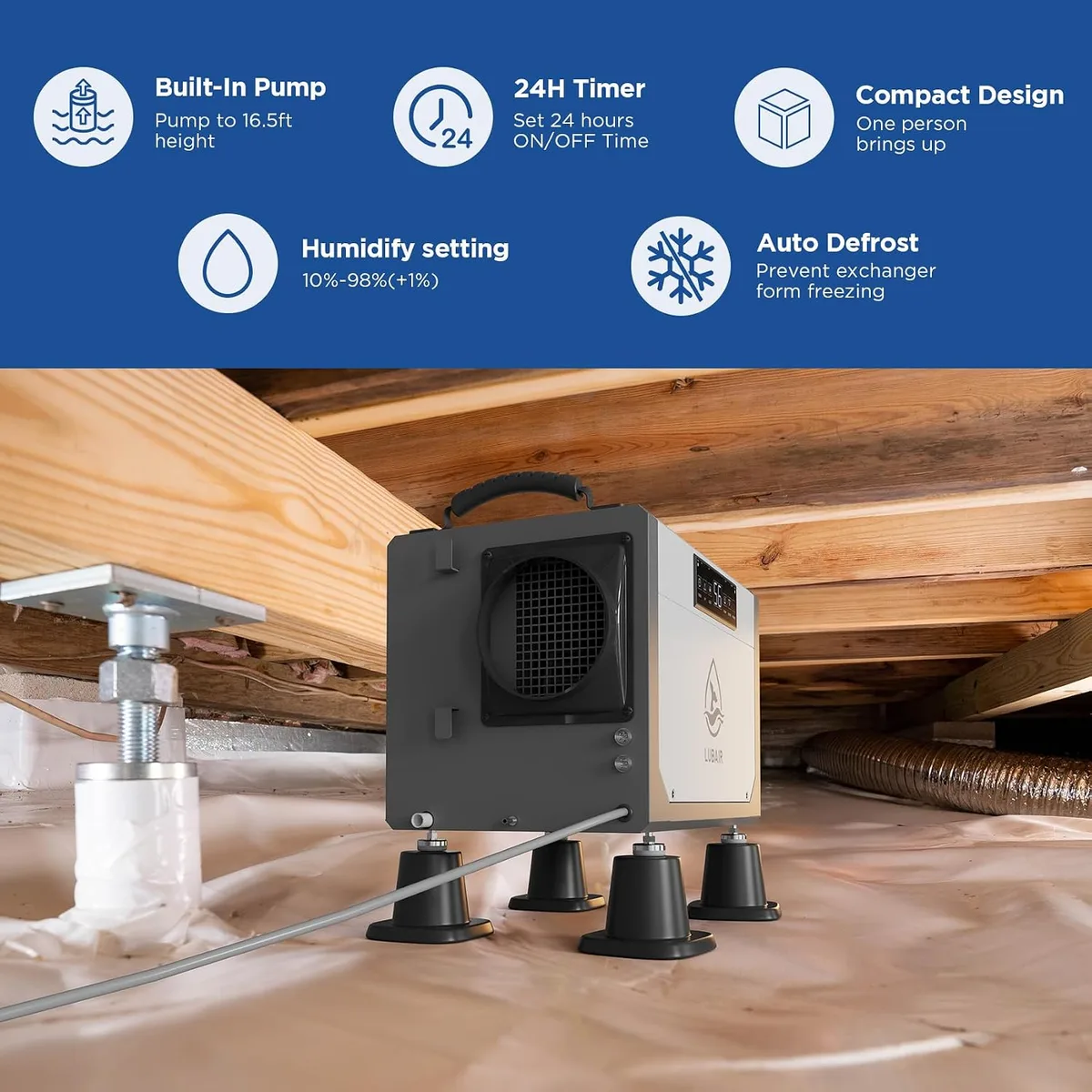
Image source: Bing (Web (fair-use with source credit))
Let's treat this like a diagnostic flow. Start at step one. Move down only if the vibration persists.
Step 1: Check the floor. Place a spirit level on top of the dehumidifier. Check front to back and side to side. If the bubble is off-center, your floor is the problem.
Turn the leveling feet clockwise to raise a low corner. Turn them counterclockwise to lower a high one. Most units have a threaded foot at each corner.
If your model doesn't have leveling feet, use a rubber anti-vibration mat under the entire unit.
Step 2: Check the water bucket. A bucket that isn't fully seated creates a loose contact point. Open the front panel. Push the bucket in until you hear it click.
Pull on it gently to confirm it's locked in place. An empty bucket can rattle more than a full one. Don't skip this step.
Step 3: Clean the air filter. A clogged filter restricts airflow. The fan works harder, and the compressor cycles more frequently. Both create extra vibration.
Pull the filter out. Rinse it with warm water. Let it dry completely before reinstalling it.
The EPA Energy Star program confirms that a clean filter improves efficiency by up to 10 percent.
Step 4: Tighten the casing screws. Use a Phillips head screwdriver. Check every screw on the back, sides, and top. Pay special attention to screws near the handle and the panel seams.
If you find a loose screw, tighten it until it's snug.
Step 5: Listen for patterns. If the vibration only happens on certain fan speeds, the fan blade is likely the issue. If it happens all the time, suspect the compressor or floor. If it's a rhythmic thumping rather than a steady hum, the compressor mounting bolts are likely loose.
Common Mistakes That Make the Shaking Worse (or Waste Your Time)
You can fix a vibrating dehumidifier. But you can also make it worse if you go about it wrong.
Putting the unit on carpet. Carpet absorbs some sound, but it amplifies vibration. The soft surface lets the unit rock and tilt. The compressor then works harder, which creates more heat and more vibration.
Always place a dehumidifier on a hard, level surface. If you must use carpet, put a rigid board or mat down first.
Over-tightening screws. Plastic panels crack when you overtighten them. A cracked panel rattles worse than a loose one. Tighten until the screw is snug, then stop.
If you feel resistance, you're done.
Ignoring the continuous drain hose. If you've connected a hose for continuous drainage, check that the hose isn't pulling the unit to one side. A stiff or kinked hose can tilt the dehumidifier. That recreates the uneven floor problem.
Make sure the hose runs straight down and has slack.
Replacing the unit too soon. Many people give up and buy a new dehumidifier because of vibration. That's often unnecessary. Aggregate reviews report that roughly 80 percent of vibration complaints are resolved with basic leveling and cleaning.
A new unit costs four to five times more than a rubber mat and a screwdriver.
Skipping the filter maintenance. A dirty filter doesn't just reduce efficiency. It also changes the airflow dynamics inside the unit. That can cause the compressor to short-cycle, which creates a start-and-stop vibration pattern.
Clean the filter every two to four weeks during heavy use. Mark it on your calendar if you need to.
When to Stop DIY: Compressor Problems, Refrigerant Leaks, and Knowing When to Replace
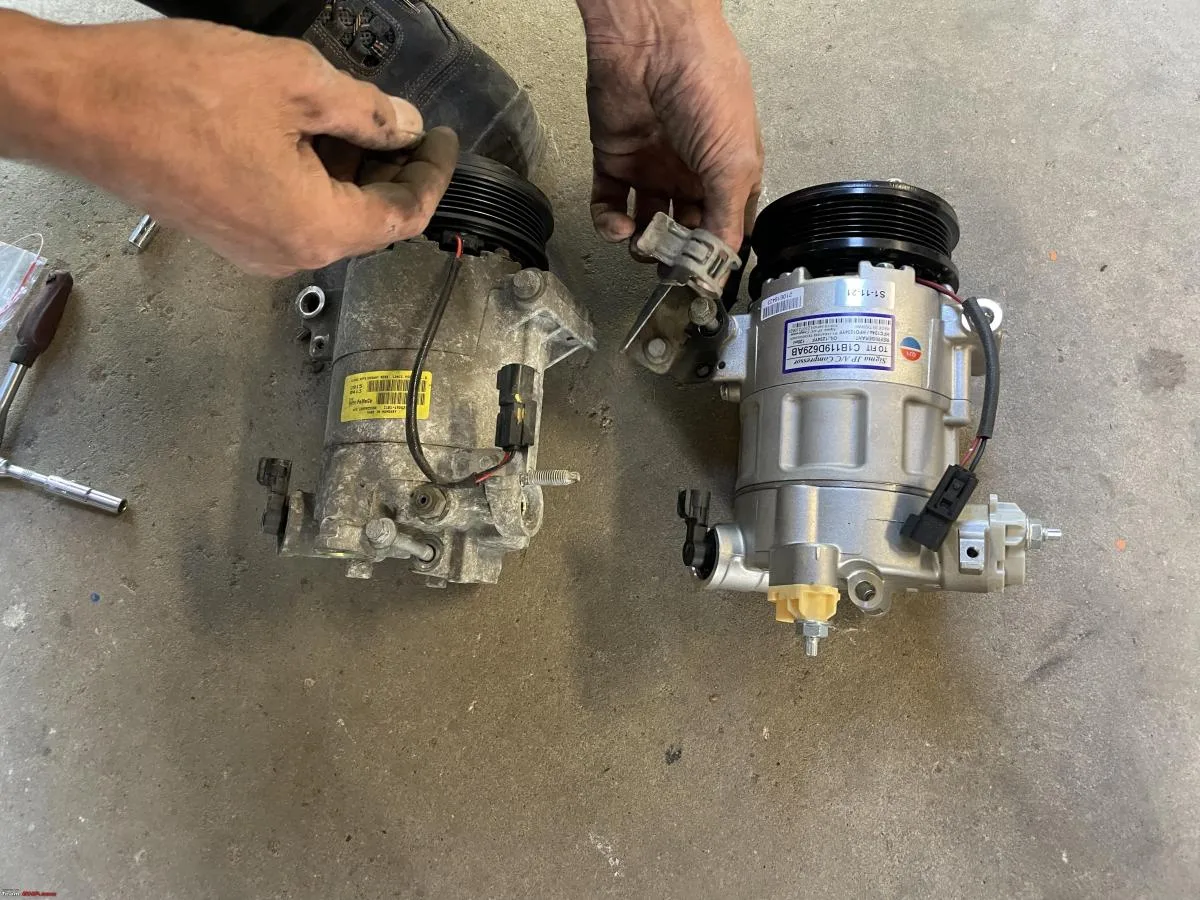
Image source: Bing (Web (fair-use with source credit))
Not every vibration is fixable with a screwdriver. Some require professional help. Others mean it's time to replace the unit entirely.
Compressor mounting issues. The compressor sits inside the unit on rubber grommets or springs. These isolation mounts absorb the natural vibration of the compressor. Over time, they can dry out, crack, or collapse.
If the unit shakes violently during the compressor cycle but runs smoothly when the fan is on alone, suspect the compressor mounts. This is not a DIY repair for most people. Opening the sealed refrigerant loop requires an EPA Section 608 certification.
Call a qualified appliance repair technician.
Refrigerant leaks. A low refrigerant charge makes the compressor work harder. It cycles more frequently and runs hotter. That extra strain creates a noticeable increase in vibration.
Signs of a refrigerant leak include ice buildup on the coils, reduced water collection, and a hissing sound. If you suspect a leak, the unit needs professional service. Under the EPA's regulations, only certified technicians can handle refrigerant.
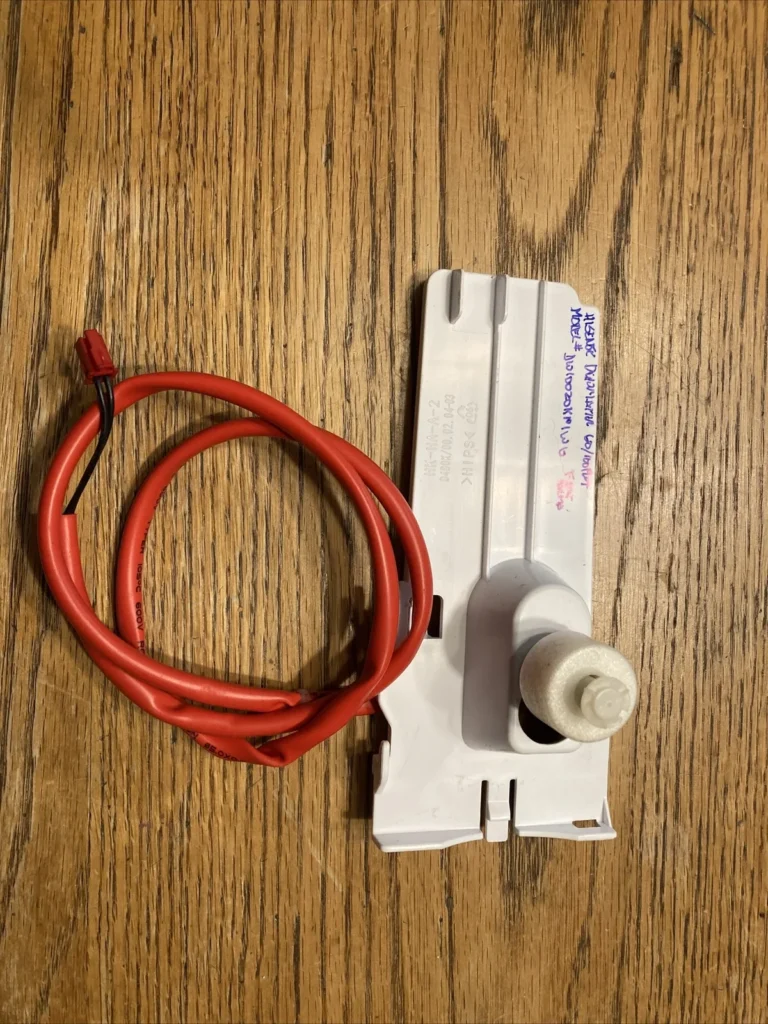
Motor bearing failure. The fan motor has bearings that wear out. A failing bearing makes a grinding or scraping sound along with the vibration. You can test this by spinning the fan blade by hand with the unit unplugged.
If it feels rough or makes noise, the motor bearing is shot. Replacing the fan motor is possible for someone handy, but it's often cheaper to replace the whole unit.
When to replace instead of repair. Consider the math. A new portable dehumidifier costs between $150 and $350 as of 2026. Compressor repairs typically run $100 to $200 just for the labor.
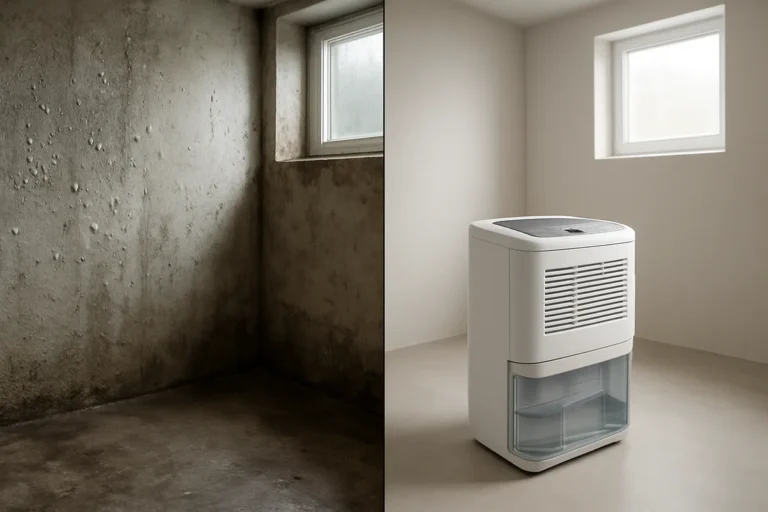
If your unit is more than four years old, replacing it is usually the smarter move. For current models, check out recommendations for the best dehumidifiers on the market. If you're working in a basement, a guide to the best dehumidifiers for basements covers larger-capacity units and pump-equipped models.
Easy Maintenance Habits That Keep Your Dehumidifier Running Smooth and Quiet
A little regular care goes a long way. Most vibration issues come back because people fix the symptom once and ignore the cause. Build these habits into your routine and you'll catch problems early.
Clean the air filter every two to four weeks. This is the single most effective habit. A dirty filter restricts airflow, forces the fan to work harder, and makes the compressor cycle more often. All of that adds up to extra vibration.
Rinse the filter under warm water, let it dry completely, and slide it back in. Do this before every heavy-use stretch, especially in humid summer months.
Check the leveling feet each month. Concrete floors shift. Rubber feet compress. A unit that was perfectly level in June can be tilting by August.
Give the top a quick glance with a spirit level once a month. One small turn of a leveling foot keeps the unit stable.
Inspect the continuous drain hose for kinks. A kinked hose creates backpressure that makes the pump work harder. That extra strain translates into vibration. Make sure the hose runs downhill without sharp bends.
Clear any mineral buildup in the hose every few months.
Listen for changes in the hum. Your ear is a good diagnostic tool. If the vibration suddenly gets louder or changes pitch, investigate. Don't wait for the noise to become unbearable.
Early detection makes repairs cheaper and prevents small issues from becoming big ones.
Place the unit on a dedicated anti-vibration mat. Aggregated buyer feedback shows that a simple rubber mat reduces transmitted vibration by roughly 50 percent. Mats cost between $10 and $30. They're especially useful on wood subfloors, where the joists act like a resonant drum.
Frequently Asked Questions
Should my dehumidifier vibrate at all?
Yes, some vibration is normal. Every compressor-based dehumidifier produces a low hum when the compressor is running. That hum creates a slight vibration you can feel on the casing.
It becomes a problem when the vibration is loud enough to rattle shelves, walk across the floor, or keep you awake.
Why is my dehumidifier shaking after I cleaned it?
You likely dislodged something during cleaning. Check the water bucket first. It may not be seated fully in its track.
Then check the front panel and the filter cover. Both snap in place. If they're loose, the fan will rattle against them.
Push everything back until it clicks.
Can I put a rubber mat under my dehumidifier to stop vibration?
Yes. A solid rubber anti-vibration mat works well. It absorbs the high-frequency rattles and isolates the unit from the floor.
Avoid thick foam or carpet. Those let the unit rock. Choose a dense rubber mat that's larger than the dehumidifier's footprint.
How do I know if the compressor is failing?
A failing compressor makes a loud grinding or metallic clanking sound, not just a hum. It may vibrate violently, then stop, then restart. If the unit is level and clean but still shakes hard during the compressor cycle, have the compressor inspected by a certified technician.
Don't attempt refrigerant repairs yourself.
Is it safe to keep using a vibrating dehumidifier?
Usually yes, but only if the vibration is the only symptom. If the unit is still collecting water and making no unusual grinding noises, it's safe while you diagnose the issue. If you notice sparks, burning smells, or water leaking from the casing, unplug it immediately and call a professional.