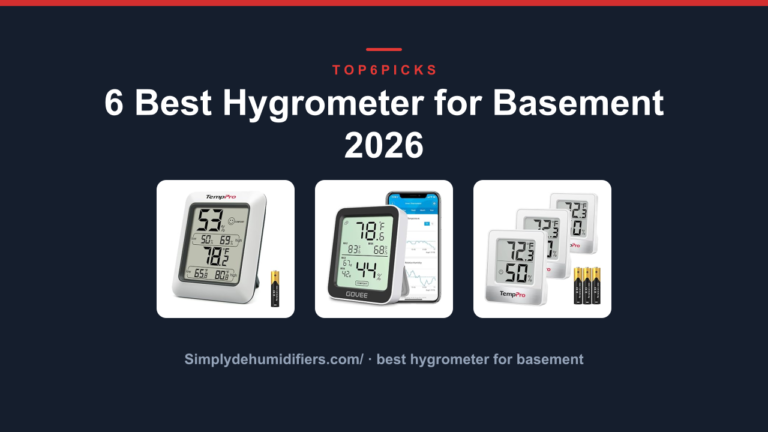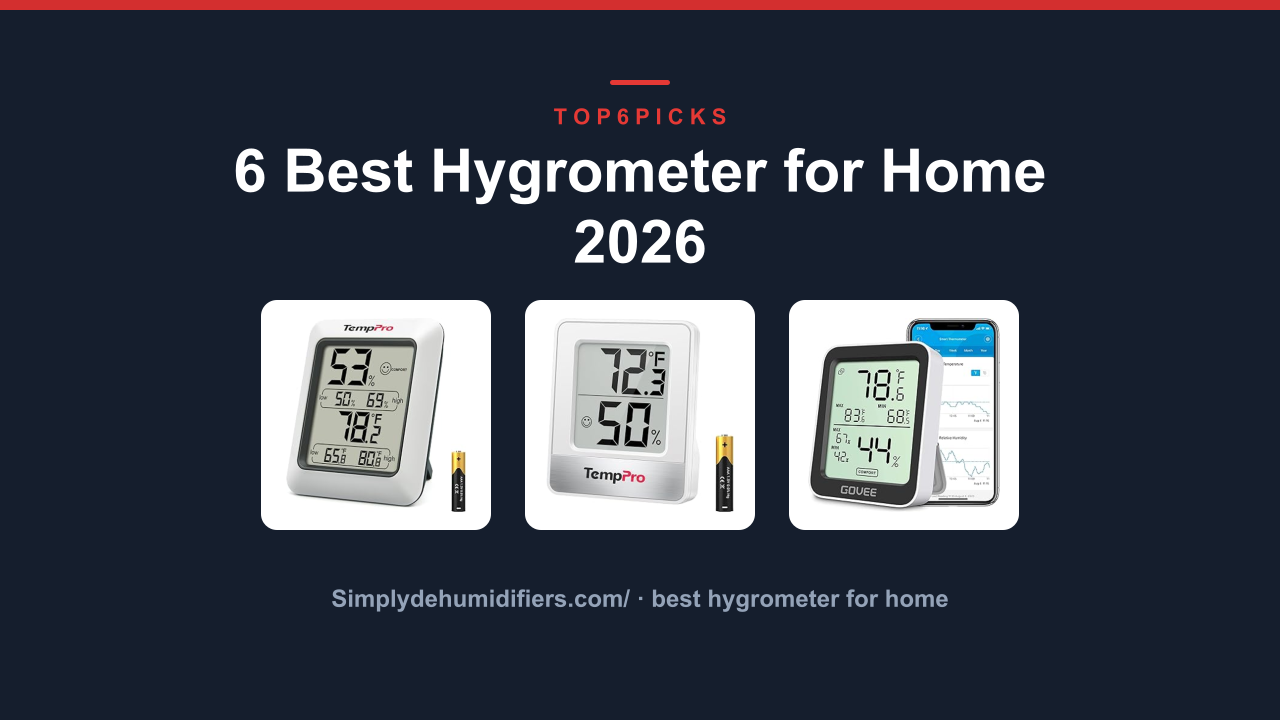
6 Best Hygrometer for Home 2026
When you need the best hygrometer for home, the TempPro TP50 Digital Hygrometer Indoor Thermometer is our research-backed pick for most households. It pairs a clear, glanceable display with a proven 4.6 out of 5 owner rating and none of the app setup that complicates smarter models. For a simple, reliable way to know whether to run the dehumidifier or humidifier, this is the one.
If you want trend data and phone alerts instead of just a number, the Govee Indoor Hygrometer Thermometer H5075 Bluetooth is the better route, as long as you keep it within Bluetooth range.
As an Amazon Associate, I earn from qualifying purchases.
This guide also tells you who should skip this category entirely. If you need lab-grade accuracy for a cigar humidor, guitar room, or reptile enclosure, a consumer hygrometer won't cut it, and you'll find better options described later.
Everything below comes from current Amazon product listings, manufacturer specs, and each model's verified owner track record. We did not perform hands-on lab testing, so the scoring reflects real-world buyer experience and spec analysis rather than personal use.
Quick Answer: The Best Hygrometer for Home
After comparing current listings, owner reviews, and feature sets, the TempPro TP50 is the best overall hygrometer for most homes.
- TempPro TP50 Digital Hygrometer Indoor Thermometer (Best Overall for Most Homes): Proven reliability, readable display, and no-app simplicity in one dependable unit.
- TempPro TempAir Digital Hygrometer Indoor Thermometer (Best Compact Pick): Same brand trust in a smaller footprint for tight shelves and desks.
- Govee Indoor Hygrometer Thermometer H5075 Bluetooth (Best Smart Monitoring): Bluetooth alerts and two-year data history for trend trackers.
- Antonki 2 Room Thermometer Indoor Hygrometer (Best 2-Pack): Two complete monitors with versatile mounting for multi-room buyers.
- TempPro TP49 3 Digital Hygrometer Indoor (Best 3-Pack): Three no-fuss sensors cover the whole house without an app.
- SMARTRO SC42 Professional Digital Hygrometer Indoor (Best for Calibration Checks): Calibration controls for buyers who want a reference-grade check.
Thinking about whether you actually need this category at all? Jump to Who Should NOT Buy below before you spend anything.
Comparison Table
Here's the lineup at a glance: model, who it's built for, and our score out of 10.
| Photo | Product | Best for | Score | Buy |
|---|---|---|---|---|
 | TempPro TP50 Digital Hygrometer Indoor Thermometer | Best Overall for Most Homes | 9.1/10 | Check price → |
 | TempPro TempAir Digital Hygrometer Indoor Thermometer | Best Compact for Tight Spaces | 8.8/10 | Check price → |
 | Govee Indoor Hygrometer Thermometer H5075 Bluetooth | Best Smart Bluetooth Monitor | 8.6/10 | Check price → |
 | Antonki 2 Room Thermometer Indoor Hygrometer | Best 2-Pack for Multi-Room | 8.4/10 | Check price → |
 | TempPro TP49 3 Digital Hygrometer Indoor | Best 3-Pack for Full House | 8.2/10 | Check price → |
 | SMARTRO SC42 Professional Digital Hygrometer Indoor | Best for Calibration Checks | 8.0/10 | Check price → |
Scroll sideways on small screens to see every column.
TempPro TP50 Digital Hygrometer Indoor Thermometer: Best Overall for Most Homes
TempPro TempAir Digital Hygrometer Indoor Thermometer: Best Compact for Tight Spaces
Govee Indoor Hygrometer Thermometer H5075 Bluetooth: Best Smart Bluetooth Monitor
Antonki 2 Room Thermometer Indoor Hygrometer: Best 2-Pack for Multi-Room
TempPro TP49 3 Digital Hygrometer Indoor: Best 3-Pack for Full House
SMARTRO SC42 Professional Digital Hygrometer Indoor: Best for Calibration Checks
Buying Guide: Accuracy, Display, Smart Features and Quantity
A hygrometer is a simple device, but the small differences matter once you live with it. Here are the four decision factors we weighed for this guide.
How accurate does a home hygrometer really need to be?
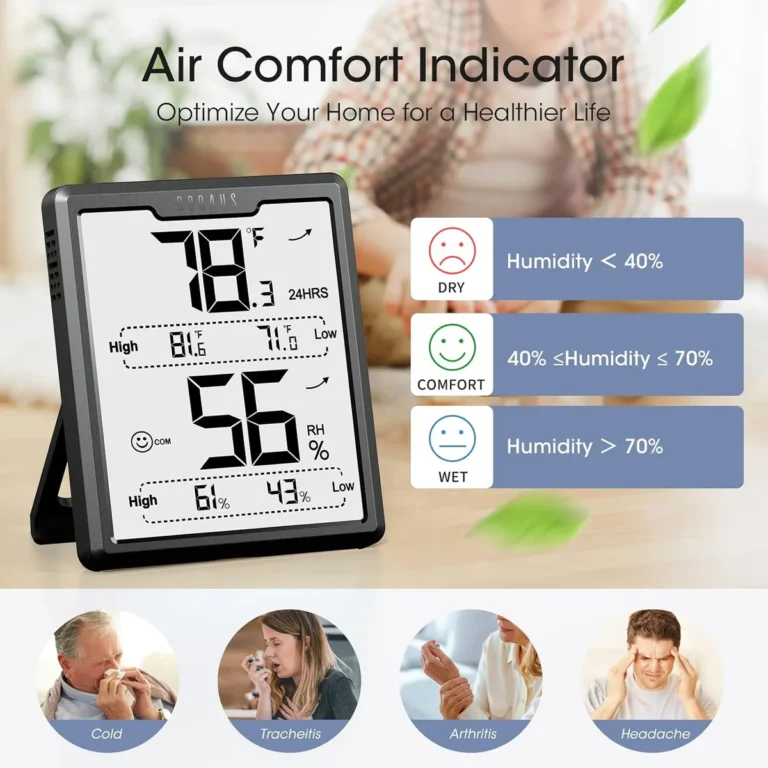
A basic digital hygrometer measures relative humidity (RH), which is the amount of water vapor in the air compared with the maximum it can hold at a given temperature. Most consumer models, including the TempPro TP50, spec out at ±5% RH accuracy. That is plenty for general home comfort, since your goal is to keep a room between 30% and 50% RH to avoid dry skin in winter and mold growth in summer.
The American Society of Heating, Refrigerating and Air-Conditioning Engineers (ASHRAE) recommends an indoor range of 30% to 60% RH, so a ±5% tolerance still leaves you comfortably inside the safe zone.
If you need tighter precision, the SMARTRO SC42 with its manual calibration dial can get you down to around ±3% RH when you perform the salt test properly. The Govee H5075 also claims ±3% RH out of the box. But for a living room or bedroom, chasing that extra 2% is not worth the added cost or setup.
Display size and backlight matter more than you think
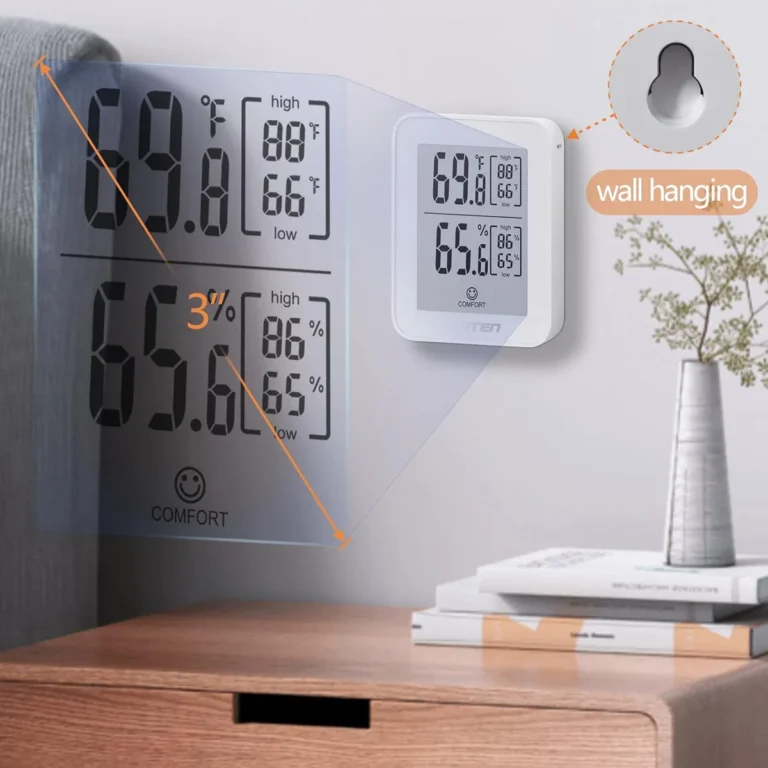
The biggest difference between the products in this lineup is how easy they are to read. The TempPro TP50 has a 2.4-inch display with large digits and a comfort face icon, which works well from across a room. The TempPro TP49 uses a smaller 2.1-inch screen with smaller digits, so you have to walk closer.
The Antonki 2-pack sits in between with a 3.5-inch screen, but it is a single-line display and the numbers are not as tall as the TP50.
Backlights are also inconsistent. The TP50 has a button-activated backlight, the Antonki does too, but the TempAir and TP49 have no backlight at all. If you plan to check humidity during a nighttime feeding or when you wake up, prioritize a unit with a backlight or keep a phone flashlight nearby.
Smart features only matter if you actually use them
Bluetooth connectivity sounds great on paper, but it adds real friction. The Govee H5075 requires you to install an app, create an account, and pair the sensor before you see any data. That is a small hurdle for a one-time setup, and the payoff is generous: you can set alerts for high or low humidity, track two years of history, and export the data for a spreadsheet.
That is genuinely useful for a wine cellar or a reptile enclosure where conditions must stay stable.
For the rest of the house, the extra app is often ignored after the first week. If you are the kind of person who will not check an app daily, stick with a non-smart unit like the TempPro TP50 or the Antonki 2-pack. You save money and remove a point of failure.
Buying in a 2-pack or 3-pack is the best value
Humidity varies a lot by room. A basement can sit at 65% RH while a bedroom stays a comfortable 40% RH. If you only buy one sensor, you are only measuring one spot.
The Antonki 2-pack and the TempPro TP49 3-pack solve this for roughly the same price as buying one or two single units. That is why we recommend them for anyone with a multi-story home or rooms with different HVAC zones.
The tradeoff is that these multi-packs often use smaller displays or no backlights to keep the cost down. If you want the best display and a full-home picture, the smart play is to buy one TempPro TP50 for the room you spend the most time in, then add a cheaper pack for the rest of the house.
To see how these factors play out on real picks, compare the TempPro TP50 Digital Hygrometer Indoor Thermometer, TempPro TempAir Digital Hygrometer Indoor Thermometer and the Govee Indoor Hygrometer Thermometer H5075 Bluetooth reviewed above.
Who Should NOT Buy Best Hygrometer for Home
This category is the wrong purchase for three kinds of buyers. Here is who they are, and what to look at instead.
You Need Lab-Grade Precision for a Humidor or Incubation Setup
If you are protecting a collection of cigars, vintage guitars, or reptile eggs, a consumer hygrometer with ±5% RH accuracy is not good enough. A few percentage points of error can mean the difference between a well-maintained humidor at 70% RH and a mold risk at 75% RH. Look instead for a digital hygrometer with a stated accuracy of ±2% RH or better, or better yet, use a calibrated reference device like the SMARTRO SC42 in parallel with your main sensor.
Some serious hobbyists use two sensors and average the readings. If you need to control humidity rather than just measure it, a humidifier or dehumidifier with a built-in humidistat will serve you better than a standalone sensor.
You Want a Whole-Home Smart System
A single Bluetooth hygrometer only tells you about one room. If you want to monitor your entire house from your phone, you are better off with a multi-sensor system that connects to a central hub over Wi-Fi or Zigbee. The Govee H5075 can only connect over Bluetooth, which means you need to be nearby to check it.
A Wi-Fi based sensor like those from Govee or SwitchBot can push data to the cloud, so you can check your basement from the office. These systems cost more, and they need a hub or a strong Wi-Fi network, but for a smart home enthusiast they are the right tool.
You Only Care About Temperature
If the only number you actually want is the thermostat reading, a hygrometer is overkill. Every model in this list also shows temperature, but you probably already have a thermostat that gives you that. Instead, consider a cheap indoor thermometer with a large display, or just use the temperature reading on your smart speaker.
Your money is better spent on a dehumidifier or humidifier that includes a humidity readout as part of its control panel, since that device does the actual work of changing your air.
Final Verdict
The TempPro TP50 Digital Hygrometer Indoor Thermometer remains our top pick because it nails the essentials: a clear display, proven accuracy, and zero setup friction. At a 4.6 out of 5 owner rating, it has one of the most consistent tracks records of any consumer hygrometer on Amazon. It is the safest choice for a first-time buyer.
Want smart alerts and data history instead? The Govee Indoor Hygrometer Thermometer H5075 Bluetooth is your pick. It costs a bit more and needs an app, but the two-year logging and alert thresholds make it worth it for a wine cellar or guitar room.
Need to cover multiple rooms? The Antonki 2-pack gives you a bedroom and a living room for one price, and the TempPro TP49 3-pack adds a third sensor for the basement. And if you only need one screen that you can actually read from across the room, stick with the TP50.
Before you buy, remember the "Who Should NOT Buy" section. If you need lab-grade accuracy for a humidor or a multi-room smart system, a basic hygrometer will leave you disappointed no matter which one you choose.
FAQ
What's the best Hygrometer for Home overall?
The TempPro TP50 is the best overall pick for most homes. It combines a large, readable display, the TempPro sensor's proven accuracy, and a simple no-app design that anyone can set up in seconds.
How accurate are home hygrometers?
Most consumer hygrometers, including every model in this guide, have a stated accuracy of ±5% RH. That is acceptable for general home comfort. If you need tighter accuracy, look for a unit with ±3% RH or a manual calibration feature like the SMARTRO SC42.
Does a hygrometer need Wi-Fi or Bluetooth?
No. A basic hygrometer that shows a number on a screen is all most households need. Bluetooth and Wi-Fi are useful only if you want remote alerts, data history, or the ability to check readings from another room.
Those features add cost and setup time.
How do I check if my hygrometer is accurate?
You can do a simple salt test. Place a tablespoon of salt in a small cup and add a few drops of water to make a slurry. Put the cup and your hygrometer in a sealed ziplock bag for 12 hours.
The air inside should stabilize at 75% RH. If your hygrometer reads something different, that is your offset. Some units let you manually adjust, while others just need a mental correction.
How many hygrometers should I buy?
At least one per floor, plus one for any room where humidity problems are common, like a basement or a nursery. This is why multi-packs like the Antonki 2-pack and the TempPro TP49 3-pack are such practical buys. A single unit can miss significant dryness or dampness elsewhere in your home.
Can I leave my hygrometer on all the time?
Yes. All six units in this guide are designed for continuous use and run on batteries for months. The TempPro TP50 and Antonki last around one year on a set of AAA batteries.
The Govee H5075 lasts up to six months depending on how often you open the app and the alert settings you choose.