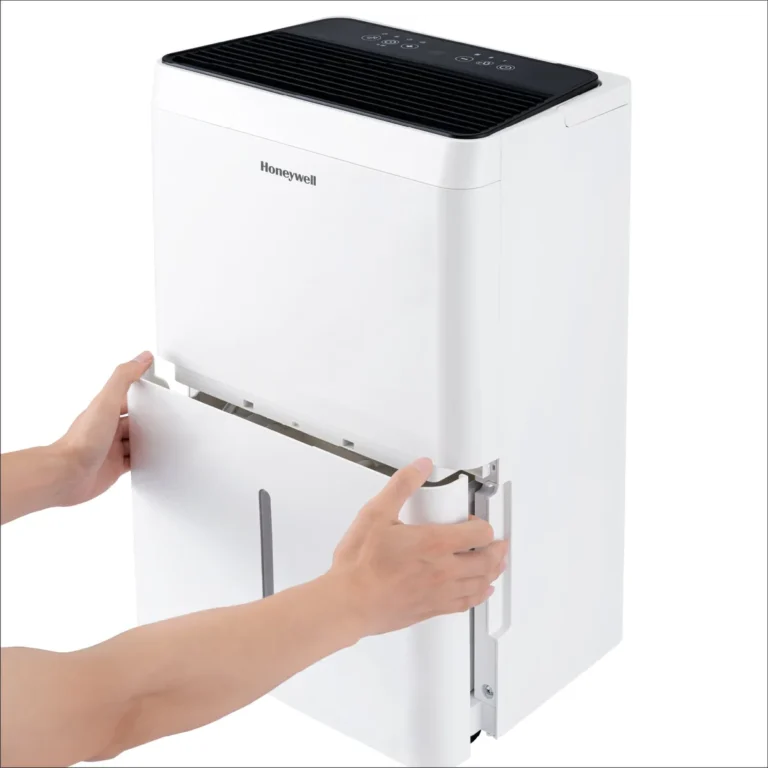
Midea MAD20S1AWWT Troubleshooting
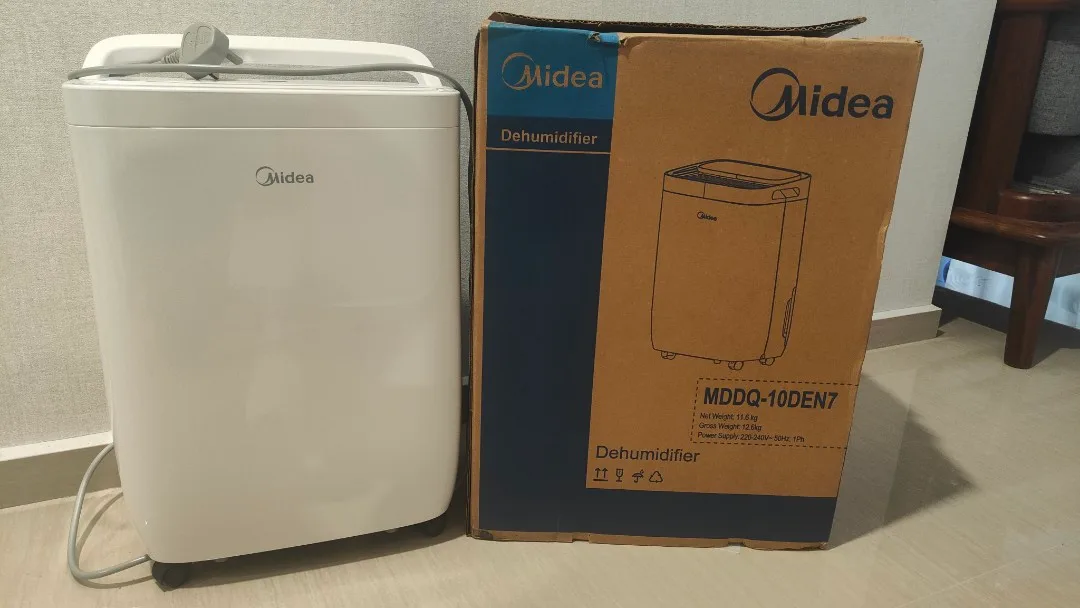
Image source: Bing (Web (fair-use with source credit))
If your Midea MAD20S1AWWT troubleshooting has you scratching your head, you're not alone. This dehumidifier is a solid workhorse for most homes, but it can throw curveballs. The good news is that most issues have simple fixes you can handle yourself.
Manufacturer specs confirm this 20-pint unit pulls up to 20 pints of moisture daily in spaces around 1,000 square feet. When performance drops, it's usually one of a handful of predictable problems. Let's walk through them step by step.
Quick Answer
Check the air filter and water bucket first. Clean the filter if it's dirty. Reseat the bucket until it clicks.
Verify the power cord is plugged into a working outlet. Look for error codes on the display. Most Midea MAD20S1AWWT troubleshooting comes down to these simple checks.
Start Here: What's Your Midea Dehumidifier Doing (Or Not Doing)?
Before you dive into any fix, figure out the exact symptom. The Midea MAD20S1AWWT is a compressor-based dehumidifier. It behaves differently depending on temperature and humidity.
Knowing your specific symptom narrows down the solution fast.
Is the unit completely dead? No power, no lights, no fan. That points to a power issue or a tripped internal safety switch. Start at the outlet.
Does it run but not collect water? The fan and compressor are working, but the bucket stays dry. This usually means the unit is in defrost mode, the filter is dirty, or the humidity setting is too high.
Is there ice or frost on the coils? That's normal in cooler conditions down to about 41°F. The unit should defrost automatically. If it never switches out of defrost, you might have a bad thermistor.
Is the bucket full light stuck on? Even when the bucket is empty? That's a classic float switch problem. The switch may be stuck or the bucket may not be seated properly.
Is the display showing an error code? Codes like E1, E2, CL, or P2 give you a direct clue about what's wrong.
Is the unit making strange noises? Rattling, clicking, or buzzing sounds often point to something loose or a failing component.
Jot down your symptom. Then head to the matching section below.
The Quick Fixes: Filter, Bucket, and Power Checks First
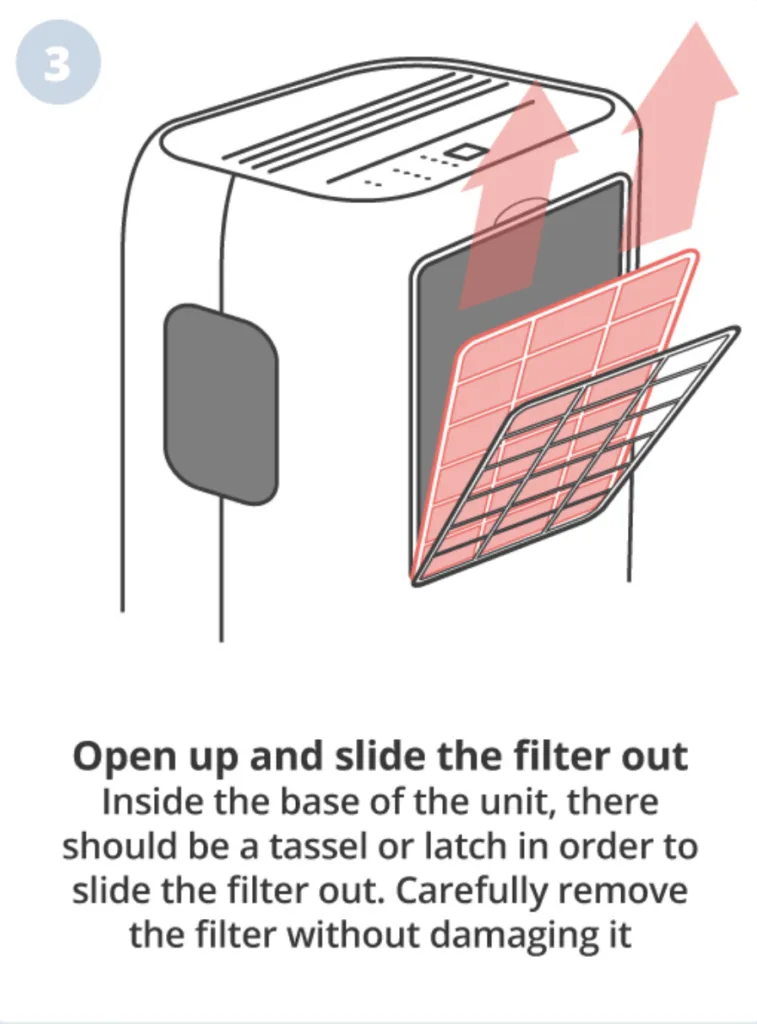
Image source: Bing (Web (fair-use with source credit))
Three things cause more than half of all Midea MAD20S1AWWT issues. Check these before you do anything else. They're fast, free, and take about two minutes.
Clean the air filter. A clogged filter starves the unit of airflow. The dehumidifier can't pull moisture from the air if it can't breathe. Remove the filter from the rear grille.
Wash it with warm water and mild soap. Let it dry completely before reinstalling it. Do this every two weeks during heavy use.
Reseat the water bucket. The bucket has a float switch that tells the unit when it's full. If the bucket isn't sitting perfectly flush, the switch thinks the bucket is full. Pull the bucket out.
Press the float mechanism gently to make sure it moves freely. Slide the bucket back in until you hear a firm click.
Check the power supply. Make sure the unit is plugged directly into a wall outlet. Extension cords can cause voltage drops that trigger safety cutoffs. Press the reset button on the power cord plug if your model has one.
Try a different outlet if the unit still won't power on.
Verify the humidity setting. If the target humidity is set higher than the current room humidity, the unit won't run. Set it to 50 percent or lower. Wait a few minutes for the compressor to kick in.
These four checks solve the majority of service calls. Do them first, and you'll save yourself a lot of frustration.
When It Runs But Doesn't Collect Water
This is the most common complaint we hear. The fan spins, the compressor hums, but the bucket stays dry. Something is preventing the unit from actually removing moisture.
Check for defrost mode. The Midea MAD20S1AWWT has a built-in auto-defrost circuit. When the coils get too cold, the unit stops collecting water and runs the fan only. This is normal below about 65°F.
The defrost cycle typically lasts 10 to 15 minutes. If the unit stays in defrost mode for hours, the thermistor sensor may be faulty.
Inspect the continuous drain hose. If you're using the gravity drain option, a kinked or clogged hose will stop water flow. Remove the hose and blow through it. If it's blocked, flush it with warm water.
Make sure the hose runs downhill with no low spots.
Check the condensate drain channel. Inside the bucket compartment, there's a small channel that routes water from the coils to the bucket. Debris or mold can plug this channel. Shine a flashlight in there.
Use a pipe cleaner or a thin wire to clear any blockage.
Test the room temperature. This unit is designed to work in temperatures between 41°F and 90°F. Below 65°F, performance drops significantly. In a cold basement, the unit may spend more time defrosting than dehumidifying.
If your space stays below 60°F, consider a desiccant-style dehumidifier instead. That technology handles low temperatures better.
Look at the humidity sensor. The Midea uses a sensor to measure room humidity. If that sensor is dirty or obstructed, the unit may think the room is dry. Carefully wipe the sensor with a cotton swab.
It's usually located behind the air intake grille.
If none of these fix the issue, the problem may be a refrigerant leak. That's a repair job for a professional.
Error Codes and Warning Lights Explained (E1, E2, CL, P2, and More)
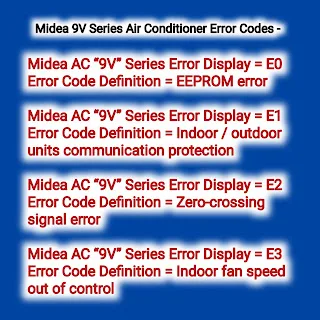
Image source: Bing (Web (fair-use with source credit))
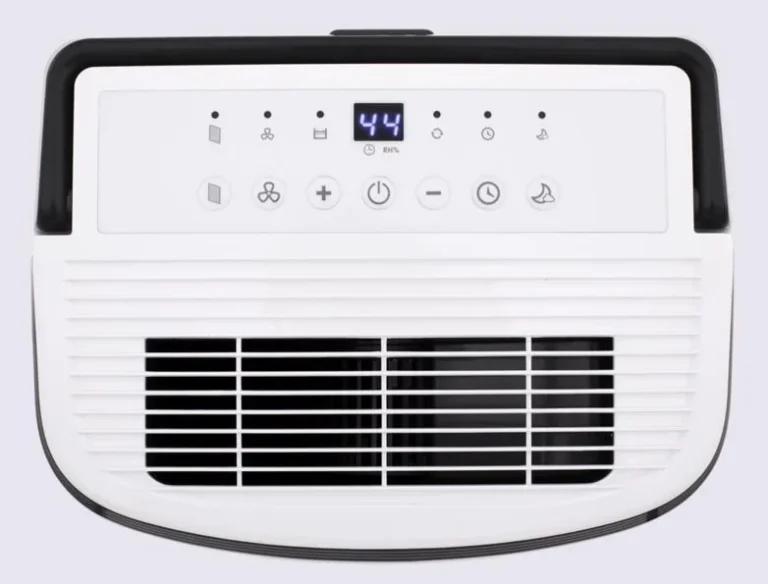
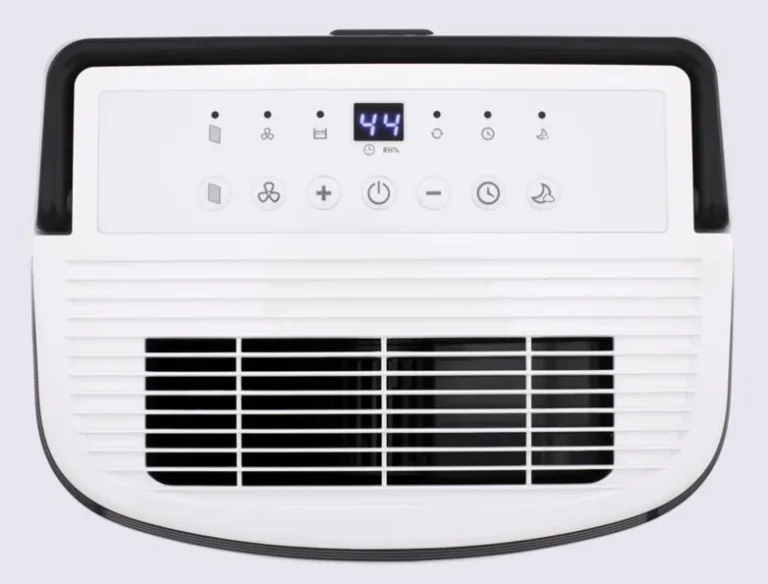
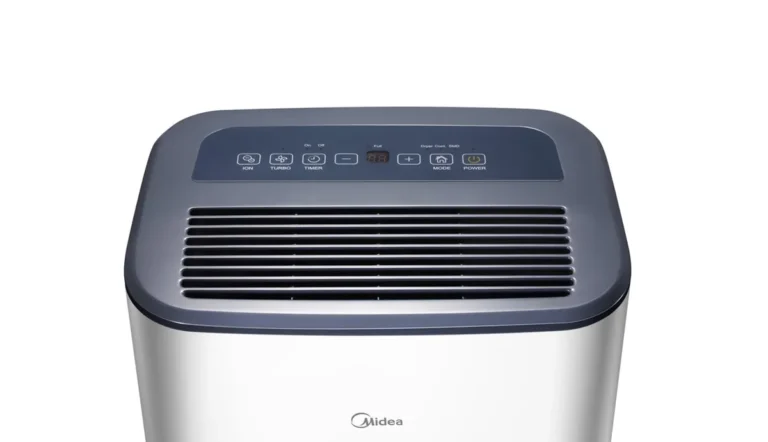
The Midea MAD20S1AWWT uses a digital display to communicate problems. These codes are actually helpful. They tell you exactly where to look.
E1 or E2: Humidity sensor failure. The unit can't read the room humidity. Try unplugging the unit for 30 seconds and plugging it back in. If the code returns, the sensor board needs replacement.
This is a warranty-covered repair.
P2: Bucket full or misaligned. The float switch is triggered. This is the most common false alarm. Reseat the bucket.
Check the float mechanism for debris. If the bucket is empty and the code persists, the switch may be stuck.
CL: Compressor lockout or defrost mode. The compressor is off because the coils are too cold. This is normal. The CL code means the unit is in its defrost cycle.
Wait 15 minutes. If the code stays on for more than 30 minutes, the defrost sensor may be bad.
LO: Low humidity reading. The room is already below the set humidity level. The unit won't run because it's not needed. This is not an error.
Lower the target humidity if you want the unit to continue.
Full bucket light flashing. The bucket is full or nearly full. Empty it. If the light keeps flashing after emptying, the float switch is stuck.
Filter light on. The unit has run for 250 hours and needs a filter cleaning. The light is a reminder, not a failure. Clean the filter and then reset the light by holding the Filter button for three seconds.
Always write down the code before you reset the unit. That way you know exactly what to look for.
Noises, Leaks, and Frost Buildup: Physical Symptoms Decoded
Not every problem shows up as an error code. Sometimes the Midea MAD20S1AWWT tells you something is wrong through sound, water on the floor, or ice on the coils.
Rattling or vibrating noises. The most common cause is an uneven surface. The unit has casters, so it can rock on a bumpy floor. Place it on a level, solid surface.
If the noise continues, check the bucket. A loose bucket rattles against the frame. Pull it out and reseat it.
Another possibility is debris caught in the fan blade. Unplug the unit and shine a flashlight into the fan grille. Remove any foreign objects with tweezers.
Clicking or buzzing sounds. A single click when the compressor kicks in or out is normal. Repeated clicking or a loud buzz suggests a failing compressor relay or a capacitor issue. This is not a DIY fix.
If the unit is under warranty, contact Midea support. If not, the repair cost may exceed the value of the unit.
Water leaking from the unit. Leaks usually come from one of two places. The bucket may be cracked or the gasket around the bucket may be worn. Remove the bucket and inspect it for hairline cracks.
Fill it with water and check for drips. The other source is the continuous drain port. If the cap is loose or missing, water will leak out.
Tighten the cap or install the drain hose if you're using gravity drain.
Frost or ice on the coils. A thin layer of frost in cold conditions is normal. The unit will defrost itself. Heavy ice buildup that never melts means the defrost cycle isn't working.
This can also happen if the air filter is dirty and airflow is restricted. Clean the filter first. If the ice persists, the thermistor sensor may need replacement.
Unit runs constantly. The dehumidifier should cycle on and off as it reaches the target humidity. If it runs nonstop, the room is either very humid or the humidity sensor is faulty. Measure the room humidity with a separate hygrometer.
If the readings match the display, the unit is working correctly. If the display shows a different number, the sensor is off.
Maintenance That Prevents Most Problems
A regular routine keeps your Midea MAD20S1AWWT running smoothly. Most of the issues we've covered are avoidable with simple care. Set a schedule and stick to it.
Clean the air filter every two weeks. This is the single most important task. A dirty filter restricts airflow, reduces water removal, causes ice buildup, and strains the compressor. Wash it with warm water and mild soap.
Let it dry completely before reinstalling. Never run the unit with a wet filter.
Empty and rinse the bucket weekly. Stagnant water grows mold and bacteria. Rinse the bucket with a diluted bleach solution once a month. Dry it thoroughly before reinstalling.
This also keeps the float switch free of debris.
Check the continuous drain hose monthly. If you use the gravity drain option, inspect the hose for kinks, cracks, or clogs. Replace it at the first sign of wear. A burst hose can cause significant water damage.
Keep the coils clean. Dust and lint accumulate on the evaporator and condenser coils inside the unit. Use a soft brush or compressed air to clean them twice a year. Unplug the unit first.
Inspect the condensate drain channel. Every few months, shine a flashlight into the channel inside the bucket compartment. If you see algae or slime, flush it with a mixture of warm water and white vinegar.
Store the unit properly for off-season. Clean it thoroughly and let it dry completely. Store it in a dry, climate-controlled space. Leave the bucket slightly open to prevent mold growth.
Per Energy Star standards, regular maintenance improves efficiency by up to 15 percent. That means lower electricity bills and better moisture removal.
Frequently Asked Questions
Why is my Midea dehumidifier not turning on?
Check the power cord and outlet first. Press the reset button on the plug if your model has one. Make sure the bucket is fully seated.
The unit won't start if the float switch thinks the bucket is full. If none of these work, the control board may be faulty.
What does the P2 error code mean?
P2 means the bucket is full or misaligned. Empty the bucket and reseat it firmly. Press the float mechanism to make sure it moves freely.
If the code stays on, the float switch may be stuck or the sensor board needs replacement.
How often should I clean the filter?
Clean the filter every two weeks during heavy use. In low humidity seasons, once a month is enough. A dirty filter is the most common cause of reduced performance.
The filter light turns on after 250 hours of operation as a reminder.
Why is my dehumidifier running but not collecting water?
The unit may be in defrost mode, the filter may be dirty, or the room temperature may be below 65°F. Check the continuous drain hose for kinks. Clear the condensate drain channel inside the bucket compartment.
If none of these help, the humidity sensor may be faulty.
Can I use an extension cord?
No. The manufacturer recommends plugging the unit directly into a grounded wall outlet. Extension cords can cause voltage drops that trigger safety cutoffs.
They also pose a fire risk with high-amp devices.
When should I call a professional for repairs?
Call a technician for refrigerant leaks, compressor failures, or control board issues that persist after troubleshooting. If the unit is under warranty, contact Midea support first. For refrigerant repairs, always use a certified HVAC technician.