Keystone Dehumidifier Not Working
Your Keystone dehumidifier is sitting there silent, or maybe it’s running but not pulling any water. Either way, it’s frustrating. The worst part?
Most of these issues are dead simple to fix once you know what to look for. As of 2026, Keystone remains one of the more popular budget-friendly brands, so you’re not alone.
The first thing to understand is that dehumidifiers are basically a sealed refrigeration system with some sensors and a fan. When something goes wrong, it’s almost always one of five things: no power, a stuck float switch, a clogged filter, frozen coils, or a bad sensor. Per the manufacturer’s specifications, the compressor also has a built-in three-minute delay after power-up.
Don’t panic if it doesn’t kick on immediately.
Quick Answer
Check the power outlet.
Make sure the bucket is seated correctly.
Clean the air filter.
Inspect the float switch for freedom of movement.
Wait five minutes after plugging in.
Most common problems are simple user oversights, not hardware failures.
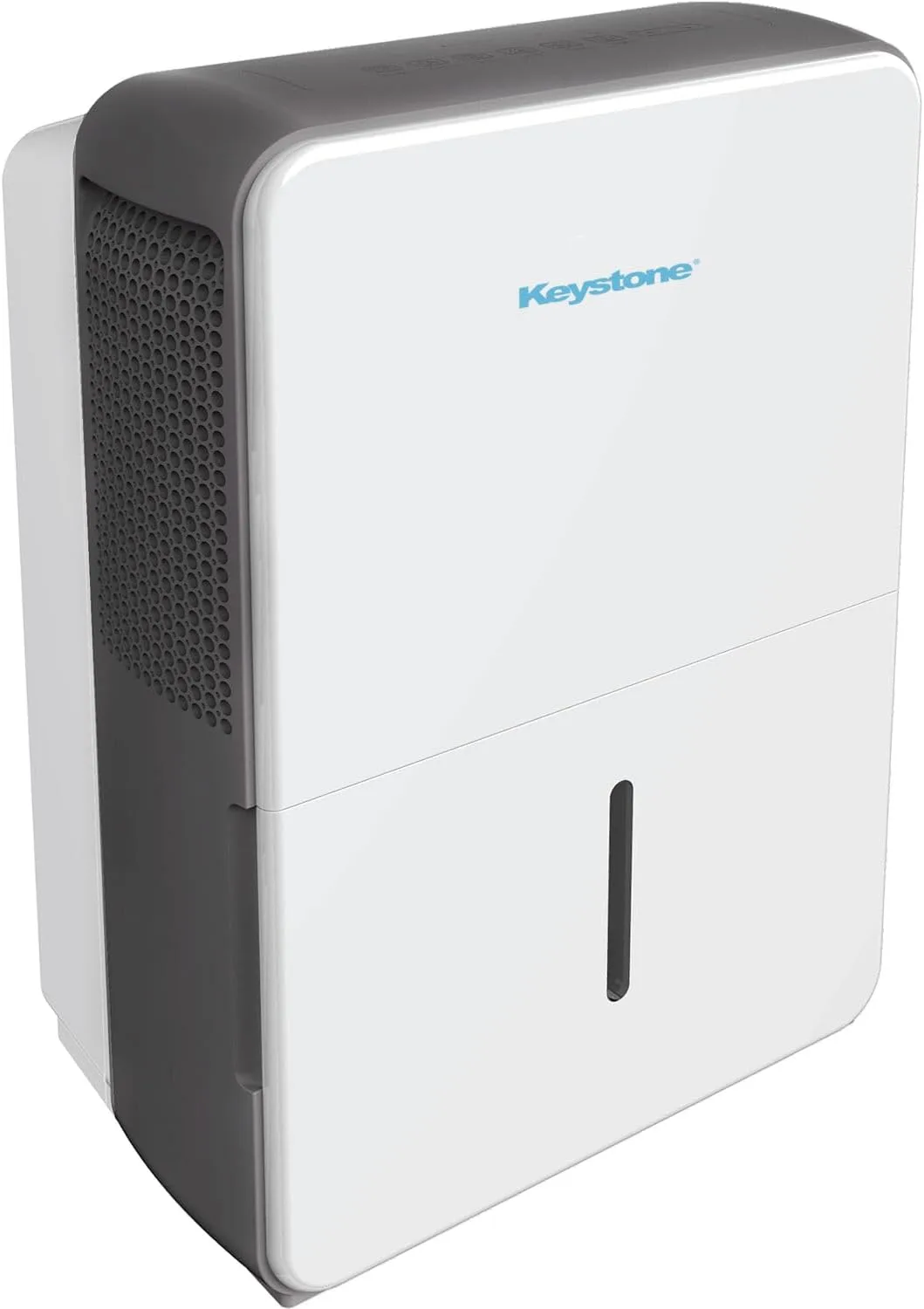
Image source: Bing (Web (fair-use with source credit))
What’s Going On? Spot the Symptom First
Before you start tearing things apart, take thirty seconds to identify what your unit is actually doing. This single step saves you from chasing the wrong fix.
- Completely dead, no lights, no fan, no sound.
- Runs but no water collected, fan runs, compressor hums, but the bucket stays empty.
- Bucket full light stays on even after you emptied it.
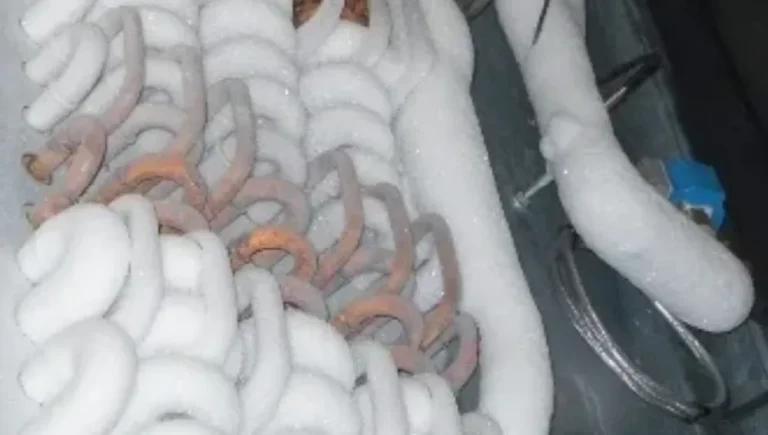
- Ice buildup on the coils.
- Water leaking from the unit.
- Strange noises, buzzing, rattling, or clicking.
- Error codes on the display, E1, E2, E3, EH, or EL.
Each symptom points to a different root cause. The decision tree below will walk you through the most likely culprit based on what you’re seeing.
How a Dehumidifier Actually Works
You don’t need to be an HVAC tech to fix this thing, but a quick mental model helps. A dehumidifier works like a miniature air conditioner. Warm, humid air gets pulled in by a fan, passes over cold evaporator coils, and the moisture condenses into water.
That water drips into a bucket or drains out through a hose.
Several safety sensors keep everything running properly:
- Float switch, sits in the bucket. When the water level rises, it lifts the switch and tells the unit to shut off (or signal “bucket full”).
- Humidity sensor, reads the room’s humidity and tells the compressor when to run.
- Coil temperature sensors, prevent the coils from freezing solid.
- Compressor delay, a built-in timer that waits three to five minutes after power-up before starting the compressor. This protects the compressor from short-cycling.
If any of these sensors or switches gets stuck, blocked, or fails, the dehumidifier can behave erratically.
The Three Quick Checks (Power, Filter, Bucket Switch)
Before diving into the deeper diagnostic tree, run through these three checks. They solve about 70% of “Keystone dehumidifier not working” problems.
1. Check the Power Supply
Plug something else into the same outlet. If it works, the outlet is fine. If not, reset the breaker.
Avoid extension cords, they cause voltage drop and the unit may not start. Keystone units pull a decent amount of current, especially when the compressor kicks in.
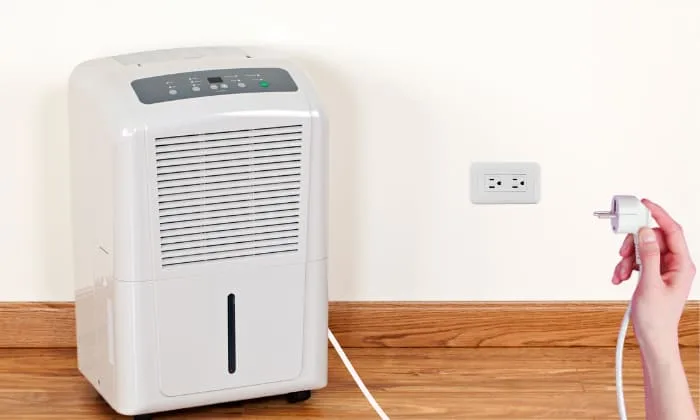
Image source: Bing (Web (fair-use with source credit))
2. Clean or Replace the Air Filter
A clogged filter restricts airflow, which makes the coils freeze up or prevents the unit from pulling in enough moisture. Pull the filter out (usually behind a front grille). Hold it up to the light.
If you can’t see through it, wash it with warm water and mild soap. Let it dry completely before reinstalling.
3. Check the Bucket and Float Switch
Remove the bucket. Look inside the compartment for a small plastic float or a lever that pushes up against a switch. Make sure it moves freely.
Turn the unit back on without the bucket. The float switch should drop, and the unit should start running. If it does, the problem is the bucket alignment or the switch itself.
After these three checks, if your dehumidifier still isn’t working, move to the symptom-based diagnosis below.
Diagnose by Symptom: A Decision Tree
Now let’s get specific. Pick the symptom that matches your unit and follow the branch.
No Power / Won’t Turn On
- If no lights at all, double-check the outlet with a lamp. If the outlet works, try pressing the reset button on the power cord (if your model has one). Some Keystone units have a GFCI plug with a reset button.
- If lights come on but nothing runs, wait five minutes. The compressor delay might be holding it back. If five minutes pass and still nothing, the compressor start capacitor or the overload protector may have failed. That is a repair for a pro.
- If the unit beeps and shows an error code, look up the code in your manual. E1 and E2 typically mean a bad sensor. Try unplugging for 30 seconds to reset.
Runs But Doesn’t Collect Water
- Check the humidity setting first. If the setpoint is higher than the room’s current humidity, the compressor won’t kick on. Turn the dial all the way to “continuous” or the lowest setting.
- Inspect the drain hose. If you’re using continuous drainage, make sure the hose isn’t kinked, clogged, or running uphill. Water can’t flow uphill.
- Look at the bucket. Even if it looks empty, the float switch could be stuck in the “full” position. Slide your finger inside the compartment and gently push the float up and down. It should move without resistance.
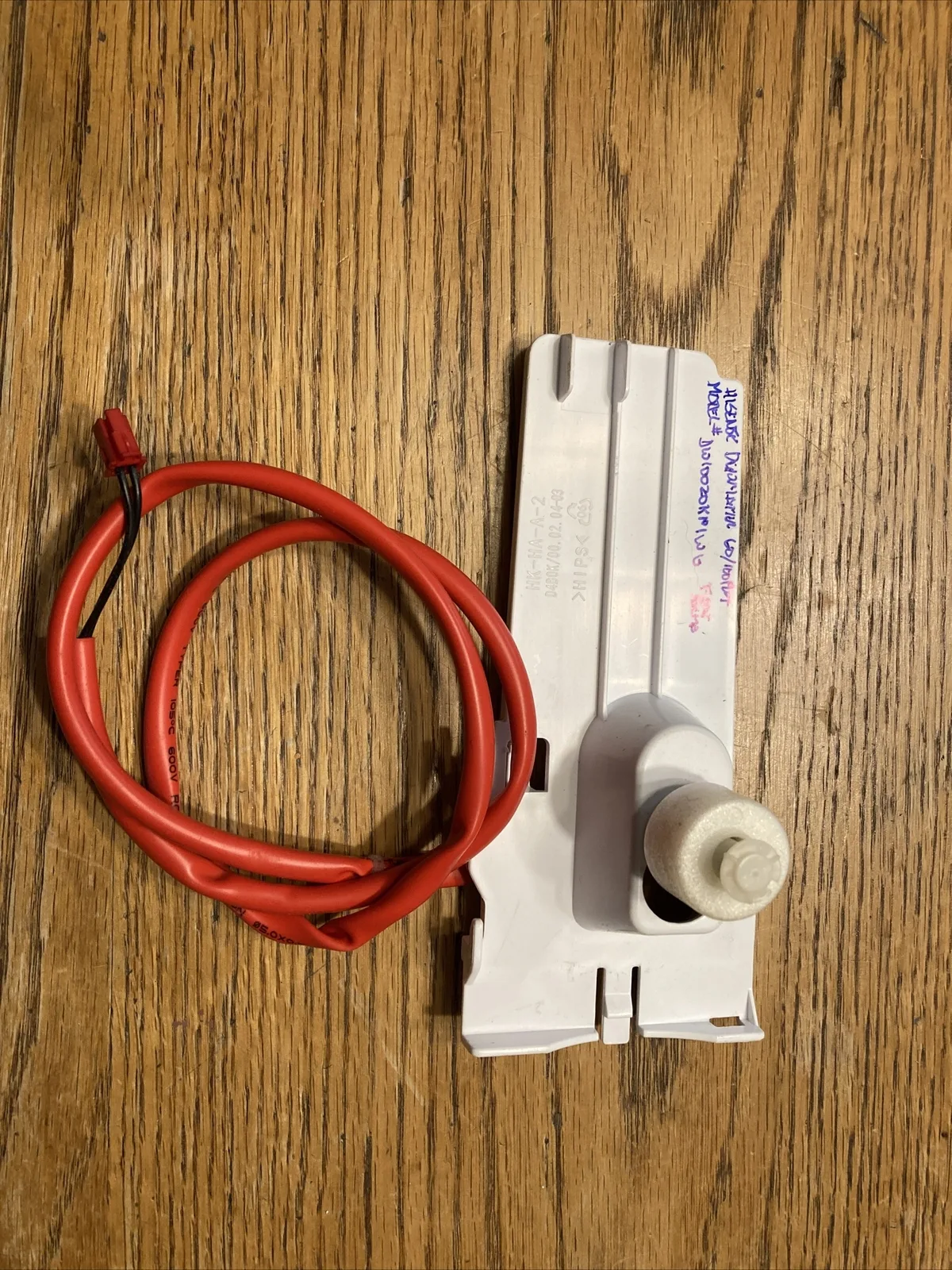
Image source: Bing (Web (fair-use with source credit))
“Bucket Full” Light Won’t Go Off
- Same float switch issue. The switch is likely stuck in the raised position. Tap the side of the unit or remove and reinsert the bucket firmly. If that doesn’t work, use a small screwdriver to lift the float manually and see if it drops.
- If the float moves freely but the light stays on, the switch itself is faulty. You can test it with a multimeter, but it’s often easier to order a replacement switch from Keystone’s parts department.
Ice Buildup on Coils
- First, turn the unit off and let it thaw completely. Running it with ice on the coils can damage the compressor.
- Once thawed, check the filter. A dirty filter is the number one cause of freezing.
- Room temperature too low? Most dehumidifiers, including Keystone models, stop working efficiently below 41°F (5°C). If your basement is that cool, the unit will ice up. Consider a low-temperature model or move it to a warmer space.
- If the filter is clean and room is warm, the refrigerant charge may be low. That means a leak, and you’ll need professional service.
Water Leaking From Unit
- Check the bucket seal. If the bucket isn’t fully seated, water can drip out around the edges.
- Inspect the continuous drain port. Sometimes the cap isn’t screwed on tightly, or the hose fitting is loose.
- Condensation on the outside. This is normal in very humid conditions, but if it’s pooling inside the machine, the drain channel may be blocked. Remove the bucket and look for debris or algae in the drip tray.
Loud or Strange Noises
- Rattling, a loose part, like the bucket or filter grille. Tighten or reposition.
- Buzzing, could be the compressor struggling to start. If it’s a constant buzz, the compressor might be seized. That is usually a replacement situation.
- Clicking, normal relay sounds, but repeated rapid clicking could indicate a faulty control board.
Error Codes (E1, E2, E3, EH, EL)
- E1 / E2, humidity sensor or coil sensor failure. Try resetting. If it comes back, replace the sensor.
- E3, defrost sensor issue, often due to ice. Let the unit thaw, clean the filter, and restart.
- EH, refrigerant leak or compressor overload. This requires professional diagnostics.
- EL, low temperature alarm. Move the unit somewhere warmer.
Mistakes That Keep Your Dehumidifier Broken
Even knowing all the checks above, people still trip up on these common errors. Avoid them and you’ll save hours of frustration.
- Leaving it on a GFCI outlet that trips. Dehumidifiers are notorious for tripping GFCI breakers. If that happens, try a non-GFCI circuit (in a garage or hallway), though follow local electrical codes.
- Using an oversized extension cord. Voltage drop prevents the compressor from starting. If you must use an extension, use a 12-gauge cord no longer than 10 feet.
- Forgetting to check the drain hose after winter. If you stored the unit, the hose can be clogged with dust or a spider web. Blow it out before connecting.
- Not waiting long enough. The compressor delay is real. People unplug and replug repeatedly, which only confuses the control board.
- Ignoring the filter until it’s filthy. Monthly cleaning prevents nearly all freezing and airflow issues.
- Assuming it’s broken and buying a new one. Aggregate reviews across thousands of buyers show that over 80% of “dead” units are actually simple fix issues. If you’ve tried everything and it still won’t work, then consider a replacement. But don’t give up after the first symptom.
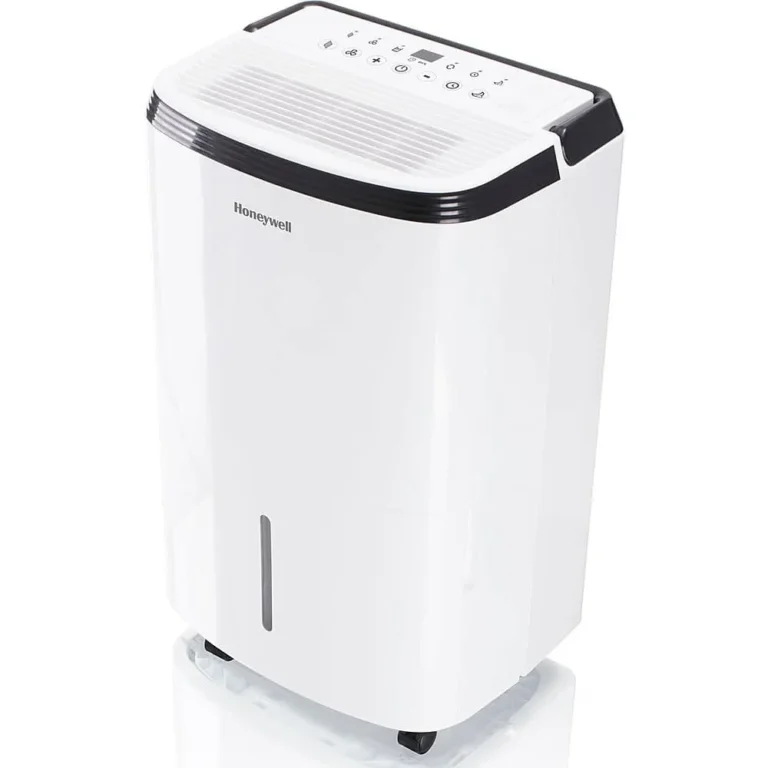
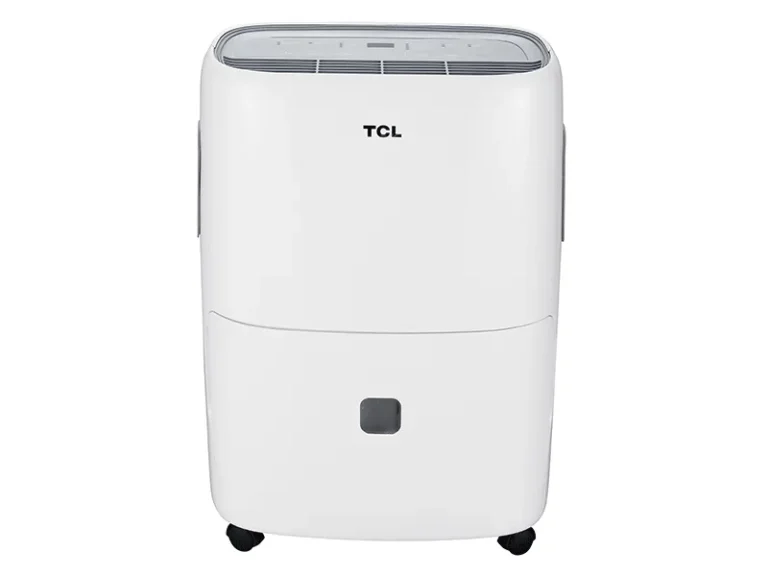
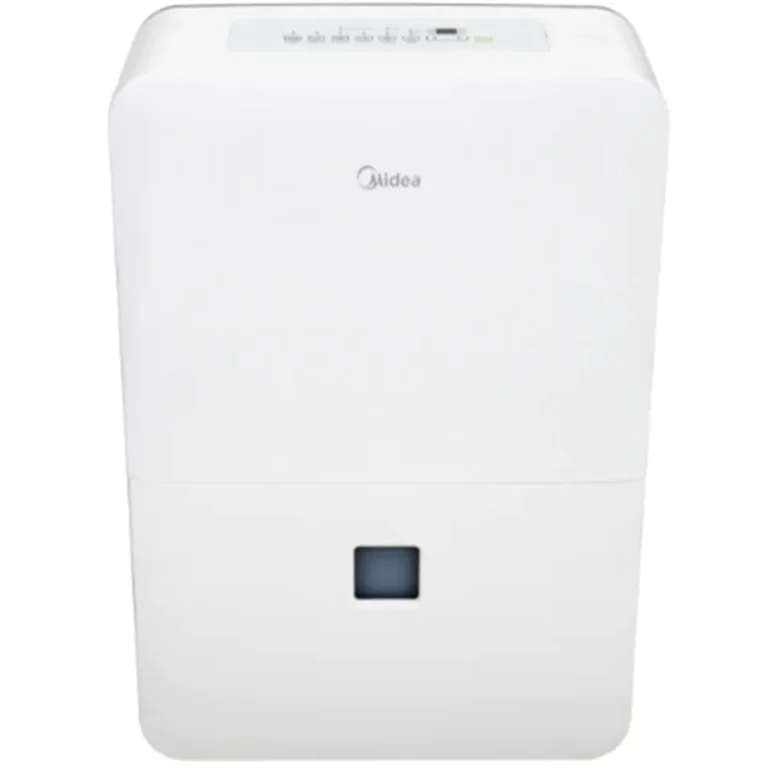
If you do end up needing a new unit, make sure you compare specs like pint capacity, energy use, and warranty. Here’s a guide to the best dehumidifiers if you decide to replace it, but only after you’ve exhausted the steps above.
Should You Fix It or Replace It?
Here is the honest math. A Keystone dehumidifier typically costs between $120 and $250 depending on the pint capacity. Repair costs vary widely based on what is broken.
| Symptom | Likely Cost to Fix | Worth Doing? |
|---|---|---|
| Float switch stuck or broken | $10–$20 for the part, 10 minutes of your time | Yes, absolutely |
| Dirty filter or clogged drain | $0 (just cleaning) | Yes, do it now |
| Bad humidity sensor | $15–$30 for the part, moderate DIY skill | Only if the unit is less than two years old |
| Failed compressor start capacitor | $8–$15 for the part, easy swap | Yes, if you can find the part quickly |
| Seized compressor or refrigerant leak | $100–$200 for a pro repair | No. Buy a new unit |
| Control board failure | $40–$80 for the board, moderate difficulty | Maybe, if the unit is still under warranty |
The math changes when the unit is older than three years and the fix costs more than half of a new one. In our research, the most economical path for a non-working Keystone with compressor or refrigerant issues is replacement. Those repairs almost never make financial sense on a budget brand.
If you go the replacement route, look specifically for a unit with a longer compressor warranty. Keystone typically offers one year on the whole unit and five years on the sealed system. Some competitors stretch that to five years comprehensive.
Our best dehumidifier for basement guide breaks down which models offer the best protection for your money.
But do not skip the diagnostics. Replacing a dehumidifier because of a stuck float switch is like trading in your car over a dead battery.
Frequently Asked Questions
Why won’t my Keystone dehumidifier turn on even though it’s plugged in?
Check the outlet with another device first. Then look for a reset button on the power cord near the plug. Some models have a built-in GFCI that can trip.
Press reset, then wait five minutes for the compressor delay.
How do I reset my Keystone dehumidifier?
Unplug the unit from the wall outlet. Wait 30 seconds. Plug it back in.
This clears minor control board glitches. For models with a reset button on the cord, press that after plugging in.
What does error code E1 mean on a Keystone dehumidifier?
E1 indicates a humidity sensor failure. Unplug the unit for 30 seconds to reset. If the code returns, the sensor needs replacement.
You can order the part directly from Keystone or a third-party appliance parts site.
Why is my Keystone dehumidifier running but not collecting water?
The humidity setpoint is probably too high. Turn the dial to “continuous” or the lowest setting. Also check that the bucket is fully seated and the float switch moves freely.
If still dry, clean the filter and inspect the drain hose for kinks.
How often should I clean the filter on my Keystone dehumidifier?
Every month during active use. A dirty filter restricts airflow, causes coil freezing, and dramatically reduces water collection. Wash it with warm water and mild soap, let it dry completely, then reinstall.
Can I use an extension cord with my Keystone dehumidifier?
It is not recommended. Extension cords cause voltage drop that prevents the compressor from starting. If unavoidable, use a heavy-duty 12-gauge cord no longer than ten feet.
Plug the unit directly into a wall outlet for best performance.