TCL Dehumidifier Not Collecting Water
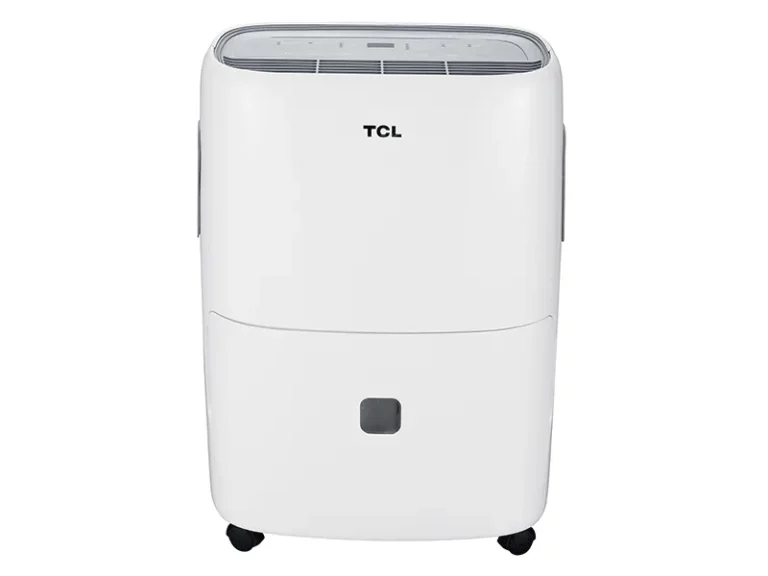
If your TCL dehumidifier is running but the bucket stays bone dry, you are not alone. In our research, this is the most common complaint across all TCL models, from the 20-pint compact units to the 70-pint basement machines. The good news is the fix is usually straightforward once you understand what's going on inside.
Manufacturer specifications indicate the compressor won't start below 41°F (5°C). The unit also needs at least 40% relative humidity to begin pulling water. As of 2026, models with Energy Star certification are tested at 80°F and 60% humidity to confirm extraction rates.
Let's walk through why yours might be dry and how to get it dripping again.
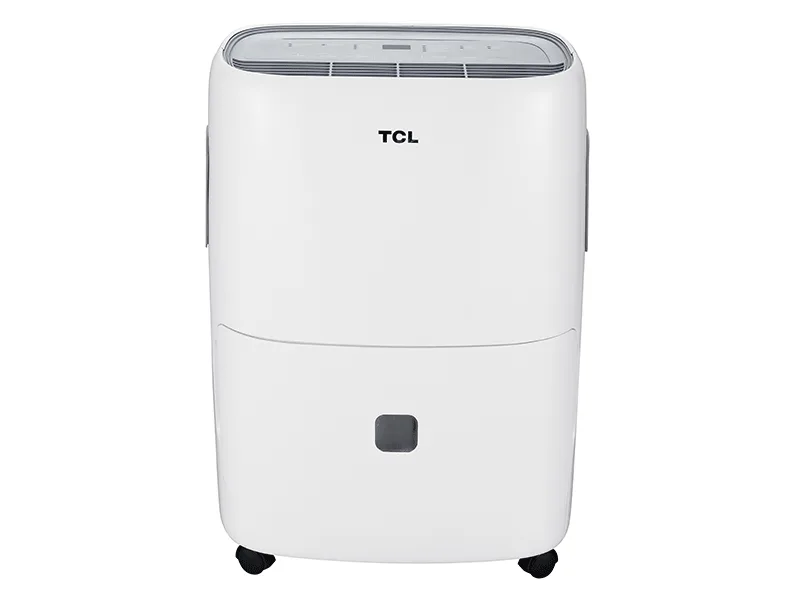
Image source: Bing (Web (fair-use with source credit))
Quick Answer
Your TCL dehumidifier is not collecting water. The most likely cause is a stuck float switch. Check that the bucket is fully seated.
Ensure the float moves freely. If the bucket is empty and the float is stuck, the unit thinks it is full. Clear the obstruction and restart.
How a Dehumidifier Actually Works (and Where Things Go Wrong)
A dehumidifier pulls humid air across cold coils. Moisture condenses into water droplets that drip into the bucket or out a drain hose. The compressor only runs when two conditions are met: the room temperature stays above 41°F, and the humidity level exceeds your set point (usually 45-50%).
If either condition fails, the unit hums but produces no water.
The part that trips most people up is the float switch. This small plastic arm sits inside the bucket compartment. When water rises, the float lifts and triggers the shut-off.
But if the bucket is not positioned correctly, or if the float gets jammed by debris or ice, it stays in the "up" position even when the bucket is empty. The unit thinks the bucket is full and stops collecting.
In our research, the float switch is the #1 reason for "dehumidifier runs but no water" across all TCL models. The second most common issue is the drain hose setup. If you're using continuous drainage, a kink or improper slope prevents water from leaving the unit.
The third is temperature. In an unheated basement during winter, the compressor simply won't engage.
Step-by-Step Troubleshooting: The Decision Tree
Work through these checks in order. Stop when you find the issue. Each step builds on the previous one.
First Check – Bucket and Float Switch
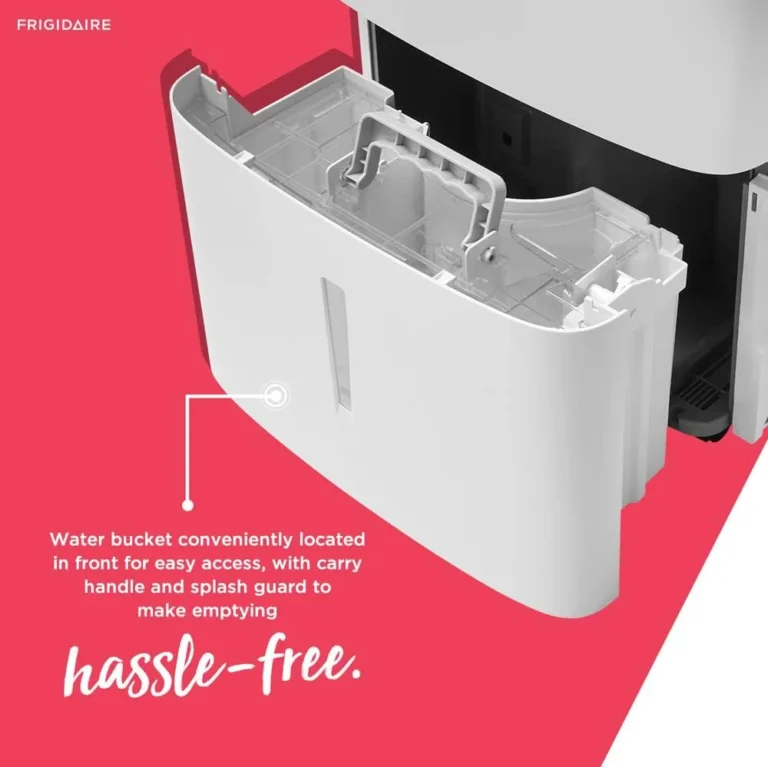
Open the front panel and pull out the bucket. Look inside the compartment for the float: a white or black plastic lever. Press it gently with your finger.
Does it move up and down freely? If it feels stuck or resists, something is blocking it.
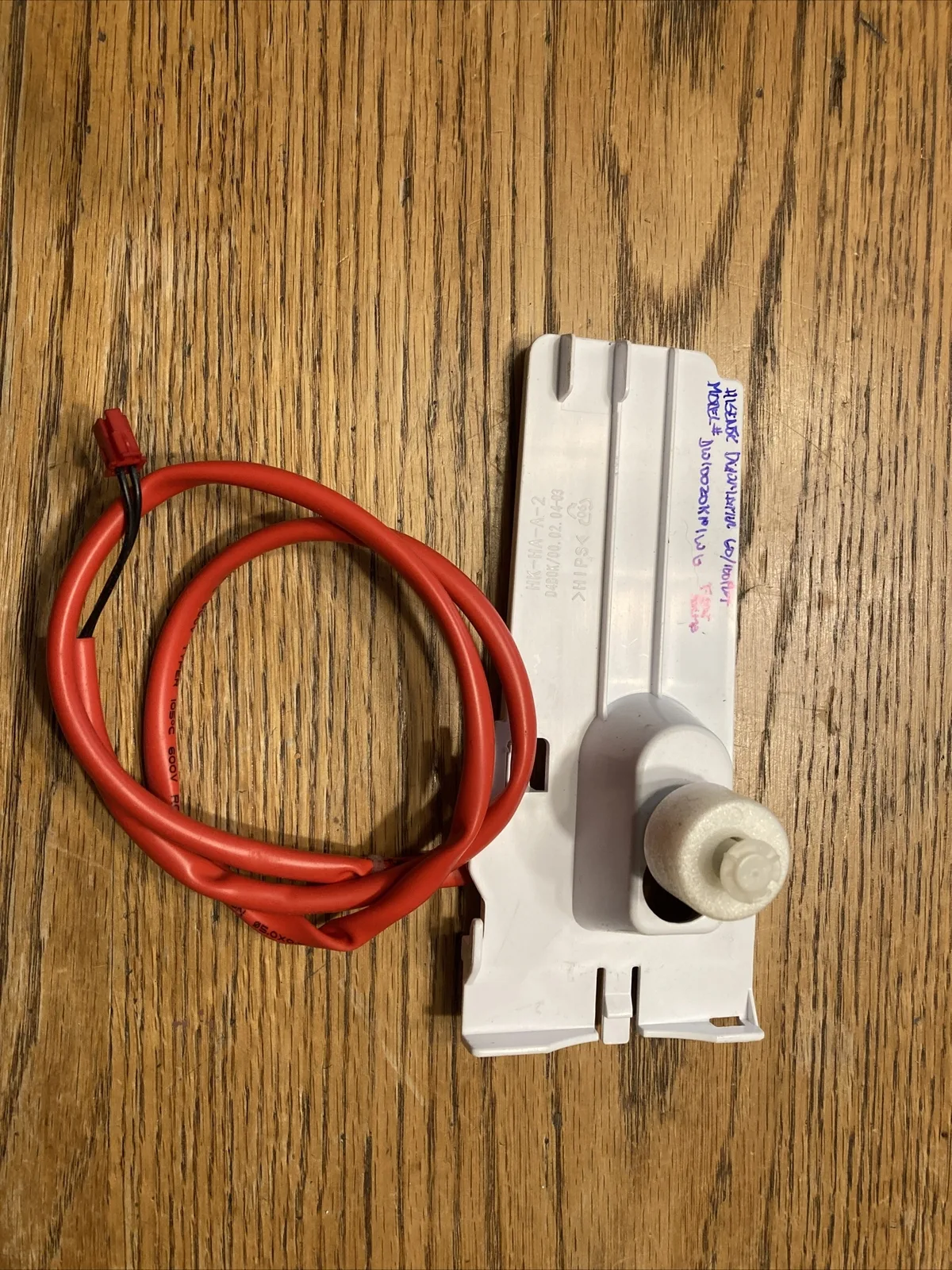
Image source: Bing (Web (fair-use with source credit))
Common obstructions include dust, a small piece of packaging foam, or ice (if the coils froze). Clean the area with a dry cloth. Check the bucket itself: is it fully inserted?
Even a 1/8-inch gap can prevent the float from seating correctly. Push the bucket in until you hear a click. Then restart the unit.
If the float moves freely and the bucket is properly seated, move to the next check.
Second Check – Drain Hose and Continuous Drain Setup
If you're using the continuous drain option, inspect the hose from end to end. A kink or a section where the hose rises above the drain outlet will trap water and create an air lock. The factory manual specifies the hose must slope downhill at a minimum of 1 inch per foot of run.

Image source: Bing (Web (fair-use with source credit))
Disconnect the hose and run the unit with only the bucket for 4-6 hours. If water collects in the bucket, the hose was the culprit. Straighten it, shorten it, or lower the discharge end.
Also make sure the hose is not blocked by dirt or insect nests. Use a stiff wire to clear any obstruction.
Third Check – Temperature and Humidity Conditions
If the room is below 41°F (5°C), the compressor simply will not start. This is a safety feature to prevent freeze-up. Place a thermometer near the intake to verify the temperature.
If it's too cold, you have two options: move the unit to a warmer space or switch to a desiccant-style dehumidifier that works in low temperatures.
Also check the humidity setting on the control panel. If it's set to 50% and the room is actually at 48%, the compressor won't run. Turn the dial to 30% (or "continuous" if your model has that setting).
See if the fan kicks on and the compressor starts after the 3-minute delay.
Fourth Check – Airflow and Filter
A dirty filter restricts airflow, causing the coils to ice up or the unit to run inefficiently. Pull out the washable filter and hold it up to light. If you cannot see through it, it's time for a cleaning.
Rinse with warm water, let it air dry completely, and reinstall.
Blocked intake or exhaust vents also cause problems. Make sure there is at least 12 inches of clearance on all sides. Check for furniture, curtains, or dust buildup on the rear coils.
Use a vacuum with a soft brush to clean the coils if needed.
Fifth Check – Defrost Cycle and Ice Buildup
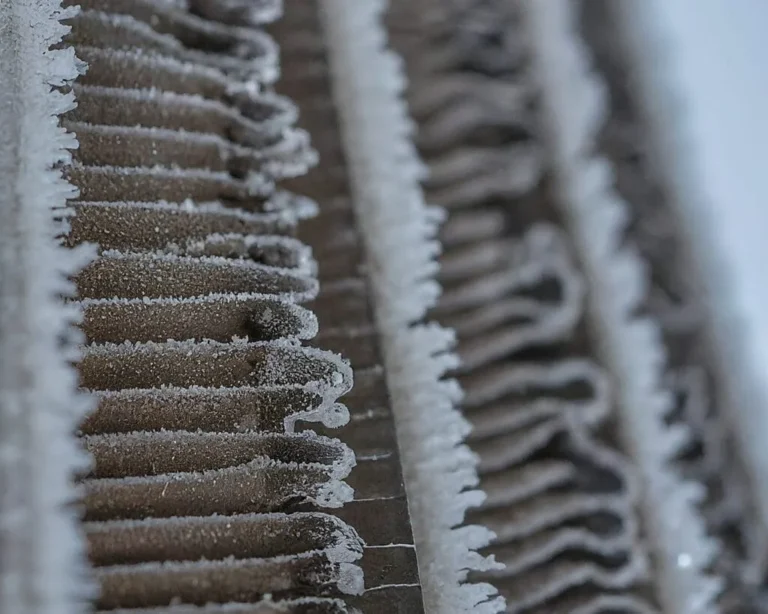
If the unit runs but you see frost on the coils, the defrost cycle may be stuck or misreading the temperature. Most TCL models have an automatic defrost that pauses the compressor and runs just the fan. If this fails, ice builds up, and water cannot drain.
Turn off the unit and let it thaw for 24 hours. Place towels under it to catch melting water. Once thawed, restart.
If ice returns quickly, the problem may be a slow leak in the refrigerant system. This is rare but requires professional service.
Sixth Check – Pump Models Only
For TCL models with a built-in pump, listen for the pump motor when the bucket is full. If you hear the compressor running but no pump sound, the pump may be air-locked or failed. Try bleeding the pump line.
Disconnect the drain hose and pour a cup of water into the pump inlet. If the pump starts humming, the air lock is cleared. If not, the pump motor may need replacement.
Still Not Working? – Reset and Power Cycle
Unplug the unit for 10 minutes. This forces a full reset of the control board and compressor timer. Plug it back in, set the humidity to 30%, and wait 3 minutes for the compressor to start.
If nothing happens after 15 minutes, the control board may be faulty. Contact TCL support for warranty service.
Common Mistakes That Keep Your Unit Dry
Many owners skip the float check and assume the unit is broken. That is the biggest mistake. The second is assuming the continuous drain hose is fine without testing without it.
A third common error is running the dehumidifier in a room that is already dry. If the humidity is below 40%, the unit will run the fan but never trigger the compressor. Use a standalone hygrometer to verify the actual humidity level.
Another mistake is placing the unit in a corner with poor airflow. It needs space to pull in damp air and push out dry air. Finally, ignoring the filter for months leads to reduced performance and ice buildup.
Set a reminder every two weeks to check it.
Maintenance Tips to Keep It Running Right
Regular cleaning prevents most collection problems. Wash the filter every two weeks. Wipe down the bucket compartment with a mild bleach solution once a month to prevent mold.
Inspect the float switch for dust or corrosion. On pump models, flush the pump line with distilled vinegar every three months to dissolve mineral deposits.
Store the unit upright in a climate-controlled space during winter if you live in a cold region. TCL recommends keeping it above 41°F even in storage. Run the unit in "fan only" mode for an hour before storage to dry out the internal coils.
If you're looking for a replacement, check out our guides on the best dehumidifier options or the best dehumidifier for basement if you need a higher-capacity model for damp spaces.
Frequently Asked Questions
Why is my TCL dehumidifier running but not collecting water?
The most common cause is a stuck float switch. Check that the bucket is fully seated and the float moves freely. Also verify the room temperature stays above 41°F and the humidity exceeds your set point.
Work through the troubleshooting steps above in order.
How long does it take to start collecting water?
After powering on, expect a 3-minute delay before the compressor starts. In a humid room (60% RH), you should see water within 30 minutes. In drier conditions, it may take several hours.
If nothing appears after 24 hours, something is wrong.
Why does the full bucket light stay on when my bucket is empty?
The float switch is likely jammed in the up position. Debris, dust, or frost can hold it there. Remove the bucket, clean the float compartment with a dry cloth, and press the float down manually.
Reinsert the bucket and restart.
Why does my TCL dehumidifier freeze up and stop collecting water?
Low room temperature, a dirty air filter, or blocked airflow causes ice buildup on the coils. Turn the unit off and let it thaw for 24 hours. Clean the filter, ensure 12 inches of clearance, and run the dehumidifier only in spaces above 41°F.
Can I use a continuous drain hose instead of the bucket?
Yes. Connect a standard 5/8-inch garden hose to the threaded drain outlet on the back. Make sure the hose slopes downhill with no kinks or rises.
If water backs up, air locks can form and stop collection entirely.