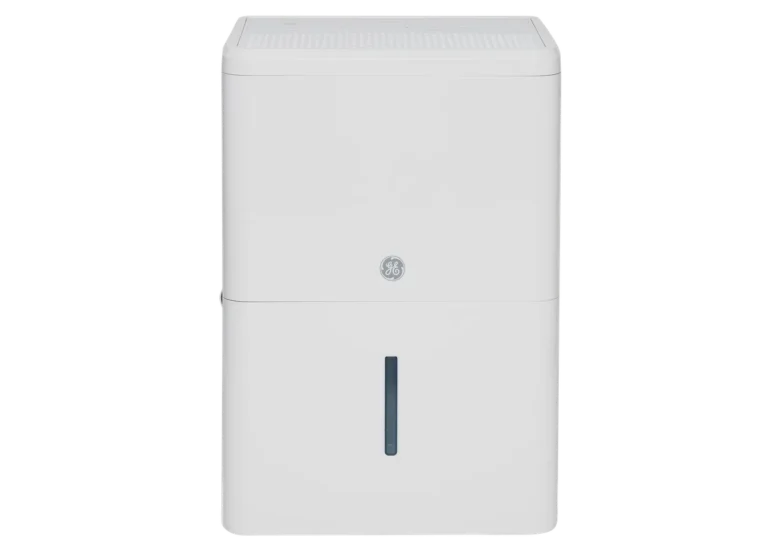
Danby Dehumidifier Not Turning On
Your Danby dehumidifier isn't turning on, and the basement is starting to smell like a wet towel. Before you call for service or start pricing a replacement, there's good news: most "dead" Danby units are actually alive and just locked out by a simple safety feature. A Danby dehumidifier not turning on is usually a power, bucket, or temperature issue that takes five minutes to diagnose.
Manufacturer specs indicate most Danby portable dehumidifiers run on a standard 115V outlet and draw between 3 and 8 amps, which means a tripped breaker or a faulty GFCI outlet is often the real culprit. Let's walk through the checks in the order that catches the most problems first, so you can get your unit humming again without any guesswork.
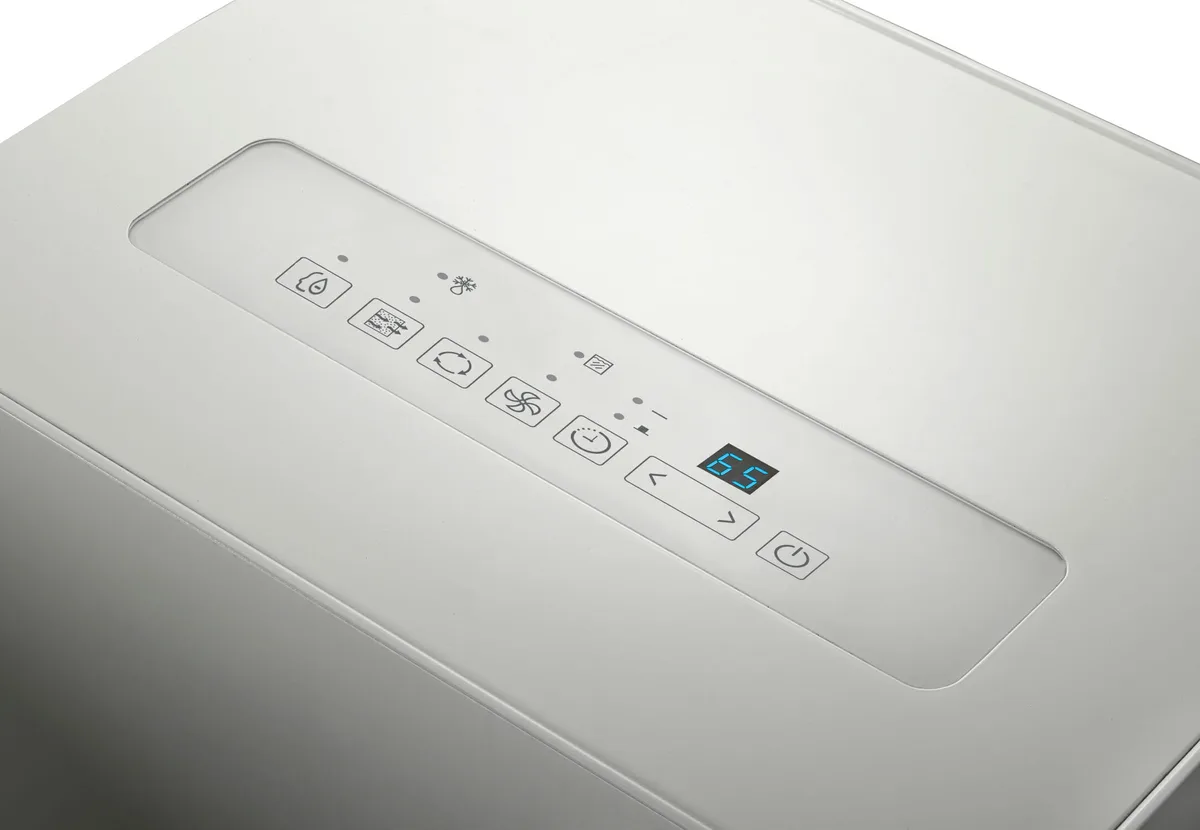
Image source: Bing (Web (fair-use with source credit))
Quick Answer
Most Danby dehumidifiers that won't turn on just need a hard reset. Unplug the unit for 10 minutes. Plug it back in.
Press and hold the power button for 3 seconds. If that doesn't work, check the outlet with a lamp, clear the float switch, and make sure the room is above 41°F. These three checks fix the vast majority of no-power issues.
The One-Minute Check That Fixes Most Units
Before anything else, unplug the unit and leave it off for 10 full minutes. This is a hard reset. It discharges the control board and clears most momentary glitches, including ones caused by power outages and brownouts.
When you plug it back in, press and hold the power button for 3 seconds. If a display lights up or the fan starts, you're done.
If it still won't start, run these three checks in order:
- Plug a lamp or phone charger into the same outlet and turn it on. No power there? Skip to Step 1.
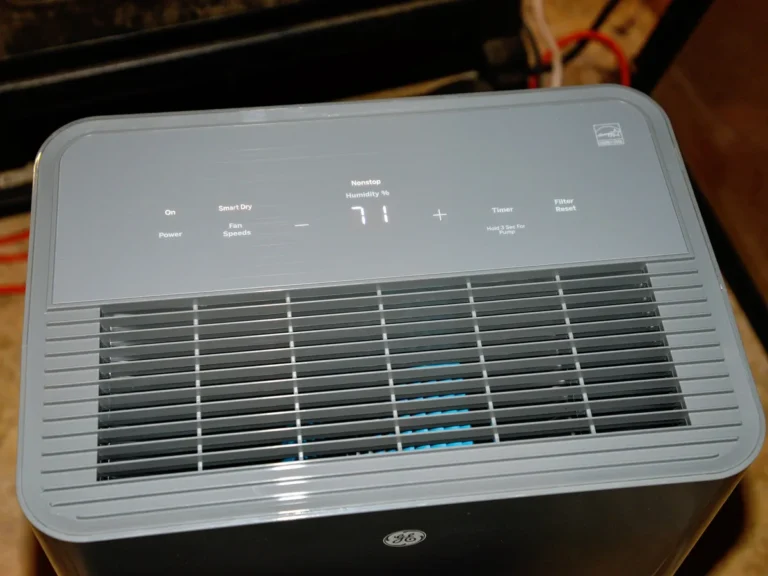
- Look at the control panel. A full-bucket light that stays on means the float switch is stuck. Skip to Step 2.
- Feel the room air near the unit. If it's very cold, the compressor may be locked out. Skip to Step 3.
| What you see | What it likely means | Where to go | | No display, no fan, no lights | No power or dead control board | Step 1 | | Full-bucket light stuck on | Float switch jammed | Step 2 | | Unit beeps but won't run | Low-temperature lockout | Step 3 | | Reset button popped out | Thermal overload tripped | Step 4 |
This quick pass catches more issues than you expect. If it didn't work, move to the next steps.
Step 1 – Is It Getting Power? (Outlet, GFCI, and Cord Checks)
If the one-minute check didn't help, start at the wall. The outlet is the culprit more often than the dehumidifier. Plug a lamp or a phone charger into the same outlet and turn it on.
If that doesn't work, check the breaker or reset the GFCI outlet. A GFCI has two small buttons: Test and Reset. Press Reset firmly.
Sometimes the breaker in the panel isn't visibly tripped, so cycle it off and on anyway.
Then examine the power cord. If the cord is cracked, warm, or has exposed wires, stop right there and replace the unit or the cord through Danby support. Also inspect the plug prongs.
Bent or darkened prongs point to a bad connection. And never use an extension cord with a Danby dehumidifier. Manufacturer instructions call for a dedicated 115V outlet for a reason.
Voltage drop through an extension cord can keep the unit below its startup threshold.
If the lamp works, the outlet is fine. Try a manual reset again, and press and hold the power button for 5 seconds. Still nothing?
The control board may have failed. That usually means a warranty claim or replacement. But don't jump there yet.
The next three steps catch more issues than people expect.
Step 2 – Is the Bucket Full or the Float Switch Stuck?
Danby dehumidifiers use a float switch to protect against overflow. A small plastic float sits inside the bucket compartment. When the water level rises, the float lifts and triggers a switch that kills power to the compressor and fan.
On paper, that's a safety feature. In practice, the float gets sticky. A drop of hard water residue or dust can hold it in the "full" position all by itself.
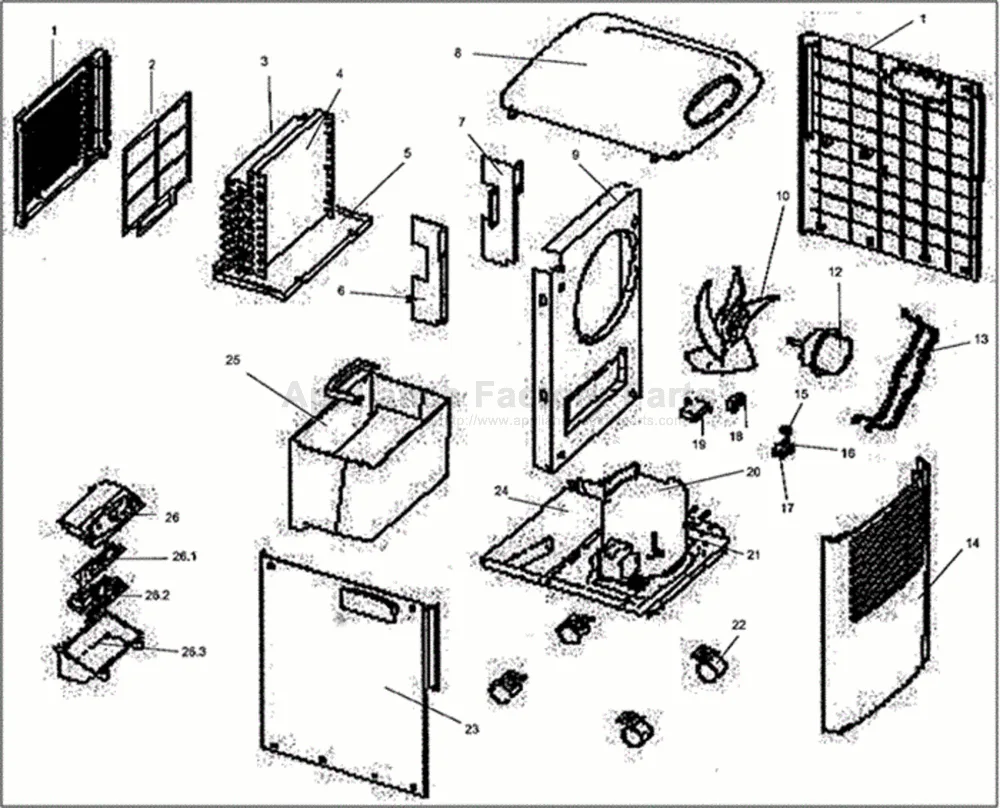
Image source: Bing (Web (fair-use with source credit))
Remove the bucket and look up into the slot. You'll see either a floating cylinder or a swing-arm float. Gently press it down or side to side to make sure it moves freely.
If it's crusted with mineral deposits, clean it with a soft cloth and a little white vinegar. Dry it, set the bucket back in place, and push it until it clicks. The bucket needs to sit perfectly flush for the switch to reset.
If the full-bucket light stays on with an empty bucket, the switch itself is likely jammed. You can use a small hook made from a paper clip to pull away debris around the float. Don't force it.
If it's still stuck after cleaning, you'll need a replacement float assembly. Video walkthroughs exist for almost every Danby model. Also, never operate the unit without the bucket in place.
It shuts off for a reason.
Step 3 – Is the Room Too Cold? (Low-Temperature Lockout Explained)
If your basement hovers around 40°F, the unit is working correctly by refusing to run. Danby's official specifications list a minimum operating temperature of 41°F (5°C) for most portable models. Below that, the compressor won't start.
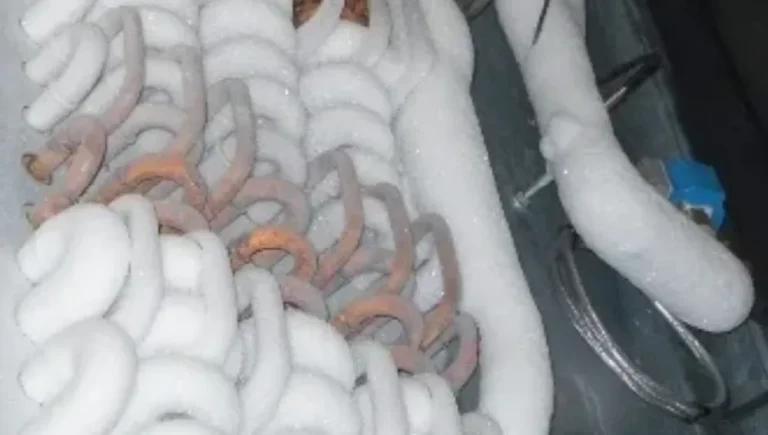
This low-temperature lockout protects the compressor from trying to pump refrigerant that's too cold. It also stops the coils from turning into a block of ice.
Check the room temperature with a simple thermometer near the unit. If it's below 41°F, that's your answer. The unit isn't broken.
It's waiting. Once the space warms up through a furnace, heat pump, or small space heater, plug the dehumidifier back in. It should start normally.
You'll see this often in garages, crawlspaces, and unheated basements in Northern climates.
As of 2026, some newer Danby models have a slightly different threshold. Check the rating label on the side of the unit for the exact number. If you're dealing with a permanently cold basement, you may need a unit designed for low-temperature operation.
Our guide to the best dehumidifier for basement has options that handle cold conditions better.
Step 4 – Did the Overload or Reset Button Trip?
Every Danby dehumidifier has a built-in safety relief called a thermal overload protector. Its job is to kill power when the compressor runs too hot. When it trips, a small button pops out, and the unit goes completely dead.
No fan. No display. No lights.
It's very easy to mistake this for a dead machine.
Look for the reset button. On many Danby models, it's a round rubber button built into the power cord near the plug. On others, it's on the back panel behind a small hole.
If you see a button that's popped up, push it in firmly. You should feel a click. Then give the unit 15 minutes to cool down before turning it on.
If the button trips again within an hour, the compressor is likely overheating.

Image source: Bing (Web (fair-use with source credit))
This can happen when the air filter is clogged, or when the unit is crammed into a corner with no airflow. Check the filter and leave at least 12 inches of clearance on the sides. Repeated tripping is a serious warning.
Don't just keep resetting it. Contact Danby support or a licensed appliance technician, because a compressor that keeps overheating can fail completely.
Step 5 – Common Mistakes That Make a Good Unit Look Dead
Some issues look like a dead dehumidifier but are actually user errors. These are the most common ones we see in aggregate reviews.
- Not holding the power button long enough. Danby units often require a 3-second hold to wake up. A quick tap does nothing. Hold it deliberately.
- The unit is in defrost mode. Danby dehumidifiers cycle into a defrost routine every so often. During defrost, the fan and compressor shut down for up to 20 minutes. Wait it out before assuming failure.
- The bucket is not seated properly. The bucket needs to click into place to depress the float switch. If it's even slightly misaligned, the unit will not start. Pull the bucket out and push it back in firmly.
- Using a smart plug or timer. Some Danby models lose their control board state when power is cut remotely. They require a manual button press after power is restored. Plug the unit directly into the wall.
- The filter is completely clogged. A blocked filter can trigger a safety shutdown on some models. Remove the filter and hold it up to light. Can't see through it? Clean it with warm water and let it dry completely before reinstalling.
The Quick Decision Guide – Repair, Replace, or Call Support?
Not every problem needs a service call. Here's how to decide what to do next.
| Situation | What to do | | Unit starts after a hard reset | It's fine. No action needed. | | GFCI trips consistently | Unplug the unit. Call an electrician to check the outlet. | | Float switch is stuck and won't move | Replace the float assembly. It's a $15 to $20 part. | | Reset button trips repeatedly | The compressor is overheating. Call Danby support or a technician. | | No display, no lights, no response after all checks | The control board is likely dead. Check warranty coverage. | | Room is permanently below 41°F | You need a low-temperature dehumidifier. Replace the unit. |
Danby offers a 1-year warranty on parts and labor and a 5-year warranty on the sealed system. If your unit is within that window, contact Danby support at 1-800-263-2629 before spending money on repairs. For units out of warranty, compare the cost of a replacement control board (often $50 to $80) against the price of a new dehumidifier.
If the unit is more than 5 years old, replacement is usually the better value.
Frequently Asked Questions
Why won't my Danby dehumidifier turn on after a power outage?
Unplug the unit and wait 10 minutes. Plug it back in and press the power button for 3 seconds. Power outages can scramble the control board, and a hard reset clears it.
How do I reset my Danby dehumidifier?
Unplug the unit for 10 to 15 minutes. Plug it back in and press the power button for 3 seconds. This resets the control board and clears most error states.
Where is the reset button on a Danby dehumidifier?
On most models, the reset button is a round rubber button on the power cord near the plug. On some models, it's on the back panel behind a small hole. Look for a raised button that has popped out.
What temperature is too cold for a Danby dehumidifier?
Danby specs list a minimum operating temperature of 41°F (5°C) for most portable models. Below that, the compressor won't start. This is a safety feature, not a defect.
Can a clogged filter cause a Danby dehumidifier to not turn on?
Yes. A completely blocked filter can trigger a safety shutdown on some models. Check the filter.
If you can't see light through it, clean it with warm water and let it dry completely before reinstalling.
Why does my Danby dehumidifier have power but won't run?
The most common causes are a stuck float switch, a low-temperature lockout, or the unit being in defrost mode. Check the bucket alignment, the room temperature, and wait 20 minutes for a defrost cycle to finish.