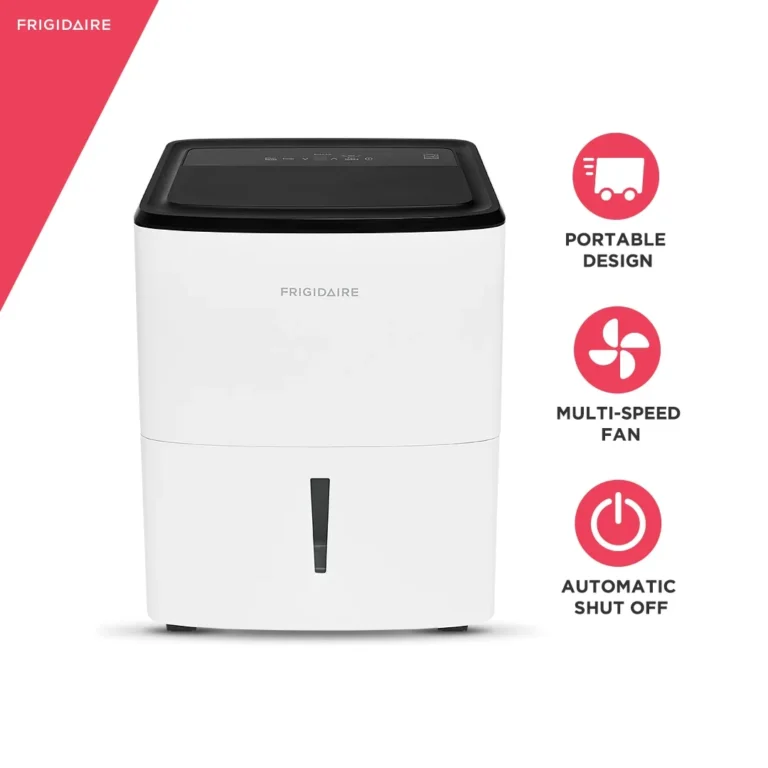
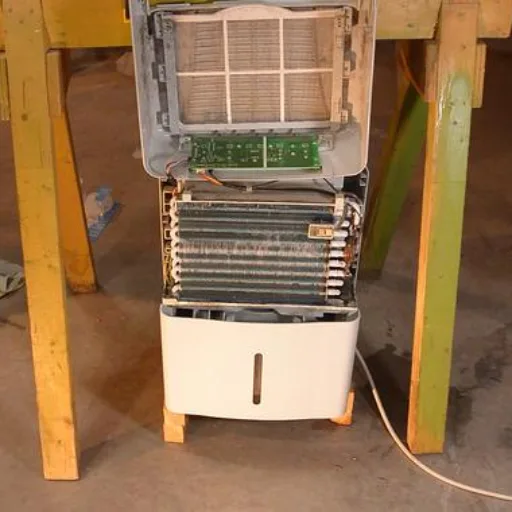
GE Dehumidifier Filter Light Reset
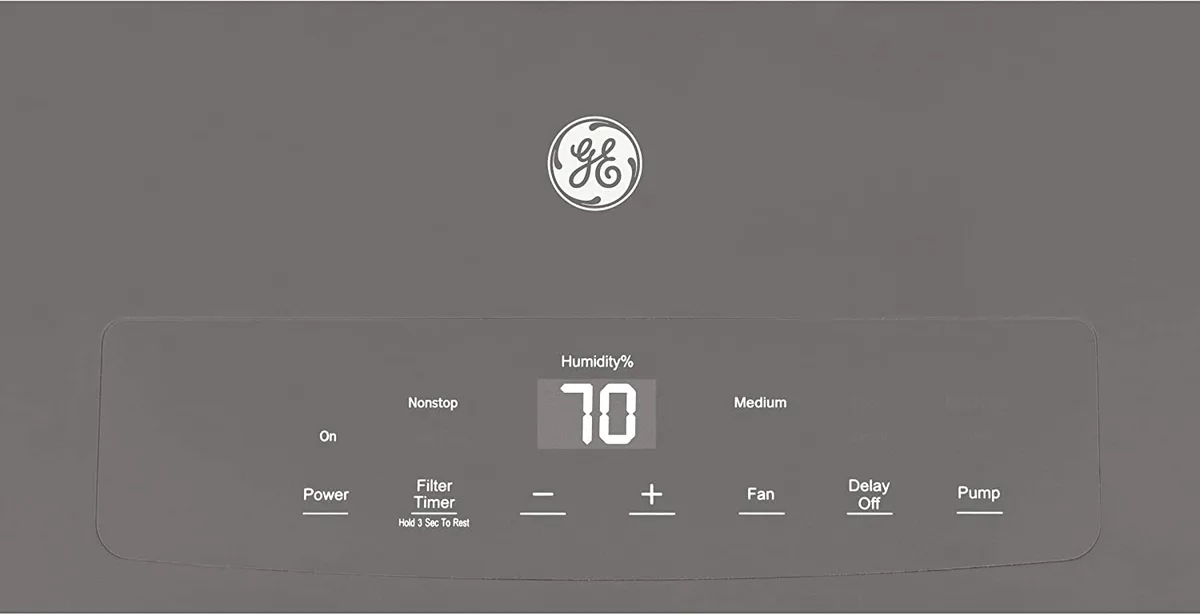
Image source: Bing (Web (fair-use with source credit))
That annoying amber light is stuck on your GE dehumidifier again, even after you cleaned the filter. You're not alone, the GE dehumidifier filter light reset is one of the most searched troubleshooting steps for these units, and the fix isn't always obvious. The good news is you can solve it in under a minute, no tools needed.
Manufacturer specifications indicate the "Check Filter" indicator triggers after roughly 250 hours of compressor runtime. That's a solid reminder to clean the washable filter, but the light doesn't always turn off after cleaning. Let's walk through exactly what's happening and how to reset it correctly for your specific model.
Quick Answer
Press and hold the Filter button for 3 to 5 seconds. Light goes out. No Filter button?
Use the Up or Down arrow. Still stuck? Unplug the unit for 30 seconds, then plug it back in.
That power cycle clears the indicator on most models as of 2026. If neither works, check your model's manual or call GE support.
Why Your GE Dehumidifier Filter Light Won’t Turn Off
The filter light is a timer-based reminder, not a sensor. It doesn't detect that you've cleaned the filter. It simply counts compressor run hours and turns on.
When you reset it, you're telling the timer to start over.
Many people assume the light will go off automatically after cleaning. It won't. You have to manually reset it.
The reset method changes depending on your control panel. That's the main reason the light stays on. It's not broken.
It's waiting for a specific button sequence.
Some models also have a "Check Filter" light that flashes instead of staying solid. That's still the same reminder, just a different visual cue. The reset procedure is identical.
One more reason the light might refuse to turn off: a faulty control board. This is rare, but after 3 to 5 years of use, the electronic membrane on touchpad models can wear out. If you've tried every reset method twice and the light stays on, the board may need replacement.
We'll cover that in the troubleshooting section.
Step-by-Step Decision Tree: Which Control Panel Do You Have?
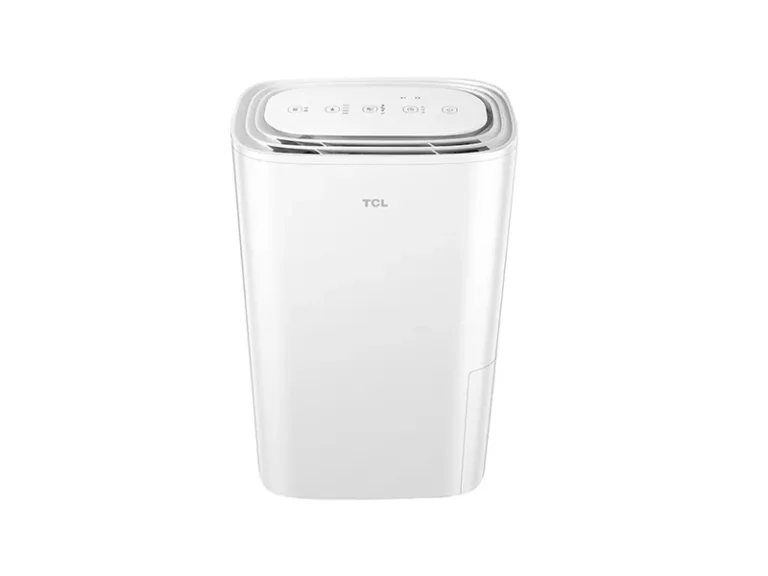
Not all GE dehumidifiers use the same button layout. Your reset path depends on whether you have physical push buttons or a smooth touchpad. Look at your control panel right now.
Can you feel distinct buttons? Or is it a flat surface with printed labels?
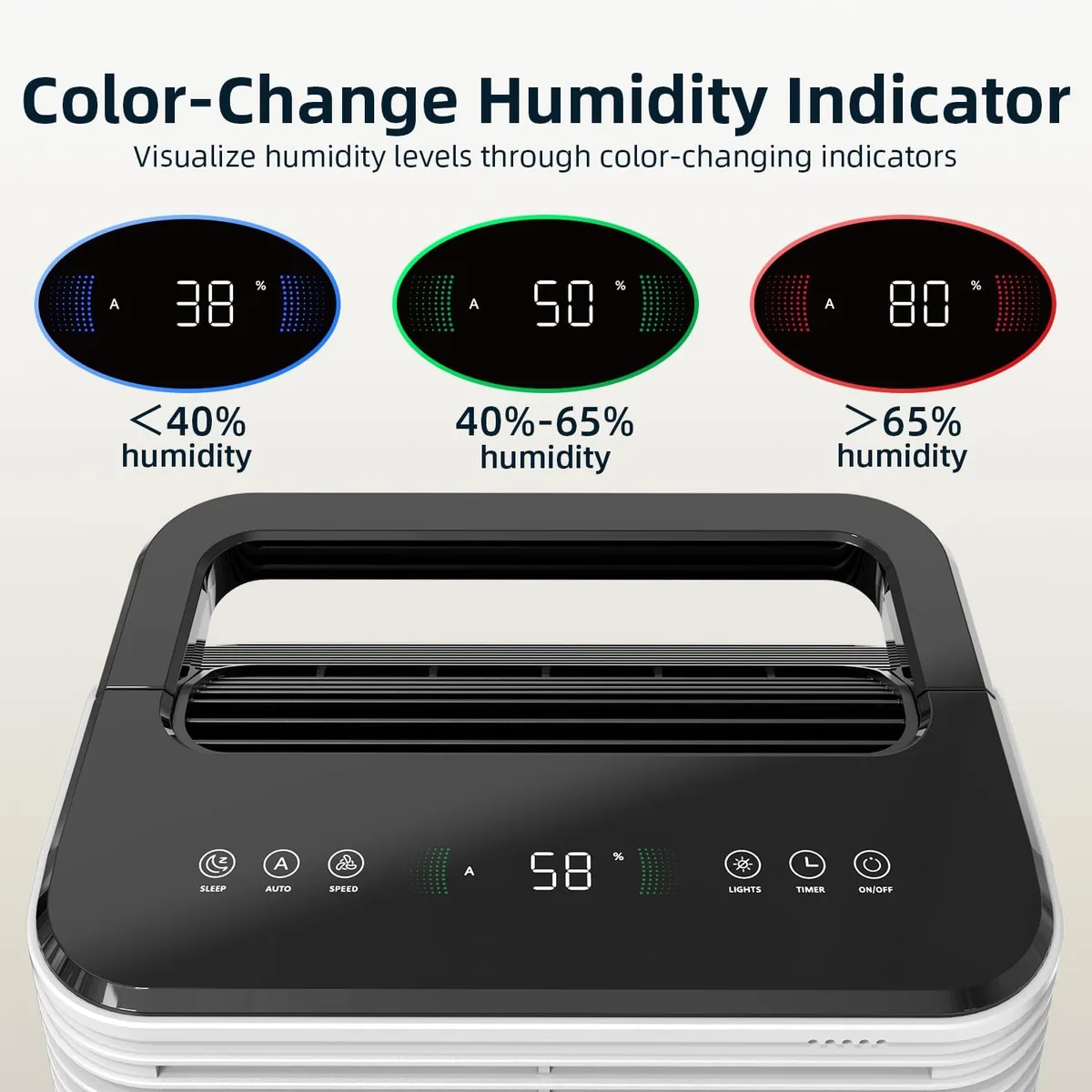
Image source: Bing (Web (fair-use with source credit))
Use this decision tree to find your exact steps:
| Panel Type | How to Identify | Reset Method |
|---|---|---|
| Push‑button (older models) | Physical buttons you press and feel click | Press and hold Filter button for 3–5 seconds |
| Touchpad (newer models) | Flat surface, buttons are touch‑sensitive | Press and hold Filter or Timer button for 5 seconds |
| No labeled Filter button | Arrows or a "Clean Filter" icon only | Press and hold Up or Down arrow for 5 seconds |
If you're still unsure, look up your model number (located on the back or side panel) online. GE's official support site lists the manual for every unit.
Push-Button Panel (Older Models)
These are the most straightforward. You'll see a Filter button usually near the top of the panel. Press and hold it for a full 3 to 5 seconds.
The light should blink and then turn off. Let go immediately once it goes out. Holding too long might reset the timer again, that's fine, just stop.
If the button doesn't respond, check that it isn't stuck. Dust and grime can jam physical buttons. Use a soft brush or compressed air to clean around the edges.
Touchpad Panel (Newer Models)
Touchpad panels are common on GE units made after 2018. They look sleek, but the reset can be finicky. You need to press and hold the Filter button for a solid 5 seconds.
Count it out. A quick tap won't register.
Some touchpad models combine the Filter function with the Timer button. The label might say "Timer/Filter." Hold that for 5 seconds. If nothing happens, try the Up arrow instead.
That's a backup method on certain models like the ADER50 and ADEL70.
No Dedicated Filter Button? Use the Arrows
A handful of budget GE dehumidifiers omit the Filter button entirely. The light is there, but you reset it through the directional arrows. Press and hold the Up arrow (or sometimes the Down arrow) for 5 seconds.
The light should flash and turn off.
This is the least documented method. Manufacturer support forums confirm it works on models like the ADEW30 and ADEW35. If your unit has a "Clean Filter" icon but no button with that name, try the arrows.
What to Do If the Light Still Stays On (Power Cycle Trick)
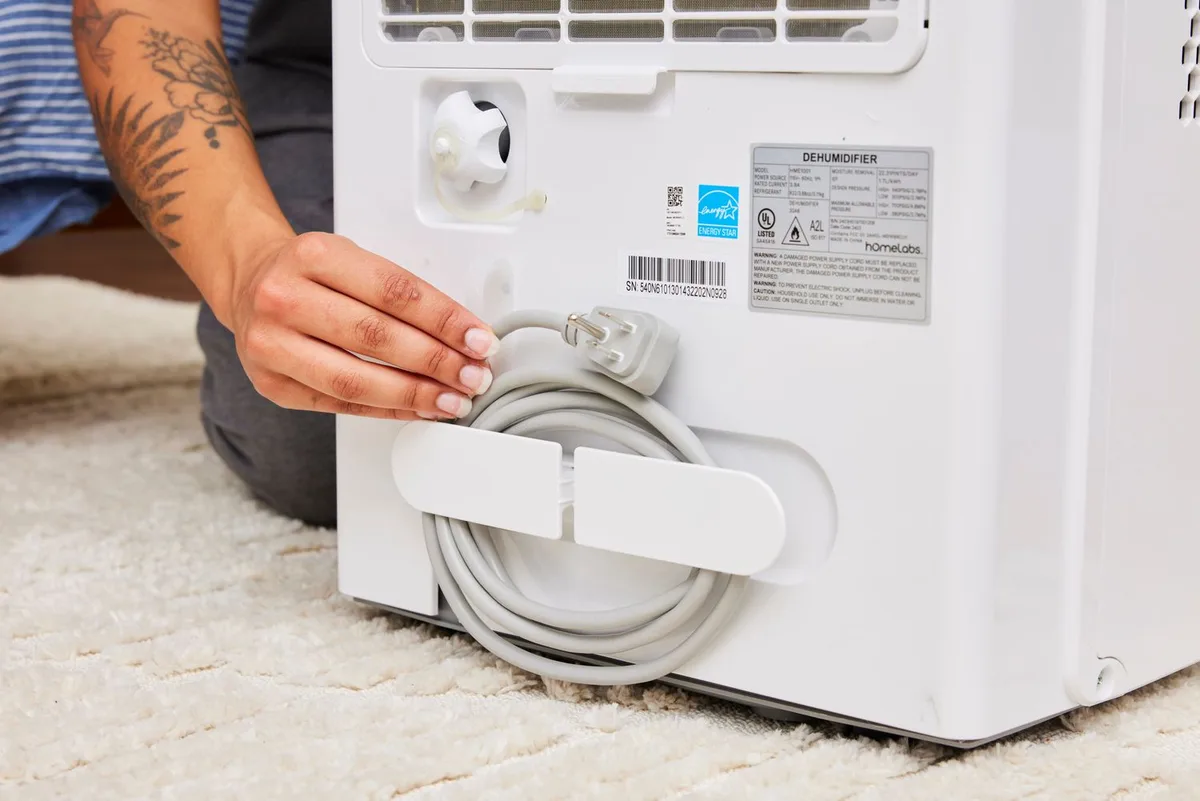
Image source: Bing (Web (fair-use with source credit))
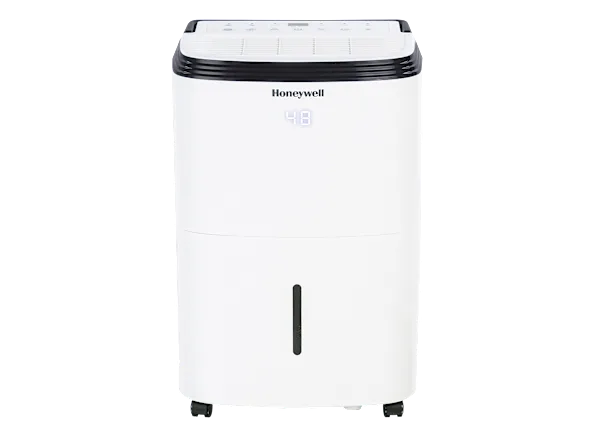
You've held the button for 5 seconds. You've tried the arrows. Nothing.
Don't panic. The power cycle trick works on nearly every GE dehumidifier.
- Unplug the unit from the wall outlet.
- Wait 30 seconds, this lets the internal capacitor discharge and clears the memory.
- Plug it back in.
- Turn the unit on. The filter light should be off. If it comes back on immediately, repeat the reset method above now that the board has been fully reset.
Why does a power cycle work? The filter light flag is stored in volatile memory. Cutting power erases it.
When you plug back in, the timer starts fresh. It's the nuclear option, but it rarely fails.
If the power cycle also fails, there's one more remote possibility: the control board's memory chip is corrupted. In that case, you may need to leave the unit unplugged for 24 to 48 hours to fully drain the backup capacitor. That fixes it for a small percentage of users.
Common Mistakes That Keep the Light Lit
Even experienced users trip up on these. Avoid them and you'll save yourself a headache.
- Holding the button too briefly. A firm 3 to 5 second hold is required. Not a quick press. People often tap and release, thinking it's like a snooze button.
- Holding the wrong button. Some models label the Filter button as "Filter/Reset." Others hide it behind the Timer button. Check your manual.
- Skipping the actual filter cleaning. The reset only turns off the light. If the filter is still dirty, the light will come back on sooner because the airflow sensor (on models that have one) detects restriction. Clean the filter with warm water and mild soap, let it dry completely, then reset.
- Using the power switch instead of unplugging. Turning off the unit with the power button doesn't clear the memory. You need a full disconnect from the wall.
- Ignoring the model-specific sequence. We've seen users with a touchpad panel try the push-button method repeatedly, assuming it's the same. It's not. Use the decision tree above to confirm your panel type.
If you've cleaned the filter, tried the correct reset method, and power cycled, and the light still stays on, it's time to contact GE customer support. They'll walk you through any remaining steps or arrange a service visit.
For more guidance on choosing the right dehumidifier for your space, check out our best dehumidifier guide.
How to Keep the Filter Light from Coming Back Too Soon (Maintenance Tips)
The filter light resets every 250 hours of compressor runtime. On a typical basement dehumidifier running 12 hours a day, that's about 21 days. If you want to stretch that interval or at least avoid the light coming back on before you're ready to clean, a few habits help.
- Clean the filter every 2 to 3 weeks regardless of the light. The washable mesh traps dust and pet hair. Rinse it under warm water, squeeze out the excess, and let it air dry completely (usually 2 to 4 hours). Never put it back wet. Moisture breeds mold inside the unit.
- Vacuum the front grille and intake area monthly. Dust buildup on the plastic louvers restricts airflow, making the compressor work harder. That can trigger the filter light early on models with airflow sensors.
- Check the drain hose and bucket for clogs. A blocked drain forces the unit to shut off on a full bucket, which resets some timers. That can confuse the filter light logic.
- Keep the dehumidifier level. If it's tilted, the float switch may misread the water level and cause erratic behavior, including false filter alerts.
If you run your unit in a damp basement all summer, consider upgrading to a model with a larger tank or continuous drain setup. Our best dehumidifier for basement article covers models that handle high humidity without triggering constant filter warnings.
Frequently Asked Questions
How long do I hold the Filter button to reset the light?
Between 3 and 5 seconds. Count "one-one-thousand, two-one-thousand, three-one-thousand" before releasing. If the light doesn't go out, try holding for 7 seconds.
Some newer touchpad models require a longer press.
Why did my filter light come back on the next day after I reset it?
You likely didn't clean the filter before resetting. Airflow sensors (on some GE models) detect a dirty filter and relight the indicator even after a manual reset. Clean the filter with water, let it dry, then reset again.
If it still returns, check for large debris blocking the intake.
Can I reset the filter light without a button?
Yes, the power cycle method works on every GE dehumidifier. Unplug the unit for 30 seconds, then plug it back in. This clears the timer memory.
On models without a dedicated Filter button, this is the primary reset method.
Does the filter light mean the filter needs replacement?
No. GE dehumidifiers use a washable foam or mesh filter. The light is a timer reminder to clean it, not a replacement alert.
Only replace the filter if it's torn, frayed, or has a persistent odor after washing. Replacement filters are available from GE's parts site.
My touchpad won't respond at all. What do I do?
First, unplug for 30 seconds. Plug back in and try the reset again. If the touchpad is dead completely, the control board membrane may have failed.
Contact GE customer support with your model number. They can confirm if a replacement board is needed.
How often should the filter light trigger?
Every 250 hours of compressor run time. In normal household use (8 to 12 hours daily), that's roughly once every 3 to 4 weeks. In a continuously running basement dehumidifier (24/7), expect it every 10 to 11 days.