Why Is My Hygrometer Reading Low
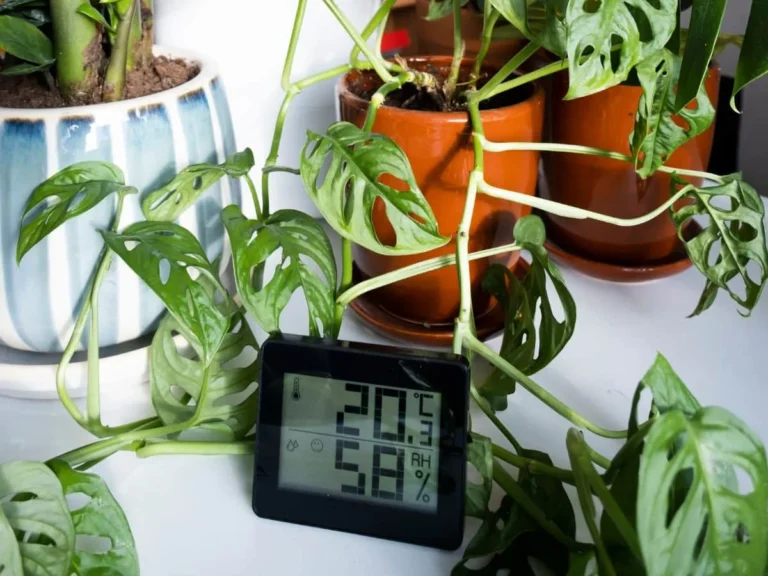
If you're wondering why is my hygrometer reading low, start with the simplest explanation. Most of the time, the device isn't broken. The battery is weak, the sensor is in a bad spot, or the air in your room really is that dry.
As of 2026, most consumer hygrometers claim accuracy within 2% to 3% relative humidity. But that accuracy depends on placement, battery health, and regular calibration. Let's work through the possible causes one by one.
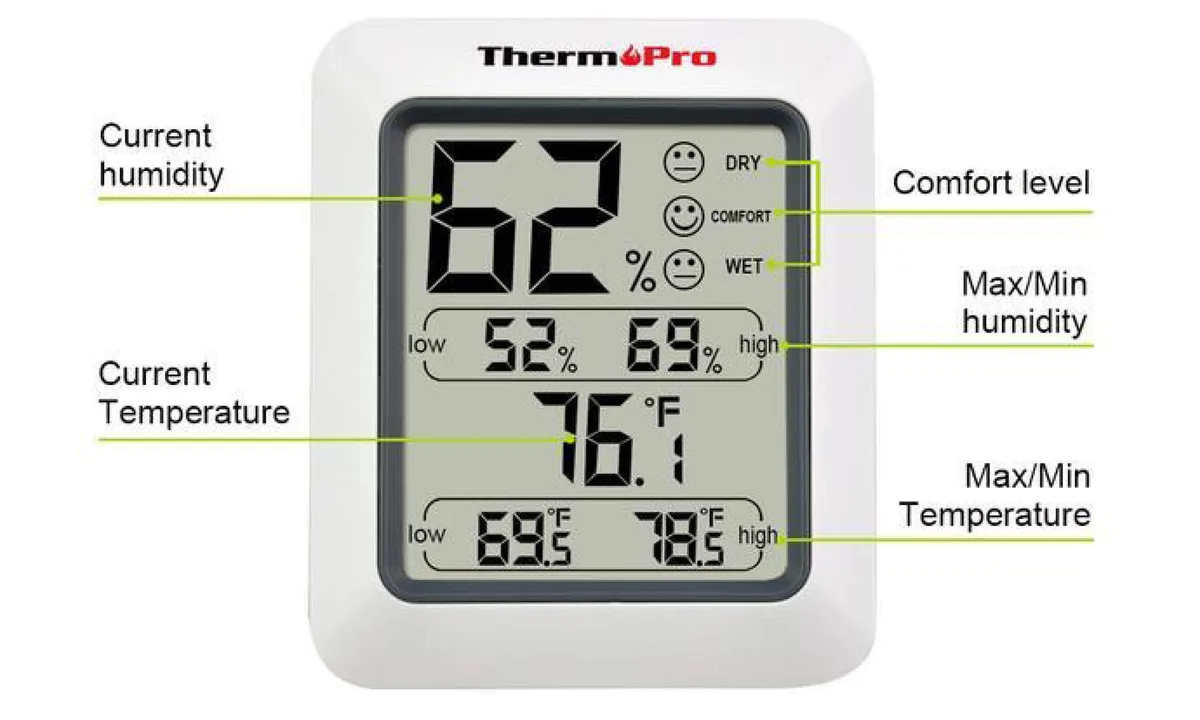
Image source: Bing (Web (fair-use with source credit))
Quick Answer
A low hygrometer reading usually means one of four things. The battery is weak. The sensor is placed near a heat source or draft.
The room is genuinely dry. Or the device needs recalibration. Start with the battery and placement.
Then run the salt test to check accuracy.
Is It the Hygrometer, or Is Your Room Just That Dry?
A low reading doesn't always mean the device is faulty. In our research, many people assume the hygrometer is broken when the actual humidity in their home is simply low. During winter heating season, indoor relative humidity can drop to 15% to 20% in colder climates.
That's normal, not a malfunction.
Look for physical signs of low humidity. Dry skin, chapped lips, and static electricity shocks are common clues. Wood floors may creak more.
Houseplants may develop brown leaf edges. If you notice these, the air in your home is genuinely dry.
If the air feels damp and you see condensation on windows, but the hygrometer reads low, the device is lying to you. The same is true if the reading sits below 10% on a humid summer day. In that case, move on to the quick fixes below.
The Three Quick Fixes That Solve Most Low Readings
Try these three fixes before you buy a replacement. Aggregate reviews suggest they resolve most low-reading complaints.
| Fix | What to Do | Why It Works |
|---|---|---|
| Replace the battery | Install a fresh battery of the same type | Weak batteries cause voltage drops that suppress digital readings |
| Move the hygrometer | Relocate it away from windows, vents, and heat sources | Drafts and direct sunlight skew the sensor |
| Let it settle | Wait 24 hours before reading | Sensors need time to reach equilibrium after a move |
Replace the battery first. Weak batteries are the leading cause of low readings. Digital hygrometers draw steady current, and as voltage drops, the sensor becomes less accurate. Many units lack a low-battery indicator, so a fresh battery is a cheap way to rule out the problem.
Move the hygrometer next. Placement matters more than most people think. A unit on a sunny windowsill reads lower than one in the center of the room. The same applies near radiators, heating vents, and drafty windows.
Moving the device just three feet can change the reading by 10% or more.
Give it time to settle. After a location change or battery swap, the sensor needs time to stabilize. Digital capacitive humidity sensors can take up to 24 hours. Check again tomorrow instead of trusting the first display.
The Salt Test – How to Know If Your Hygrometer Is Lying to You
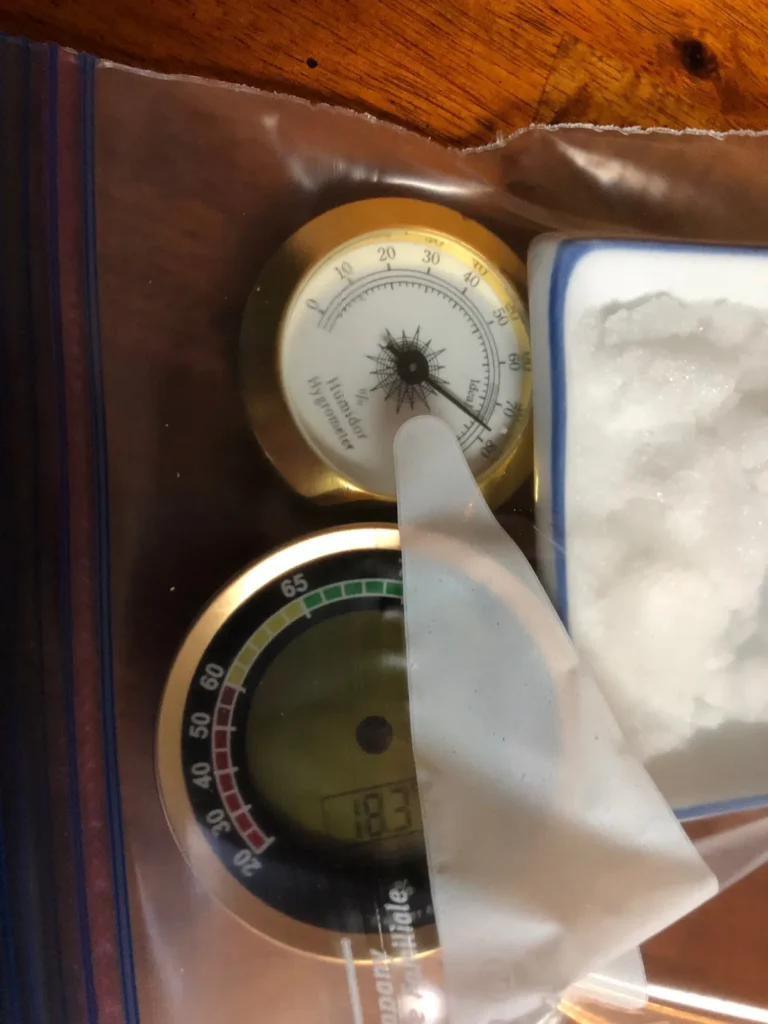
If the quick fixes don't help, run the salt test. It's the standard home method for checking hygrometer accuracy. You need table salt, a bottle cap, a sealable plastic bag, and a few drops of water.
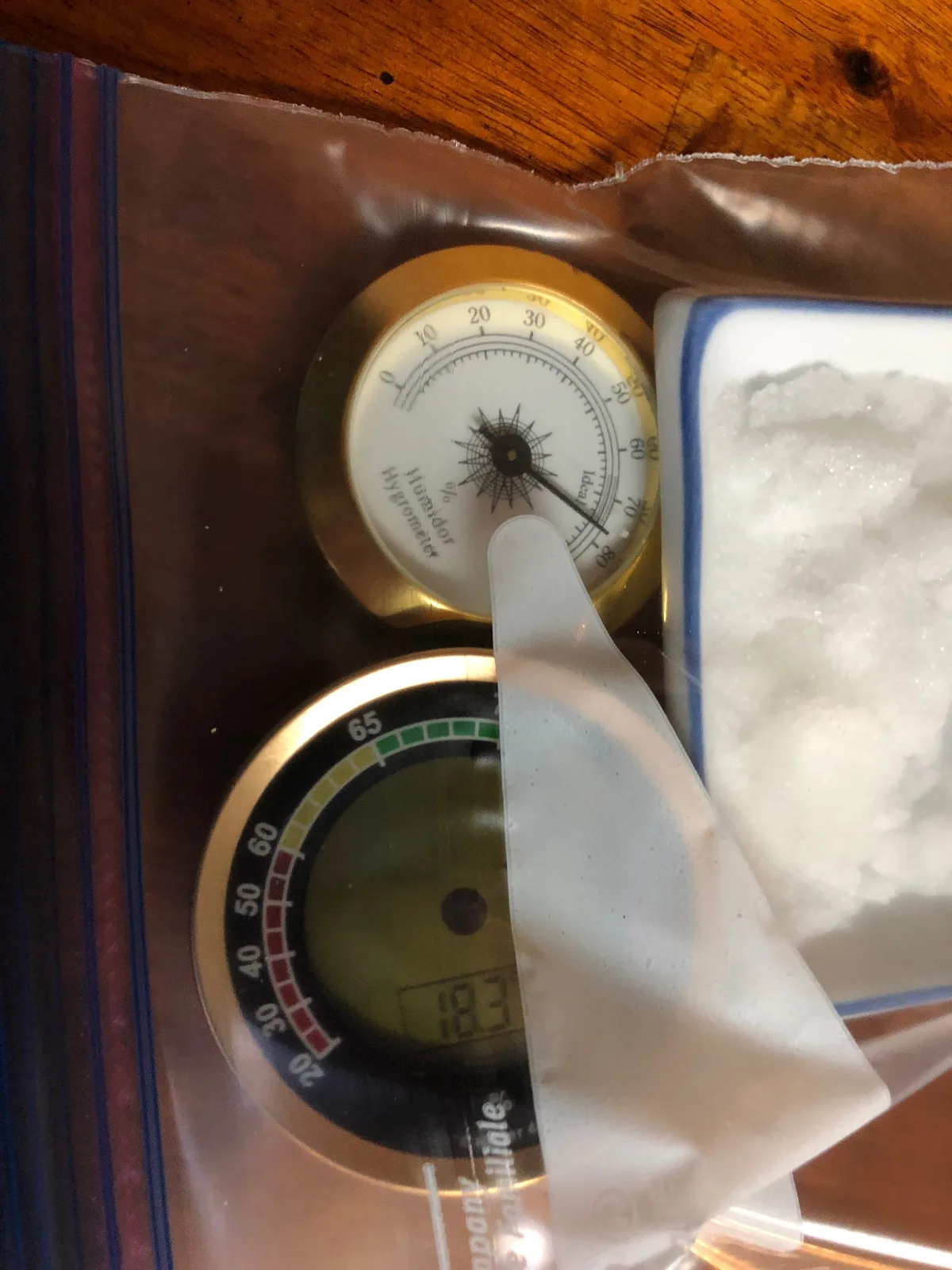
Image source: Bing (Web (fair-use with source credit))
Here's the process.
- Add about a tablespoon of table salt to the bottle cap.
- Add a few drops of water. The salt should be damp, not soaked.
- Place the cap and the hygrometer inside the plastic bag.
- Seal the bag completely. No air exchange.
- Leave it for 6 to 12 hours at room temperature.
- Read the display inside the bag without opening it.
Salt and water create a stable environment of exactly 75.47% relative humidity at room temperature. That's a physical constant. So if your hygrometer reads 75%, it's accurate.
If it reads 65%, it's running 10% low. If it reads 80%, it's running high.
The National Institute of Standards and Technology maintains the reference standards for humidity measurement, and the salt method is widely accepted for home testing. Keep the bag sealed and keep the temperature stable. The test only works under those conditions.
How to Fix a Calibration Problem (Without Breaking Anything)
Once you know the hygrometer is reading low, you can try to fix it. Not every unit is adjustable. Analog hygrometers with a dial often have a small screw on the back.
Digital units may have a calibration button or menu option.
For analog hygrometers: Find the small set screw or hole on the back. Use a jeweler's screwdriver to turn it slowly while the device stays inside the salt test bag. Adjust the needle until it points to exactly 75%.
Close the bag and wait another hour to confirm it holds.
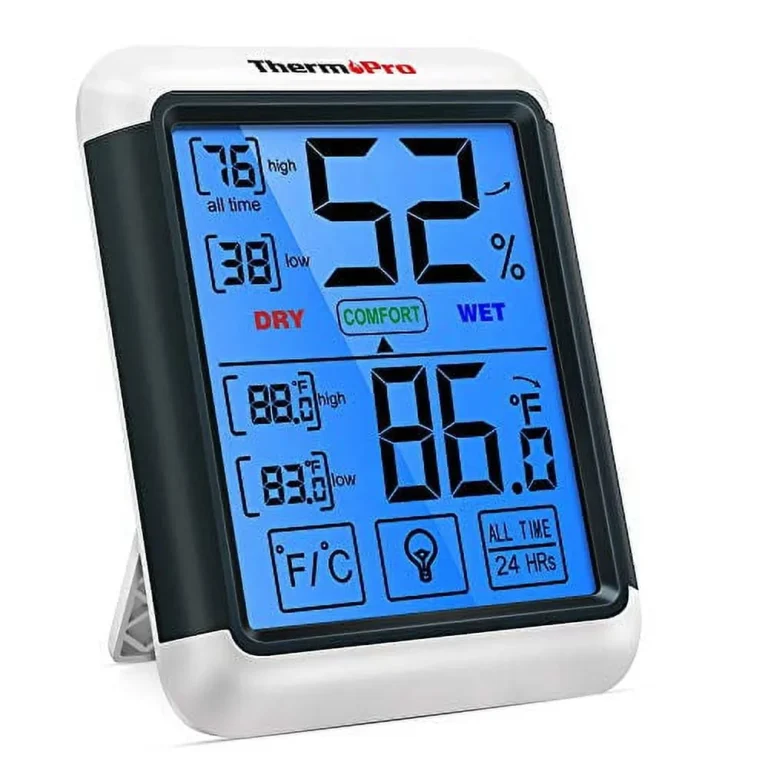
For digital hygrometers: Look for a button labeled "CAL" or "SET." Some models use a small pinhole that needs a paperclip. Press and hold the button, then adjust the reading up or down. Again, do this while the device is still in the salt test bag.
If your digital hygrometer lacks any calibration option, you're limited. You can live with the offset and add a few points mentally, or replace the unit. Most modern digital hygrometers cost between $15 and $30 and ship factory calibrated to within 2% to 3%.
Replacement is often the smarter move.
After any calibration, re-test after 24 hours. Some sensors drift back to old readings. If that happens, the sensor is failing and should be replaced.
When Your Hygrometer Is Beyond Saving – Sensor Drift and Damage
Not every low-reading hygrometer can be saved. Sensors degrade over time. Some are damaged beyond repair.
The salt test tells you which category yours falls into.
Sensor drift is the most common long-term issue. The material inside the sensor changes as it ages. Capacitive sensors last longer than resistive ones, but they all drift eventually.
In our research, the typical lifespan of a consumer digital hygrometer is three to five years.
If the reading is off by more than 15% after calibration, the sensor is too far gone. If the reading jumps erratically by 5% or more in a stable room, the device is damaged. Visible corrosion on the battery contacts or inside the housing is another sign.
Replace it.
For analog hygrometers with hair or paper sensors, expect a shorter lifespan. These are accurate when new but lose their calibration quickly. If your device is older than three years and reads low, a replacement is the reliable fix.
Mistakes That Make a Good Hygrometer Read Low
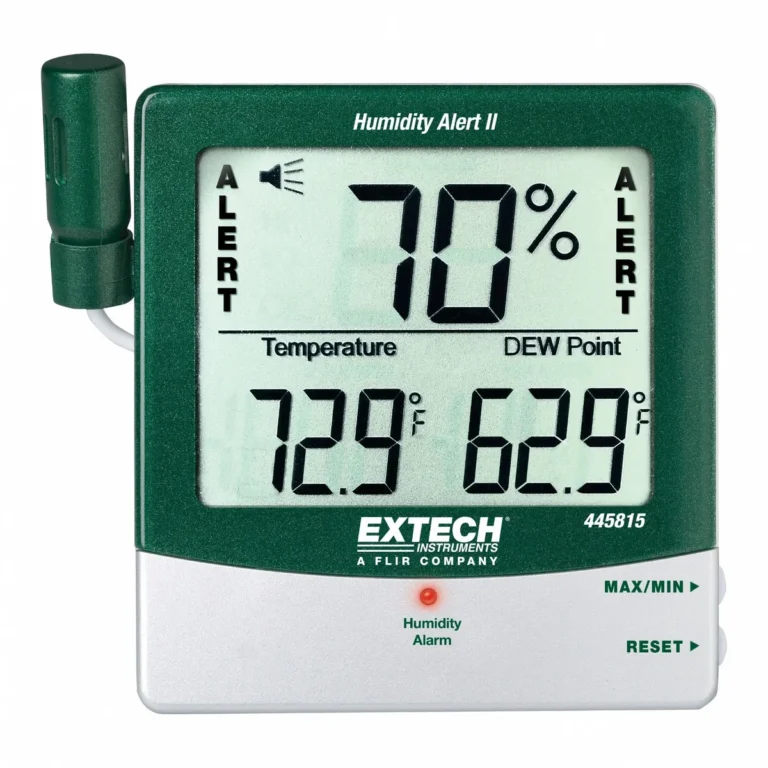
Even an accurate hygrometer gives bad readings when placed poorly. This is the most common reason for false low readings. Fix these placement mistakes before you blame the sensor.
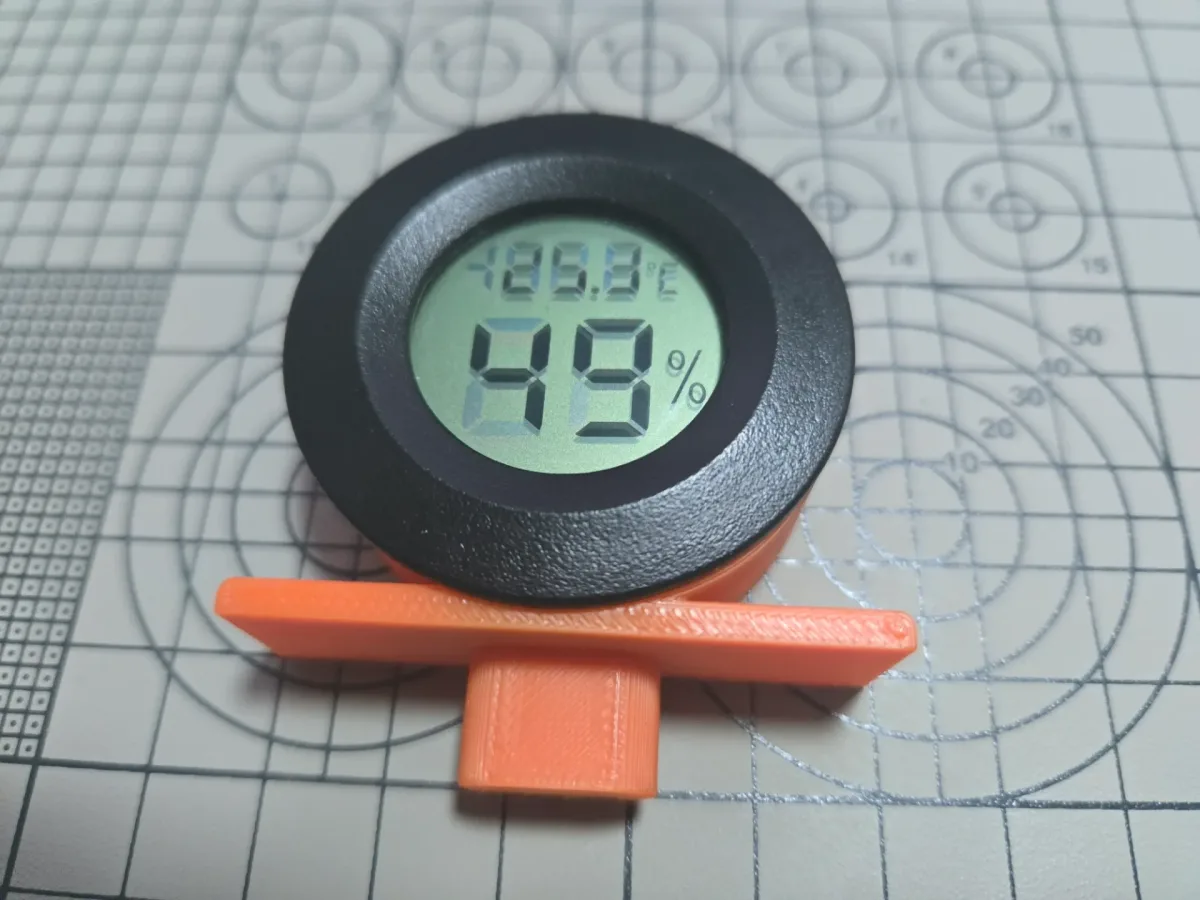
Image source: Bing (Web (fair-use with source credit))
Direct sunlight. When sunlight hits the sensor housing, it heats up. A warm sensor reads lower relative humidity than the surrounding air. Keep the hygrometer out of direct sun.
Near heat vents. Forced air heating is dry and warm. A hygrometer close to a register will read artificially low. Move it at least three feet away.
Exterior walls. In winter, exterior walls are colder than the room. That temperature difference skews digital sensors. If you mount a hygrometer on an exterior wall, leave a small air gap behind the device.
Drafty areas. Air movement from fans, open windows, or HVAC registers suppresses the reading. The sensor needs still air to measure properly.
Checking too soon. After a battery change or a move, the sensor needs time to stabilize. Wait a full 24 hours. A 30-minute reading is meaningless.
Frequently Asked Questions
How often should I calibrate my hygrometer?
Once a year is fine for most home use. Calibrate every six months if you rely on it for cigars, reptiles, or musical instruments. The salt test takes five minutes, so there's no reason to skip it.
Can a dead battery cause a low hygrometer reading?
Yes. Weak batteries reduce voltage, and digital sensors interpret that as lower humidity. Replace the battery first and re-test.
This solves about 30% of low-reading cases.
What's the ideal humidity range for a home?
The EPA recommends keeping indoor relative humidity between 30% and 50%. Below 30% causes dry skin and static shock. Above 50% encourages mold growth.
Check the EPA guidance on moisture and mold for more detail.
Why does my hygrometer read differently in each room?
Different rooms have different microclimates. Bathrooms and kitchens are humid. Basements are often damp.
Bedrooms turn dry in winter. The hygrometer is measuring real conditions, not malfunctioning.
Can I recalibrate a digital hygrometer without a manual?
Sometimes. Look for a small hole labeled "CAL" or "SET" on the back or side. Press it with a paperclip while the device sits in the salt test bag.
If you can't find one, check the manufacturer's website for a PDF manual.